
What’s Going Wrong With the Latest Windows 11 Security Update
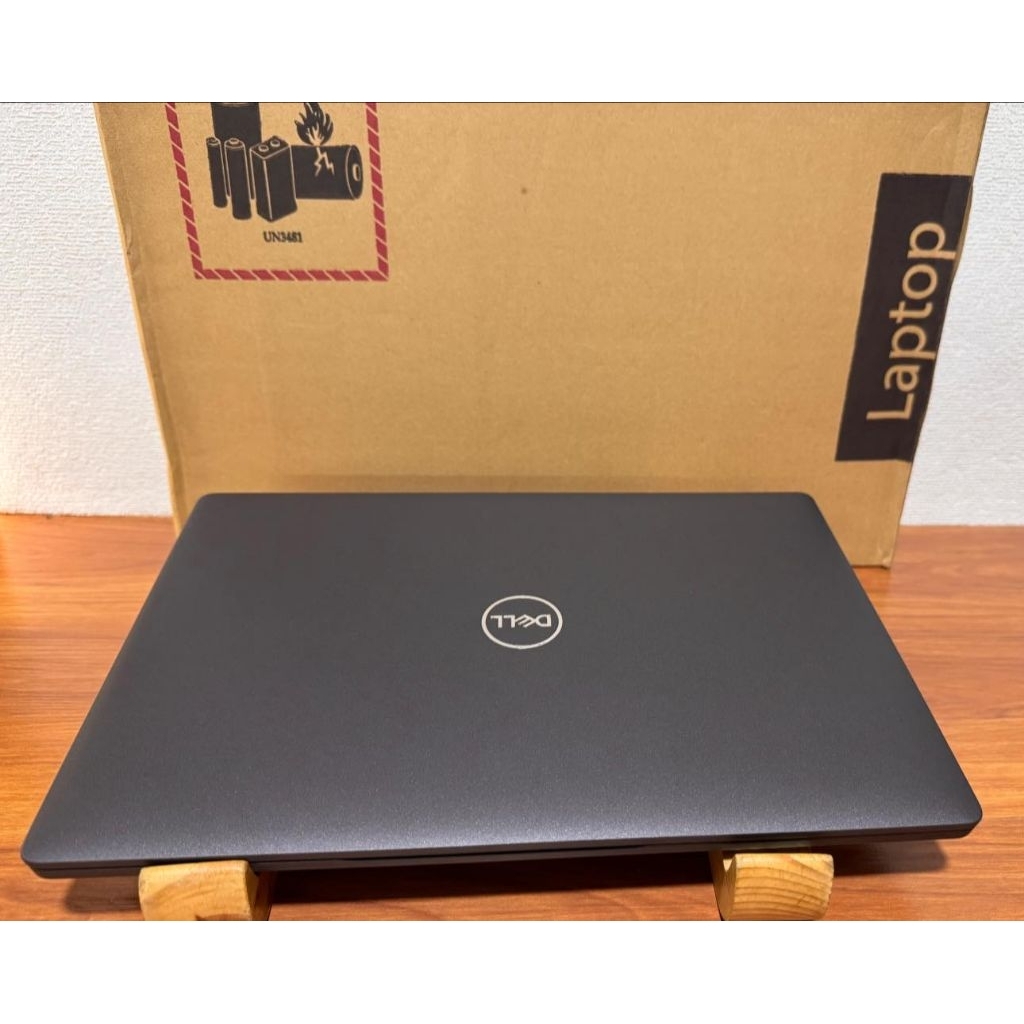
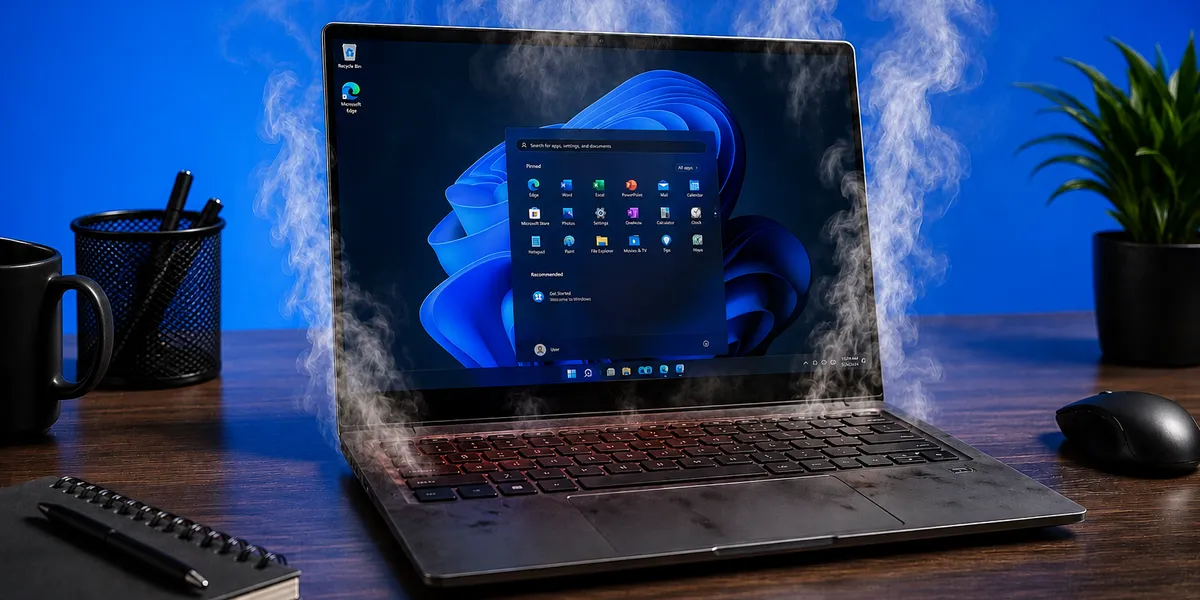
The latest Windows 11 security update has been paused for many Dell laptops because a new USB‑C Connection Manager interface conflicts with an Intel Innovation Platform Framework Processor Participant driver, causing machines to overheat, slow down, or shut down unexpectedly. Instead of being a routine patch, this Microsoft security update has turned into a wake‑up call for every laptop owner who assumes updates are always safe. Microsoft has “slammed the brakes” on the rollout after seeing the bug cause “havoc” on affected Dell PCs, including heat spikes, performance drops, and battery drain. If you treat updates as something to click without thinking, this incident is a sharp reminder: compatibility problems can be as dangerous as the security flaws these patches are meant to fix. Laptop users should treat update checks as a regular safety task, not an afterthought.
Who Is Affected: Versions, Dell Models, and the Driver Red Flag
This is not a vague glitch; it targets specific systems. Microsoft confirms the bug only hits Windows 11 versions 25H2 and 24H2, and it is tied to certain Dell personal computers running an Intel Innovation Platform Framework Processor Participant driver that collides with the new Windows USB‑C Connection Manager interface. Popular Dell ranges such as Latitude, Inspiron, and XPS have already been verified as experiencing shutdowns, overheating, and reduced performance after the update is applied. The clearest warning sign is in Device Manager: affected machines display a yellow exclamation mark next to the Intel Innovation Platform Framework Processor Participant driver. If you rely on your laptop for work or study, that single icon is the difference between a safe machine and one that might suddenly power off mid‑task. Ignoring it is risky; treating it as a serious compatibility alert is the smarter move.
How to Check Your Laptop for Compatibility Problems
Laptop users should stop assuming that “no error message” means “no problem.” There are two key checks you can make today. First, open Windows Update in Settings and see whether the July security update (KB5101650 or KB501650) is being offered. Microsoft has blocked this Windows 11 update for affected Dell devices, so if your PC is on the trouble list you will not see it appear. That absence is intentional protection, not a random delay. Second, open Device Manager and look for the Intel Innovation Platform Framework Processor Participant entry; a yellow exclamation mark beside it is your compatibility red flag. This icon signals that the driver responsible for managing Intel processor power and temperatures is not working properly with the new USB‑C Connection Manager. Treat this as a hard stop: do not attempt manual installation of blocked updates or experimental driver tweaks while that warning is present.
What to Do While Microsoft and Dell Work on a Fix
Right now, the smartest reaction is restraint, not panic. Microsoft has already blocked the July Windows 11 security update KB5101650 from being offered to affected Dell machines and plans “to release a resolution for affected devices in the coming days” while working with Dell. That means you should avoid forcing updates or hunting unofficial patches. Instead, watch the official Windows Release Health dashboard for confirmation that a fix is ready and safe to install. If you experience shutdowns, heat, or battery drain, report them through the Windows Feedback Hub or Dell’s support channels so engineers have real‑world data to work with. Once Microsoft publishes the resolution, install it promptly and update your Dell drivers via SupportAssist to restore stable performance. This problem is disruptive, but the protective block is doing its job; your role is to stay informed, avoid risky workarounds, and apply the official repair as soon as it arrives.