
The MacBook That Makes the Most Sense for Most People
A MacBook buying guide is an analysis of Apple’s laptop lineup that compares prices, performance, and expected lifespan so buyers can match each model to their real-world workloads and avoid paying for power they will never use, while still getting a machine that stays fast and reliable for many years of everyday work and creative projects.
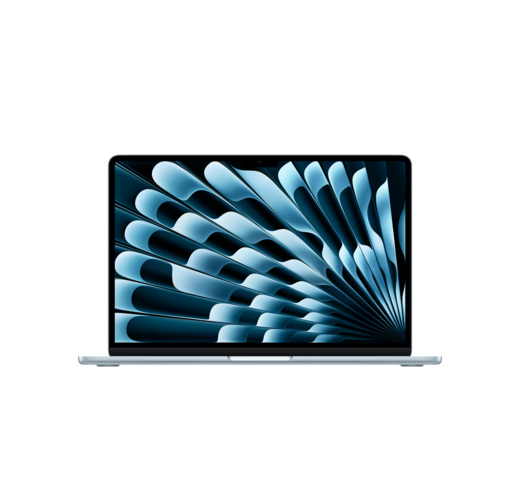
If you want the best MacBook in 2026 for most people, pick the current MacBook Air with the M5 chip. It delivers more performance per dollar than Apple’s desktops and many competing laptops, and it does it with excellent battery life and a unified memory design that keeps it feeling fast longer than traditional machines. A configuration that pairs the faster M5 with a 10‑core CPU, 8‑core GPU, 16 GB of memory, and a 512 GB SSD at USD 1,299 (approx. ₱72,700) directly undercuts similarly priced desktops using older chips, while offering higher performance and portability in one device. This is the sweet spot: enough power for serious productivity and moderate creative work, without paying “Pro” premiums you will not recoup unless you run heavy workloads daily.
In other words, if you are a student, knowledge worker, or light creator who wants a laptop that will stay fast and supported for years, the M5 MacBook Air is the default recommendation. Its efficiency and unified memory mean you get better MacBook longevity and cost analysis than most Windows ultrabooks in the same range. It is the MacBook value comparison baseline: everything else in the lineup has to justify costing more than this machine.

M1 MacBook Air: The Budget Workhorse That Refuses to Die
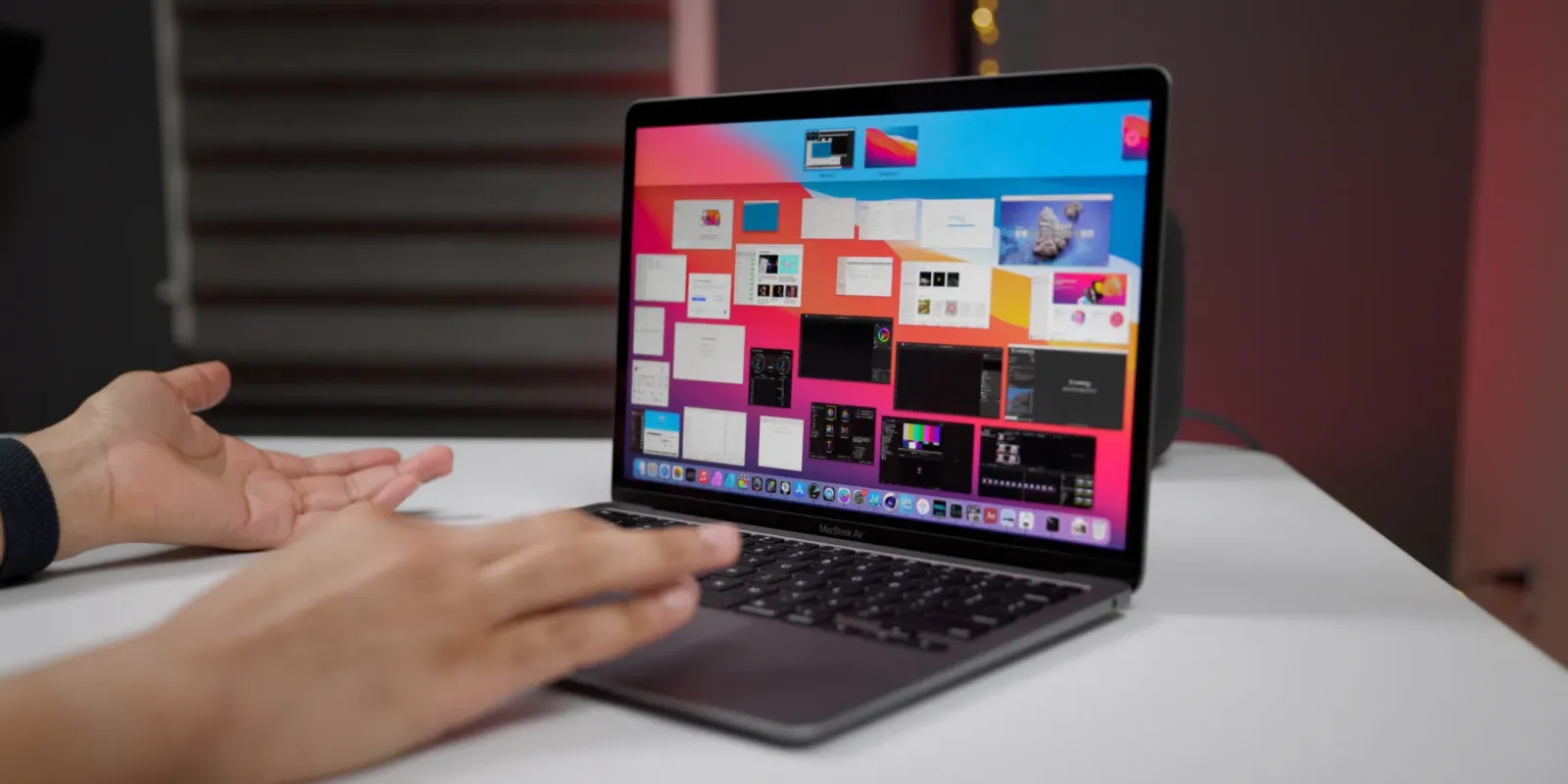
If your priority is spending as little as possible while still getting years of usable life, the M1 MacBook Air is the standout budget choice. It was released in November 2020, and well into 2026 this laptop is still incredibly capable for web browsing, office apps, online meetings, and most knowledge work. According to one long‑time Apple IT administrator, “No other Apple laptop in history is still this usable and good this many years later.”
This machine benefits from Apple Silicon’s efficiency: a fanless design avoids dust build‑up, the keyboard remains reliable, and the battery life on a five‑and‑a‑half‑year‑old unit is still decent compared with aging Intel laptops whose fans, batteries, and keyboards often fail before the end of a typical three‑year cycle. Unified memory also helps it stay responsive under modern macOS versions. For years, it has been available through some retailers for as low as USD 599 (approx. ₱33,500), which is a stunning price for a MacBook that still receives updates and handles everyday workloads well.
For budget‑conscious buyers, this is the ultimate proof that MacBook longevity can offset Apple’s higher sticker prices. If you can accept older ports and display tech, the M1 Air gives you professional‑grade stability and performance for office work without flagship pricing, and it extends the fleet lifespan from three to potentially five years or more. That makes it the best MacBook 2026 option for value hunters who prioritize usable lifespan over cutting‑edge speed.
M5 MacBook Pro: When Paying More Quickly Pays You Back
The M5 MacBook Pro exists for people whose time is literally money: editors, 3D artists, and AI‑heavy workflows that need every extra core. The M5 Pro chip in the 14‑inch and 16‑inch MacBook Pro models scales up to an 18‑core CPU and 20‑core GPU, with a base configuration starting at 15‑core CPU and 16‑core GPU. Thanks to higher memory bandwidth and “Fusion Architecture” linking two dies over a superfast interconnect, these machines deliver major gains in GPU and on‑device AI performance compared with base chips.
If your day involves intermediate to advanced video editing, large photo catalogs, or complex simulations, the Pro and Max tiers significantly cut export times and allow more real‑time effects, which turns a higher purchase price into real productivity gains. Previous Pro and Max generations were already recommended for intermediate video and photo editors and those doing graphics‑intensive work such as 3D modeling and heavy‑duty footage; the M5 family pushes that even further with up to 40 GPU cores on M5 Max rivaling high‑end gaming laptops.
Battery life remains strong, and unified memory up to very high capacities means these laptops stay usable for longer without hitting the RAM ceiling that plagues many traditional workstations. However, if you mainly write, browse, and attend video calls, you will not see a return on the premium over an M5 MacBook Air. In a MacBook cost analysis, the Pro is the right call only when its extra performance directly shortens your workday or enables revenue‑generating workflows.
Why the M4 iMac Often Loses the Value Battle to MacBooks
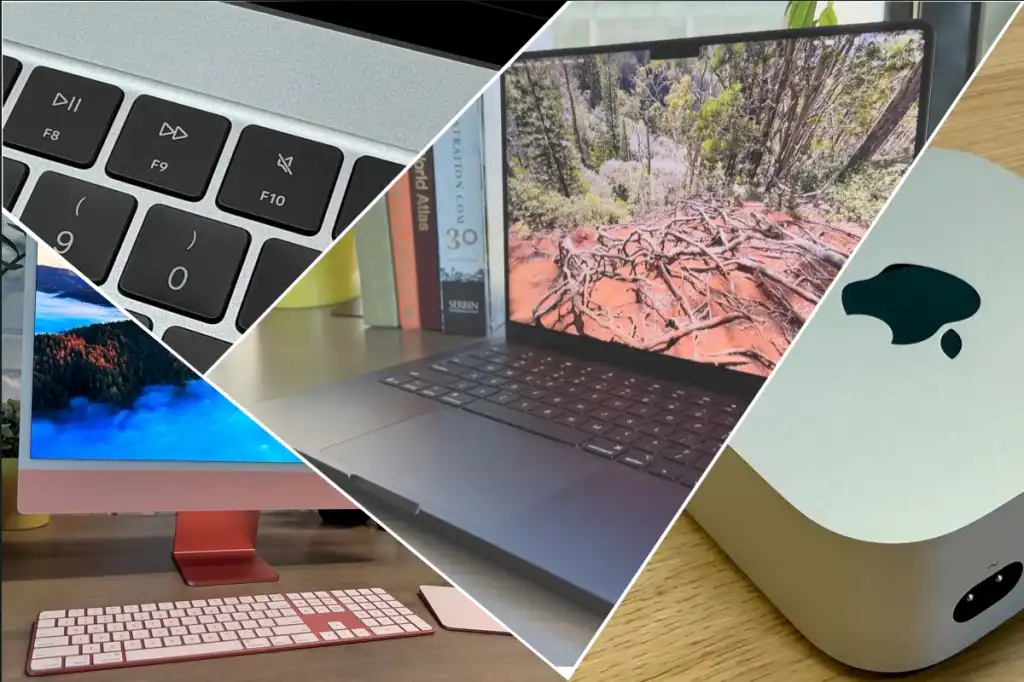
Desktop Macs matter in a MacBook value comparison because they reveal where Apple’s pricing feels fair and where it does not. The 24‑inch desktop with the M4 chip looks impressive and is great for both novices and demanding users, handling general‑purpose and heavy‑duty tasks and serving as a complete setup with keyboard, mouse or trackpad, and display included. Standard configurations start at USD 1,499 (approx. ₱83,900) and USD 1,699 (approx. ₱95,100), with various builds offering 8‑ or 10‑core CPUs, matching GPUs, 16–24 GB of memory, and 256–512 GB SSD storage.
| Spec | Entry M4 iMac | Mid M4 iMac |
|---|---|---|
| CPU / GPU | 8-core CPU, 8-core GPU | 10-core CPU, 10-core GPU |
| Memory | 16 GB unified | 16 GB unified |
| SSD | 256 GB | 256 GB |
| Ports | 2 Thunderbolt 4 | 4 Thunderbolt 4 |
| Price | USD 1,499 (approx. ₱83,900) | USD 1,699 (approx. ₱95,100) |
The problem is value: at USD 1,499 (approx. ₱83,900) you get an older M4 chip with 8‑core CPU and GPU, 16 GB of memory, and just a 256 GB SSD, while a MacBook Air with a faster M5 chip, 10‑core CPU, 8‑core GPU, 16 GB of memory, and a 512 GB SSD costs USD 1,299 (approx. ₱72,700). In plain terms, you pay more for less performance and half the storage if you choose the desktop. While the 24‑inch design is a style icon and ideal for tidy reception desks or home offices, it does not represent especially good value at current prices compared with Apple’s laptops.
Buy if / Skip if
- Buy the M5 MacBook Air if you want the best MacBook value comparison point, with strong performance, long battery life, and a lower price than similarly specced desktops.
- Skip the M5 MacBook Air if your daily work involves heavy 3D rendering or high‑end video projects that need the M5 Pro or M5 Max GPU and memory bandwidth.
- Buy the M1 MacBook Air if you need a budget‑friendly laptop that stays fast for office work and web use and benefits from an unusually long usable lifespan.
- Skip the M1 MacBook Air if you rely on the latest GPU features, ray tracing, or large AI workloads where newer chips like M4 or M5 offer big gains.
- Buy the M5 MacBook Pro if you can tie its extra cores and Fusion Architecture to shorter render times or more billable work in creative and technical fields.
- Skip the M5 MacBook Pro if your tasks rarely max out CPU or GPU resources and you cannot justify the higher purchase price in your MacBook cost analysis.
- Buy the M4 iMac if you want a stylish all‑in‑one desktop that includes display and peripherals and will sit in a reception or shared office space.
- Skip the M4 iMac if performance per dollar matters more than aesthetics, because a MacBook Air with M5 offers faster hardware and double the storage for less money.