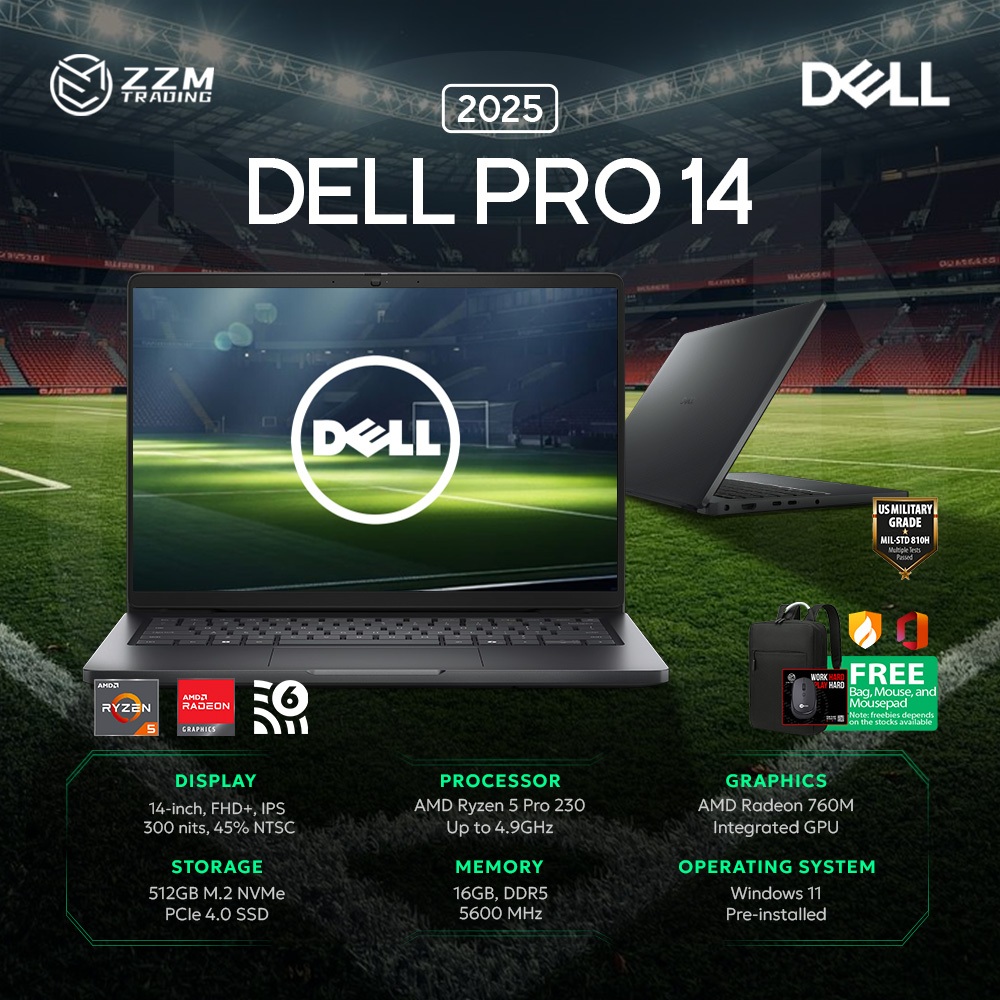


Start with the Right Default: Dell Pro 7 for Most Professional Users
Professional laptop selection is the process of choosing business notebooks that balance performance, durability, security, support, and total cost of ownership, rather than focusing only on headline specifications like processor speed or storage capacity. For most organizations today, the best default choice is a Dell Pro 7 laptop combined with APEX PC as a Service, because this pairing delivers strong performance, built‑in hardware‑level security, and predictable lifecycle management in one package. The Pro 7 line offers 13‑inch and 14‑inch clamshell or 2‑in‑1 designs powered by Series 3 Intel Core Ultra or AMD Ryzen AI PRO 400 Series processors, with options like OLED displays, 8MP IR cameras, and a third USB‑C port in thin‑and‑light chassis built for productivity anywhere. This makes it an ideal choice for knowledge workers, hybrid staff, and IT leaders who want a single enterprise laptop standard that will stay viable for years.
| Spec | Dell Pro 7 | Dell Latitude 5540 |
|---|---|---|
| Processor options | Series 3 Intel Core Ultra or AMD Ryzen AI PRO 400 Series with NPUs for AI workloads | Modern Intel Core processors for everyday business tasks |
| Form factors | 13" and 14" clamshell or 2‑in‑1, thin‑and‑light design | Traditional 15" business notebook, balanced portability and strength |
| Target users | Companies of all sizes, hybrid workers needing future‑ready AI and security | Professionals, students, entrepreneurs needing practical productivity and reliability |
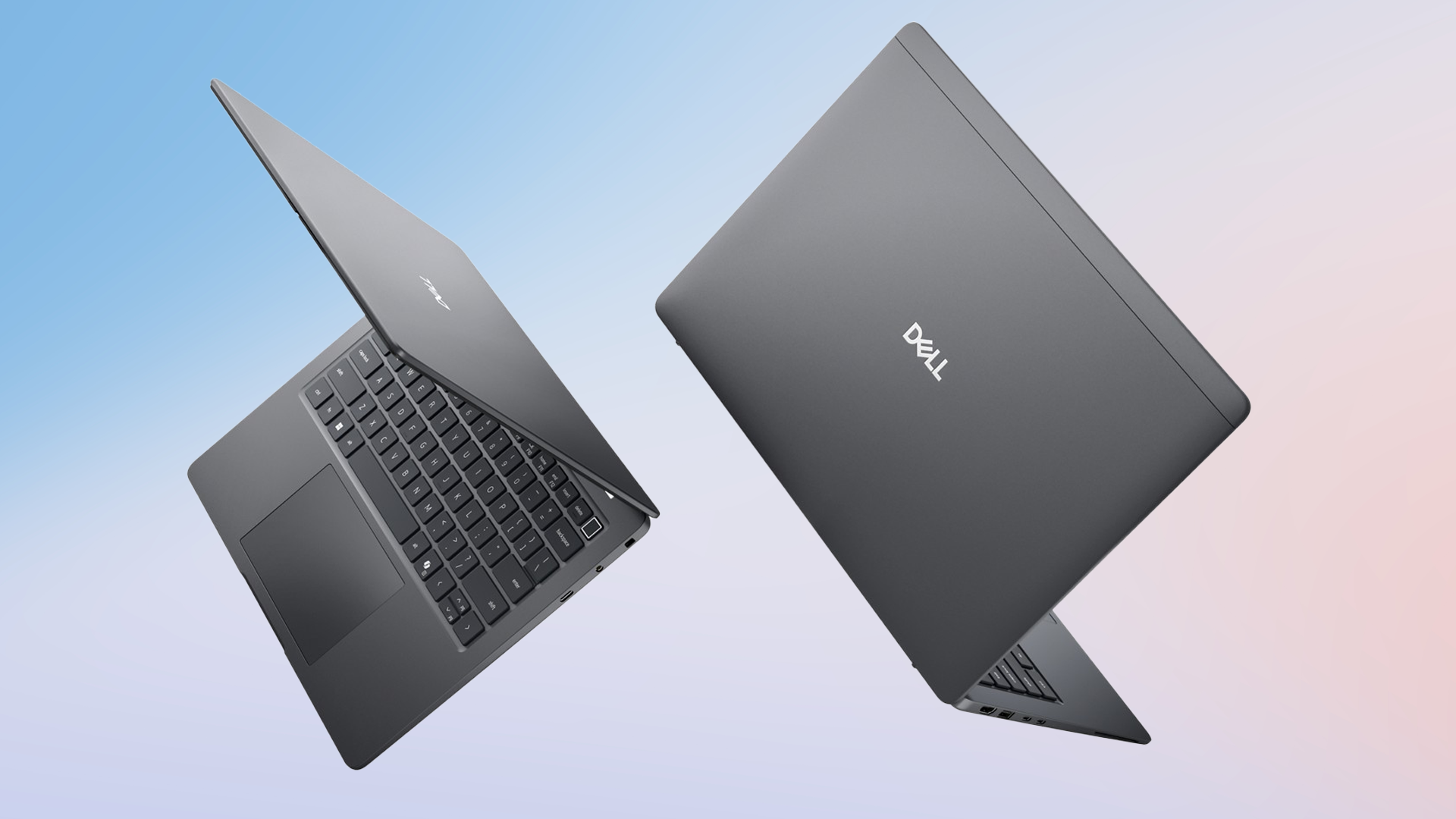
Look Beyond Specs: Reliability, Security, and Enterprise Integration
A credible professional laptop buying guide must stress that performance alone is not enough; experienced IT buyers focus on reliability, security, and manageability because business laptops are used daily and handle sensitive data. Dell’s Pro 7 and Pro 5 systems are designed for companies of all sizes and growth stages, combining enterprise‑grade hardware with security that reaches down to the BIOS to protect business‑critical data. Combined with AI‑powered security software and hardware‑level encryption, they remain secure over a longer lifecycle, which matters when machines are deployed outside the office in hybrid working models. Latitude devices such as the 5540 emphasize durability, stronger security features, improved management capabilities for IT departments, and long‑term software support, giving them an edge over consumer notebooks for enterprise laptop reliability. According to Dell, long‑term BIOS, firmware, and driver updates help maintain compatibility with new operating systems and business applications over time.
Total Cost of Ownership and Future‑Proofing with Dell Pro 5 and APEX
For IT leaders, the smartest business laptop selection decisions focus on total cost of ownership and future‑proofing, not chasing the highest initial processor or storage configuration. Dell APEX PC as a Service wraps hardware, software, and lifecycle support into a single per‑user monthly subscription with no upfront investment over a defined term, giving cost predictability and avoiding big capital expenses while covering deployment through retirement. This makes scaling up or down your fleet easier as business demands change or budgets tighten. The Dell Pro 5 line matches this model with flexible configurations: 14‑inch or 16‑inch displays (touch or non‑touch), Series 3 Intel Core Ultra or AMD Ryzen AI PRO 400 Series processors, RAM from 16GB to 64GB, and SSD storage from 256GB up to 2TB. Built‑in neural processing units provide dedicated power for on‑device AI tools, ensuring these laptops will handle emerging AI workloads rather than needing early replacement.
When the Dell Latitude 5540 Is the Better Fit
While the Pro 7 is the best default choice for most organizations, the Dell Latitude 5540 is a strong alternative when you need proven enterprise laptop reliability with a familiar 15‑inch form factor and do not yet require dedicated AI acceleration. The Latitude series is built specifically for business and professional users, with an emphasis on durability, security, reliability, and long‑term productivity compared with consumer‑oriented Inspiron or gaming‑focused Alienware ranges. The 5540 delivers modern Intel Core processors that are more than enough for typical business workloads such as documents, spreadsheets, presentations, video conferencing, and cloud platforms, especially when paired with higher RAM configurations and fast SSD storage for responsive multitasking. It also offers durable construction, comfortable typing, practical connectivity, enterprise‑grade security, and upgrade flexibility, which together make it popular among professionals, students, and entrepreneurs who value real‑world usability over entertainment features. Dell backs the Latitude line with ongoing BIOS, firmware, and driver updates to keep systems compatible with evolving business software.
Buy if / Skip if
- Buy the Dell Pro 7 if you need a single standard professional laptop that delivers strong performance, hardware‑level security, and AI‑ready capabilities for a hybrid workforce.
- Skip the Dell Pro 7 if your users run only basic office workloads and you prefer a larger 15‑inch screen without paying for advanced AI hardware.
- Buy the Dell Pro 5 if you want configurable AI‑capable laptops with 14‑inch or 16‑inch displays, flexible RAM and SSD options, and predictable lifecycle costs through APEX PC as a Service.
- Skip the Dell Pro 5 if your environment does not plan to adopt on‑device AI tools and you can standardize on more traditional Latitude models.
- Buy the Dell Latitude 5540 if you prioritize proven enterprise laptop reliability, comfortable ergonomics, and upgrade flexibility for everyday productivity across professionals, students, and entrepreneurs.
- Skip the Dell Latitude 5540 if your teams demand dedicated AI acceleration or the thinnest, lightest possible devices, where Pro 7 or Pro 5 configurations are a better match.