

Stop Stockpiling Links: NotebookLM Is a Format Changer, Not a Guilt Trip
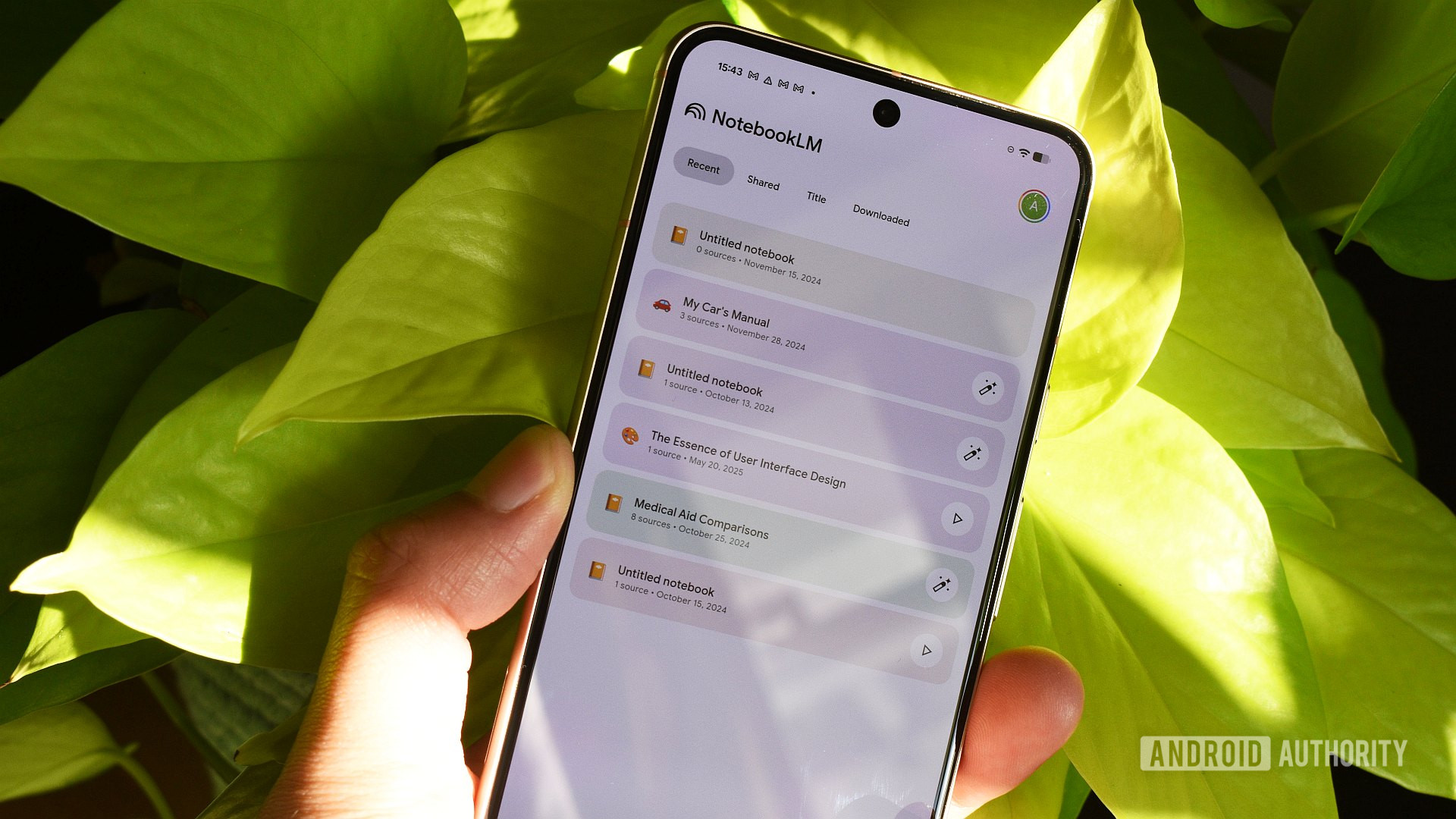
NotebookLM is an AI research summarization tool that turns your stored documents, articles, and notes into digestible formats like narrated videos, audio overviews, and structured outputs so you can understand material faster instead of rereading the same dense pages again and again. The uncomfortable truth is that your content backlog is not a reading problem, it is a format problem. Long-form PDFs and sprawling Chrome bookmarks take more effort than most people have energy for after work. NotebookLM’s Studio tab converts entire notebooks into video so those months of unread articles become something you can watch in a single focused session. A standard Video Overview works as a narrated slideshow that pulls charts and numbers straight out of your documents, which makes complex reports far easier to process. If you want to reclaim your time, you have to stop treating NotebookLM as a chat toy and start treating it as your personal format engine.
Tip 1: Turn Backlogs Into Video Overviews You Will Actually Watch
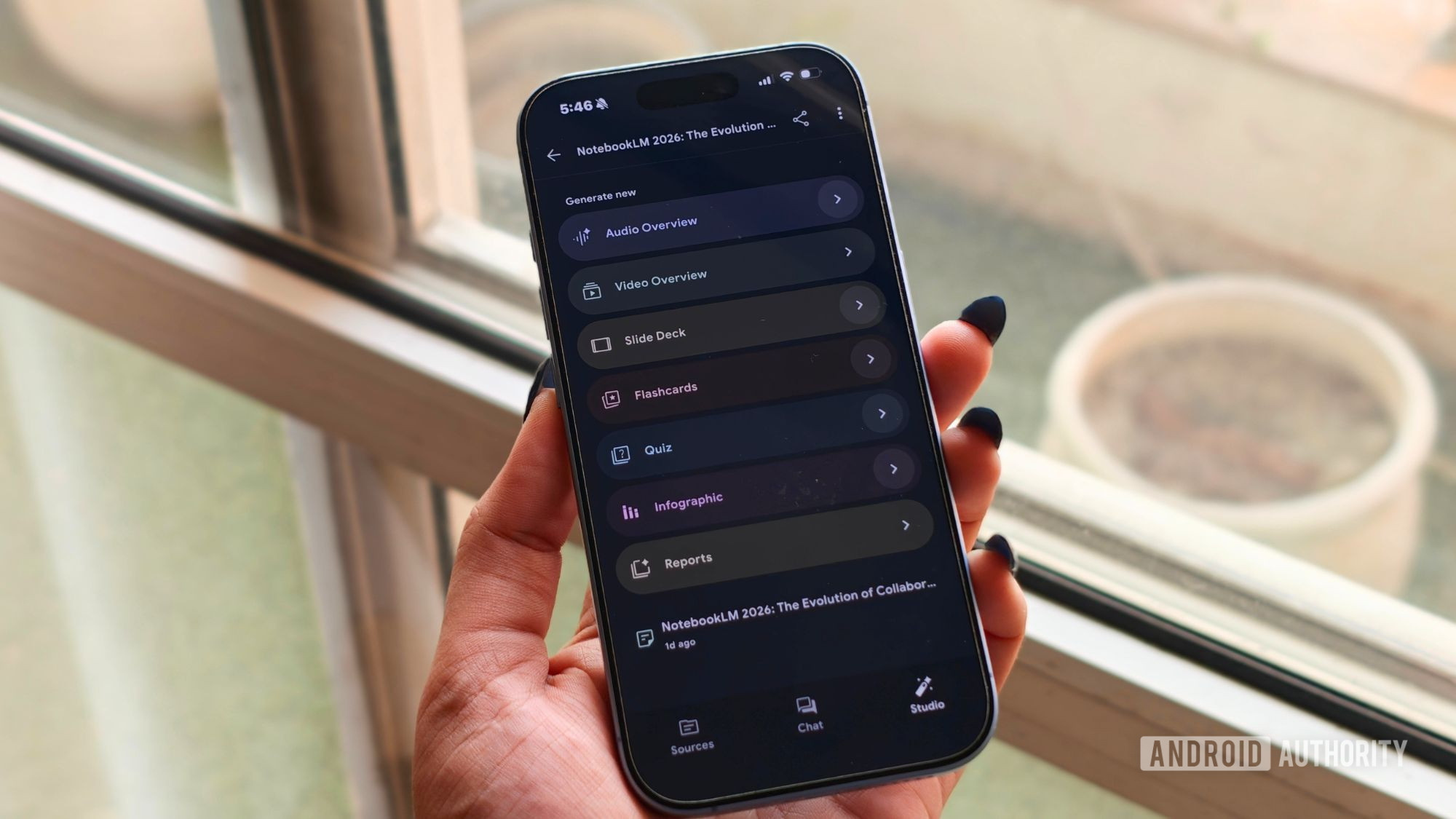
If your browser is full of long reads you never touch, your first move is to turn them into Video Overviews. Once you have added your sources to a notebook, head to the Studio panel, pick Video overview, and within a minute NotebookLM turns them into a short video that breaks everything down into something easier to follow. One writer found that the Studio tab’s notebook-to-video conversion “changes everything” for a self‑described lazy learner, because format was the only thing standing between them and those files. A standard Video Overview is basically a narrated slideshow that pulls charts and numbers out of your documents, so data-heavy papers and policy PDFs stop feeling hostile. Use this when your backlog is thematically coherent and relies on visuals; do not throw in random, unrelated sources, because mixing a financial disclosure with a recipe blog will confuse the narrative.
Tip 2: Use Audio Overviews to Clear Reading Guilt While You Move
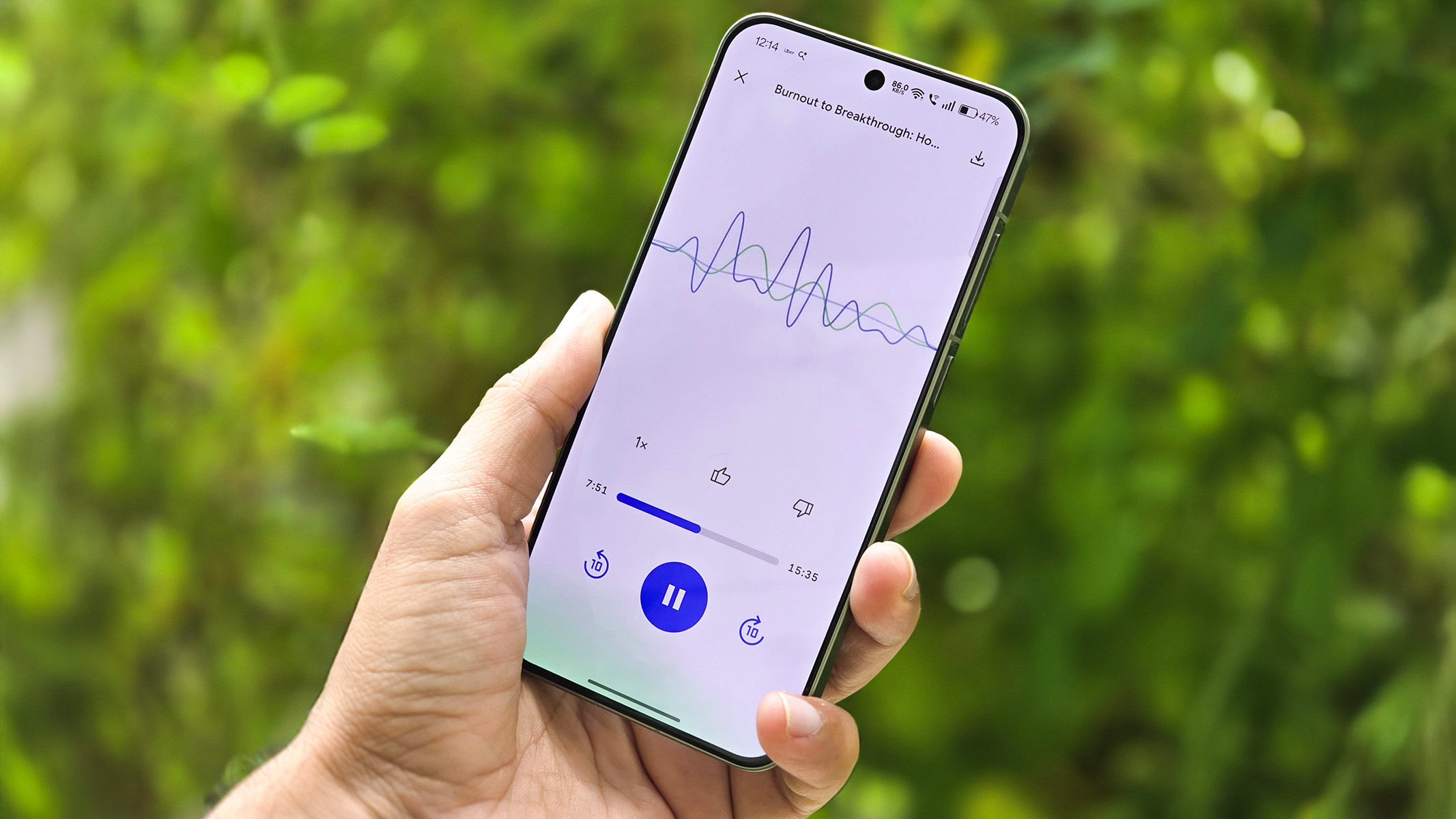
When your screen is out of reach but your backlog looms, swap doomscrolling for Audio Overviews. Instead of reaching for Instagram during spare minutes, users upload their notes or research and generate an audio overview from the Studio panel, which turns them into a podcast-like experience. Audio shines during driving, walking the dog, or cooking, when video would be unsafe or inconvenient and your hands are busy. It is tempting to forget you are listening to AI because the hosts can sound natural, but that illusion creates a risk: people assume audio equals authority. Use Audio Overviews for personal learning, revision, or first-pass familiarization, not as a substitute for careful reading when stakes are high. If a paper depends heavily on charts, remember that audio alone will fail where visuals succeed; in those cases, promote it to a Video Overview instead.
Tip 3: Let Discover Sources Skip the Boring Part—Without Surrendering Control
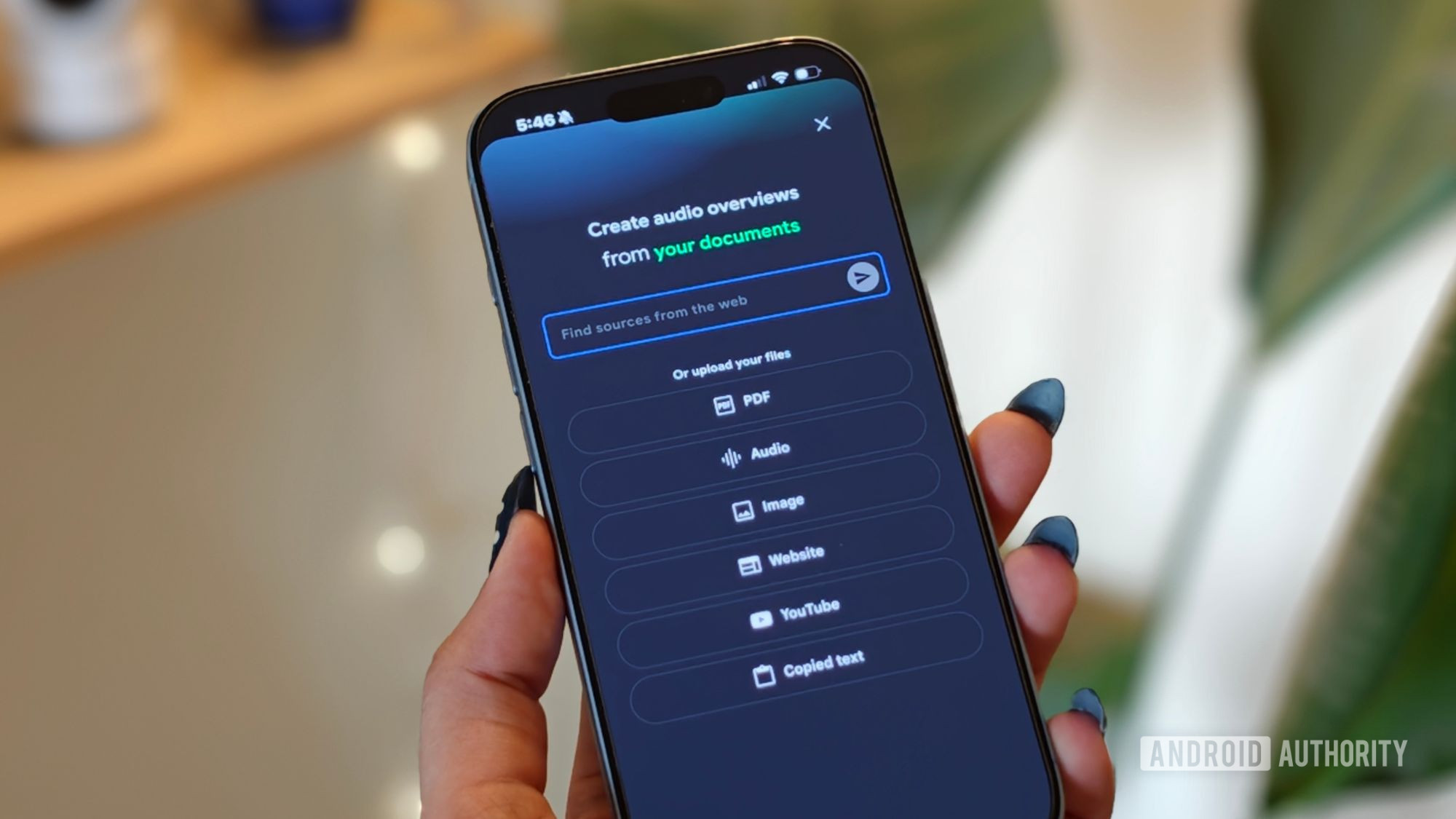
Most people stall at step zero of research: gathering material. NotebookLM’s Discover Sources feature is the shortcut that does the grunt work without hijacking your judgment. Instead of manually hunting every article and PDF, you can open a notebook, type in your topic, and let NotebookLM find relevant sources as a solid starting point. The crucial detail is that it never forces these picks into your notebook; you review the list, choose what to import, and discard the rest. That balance matters, because garbage in, garbage out still applies—you are responsible for the inputs. Use Discover Sources when you are racing a deadline or mapping a new subject, but do not stay on autopilot. For anything headed to your workplace, double-check every imported source, because what is tolerable in a personal notebook is unacceptable in a professional report.
Tip 4: Auto-Draft Slide Decks Instead of Hand-Building Every Slide
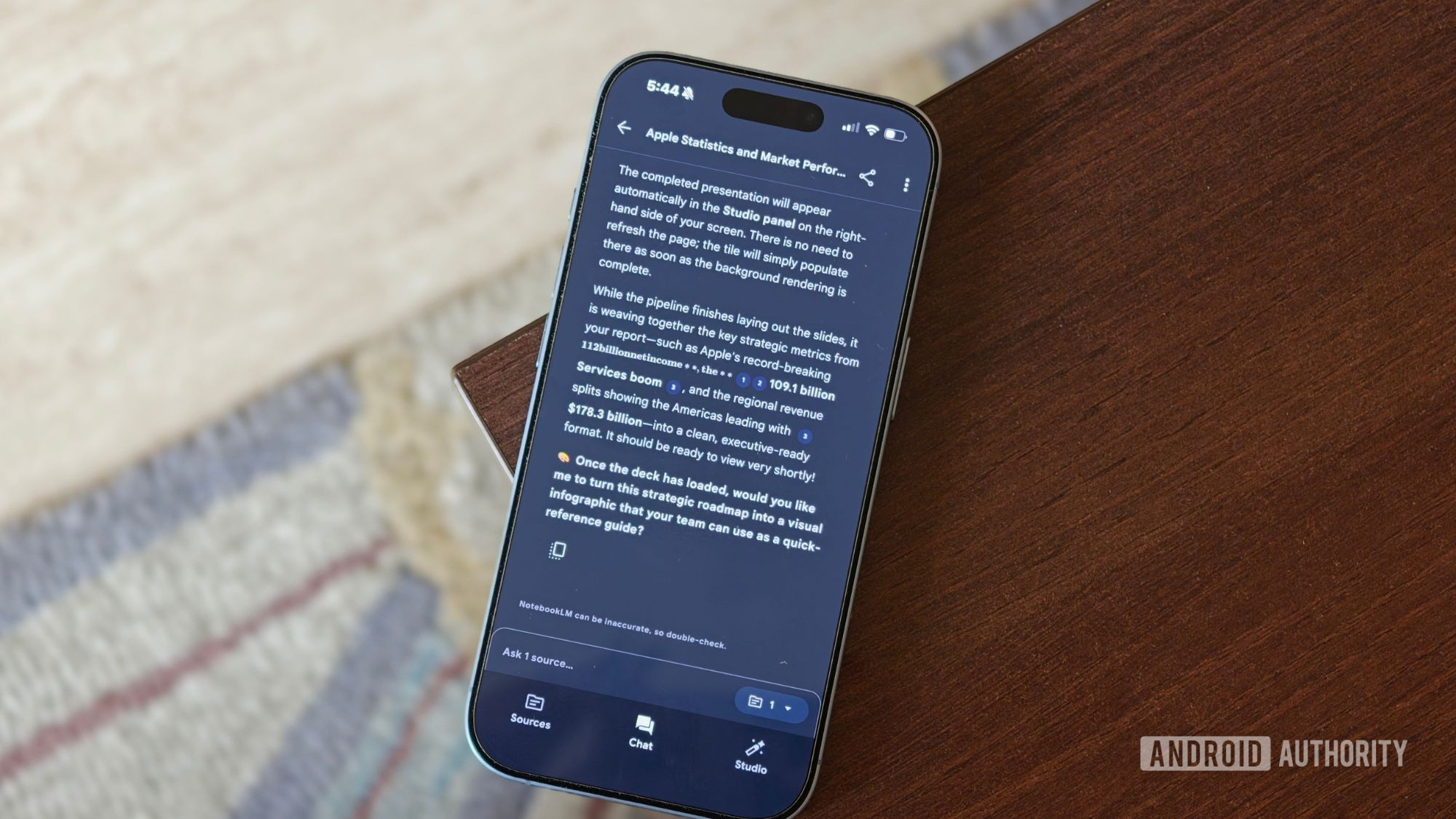
If you keep rebuilding decks from scratch, you are wasting your research twice. NotebookLM’s Slide Decks feature turns your existing sources into a structured first draft. Upload your PDFs, documents, or even YouTube videos, then choose Slide Deck and tell NotebookLM how you want the presentation to look; because it only uses the material you provide, the final deck stays grounded in your research. One user leans on this for a nephew who is constantly facing school presentations—within minutes, they have a well-structured deck ready to refine rather than build from a blank slide. This is perfect when presentations are a regular part of your job or studies and you need a time-saving baseline. It is overkill for casual, one-off talks and a bad idea if you have not curated your sources, because mixing unrelated material will make the deck incoherent and prove that your bottleneck was focus, not slides.
Tip 5: Customize Chats So NotebookLM Thinks the Way You Need
The biggest misconception about NotebookLM is that you can leave it on autopilot and still get work-ready insights; garbage in, garbage out makes that fantasy expensive. To turn summarization into decisions, you must teach each notebook how to talk to you. Before asking the first question, experienced users click the configuration button at the top of the Chat panel, select Customize notebook, and describe exactly how they want it to respond. That tiny setup step reshapes the entire conversation that follows, from tone to level of detail to whether it replies as a coach, analyst, or editor. Use customization when a notebook will serve a stable purpose—like exam prep, client research, or recurring reporting—because the upfront effort compounds every time you open it. Skip deep customization for one-off notebooks; in those cases, focus on clean inputs and a Video or Audio Overview instead.

Conclusion: Your Backlog Is a Design Problem, and NotebookLM Is the Redesign
Unread articles and dusty PDFs are not signs of laziness; they are signs that the format-to-energy ratio is broken. NotebookLM’s Video Overviews, Audio Overviews, Discover Sources, Slide Decks, and customized chats form a workflow that turns static documents into living, reusable research assets. Users report that these features have become part of how they work, study, and learn, saving time and helping them understand complicated topics faster while spending less time staring at a screen. One writer even found that changing the format let them get through in 20 minutes what they had avoided for months. The pattern is clear: when you let NotebookLM handle the format and first pass, you free your attention for judgment and creativity. Stop hoarding material for a mythical free weekend; turn your backlog into a notebook today and make your next move in a format your brain will meet halfway.




