
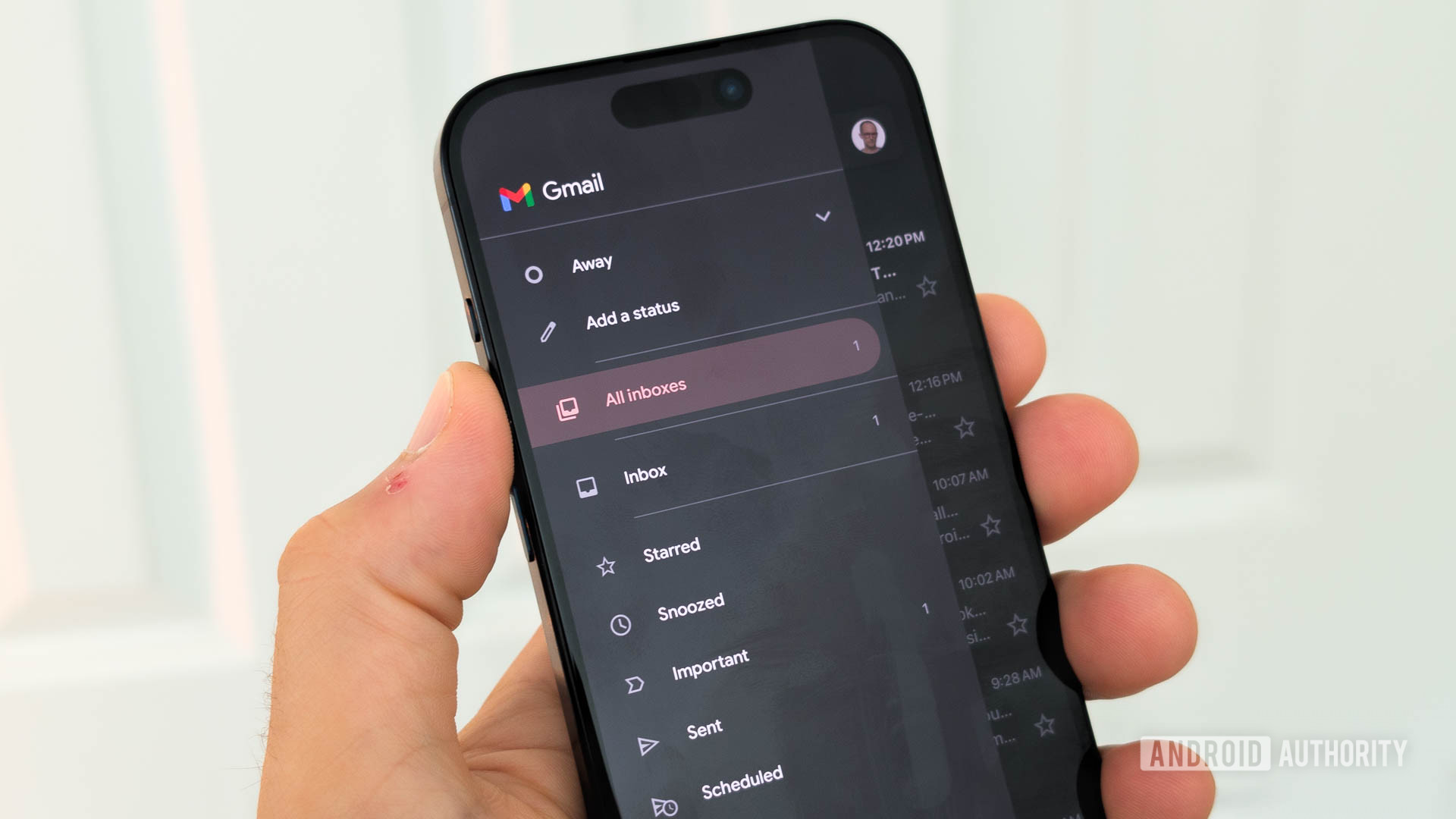

From one-click presets to guided AI-powered email refinement
Gmail’s Gemini-powered Help Me Write feature is a built-in AI writing assistant that generates and refines email drafts from user prompts, and it now accepts custom editing instructions so people can control tone, length, and details in a more conversational way. This shift matters because email is rarely one-size-fits-all: a sales follow-up, a performance review note, and a support escalation each demand subtle differences that canned presets cannot capture. Until now, Help Me Write leaned on options such as Formalize, Friendly, and Shorten, which applied generalized changes to a draft without understanding a user’s specific intent. The new approach treats editing as a dialogue instead of a button press, turning Gemini email editing into something closer to a collaborative writing partner than a basic auto-correct tool.
How custom email prompts reshape Help Me Write
The core upgrade is simple but important: after Help Me Write produces a draft, users can type follow-up prompts in the same bar to describe exactly what should change. Instead of selecting “Shorten” or “Formalize”, you might say, “Add a clear deadline in the last paragraph and mention the missing attachment,” and Gemini will reshape the email accordingly. This is AI-powered email refinement that respects context: you can ask it to include a missing detail in the second line, insert a specific date, or soften a sentence that feels too blunt. The tool still drafts emails from short initial instructions, but now the editing loop is conversational, allowing multiple rounds of targeted adjustments without throwing away the entire draft or starting over. In practice, the assistant begins to feel less like a script and more like an adaptable editor.
Why presets are no longer enough for modern email
Presets once defined how Gmail’s AI writing assistant worked: click Formalize for professional tone, Friendly for casual, or Shorten to condense the message. That model was convenient but blunt. It assumed that most users wanted generic transformations, when in reality they needed nuance, like “keep the friendly open, but tighten the bullet points and add a reminder about tomorrow’s call.” The latest update explicitly moves beyond relying solely on predefined editing tools, allowing users to provide their own instructions to customize revisions. According to Google’s announcement, “the latest update expands its capabilities by enabling conversational editing through custom text instructions instead of limiting revisions to fixed editing presets.” This is a philosophical change: email drafts are no longer treated as static text to be processed, but as living documents that evolve through back-and-forth requests.
Practical gains: more flexible, controllable Gemini email editing
The practical benefits show up in everyday tasks. You can ask Gemini to add missing information, insert deadlines, or adjust the tone of a message instead of hunting through the draft yourself. Need to make a reply more direct without sounding harsh? A custom email prompt can specify which paragraph to tighten and which sentence to soften. The new undo and redo buttons make experimentation safer, so you can test several rounds of AI-powered email refinement, roll back changes that feel off, and keep the edits that land well. This flexibility supports iterative writing: start with a rough draft, clarify key points, tune the level of formality, and trim unnecessary detail, all through targeted instructions. Rather than replacing the human writer, Gemini becomes a fast-response editor that handles mechanical rewrites while leaving judgment and intent in human hands.
Where this leaves Gmail’s AI writing assistant
Help Me Write is no longer a novelty that spits out generic email drafts; it is turning into a controllable, prompt-driven editor embedded directly in Gmail. The ability to refine a draft through natural-language instructions, and to undo or redo those changes without starting over, pushes Gemini email editing closer to how people actually write and revise messages in their heads. Instead of forcing users into preset molds, the feature listens to specific goals and acts on them, which makes every email more personal and aligned with the sender’s voice. While the rollout targets users with Google’s AI subscriptions and business tiers, the design signals a broader shift: productivity tools are moving from one-click automation toward responsive collaboration. In that shift, Gmail’s AI writing assistant is becoming less of a shortcut and more of a strategic partner in everyday communication.





