
Verdict: Two Smart Laptop Productivity Accessories, With Clear Limits
Portable monitors and compact USB-C docking stations are laptop productivity accessories that expand screen space and connectivity, giving remote professionals near-desktop workflows without sacrificing the mobility of modern thin-and-light notebooks. Used together, they aim to solve two core laptop constraints: limited ports and limited display real estate, especially for people who work across multiple apps, data sources, or creative tools while traveling. In this portable monitor review and USB-C docking station comparison, the bottom line is straightforward: ASUS’s ZenScreen MB169CK is a sensible second display for everyday productivity, while TobenONE’s UDS060 dock is a clever, customizable hub that trades raw speed and included power for a compact footprint and flexible controls.
At their respective prices, neither product is perfect, but both are good fits for remote workers who value portability over top-tier performance. If you spend more time in documents, browsers, and IDEs than in color-critical design or high-bandwidth data work, this pair can turn an ultrabook into a capable mobile workstation without weighing down your bag.
ASUS ZenScreen MB169CK: Mainstream Portable Monitor, Smartly Designed
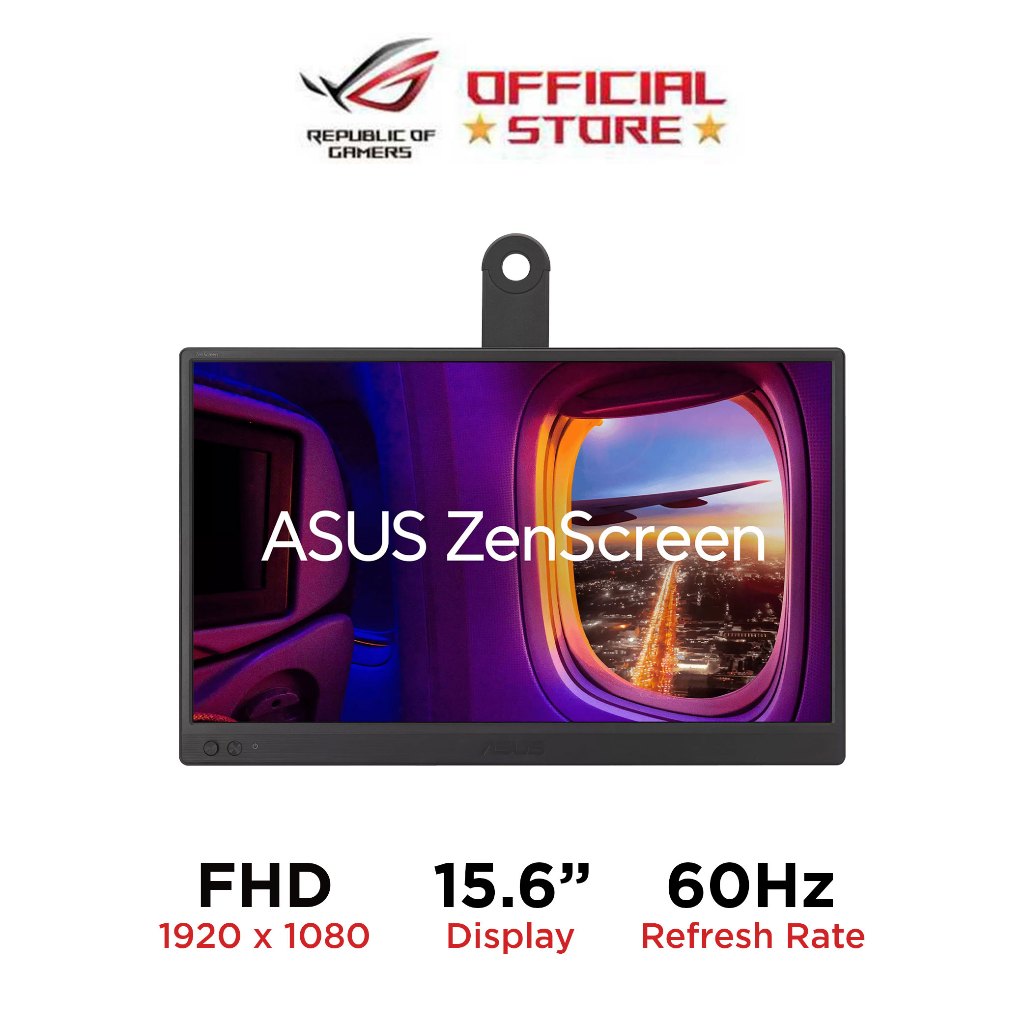
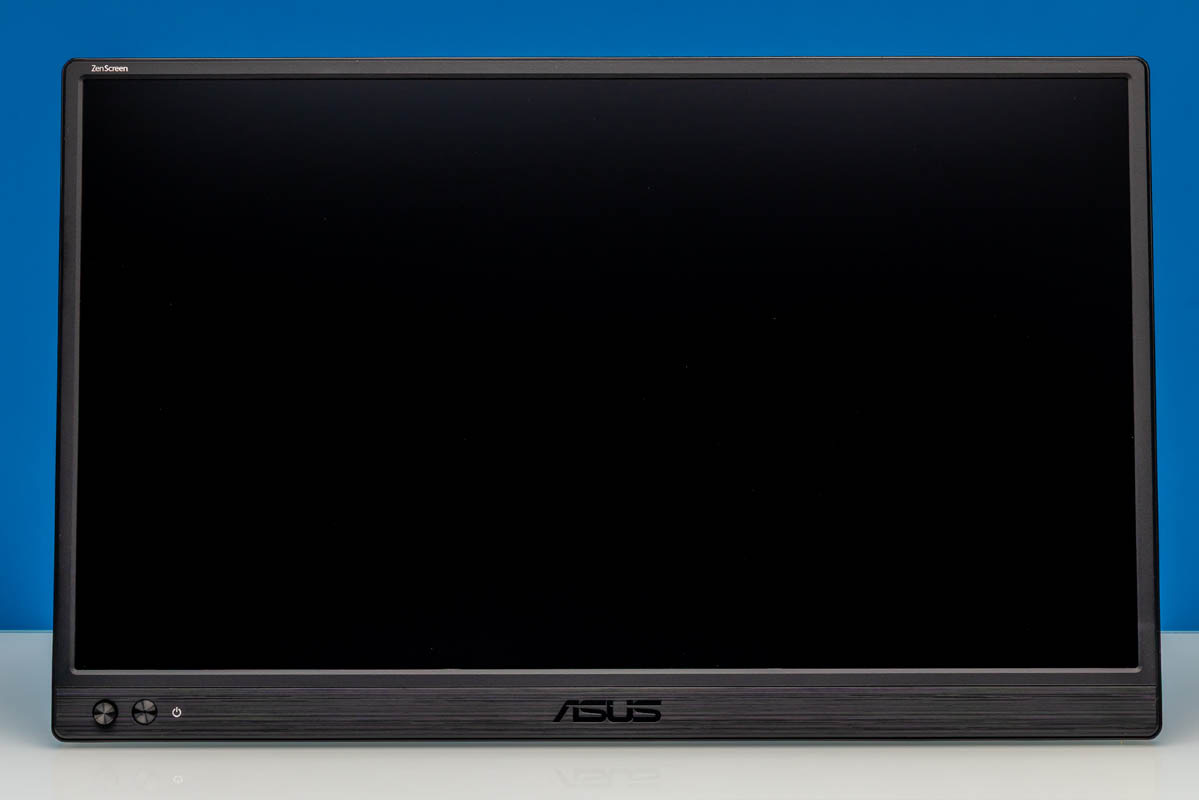
The ASUS ZenScreen MB169CK is a 15.6-inch portable monitor built around a 1920×1080 IPS panel with a 60Hz refresh rate, dual USB Type‑C inputs, and a mini HDMI input. ASUS positions it as a mainstream portable USB monitor rather than a high-refresh or high-resolution specialty display, so its appeal lies more in physical design and input flexibility than in cutting-edge specs. For remote work setups, that focus makes sense: reliable Full HD, wide 178‑degree viewing angles, 250 cd/m2 typical brightness, and 800:1 typical contrast deliver a competent, comfortable second screen for spreadsheets, code, email, and video calls.
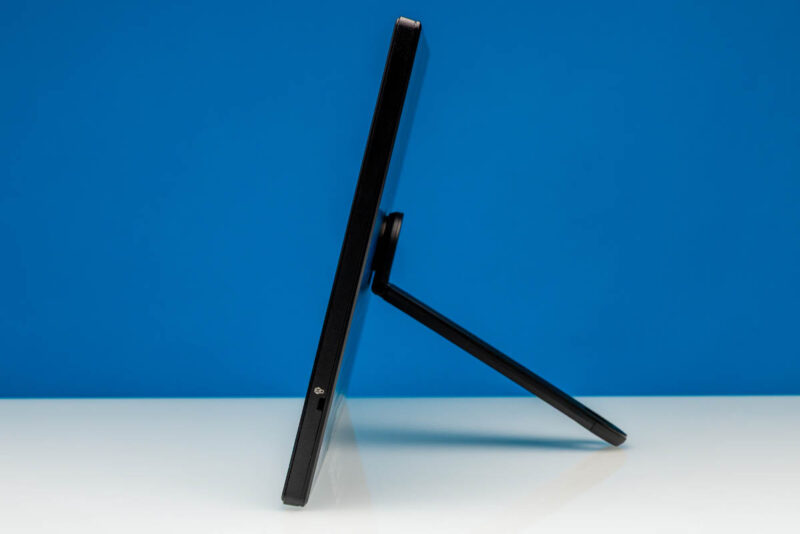
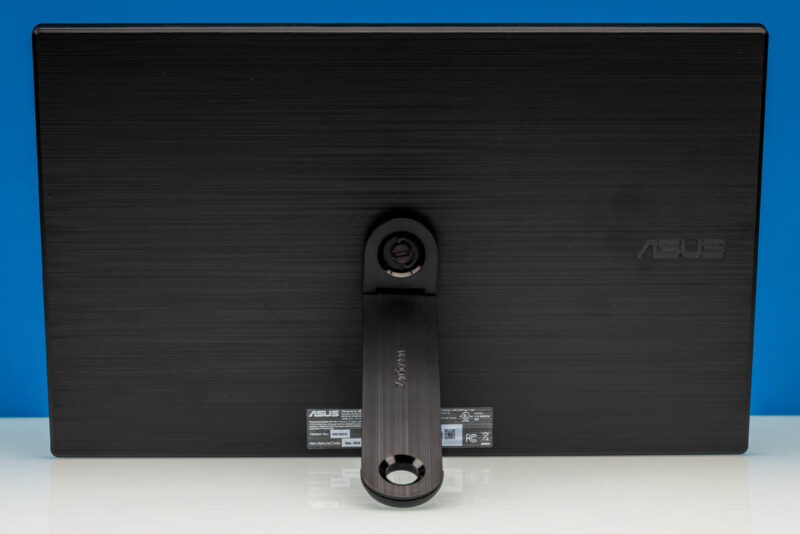
Design is a strong point. Instead of relying on a folding cover, the MB169CK uses a detachable 360‑degree kickstand that is tool‑free and easy to install, offering varying viewing angles on the desk. The panel itself measures 14.17in x 8.90in x 0.47in and weighs 1.72lb, and ASUS includes a sleeve for travel protection. Connectivity is particularly flexible for mobile professionals: two USB‑C ports with DisplayPort Alt Mode support plus mini HDMI cover modern ultrabooks, tablets, and older laptops without USB‑C video. This is not the display for gamers or 2.5K/180Hz enthusiasts, but as a practical second screen for dual‑screen workflows, it hits the sweet spot between size, portability, and simplicity.
| Spec | ASUS ZenScreen MB169CK |
|---|---|
| Panel size | 15.6in portable IPS monitor (16:9) |
| Resolution | 1920×1080 Full HD |
| Refresh rate | 60Hz |
| Brightness / contrast | 250 cd/m2 typical, 800:1 typical |
| Viewing angles | 178 degrees |
| Inputs | 2x USB Type‑C with DP Alt Mode, 1x mini HDMI |
| Audio | 3.5mm audio jack |
| Dimensions (no stand) | 14.17in x 8.90in x 0.47in |
| Weight | 1.72lb |
TobenONE UDS060: Compact USB-C Dock With Programmable Controls
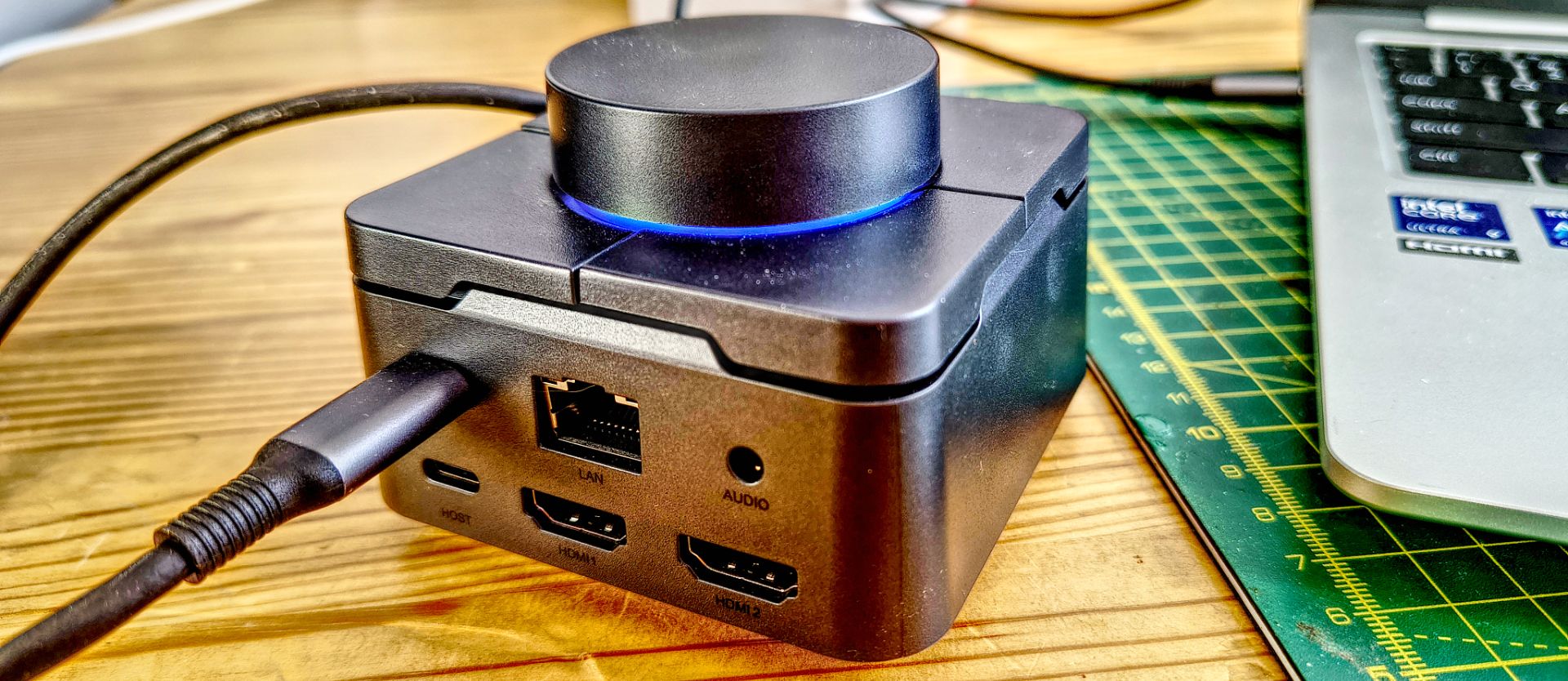
The TobenONE UDS060 is an 11‑in‑1 USB‑C docking station that takes a different approach from many budget docks: it adds four physical shortcut keys and a rotary volume knob on the top, both reprogrammable through a companion app. Undoubtedly, "the UDS060's headline feature is the dial and buttons", which TobenONE quotes as supporting 170 fixed combinations plus custom settings. Underneath the novelty, it remains a practical hub: two HDMI outputs (up to 4K at 60Hz each on Windows with DP1.4 MST), USB‑A and USB‑C data ports (both up to 5Gbps), Gigabit Ethernet, SD and microSD card readers, a 3.5mm audio jack, and up to 100W USB‑C power delivery passthrough, though the charger is not included.
Physically, the UDS060 follows a compact rectangular design with a plain grey plastic shell, making it one of the smallest docks in its class. Ports are sensibly laid out: two USB‑A and one USB‑C on the front (all 5Gbps), SD and microSD readers on the right, dual HDMI, audio, host USB‑C, PD‑in USB‑C, and 1GbE LAN on the rear. It works over full‑featured USB‑C, USB4 and Thunderbolt 3/4 hosts, and basic docking is plug and play without the TobenONE app. The port count reads well for the price and will serve most desk‑based professionals who want a single‑cable tether to monitors, wired network, storage, and audio while maintaining a minimal footprint on the desk.
Pros
- 11‑in‑1 USB‑C dock in a remarkably compact form factor, combining USB, LAN, audio, SD card readers and dual HDMI.
- Dual independent 4K60 HDMI outputs on Windows with DP1.4 MST, ideal for two‑monitor desk setups.
- Four programmable shortcut keys plus rotary knob for fast app launches or workflow shortcuts.
Cons
- No PSU included; you must use your laptop charger or buy another to power the dock.
- USB‑A and USB‑C data ports limited to 5Gbps, sharing a 10Gbps upstream, which caps external SSD performance.
- For the price, faster USB and higher‑speed LAN (e.g., 2.5GbE) would be expected by some power users.
Real-World Performance and Trade-Offs for Mobile Professionals
From a user’s point of view, the key question is not whether these accessories are feature‑rich, but whether their compromises match mobile workflows. On the dock side, performance testing with USB4 on a laptop and USB4, USB‑C, and USB‑A external SSDs showed that all drives connected via USB 3.2 Gen 1 (5Gbps) links, with maximum speeds of around 455 MB/s reads and 462 MB/s writes, even for drives rated 1000 MB/s or better. Copying from one drive to another through the UDS060 halved that speed. That confirms the limitation of sharing a 10Gbps upstream across multiple 5Gbps ports. For heavy media work, this bottleneck matters; for office files and light photo backups, it is acceptable.
Where the dock stumbles from a usability standpoint is power: there is no PSU included, so you must disconnect your laptop’s charger from the bag or purchase a separate one to run the dock. That undermines the ideal "single cable and you are ready" docking experience. By contrast, the ASUS portable monitor is much simpler: plug in via USB‑C or mini HDMI and you gain a second, consistent display with solid viewing angles and brightness for typical productivity tasks. In short, the ZenScreen MB169CK offers low‑friction screen expansion with modest specs, while the UDS060 offers high port density and unusual programmable controls, offset by bandwidth and power compromises. Together they form a capable remote work setup, as long as you understand and accept these trade‑offs.
Buy if / Skip if
- Buy the ASUS ZenScreen MB169CK if you want a straightforward 15.6‑inch Full HD portable monitor with dual USB‑C and mini HDMI for everyday dual‑screen workflows.
- Skip the ASUS ZenScreen MB169CK if you need high‑refresh, high‑resolution portable displays for gaming or color‑critical creative work, where 2.5K and 180Hz panels are more appropriate.
- Buy the TobenONE UDS060 if you want a compact 11‑in‑1 USB‑C docking station with dual 4K60 HDMI, Gigabit Ethernet, card readers and programmable shortcut keys and dial.
- Skip the TobenONE UDS060 if you require faster than 5Gbps USB ports or higher‑speed LAN for intensive external SSD workflows or large data transfers.
- Buy the TobenONE UDS060 if you value a customizable dock that can trigger up to 170 preset shortcut combinations plus custom actions through its app.
- Skip the TobenONE UDS060 if you want an all‑in‑one dock that includes its own PSU and delivers a true single‑cable desk experience without extra chargers.