
From link graveyard to working memory: what NotebookLM is for
NotebookLM automation is the practice of feeding your scattered documents, articles, and newsletters into NotebookLM so its content summarization AI can turn them into structured, searchable knowledge that you can query, summarize, and reuse across research and projects without manually curating every file. If your browser and inbox are overflowing with unread long reads and “save for later” newsletters, your problem is not a lack of information; it is a lack of a knowledge management workflow. NotebookLM excels when you treat it as a research organization tool: separate notebooks for work, study, and side projects keep sources focused and queries precise. The payoff is simple but powerful: after a few months, you gain a searchable archive instead of vague memories of “that one issue where they mentioned X.”

Build automated pipelines instead of manual habits
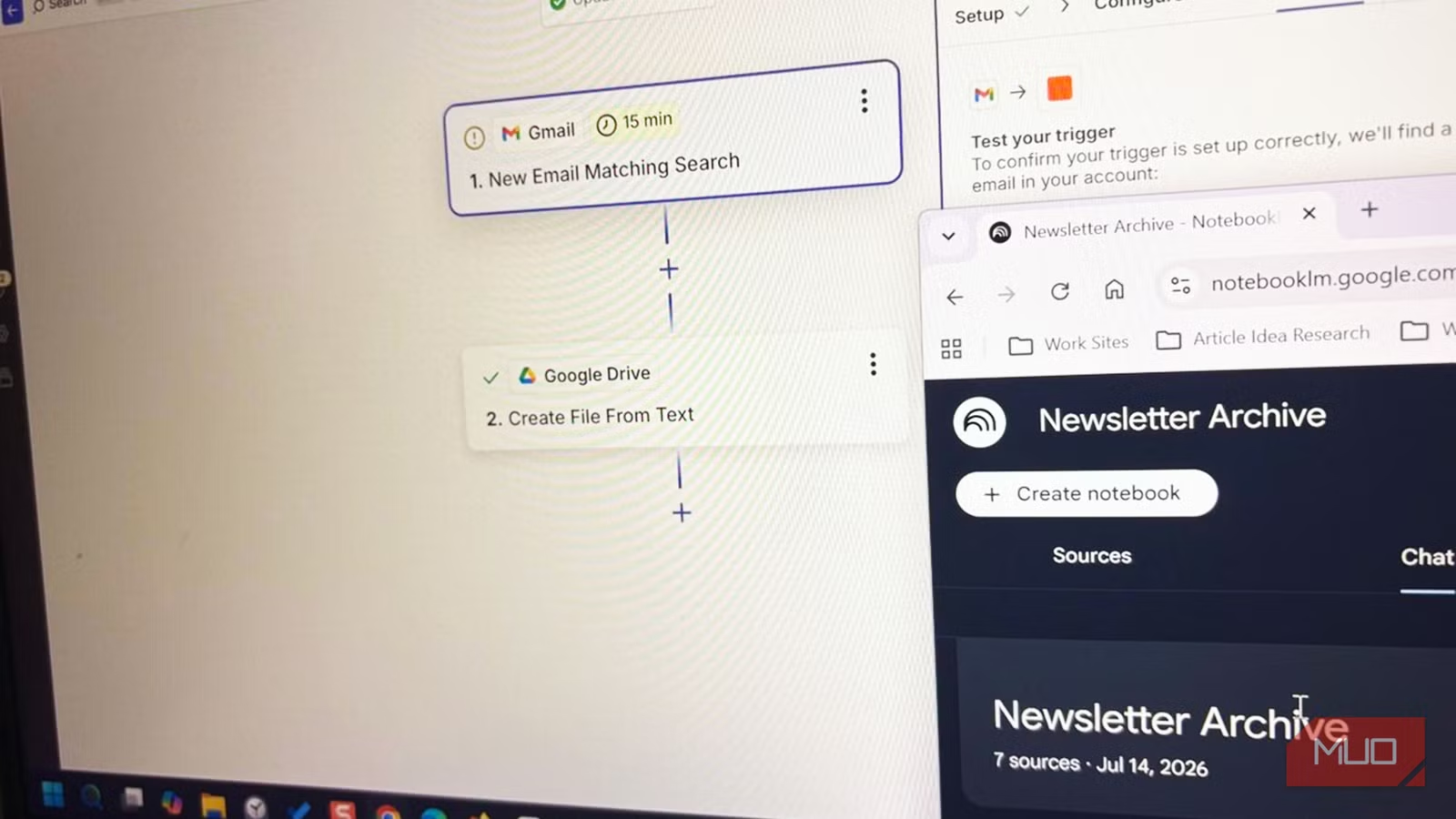
If you depend on manual uploads, your backlog will win. Copy–paste and monthly PDF exports work for occasional reading, but weekly subscriptions and constant research need automation. A practical starting point is a two-step Zap: trigger on a labeled newsletter email, then create a text file in a dedicated Drive folder that you attach as a source in NotebookLM. Turn the Zap on and every new issue lands in Drive on its own, so your notebook grows even when you forget to curate. This is the heart of NotebookLM automation: offload collection so you can focus on synthesis. Start with one Zap and one newsletter, let it run for a few weeks, then check whether NotebookLM surfaces ideas you would have missed by skimming emails in your inbox.
According to one workflow test, Zapier’s free tier can comfortably handle a weekly newsletter with its 100-task monthly cap.
Turn mixed formats into timelines, tables, and video you will consume
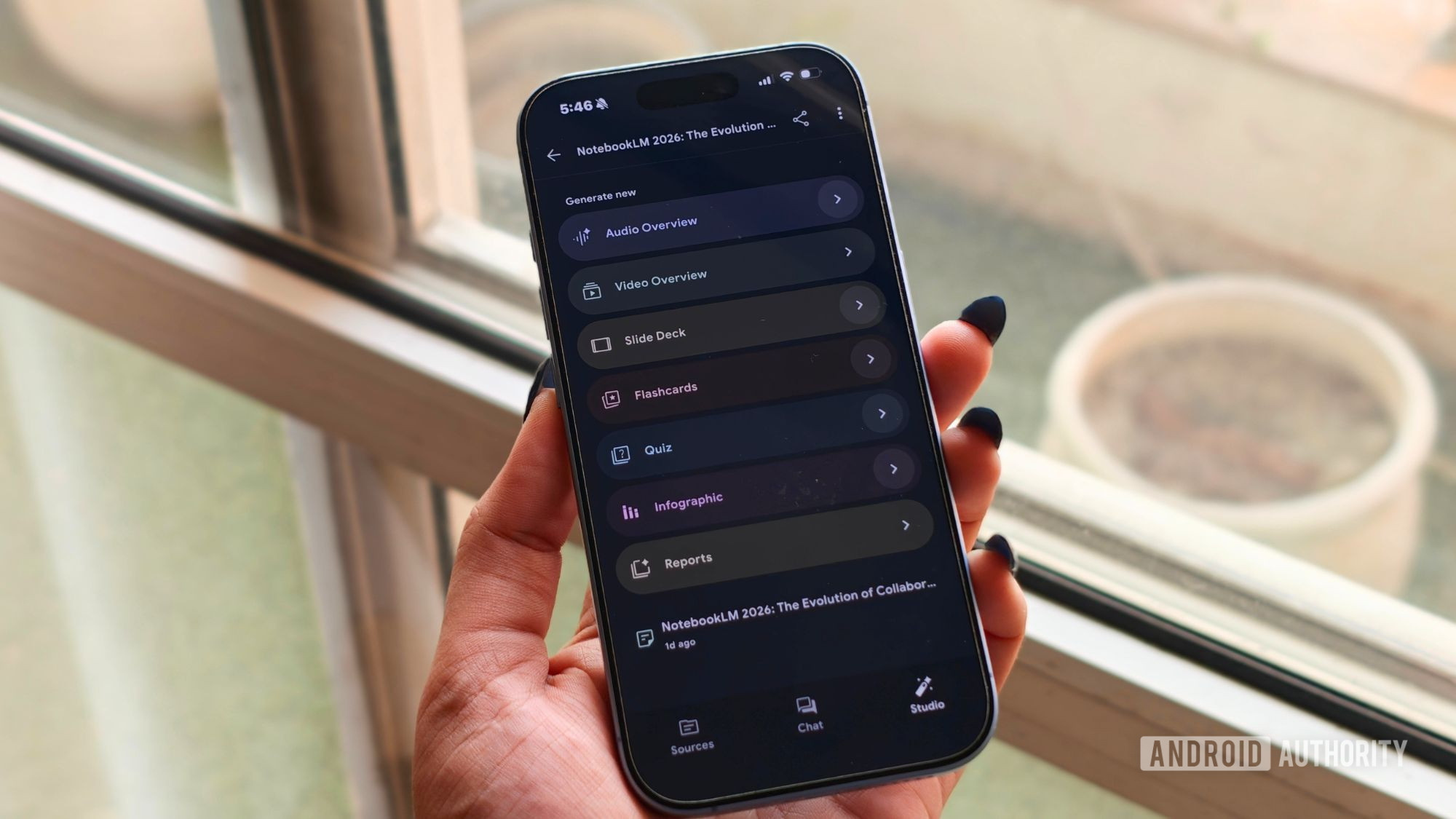
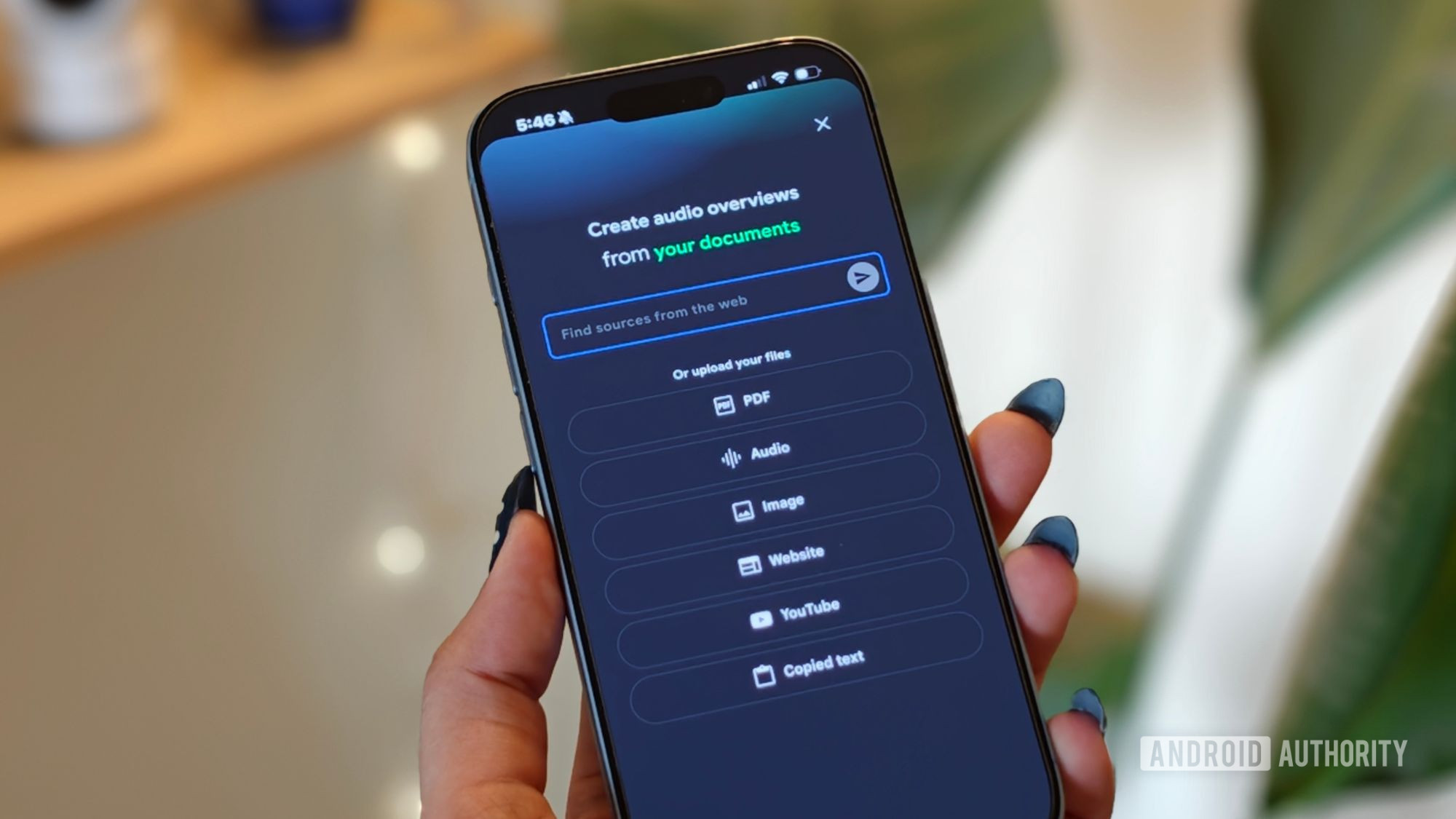
Your backlog is probably messy: PDFs, EPUBs, Google Docs, audio, URLs, and pasted text live side by side. NotebookLM is built for that chaos. It can ingest up to 500,000 words or 200MB per source and then produce audio overviews, short video summaries, tables, and other structured outputs from them. A standard Video Overview becomes a narrated slideshow that pulls charts and numbers out of your documents, solving the classic “I bookmark data-heavy papers but never read them” problem. In practice, this turns months of unread articles into a video or audio overview you will actually watch or listen to. That matters when visualizations carry the argument—a chart can tell you more in five seconds than a minute of narration, and pictures are easier to recall than spoken facts.
Use prompts as scalpels to extract patterns and decisions
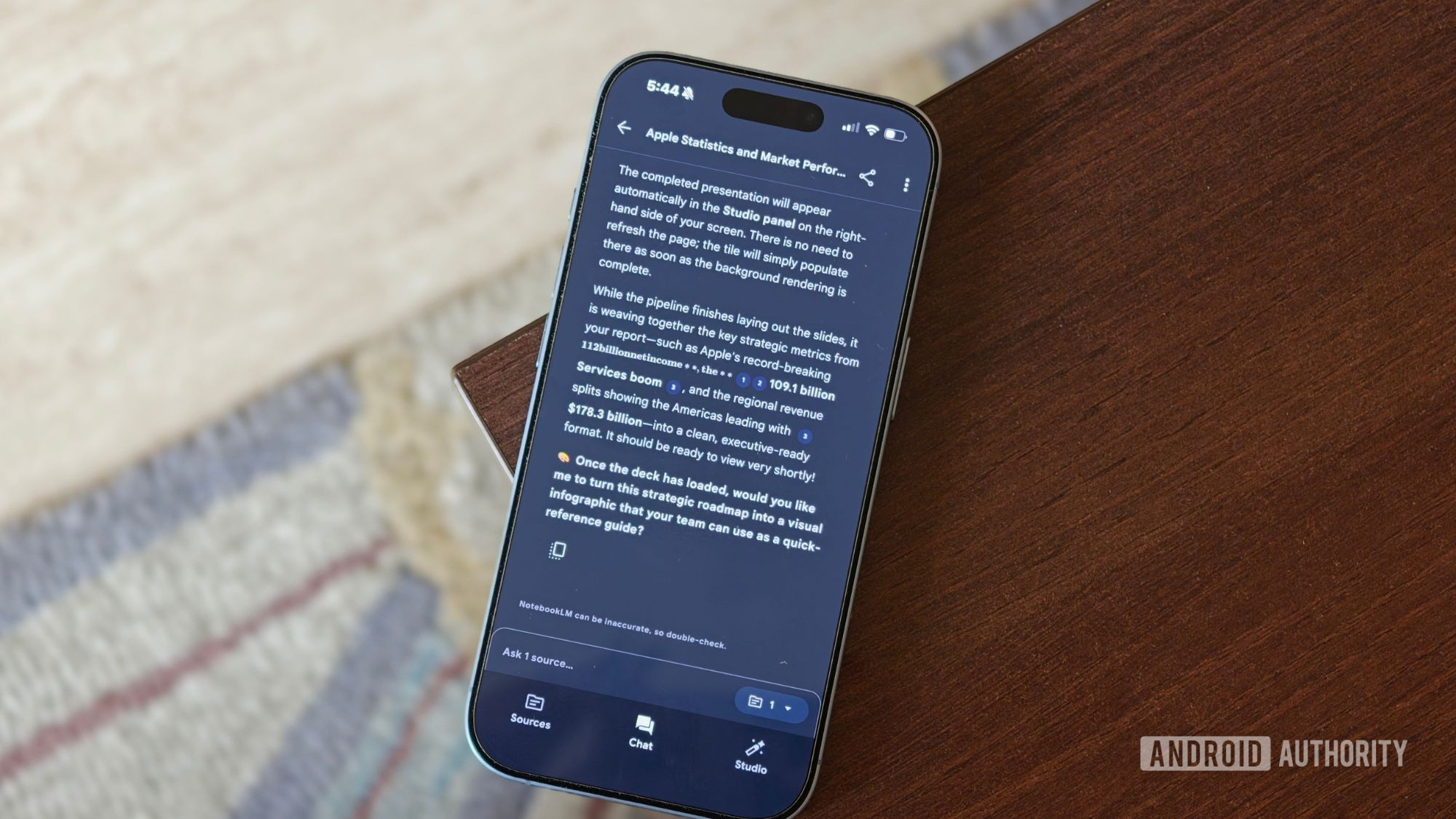
Dumping content into a notebook is only half the job; the value comes from how you question it. Once a few newsletter issues or reports accumulate, NotebookLM can find patterns across them instead of treating each source in isolation. Well-crafted prompts turn raw summaries into decision-ready insight: for example, you can ask it to identify every recommendation, tool, or idea mentioned more than once, count how often it appears, and track whether the writer’s opinion changes across issues. Studio outputs like Audio Overviews, mind maps, and written reports can then condense those findings without you writing a single prompt. The key is to customize how it explains: concise, factual, easy-to-skim language may suit project work, while step-by-step explanations with real-world examples help when you are learning a new domain. Prompts become scalpels, not shovels, when they aim for comparisons, trends, and decisions.

Avoid autopilot and middle-ground thinking
NotebookLM is powerful, but it is not magic. Garbage in, garbage out still applies: mixing a financial disclosure with a recipe blog in the same notebook will confuse any narrative you ask it to produce. Organizing notebooks and folders by theme or project makes them easier to maintain and keeps each newsletter or topic queryable on its own; you can cross-reference later if a theme spans more than one source. Another trap is letting it run on autopilot. When sources disagree, NotebookLM tends to fatten the conflict into a safe middle ground rather than highlight the tension. That is tolerable for personal study but dangerous in a workplace context—video overviews and slide decks still need human review, especially if presentations are a regular part of your job. Use the automation to skip boring first drafts, not to outsource judgment.