
Start Here: Why the Acer Aspire 3 Is the Best Budget Laptop for School
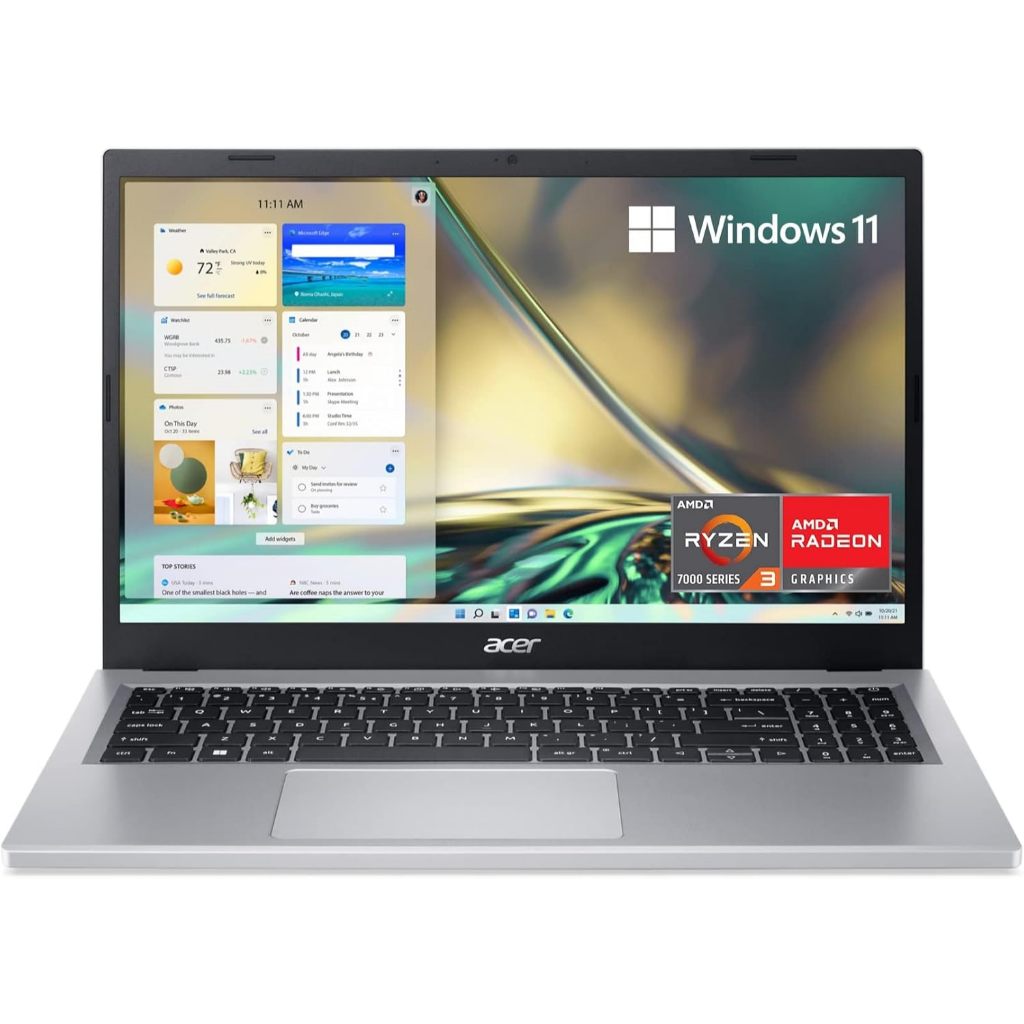
An affordable laptop that actually works for learning is a portable computer with durable build quality, easy-to-use software, and enough performance and battery life to handle everyday school tasks such as web research, writing, online classes, and basic educational apps without slowing down or needing constant upgrades. For most families, the Acer Aspire 3 (A315-24P) is the best overall choice because it balances price, performance, and battery life better than any other low-cost Windows laptop we’ve seen. It delivers smooth everyday operation, current Wi‑Fi connectivity, and nearly 17 hours of tested battery life, all while staying under USD 500 (approx. ₱28,000). This is the laptop that will get most kids through years of schoolwork and online learning without drama, and it’s the top pick you should buy unless you specifically want a Chromebook or you are committed to the Apple ecosystem.
| Spec | Acer Aspire 3 (A315-24P) | What It Means for Students |
|---|---|---|
| Price | Under USD 500 (approx. ₱28,000) | Comfortably below the usual USD 700–800 sweet spot for laptops for school. |
| Processor | AMD Ryzen 3 7320U | Enough power for notes, documents, presentations, and browser-based coursework. |
| Memory (RAM) | 8 GB | Helps keep multiple tabs and apps responsive during lessons and homework. |
| Storage | 128 GB SSD | Fast boot times and room for assignments and offline files; use cloud storage for extras. |
| Display | 15.6" 1920 x 1080 IPS, 60 Hz | Full HD resolution for clear text and online classes, though not the brightest screen. |
| Wireless | Wi‑Fi 6, Bluetooth 5.2 | Modern connectivity for stable video calls and pairing headsets or keyboards. |
| Battery life | 16:46 tested | Easily lasts through a full school day away from power outlets. |
Apple MacBook Neo: Best Laptop for Students Who Live in the Apple Ecosystem
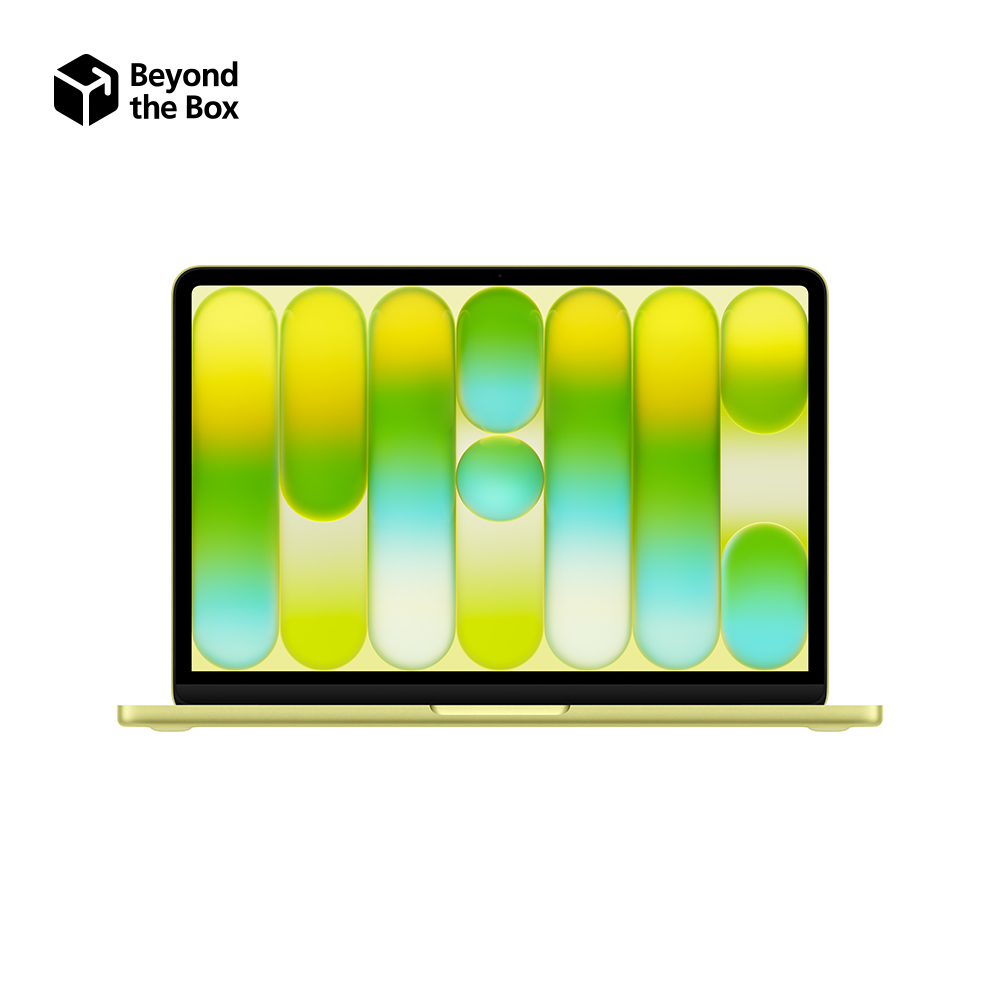
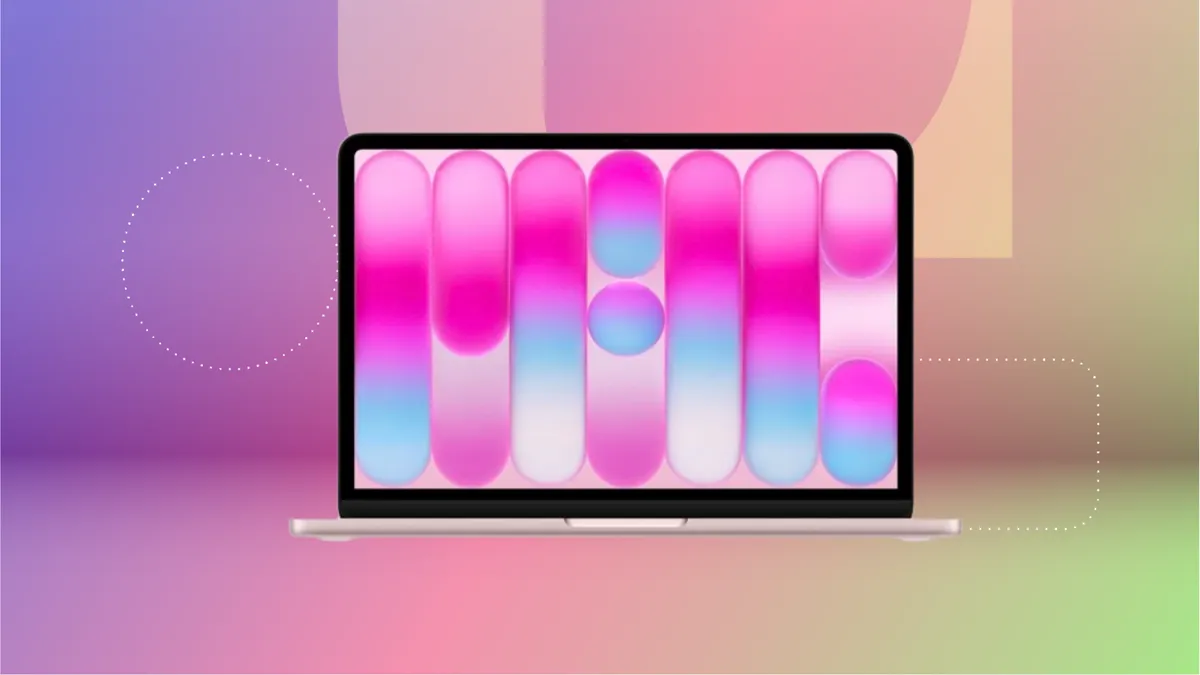
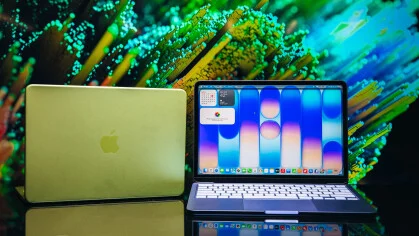
If you want one of the best laptops students can carry all day and you already use iPhones or iPads at home, the Apple MacBook Neo is the standout pick. It normally costs USD 699 (approx. ₱39,000), but students can buy it for USD 599 (approx. ₱33,000) with an education discount, making it surprisingly affordable for a premium metal laptop. Its Apple A18 Pro processor, 8 GB of RAM, and 256 GB SSD deliver excellent speeds for basic computing and impressive graphics performance that outclass most budget Windows machines. The 13‑inch, 2408 x 1506 display is sharper and more colorful than almost any budget laptop screen, while the rigid aluminum build is ready for life at the bottom of a backpack. This is the best choice for middle school, high school, and college students who need a thin, light laptop for daily classes and value tight integration with Apple services.
| Spec | Apple MacBook Neo | Student Use Case |
|---|---|---|
| Price | USD 699 (approx. ₱39,000) / USD 599 (approx. ₱33,000) with education discount | Premium feel with midrange pricing, ideal if you can claim the discount. |
| Class | Budget, Ultraportable | Built to be light enough for daily carrying between classes. |
| Processor & graphics | Apple A18 Pro, 5‑core graphics | Handles research, productivity apps, and light creative work without lag. |
| Memory (RAM) | 8 GB | Enough for many browser tabs, office apps, and video calls. |
| Storage | 256 GB SSD | Comfortable space for documents, offline media, and project files. |
| Display | 13" 2408 x 1506 LED, 60 Hz | More detailed and colorful than typical 1920 x 1200 school laptops. |
| Wireless | Wi‑Fi 6E, Bluetooth 6 | Fast, stable internet for streaming classes and cloud-based work. |
| Battery life | 15:35 tested | Long enough for a full day of lectures and library time. |
| Notable cons | Limited ports, one USB 2.0, no keyboard backlighting | You may need a USB‑C hub and the keyboard is harder to use in the dark. |
Dell Chromebook 14: Best Affordable Laptop for Kids Who Live in the Browser
For younger learners and families focused on affordable laptops kids can use mainly for web apps and Google Classroom, the Dell Chromebook 14 is the right call. It is a budget Chromebook with a durable design, a spacious keyboard, and a decent port selection that covers essential learning peripherals. With an Intel Processor N150, 4 GB of RAM, and 64 GB of eMMC storage, it offers adequate speed for browser-based schoolwork, streaming lessons, and Android educational apps, though not much more. The 14‑inch 1920 x 1200 TN display is serviceable for text and video but not as vibrant as IPS or LED panels. Its Wi‑Fi 6E and Bluetooth 5.3 keep online learning smooth, and the 10:14 tested battery life is enough for a typical school day. If most school tasks happen in Chrome and you want strong web protection and easy management, this Chromebook is the practical pick.
| Spec | Dell Chromebook 14 | Best For |
|---|---|---|
| Class | Chromebook | Ideal when schoolwork is mainly web-based and run through ChromeOS. |
| Processor | Intel Processor N150 | Designed for light tasks: notes, research, basic apps. |
| Memory (RAM) | 4 GB | Fine for focused schoolwork in a few tabs, less ideal for heavy multitasking. |
| Storage | 64 GB eMMC flash | Enough for ChromeOS and documents; rely on Google Drive for large files. |
| Display | 14" 1920 x 1200 TN, 60 Hz | Clear text; colors and viewing angles are only average. |
| Wireless | Wi‑Fi 6E, Bluetooth 5.3 | Modern wireless stack for solid video calls and headphones. |
| Battery life | 10:14 tested | Good for a typical school day plus homework sessions. |
| Notable cons | TN display, adequate speed but little more | Not built for creative workloads or demanding apps. |
How to Choose: Key Criteria for Budget Laptops for School
When you compare the best laptops students can afford, focus on five core criteria instead of chasing specs you don’t need. Price is the starting point for cash‑strapped families and college students, and you should aim to buy as much capability as you can afford upfront because most modern laptops are not easily upgradable. Durability matters a lot; rugged cases and strong hinges help kids avoid cracked screens and broken plastics. Portability is critical for middle‑ and high‑schoolers who carry heavy backpacks every day, so look for machines around 2.5 pounds for 11‑ to 13‑inch screens and be careful once you cross 3 pounds. Battery life should comfortably cover a full day away from outlets, which all three recommended models do in testing. Finally, make sure performance is sufficient for schoolwork and online learning: a basic Intel Processor or entry‑level AMD or Apple chip is enough for notes, documents, and slides.
Buy if / Skip if
- Buy the Acer Aspire 3 (A315-24P) if you want the strongest combination of low price, long battery life, and tested everyday performance for Windows-based laptops for school.
- Skip the Acer Aspire 3 (A315-24P) if your student needs a lighter machine to carry all day or a brighter, higher-quality display for art and media work.
- Buy the Apple MacBook Neo if you want the best laptops students can carry on campus with premium build quality, fast performance, and a sharper display while staying within midrange pricing.
- Skip the Apple MacBook Neo if you need many ports, prefer backlit keyboards, or want the absolute lowest possible price over build quality.
- Buy the Dell Chromebook 14 if you want affordable laptops kids can use mainly for browser-based lessons, Google Workspace, and Android educational apps with durable construction.
- Skip the Dell Chromebook 14 if your child plans to run demanding creative or STEM applications locally or you care strongly about color-accurate, wide-viewing-angle screens.