

Our Top Pick and How to Shop Laptops Under 1000
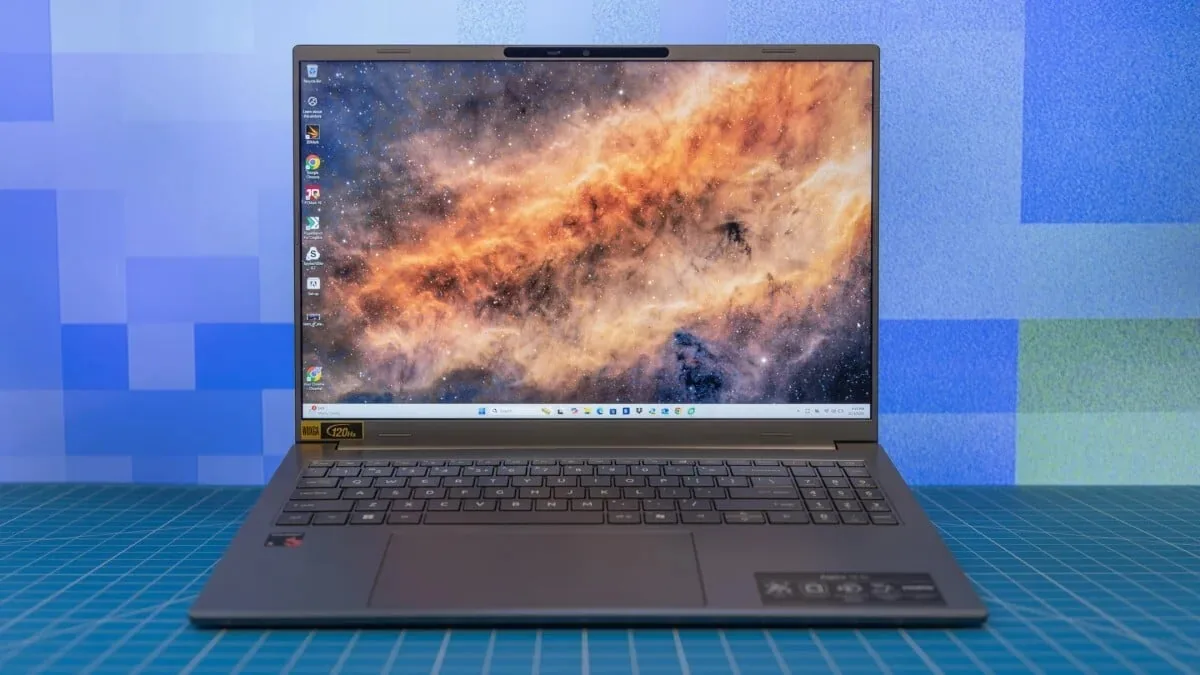
Laptops under 1000 are portable computers that balance capable processors, sufficient memory, and practical connectivity to deliver everyday performance without premium pricing, spanning slim ultraportables, gaming notebooks, and convertible 2‑in‑1 designs. Our clear top pick for most buyers is a modern 14‑inch ultraportable with an Intel Core i5 or AMD Ryzen 5 processor, 16GB of RAM, and solid‑state storage. That combination gives you fast everyday performance, reliable multitasking, and enough headroom for light creative work, all in a thin, lightweight chassis you can carry everywhere. Before you look at individual models, focus on three core criteria: the processor, the operating system, and connectivity options such as USB‑C and Wi‑Fi. According to independent lab testers, “reviews and formal testing from reputable sources are your friends” when evaluating affordable laptops tested for real‑world workloads.
| Key Criteria | What to Look For | Why It Matters |
|---|---|---|
| Processor | Core i5 / Core Ultra 5 / Ryzen 5 or higher | Sets overall speed and responsiveness |
| Memory (RAM) | At least 8GB; 16GB preferred for multitasking | Keeps apps and browser tabs running smoothly |
| Graphics | Integrated for everyday use; discrete GPU for gaming | Controls gaming and video editing capability |
| Connectivity | Modern Wi‑Fi, multiple USB ports, USB‑C where possible | Supports accessories and fast networking |
| Operating System | Current OS version with security updates | Ensures app support and long‑term usability |
Ultraportables: Best Budget Laptops for Everyday Work
If you want the best budget laptops for commuting, campus, or home office work, stick with a slim 13‑ or 14‑inch ultraportable built around an Intel Core or Core Ultra chip or an AMD Ryzen equivalent. These laptops under 1000 favor balanced performance, long battery life, and low weight over raw power, making them ideal for spreadsheets, documents, web apps, and video calls. Aim for Core i5, Core Ultra 5, or Ryzen 5; most users won’t notice the difference versus more expensive chips in day‑to‑day use. Pair that with at least 8GB of RAM—16GB if you juggle many apps or browser tabs—and fast SSD storage for snappy boots and app launches. Formal testing confirms that integrated graphics are more than adequate here, handling streaming video, photo touch‑ups, and casual games without issue. Choose this category if portability and quiet, reliable operation matter more than gaming frame rates.
Gaming Laptops Under 1000: What’s Worth Buying
For gaming, you need a laptop with a dedicated graphics processing unit; integrated graphics rarely deliver smooth performance in fast‑paced modern titles. Budget gaming laptops get expensive quickly, and options under 1000 are “a relatively lean selection” compared with midrange and high‑end rigs. When technical reviewers put affordable laptops tested for gaming through benchmarks, they look for H‑series processors, which are more powerful but draw more battery, paired with discrete GPUs and at least 16GB of RAM for stable frame rates and multitasking. If you mainly play esports or older titles, a modest GPU is fine, but for newer games you should prioritize graphics over cosmetic features. Skip flashy lighting or ultra‑high‑resolution screens that strain the budget without improving playability at this level. Choose a gaming model in this price band if you value portable play and can accept medium settings and occasional compromises on the latest releases.
2‑in‑1s and Convertible Hybrids for Flexible Workflows
If you split your time between typing and touch, a 2‑in‑1 convertible or detachable tablet‑PC gives you far more flexibility without pushing you over the 1000 ceiling. Flip‑and‑fold designs let you switch from laptop to tent or tablet mode, ideal for drawing, annotating PDFs, or presenting in tight spaces. Detachable hybrids add the option to leave the keyboard behind for ultra‑light tablet use. With today’s laptops taking so many physical forms, it would be easy to assume these designs are too costly, but there is a “vast selection of slim, lightweight laptops, convertible hybrids, and business‑ready laptops of every stripe for 999 or less.” For this category, favor a balanced processor like Core i5 or Ryzen 5 and at least 8GB of RAM, stepping up to 16GB if you sketch, edit photos, or multitask heavily. These machines shine for students, creatives, and anyone whose workflow jumps between typing, touch, and stylus input.
Buy if / Skip if
- Buy the ultraportable category if you need a light, slim laptop under 1000 for everyday work, study, and travel with balanced performance.
- Skip the ultraportable category if high‑end gaming or heavy video production is your main priority and you need a powerful GPU.
- Buy the gaming laptop category if you want a dedicated GPU and H‑series processor to run modern games at playable settings without overspending.
- Skip the gaming laptop category if long battery life, quiet operation, and compact size matter more to you than raw frame rates.
- Buy the 2‑in‑1 convertible category if your workflow spans typing, touch, and stylus use and you want one device that shifts between laptop and tablet modes.
- Skip the 2‑in‑1 convertible category if you rarely use touch input and prefer a traditional clamshell with a simpler hinge and lower weight.





