
What an AI PC builder comparison really tests
An AI PC builder comparison is a test of how different chatbots pick and price components for a fixed-budget gaming rig, revealing whether their suggested parts lists are compatible, good value, and grounded in current market prices. In this case, the target was a $1,500 gaming PC with an NVIDIA GeForce RTX 50-series GPU and an AMD X3D processor, and the goal was to see how ChatGPT, Claude, and Gemini handled AI component selection, performance-per-dollar, and future upgrade paths. In short: Claude gave the only build you could plausibly buy for the money, ChatGPT over‑promised on out‑of‑date prices, and Gemini fell into a familiar middle ground.
ChatGPT vs Claude: solid logic, very different realism
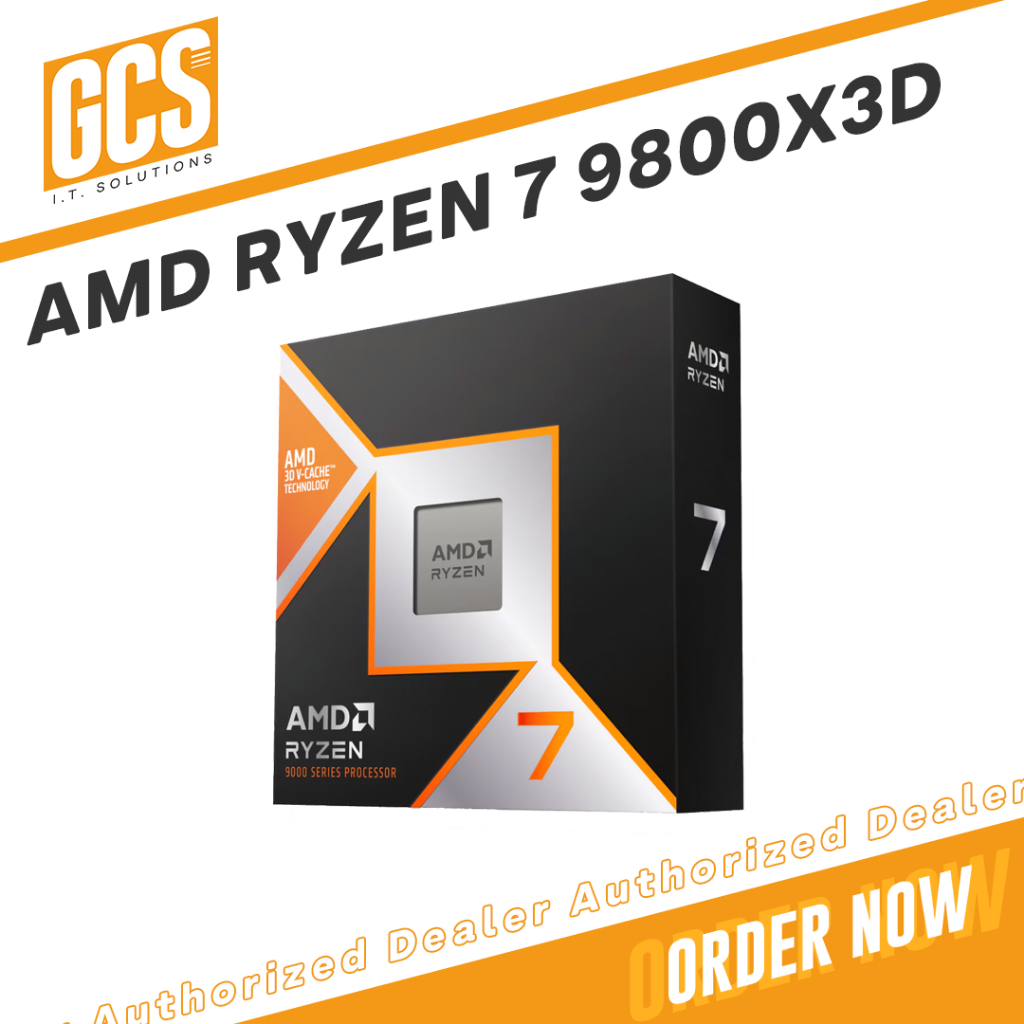
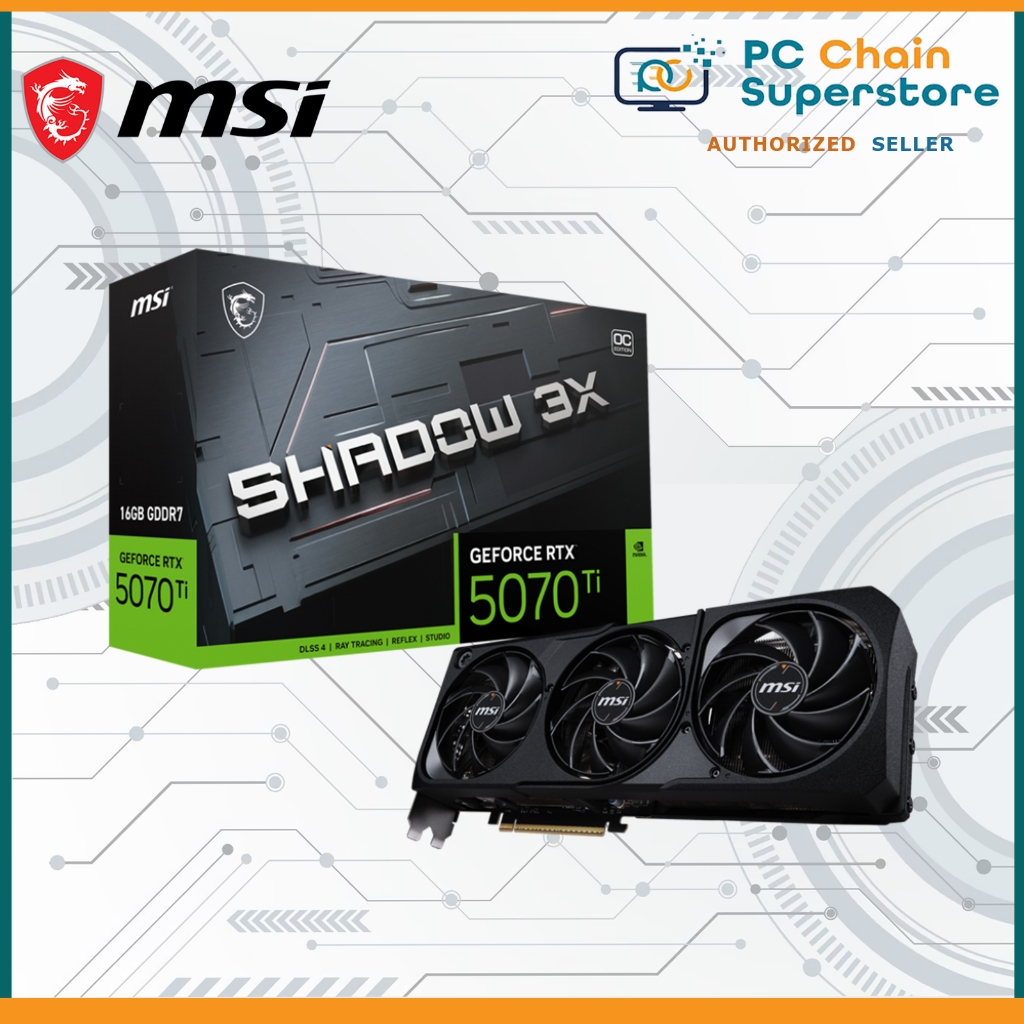
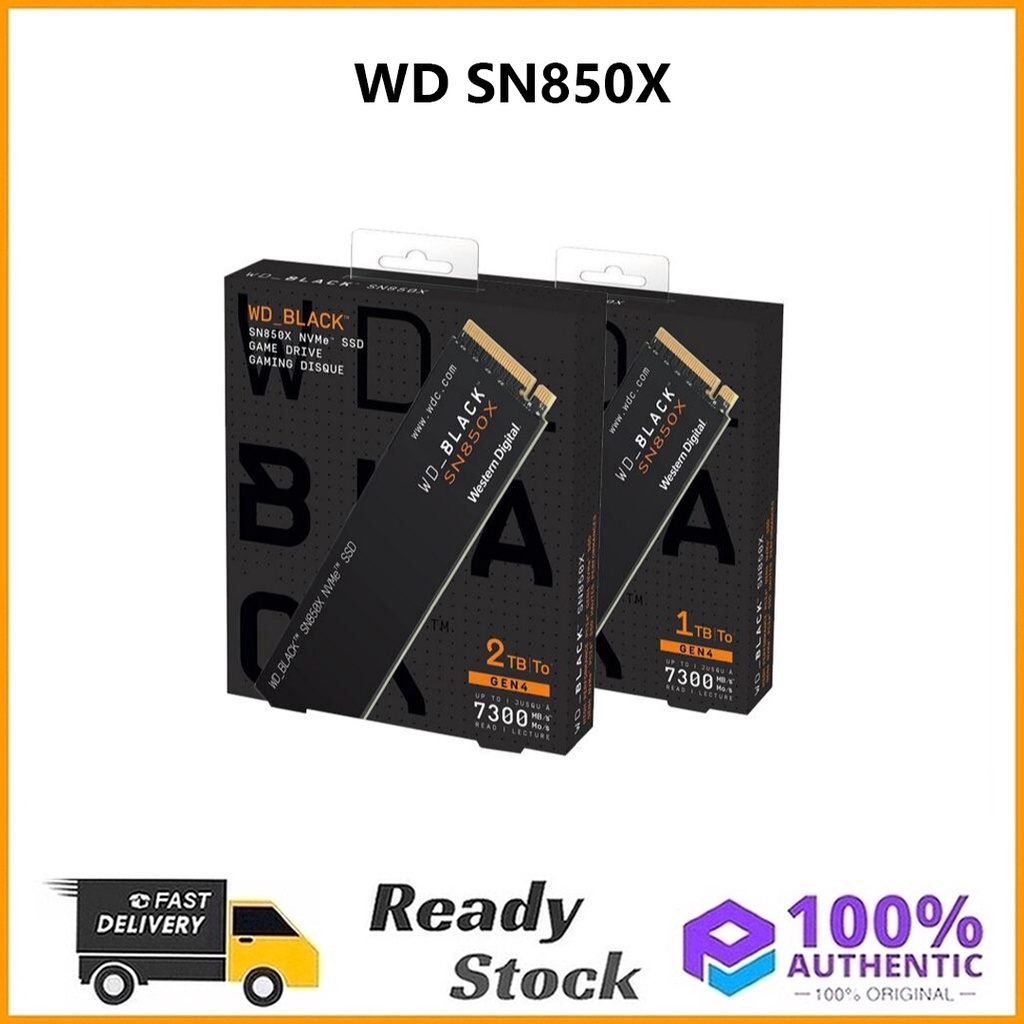
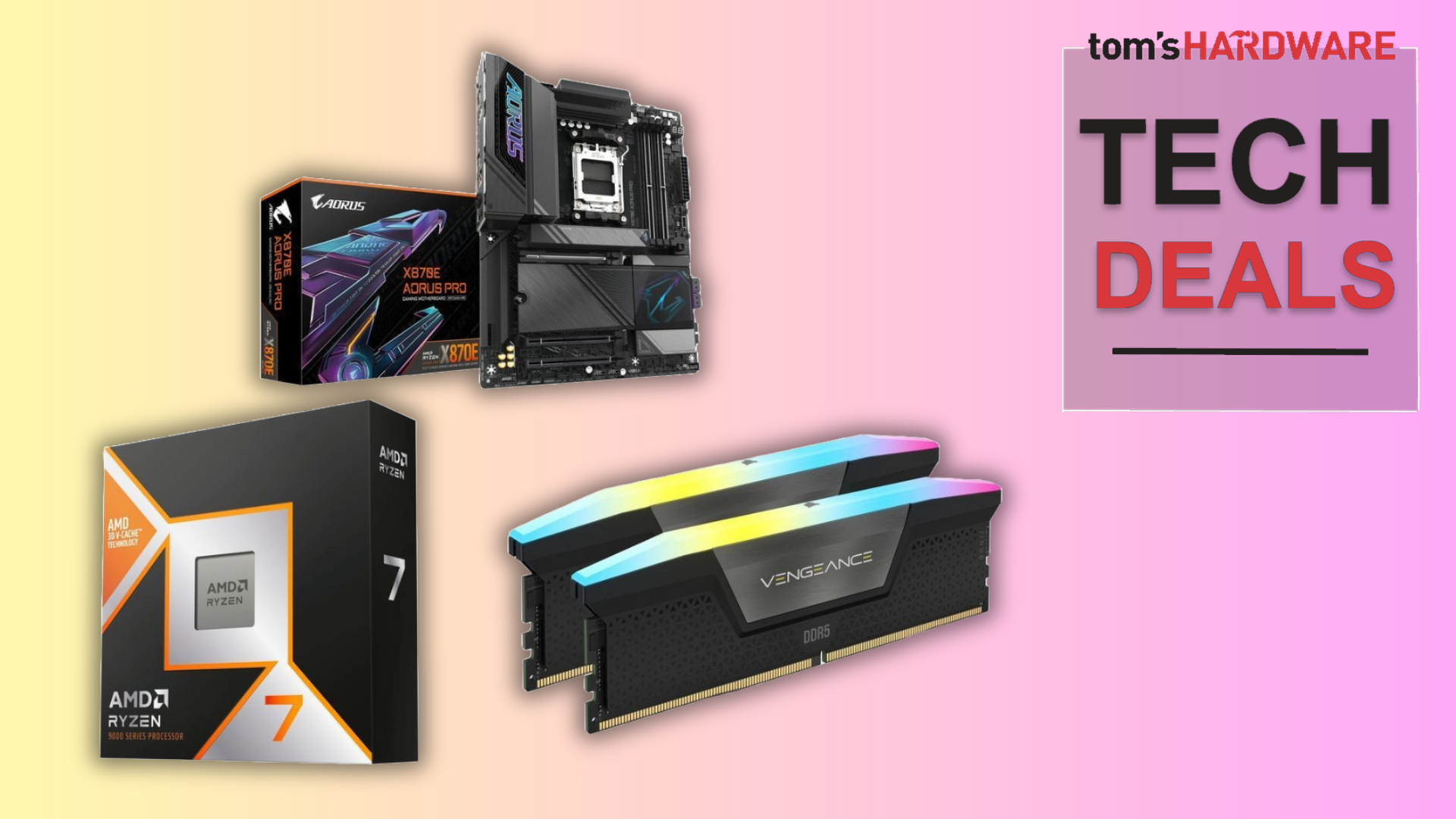
For a mid‑range but powerful gaming setup, ChatGPT leaned hard into premium parts. One test build paired a Ryzen 7 9800X3D bundle with an X870E motherboard and 32GB DDR5 for USD 830 (approx. ₱46,500), an RTX 5070 Ti 16GB at about USD 800 (approx. ₱44,800), plus a 2TB WD Black SN850X at around USD 150 (approx. ₱8,400). The logic is sound—spend big on CPU, GPU, and a fast SSD—but the problem is that its broader pricing view lagged reality. In another run, for a $1,500 budget, RAM and SSD estimates were dramatically low compared to real PCPartPicker prices, making the total build almost USD 1,000 (approx. ₱56,000) off once you checked each item. According to one reviewer, “ChatGPT recommended a solid build…but it’s practically impossible to get this PC at these prices”.
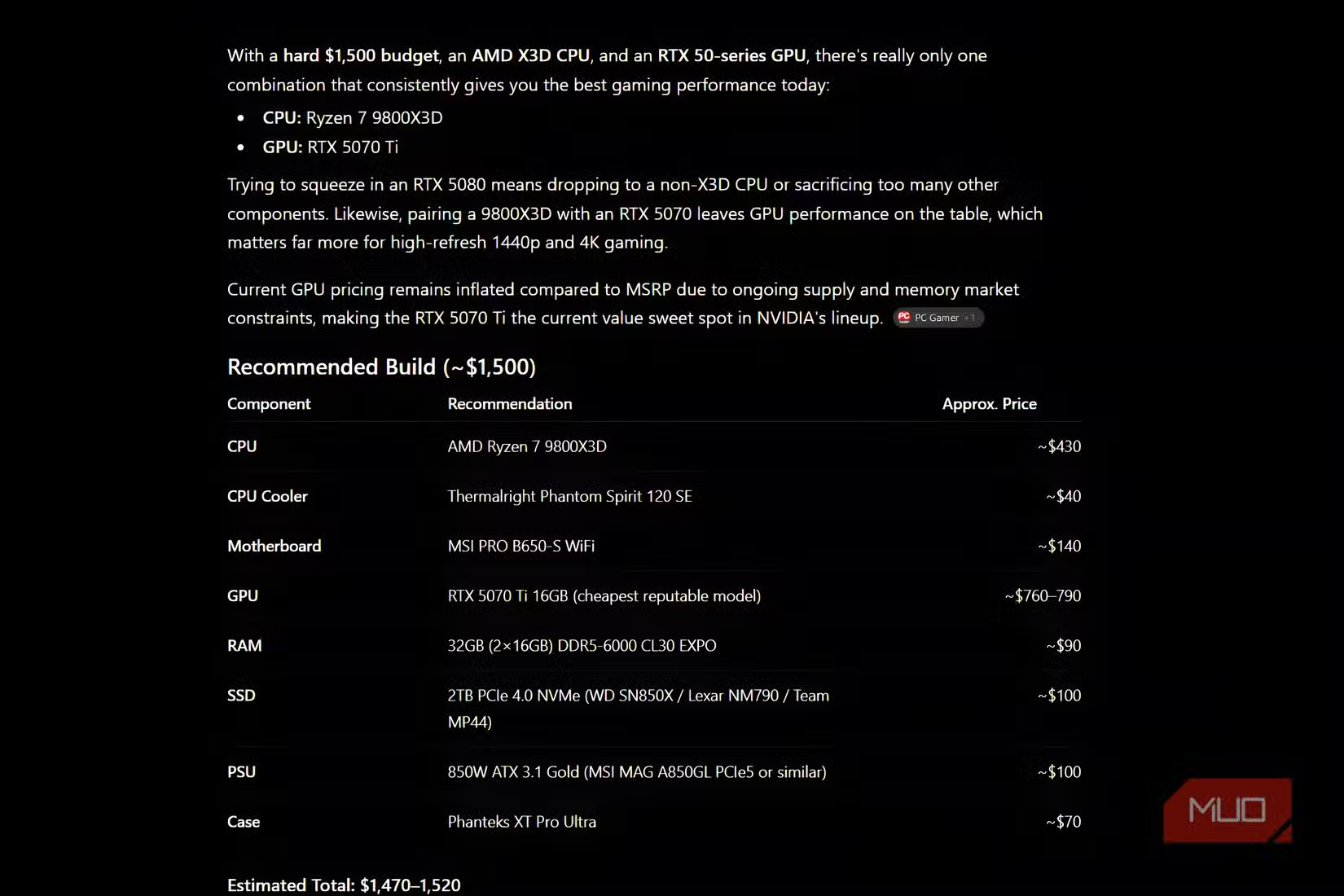
Claude, by contrast, produced the most realistic $1,500 gaming PC build. It still had to wrestle with the same constraint—“the biggest issue was fitting in decent RAM and an SSD…within the $1,500 range” while NAND and DRAM prices surge—but it respected current pricing enough that only light editing was needed. The human reviewer pushed its memory configuration up to 32GB and removed the SSD to rebalance the budget, and the final rig won the friend’s approval. In other words, Claude prioritized value and future‑proofing with parts you can actually buy, while ChatGPT behaved more like a high‑end wish list tool that assumes 2024‑era RAM and SSD costs.
| Spec | ChatGPT focus build | Claude focus build |
|---|---|---|
| CPU & RAM strategy | Ryzen 7 9800X3D bundle + 32GB DDR5 for USD 830 (approx. ₱46,500) | Ryzen X3D + realistic 32GB after manual tweak (SSD removed to stay in budget) |
| GPU target | RTX 5070 Ti 16GB at ~USD 800 (approx. ₱44,800) | RTX 50‑series card chosen with budget‑aware compromises |
| Storage choice | 2TB WD Black SN850X at ~USD 150 (approx. ₱8,400) | SSD scaled back or dropped to afford RAM and GPU |
| Price accuracy | Consistently underestimates RAM/SSD, total build far above nominal budget | Close to real market with only small manual changes needed |
| Human rework needed | Heavy: prices checked and many parts re‑costed via PCPartPicker | Light: mostly RAM capacity and SSD trade‑offs |
Gemini and Perplexity: acceptable picks, dangerous blind spots
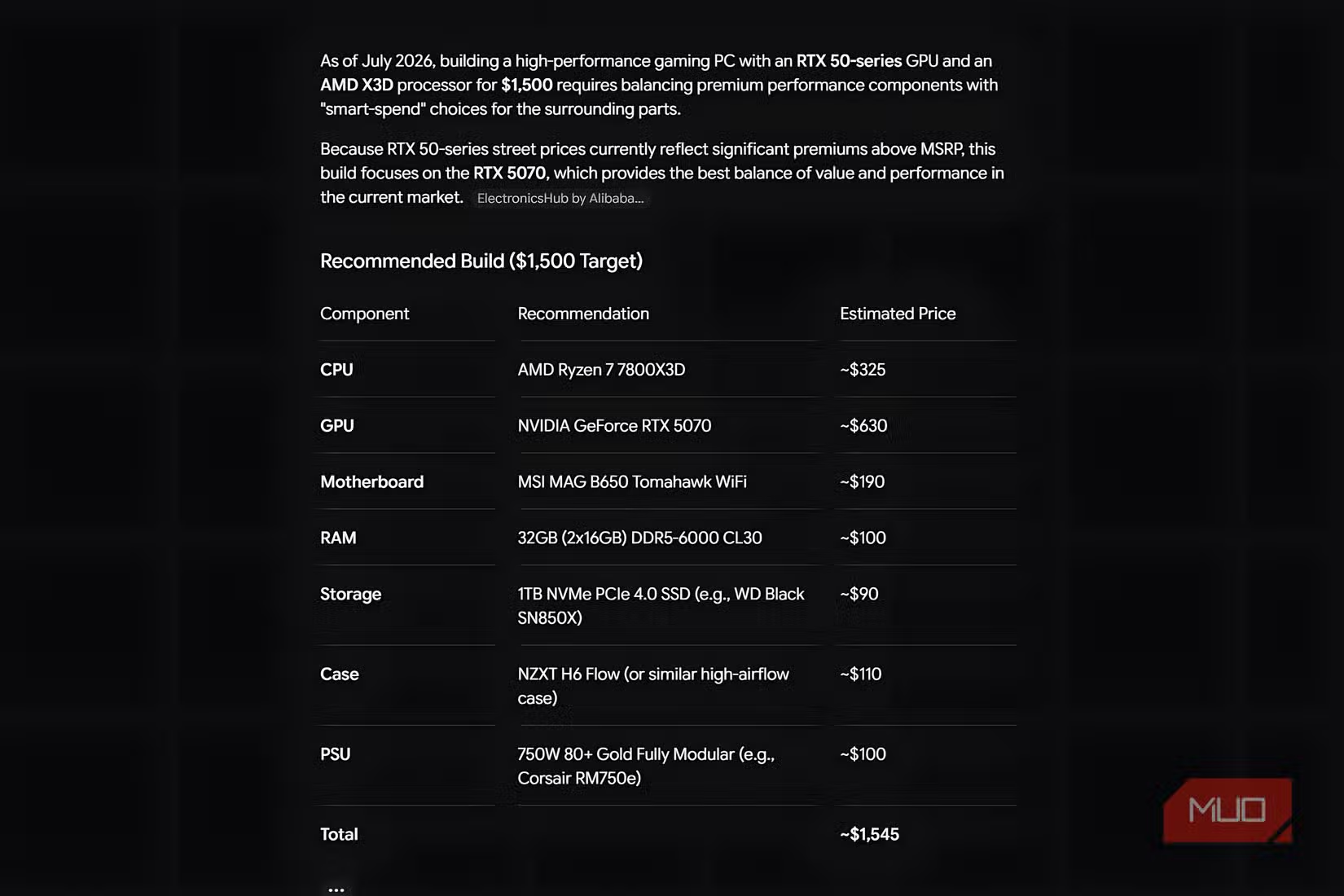
Gemini’s $1,500 gaming PC build sat between the other two. It did not match Claude’s balance of parts and price, but it avoided ChatGPT’s big pricing misses. A reviewer summed it up as “not good but not bad either” and still needed manual PCPartPicker checks to confirm whether its suggested RAM, SSD, and case choices fitted within the budget. The shared problem is that none of the AIs track fast‑moving RAM and SSD pricing accurately—NAND and DRAM costs are expected to stay high, and test data showed that AI price memories lag reality, so their budget PC recommendations “shouldn’t be accepted at face value”.
A second test compared full gaming builds from ChatGPT, Perplexity, and Gemini aimed at a USD 2,000 (approx. ₱112,000) target, this time leaning on bundle deals. Here, ChatGPT again produced a viable list anchored around a Ryzen 7 9800X3D + X870E + 32GB DDR5 bundle for USD 829.99 (approx. ₱46,500), an RTX 5070 Ti, a WD_Black SN850X 2TB SSD, and quality case, cooler, and PSU options with an estimated total of USD 1,950–2,000 (approx. ₱109,200–₱112,000). Perplexity, however, made a serious error: it simply left out a core component from its parts table. The reviewer called that “a major mistake” and a dangerous omission, noting that “AI may not get prices exactly right, but omitting a core component from a build on this list is dangerous”. That kind of oversight turns a promising parts list into a build that will not even power on.
Why RAM and SSD prices break AI builds
The single biggest stress point in every AI PC builder comparison is memory and storage. In the $1,500 RTX 50‑series test, the reviewer found that “the biggest issue was fitting in decent RAM and an SSD…within the $1,500 range” because recent price hikes eat so much of the budget. High‑speed DDR5 kits and 2TB PCIe 4.0 SSDs that AIs still guess at USD 85–110 (approx. ₱4,800–₱6,200) on the RAM side or under USD 150 (approx. ₱8,400) for premium SSDs can cost several times more in reality. Since NAND and DRAM prices are not expected to fall soon, any AI that leans on old averages will over‑allocate the budget to CPU and GPU while quietly blowing up the total cost. The result: lists that look brilliant in theory but demand hundreds more dollars when you start filling your cart.
Manual verification is the only fix. In both test articles, the builders copied each AI’s list into PCPartPicker, hunted for the lowest current prices per part, and summed the totals before trusting anything. One of them went further, editing Claude’s build by trading out an SSD for an extra 16GB of RAM to reach a more practical 32GB configuration within the same total. On the bundle‑focused test, the author warned: “If you’re using AI for information on builds or CPU parts, be sure to keep your wits about you”. In practice, that means assuming RAM and SSD prices are wrong by default, checking current listings yourself, and being ready to sacrifice capacity or speed to keep the overall spend under control.
So…are AI-suggested builds good?
Taken together, these tests show that AI component selection is useful as a starting point but unreliable as a shopping list. All three chatbots can express sensible build logic—prioritize a strong CPU + GPU combo, look for good PSU and cooler value, and keep an upgradeable motherboard path. In the USD 2,000 (approx. ₱112,000) bundle experiment, “these are all completely viable builds and, as you’d expect, each AI tool gave a little nod to the cost before tax”. But they also share weaknesses: they misread volatile RAM and SSD prices, they can omit vital parts, and their pricing data often trails the market by months or years. Used alone, that can derail your budget or your whole build.
Real‑world testing helps clarify their personalities. ChatGPT’s gaming PC build logic skews toward maximum performance and high‑end parts, even if the final price runs away from the original budget. Claude is the best choice if you want a grounded, budget‑aware list that needs only minor tuning. Gemini tends to be serviceable but unspectacular, while Perplexity showed that even a single missing component can turn a promising list into a failed build. The smartest approach is hybrid: let AI generate an initial plan, then apply manual price checks and compatibility verification before you buy so you get AI‑level speed without AI‑level mistakes.
- Buy the ChatGPT build if you want an aggressive performance‑first parts list and are willing to re‑price every component by hand.
- Skip the ChatGPT build if you must stay tightly under a hard budget and cannot absorb hundreds more once you check RAM and SSD prices.
- Buy the Claude build if you value realistic budget PC recommendations with only light tweaks needed for RAM capacity or storage trade‑offs.
- Skip the Claude build if you dislike manually reshuffling SSD vs RAM and would rather pay extra for a larger, pre‑balanced parts list.
- Buy the Gemini build if you want a middle‑of‑the‑road AI PC builder comparison point and are comfortable validating each choice yourself.
- Skip the Gemini build if you expect top‑tier value optimization or the most future‑proof platform out of the box.
- Buy the Perplexity‑inspired build if you only use it for bundle ideas and then rebuild the full list yourself with all core parts included.
- Skip the Perplexity‑inspired build if you plan to copy parts tables verbatim, because omitting a core component can leave you with an unusable system.