

Gaming laptops as serious work machines
A gaming laptop for work is a portable computer that pairs a high-performance CPU and GPU with a reasonably mobile chassis so it can run modern games and professional tools like video editors, 3D suites, and design apps with equal ease while still being practical to carry between home, office, and travel. Modern gaming laptops blur the line between play and productivity: they use powerful hardware to accelerate creative tasks while their displays and thermals are tuned for high frame-rate gaming. In this comparison, the Gigabyte Aorus Master 16 Gen 2 targets power users with a flagship GPU, while the MSI Cyborg 15 aims at professionals who need gaming performance on a tighter budget. If you spend as much time in Premiere and Blender as in your Steam library, one of these can replace a traditional work-focused laptop.
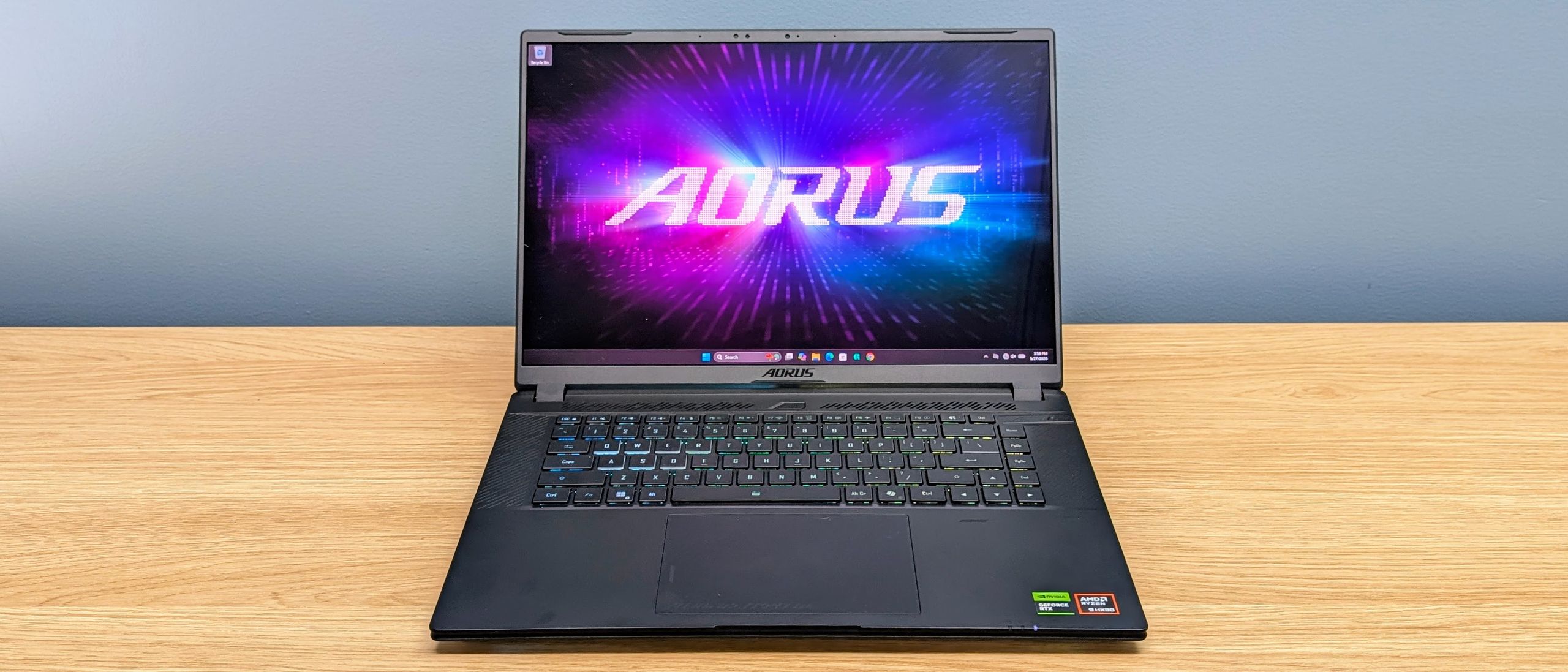
Gigabyte Aorus Master 16 Gen 2: desktop power in a slim shell
The Gigabyte Aorus Master 16 Gen 2 is built around an AMD Ryzen 9 9955HX3D CPU and a 175W Nvidia GeForce RTX 5090 laptop GPU, backed by 32GB of RAM and a 1TB SSD. It focuses on fast 2560 x 1600 gaming while fitting this flagship-class hardware into a slimmer chassis than typical desktop replacements. The 16-inch OLED display offers 2560 x 1600 resolution, a 240Hz refresh rate, 100% DCI-P3 coverage, a claimed 1,000,000:1 contrast ratio, and HDR 1000 support, which makes it well-suited to color-critical video and design work as well as high-refresh gaming. Despite the power, the Master 16 is more portable than its spec suggests, measuring 35.7 x 25.5 x 1.9 to 2.4cm and weighing 2.39kg. For creators who want a professional gaming laptop that can double as a mobile workstation, this spec sheet is overkill in a good way — provided you can live with the downsides.
Those downsides matter if you expect ultrabook-like comfort. The cooling system lets the RTX 5090 run at up to 175W for extended stretches without obvious throttling, but the trade-off is fan noise: it becomes one of the loudest laptops at full load and keeps a high-pitched note even at lower speeds. Battery life is another weak point. Even with the RTX 5090 disabled and only the integrated GPU active, web browsing lasted under 2.5 hours and video playback about 3 hours 46 minutes on power-saving settings. In other words, treat this as a desktop replacement you can move, not a couch laptop you use far from a charger. At USD 4,299 (approx. ₱246,000) for the tested RTX 5090 configuration, the Aorus Master 16 Gen 2 is for professionals who value maximum performance and a top-tier OLED panel over silence and battery endurance.
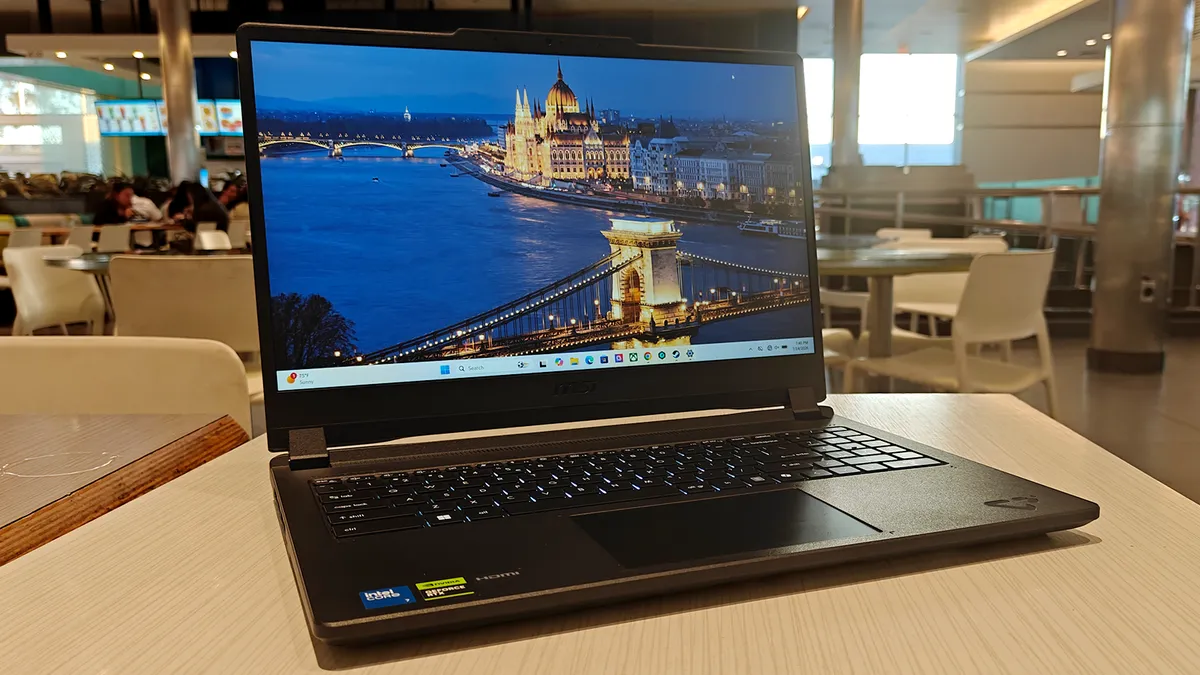
MSI Cyborg 15: midrange price, double-duty performance
The MSI Cyborg 15 targets a different buyer: someone who needs a gaming laptop for work but cannot, or will not, pay flagship prices. According to one review, “it’s a well-rounded machine that pulls double duty,” acting as both a solid gaming PC and a low-cost workstation able to handle hardware-intensive projects and seamless multitasking. The Cyborg 15 features a 15.6-inch Full HD (1920 x 1080) display with a 144Hz refresh rate, giving smooth gameplay but less resolution and color accuracy than the Aorus OLED. The configuration referenced in the source is available for USD 1,199 (approx. ₱68,700), which is a fraction of the Aorus price, and it weighs 4.37 pounds (about 1.98kg), relatively lightweight for a gaming laptop. This balance of cost, size, and performance makes it an appealing versatile gaming laptop for students, freelancers, and remote professionals.
For productivity, the Cyborg 15’s main strength is how little it compromises daily use. Its slimmer form factor than many gaming machines helps with travel, and reviewers note it can act as a workstation for multitasking, video editing, or other demanding workflows without bogging down. Battery life is also more forgiving: it averages about six hours on a single charge after optimizing for efficiency, which is notably better than the Aorus Master 16. Shared gaming compromises are there — the biggest issue with the hardware is heat, and the display’s limited color accuracy makes it a weaker choice for high-end color grading. But if your work focuses on coding, office tasks, and general creative workloads where reference-grade color is not critical, the Cyborg 15 delivers gaming laptop productivity on a sensible budget.
Specs that matter for work and play
When you compare these two options as tools for both work and gaming, a few hard specs define the experience: display quality and size, weight and battery life for mobility, and price for value. The Aorus Master 16 Gen 2 aims to replace a traditional workstation outright, pairing a high-resolution OLED panel with a flagship GPU and CPU, then compressing them into a relatively slim 16-inch frame. By contrast, the MSI Cyborg 15 takes a midrange route. It uses a 15.6-inch Full HD 144Hz display and a lighter chassis focused on balanced performance, and it offers better battery life than the average gaming laptop, with around six hours per charge when tuned for efficiency. These differences shape which machine feels like a professional gaming laptop versus a more modest yet capable gaming laptop for work.
| Spec | Gigabyte Aorus Master 16 Gen 2 | MSI Cyborg 15 |
|---|---|---|
| Display | 16-inch OLED, 2560 x 1600, 240Hz, 100% DCI-P3 | 15.6-inch IPS, 1920 x 1080, 144Hz |
| Weight | 2.39kg (5.27lb) | 4.37lb (about 1.98kg) |
| Battery life (reported) | Under 2.5 hours browsing; 3h46 video on power-saving | About 6 hours after efficiency tuning |
| Price of tested / similar config | USD 4,299 (approx. ₱246,000) | USD 1,199 (approx. ₱68,700) |
Which gaming laptop for work should you pick?
Both laptops prove that a versatile gaming laptop can be a serious productivity tool, but they target different users. The Aorus Master 16 Gen 2 is a professional gaming laptop for people whose time is money: 3D artists, video editors, and developers who need maximum GPU and CPU horsepower plus a color-accurate OLED panel. It excels on a desk, near power, where fan noise is less of a concern and its limited battery life does not hurt productivity. The MSI Cyborg 15 is better for hybrid workers and students who want one machine for everything. It offers enough power for modern games at high settings and hardware-intensive projects while staying more affordable and portable, with battery life long enough to get through meetings, classes, or a half day of travel. Shared weaknesses like high thermals and fan noise are the price you pay for gaming-class hardware, but these two models show that trade-off can now genuinely benefit your work life too.
- Buy the Gigabyte Aorus Master 16 Gen 2 if you need top-tier GPU power and an OLED display for color-sensitive creative work and are willing to stay near a power outlet.
- Skip the Gigabyte Aorus Master 16 Gen 2 if you prioritize quiet operation, long battery life, or a lower budget over maximum performance and do most work away from a charger.
- Buy the MSI Cyborg 15 if you want a gaming laptop for work that handles modern games and hardware-intensive projects while costing far less than flagship models and offering around six hours of tuned battery life.
- Skip the MSI Cyborg 15 if you rely on highly accurate color for professional grading or if you are sensitive to laptops that run warm during sustained workloads.





