
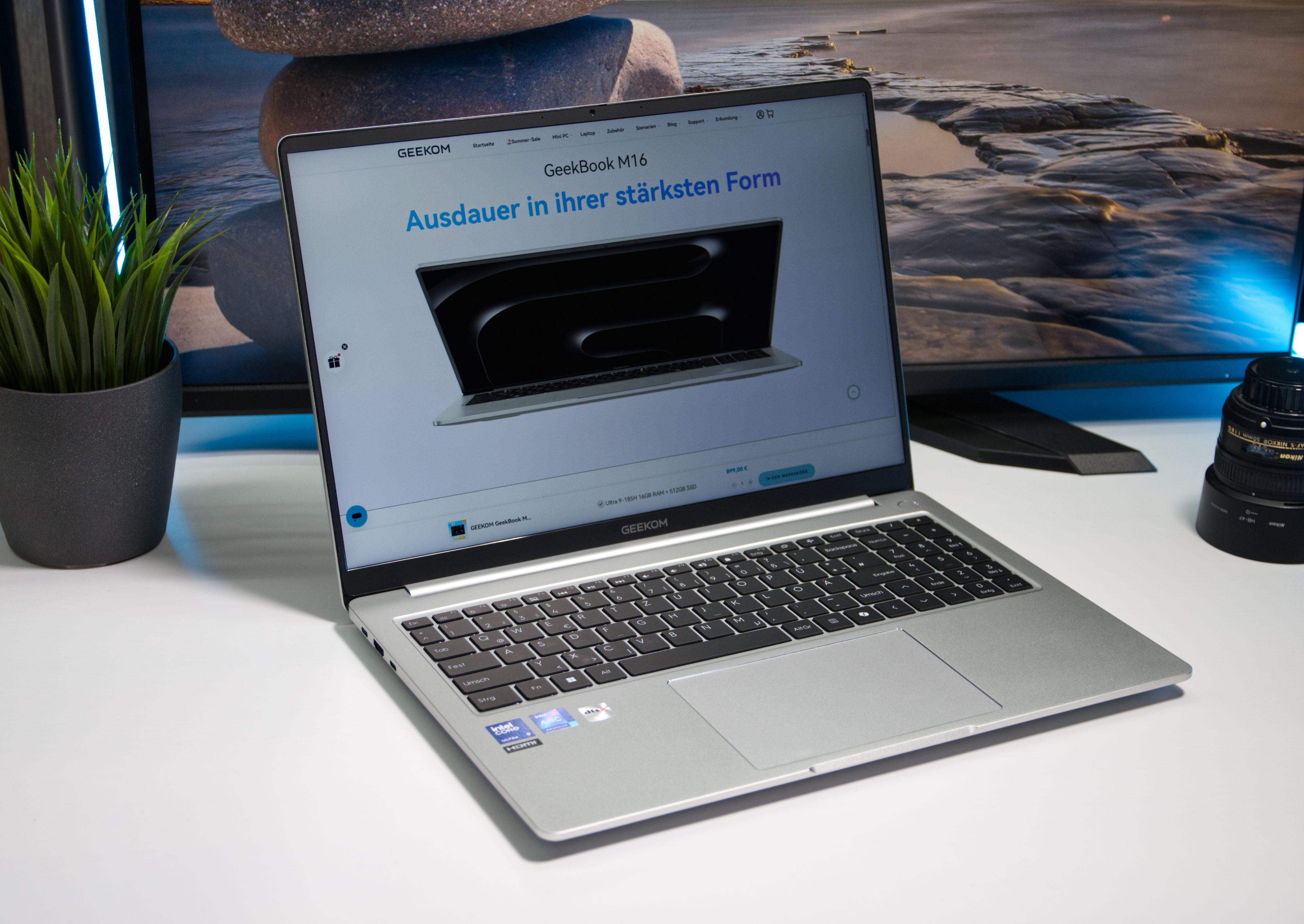

What 16-inch laptop battery life means in daily work
A 16-inch laptop battery life comparison looks at how long large-screen notebooks can stay productive away from a charger, factoring in modern Intel Core Ultra performance, high-resolution or OLED laptop displays, and real-world multitasking workloads rather than lab-only numbers. In this matchup, the Geekom GeekBook M16 aims for maximum laptop endurance testing results and quiet efficiency, while ASUS’s ZenBook S14 leans on a brighter OLED panel and premium laptop comparison credentials despite a more modest integrated GPU. Put simply: the Geekom targets long office sessions and mixed workloads, and the ASUS machine focuses on visual quality and creative comfort. If you care more about unplugged time than punchy colors, Geekom is the natural fit; if you live in color-critical apps, ASUS is the more tempting option.
Battery endurance and Intel Core Ultra performance
Both laptops lean on Intel Core Ultra processors to balance speed and power draw, but their priorities differ. The GeekBook M16 is tuned for office-class work, where steady performance and long runtime matter more than peak graphics power. Its storage subsystem delivers strong sequential and queued transfer rates, which helps keep multitasking snappy when you juggle browser tabs, documents, and light media work. The ZenBook S14, on the other hand, pairs a Panther Lake Core Ultra CPU with a relatively slow integrated GPU, which Notebookcheck criticizes in the context of demanding creative workloads. That makes ASUS’s machine better suited to color-sensitive 2D work than heavy 3D or GPU-accelerated tasks. According to Notebookcheck, the ZenBook S14’s SSD can hit around 3956 MB/s in sequential read tests, confirming that drive speed is not the bottleneck for most productivity tasks.
| Spec | A | B |
|---|---|---|
| SSD sequential read (DiskSpd) | Geekom GeekBook M16: 5171 MB/s | Asus ZenBook S14: 3956 MB/s |
| SSD sequential write (DiskSpd) | Geekom GeekBook M16: 3847 MB/s | Asus ZenBook S14: 2428 MB/s (example comparable test) |
| Queue 8, read performance trend | GeekBook M16 keeps up with office-class averages | ZenBook S14 matches other premium subnotebooks |
| Target workload focus | Office, general productivity, light content work | Creative productivity, color-sensitive tasks, light GPU use |
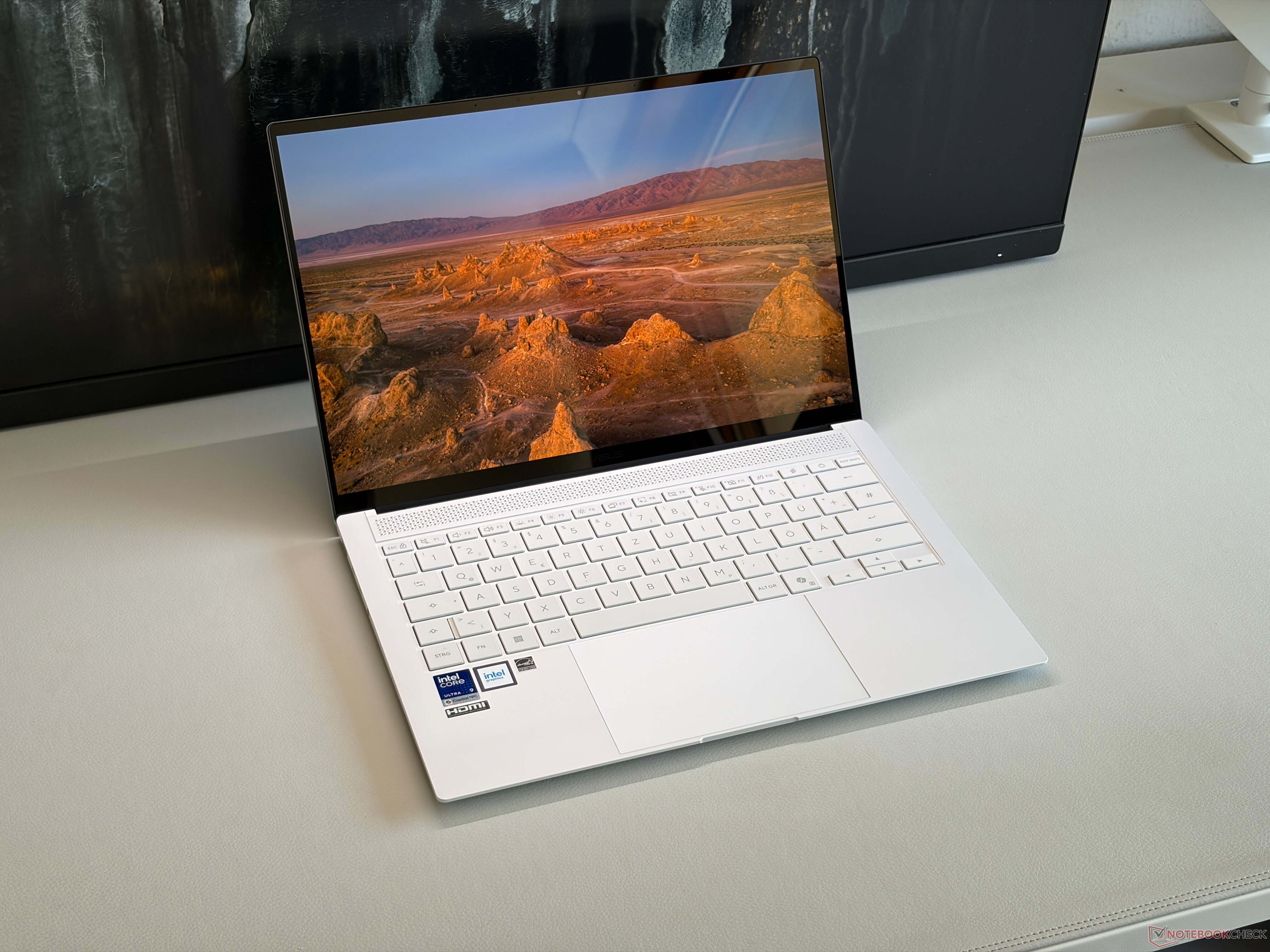
OLED display comfort versus all-day endurance
Display choice is where these machines diverge. ASUS pushes a brighter OLED laptop display on the ZenBook S14, aimed at creative pros who spend hours inside photo editors, design tools, or streaming apps. Rich contrast and fast response make on-screen work comfortable and visually impressive, though OLED and high refresh rates can trim battery reserves in long unplugged sessions. The GeekBook M16 instead leans on energy-efficient components and more conventional screen tech to stretch 16-inch laptop battery life as far as possible. That approach favors users who prize stamina over saturated colors: writers, coders, and office-bound professionals who need a machine that handles a day of meetings and documents without reaching for the charger. In this premium laptop comparison, your eyes versus your battery icon becomes the central trade-off.
Choosing the right 16-inch productivity partner
Viewed through real-world productivity, these laptops feel like two answers to the same problem: how to make a big-screen machine portable. Geekom’s GeekBook M16 is the pragmatic option, pairing solid Intel Core Ultra performance with storage speeds that rival and even exceed many office-class competitors, and tuning everything for laptop endurance testing success. ASUS’s ZenBook S14 counters with visual excellence via a brighter OLED, accepting a weaker iGPU because most creative workflows rely more on color accuracy than raw graphics horsepower. If your day is spreadsheet-heavy with occasional media, Geekom’s long-lasting design makes more sense. If your workflow revolves around visual polish and you can tolerate shorter unplugged stretches, the ZenBook’s display is worth the trade. Both are capable; the right choice depends on whether you value hours or pixels more.
- Buy the Geekom GeekBook M16 if you want maximum 16-inch laptop battery life and steady Intel Core Ultra performance for office work.
- Skip the Geekom GeekBook M16 if your priority is OLED visuals or you rely on stronger integrated graphics for creative effects.
- Buy the Asus ZenBook S14 if you care more about a brighter OLED laptop display and visual comfort than squeezing out every minute of battery.
- Skip the Asus ZenBook S14 if you need top-tier laptop endurance testing results or plan to run GPU-heavy creative workflows on integrated graphics.





