
Start Here: Intel Core i7-8700 Is the Best All-Round Budget Pick
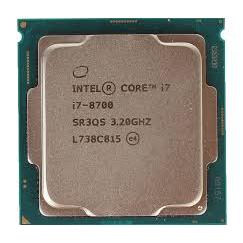
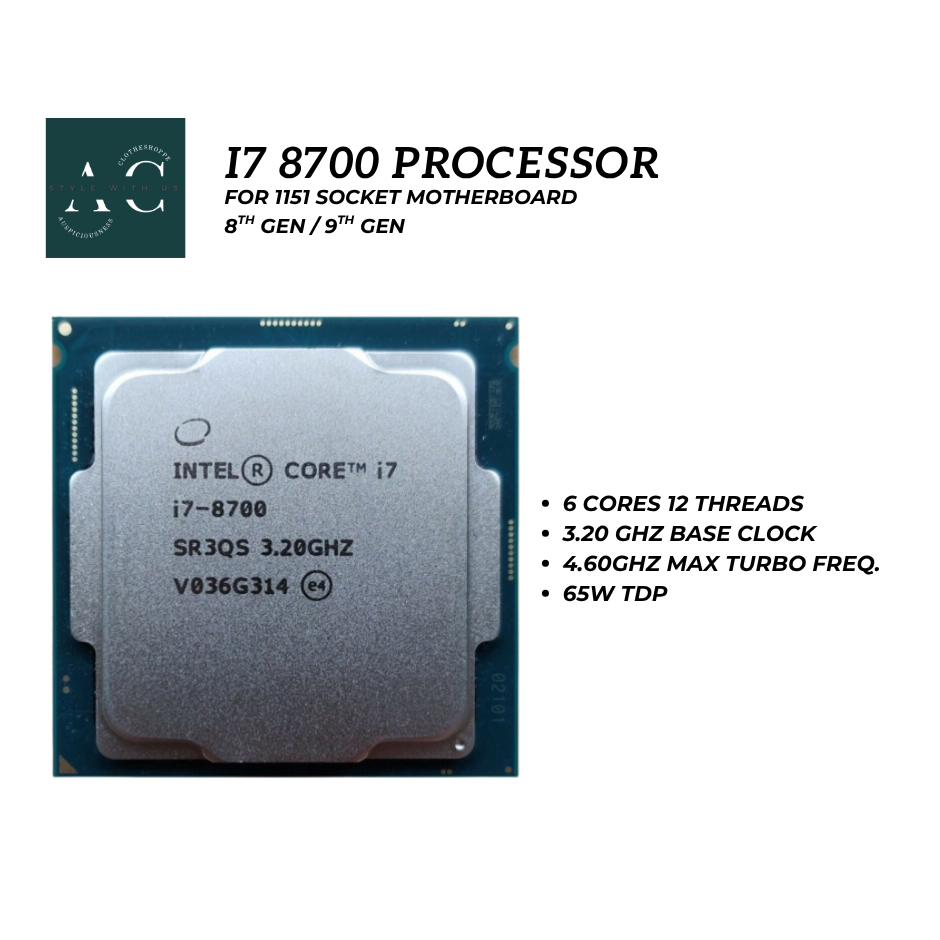
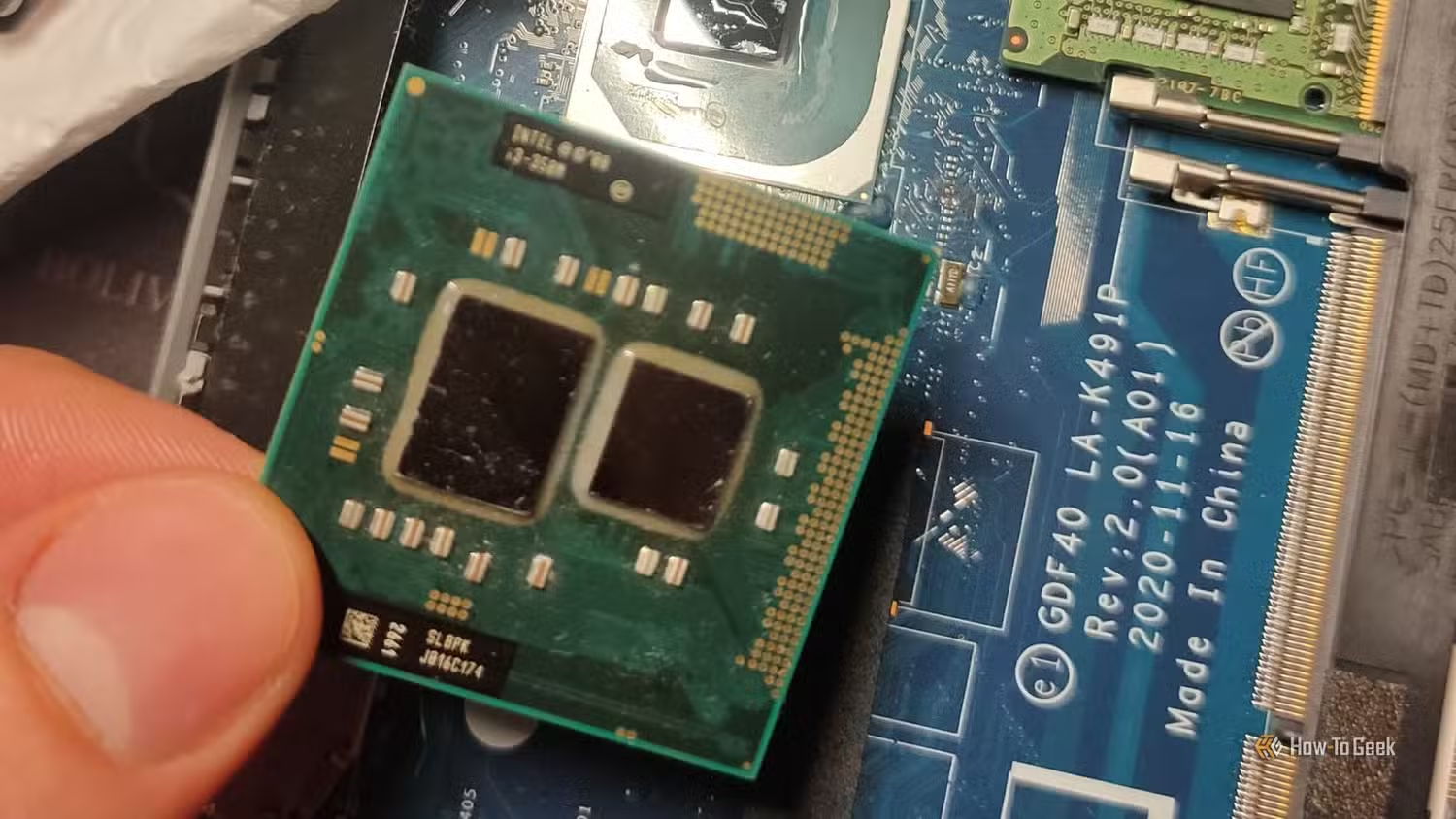
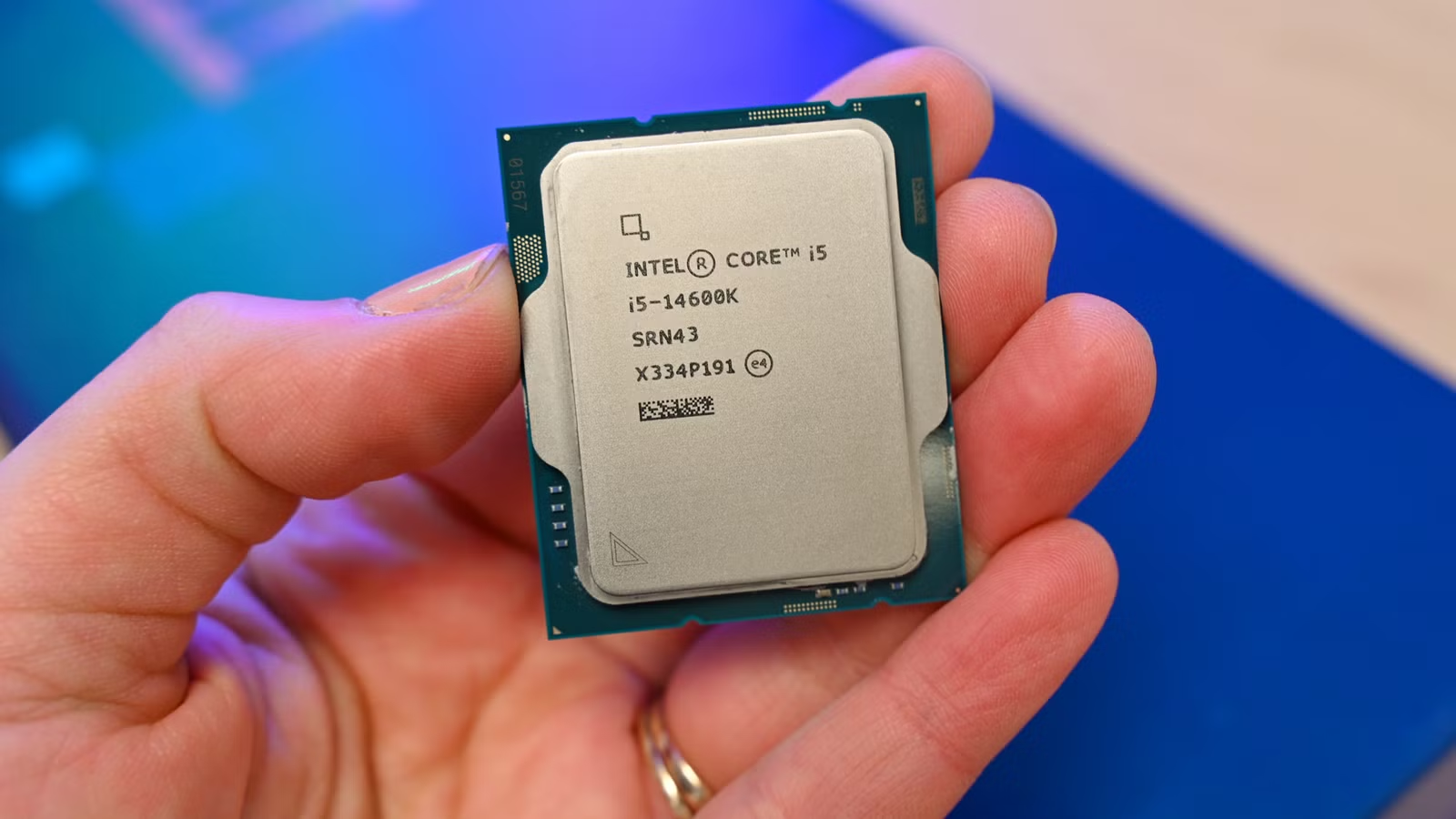
An older CPU buying guide explains which previous-generation processors still deliver strong gaming, streaming, and productivity performance, helping budget builders avoid overpaying for new silicon while staying aware of compatibility and thermal limits. For most people, the Intel Core i7-8700 is the clear top pick. Its 6 cores and 12 threads hit the present-day sweet spot for gaming and everyday work, and its single-core speed keeps frame rates high in modern titles. Testing of the closely related i7-8700K shows averages like 88 FPS in Starfield and 393 FPS in Rainbow Six Siege with a high-end GPU, highlighting excellent budget CPU performance for older processors gaming. On the used market, this class of CPU is often available around USD 50 (approx. ₱2,800), giving it a strong CPU value comparison against many current midrange chips. Add official Windows 11 support plus DDR4 and PCIe 3.0, and it becomes the most sensible choice for a low-cost modern build.
Ryzen 7 2700X: Heavy Multitasker for Budget Creators and Streamers
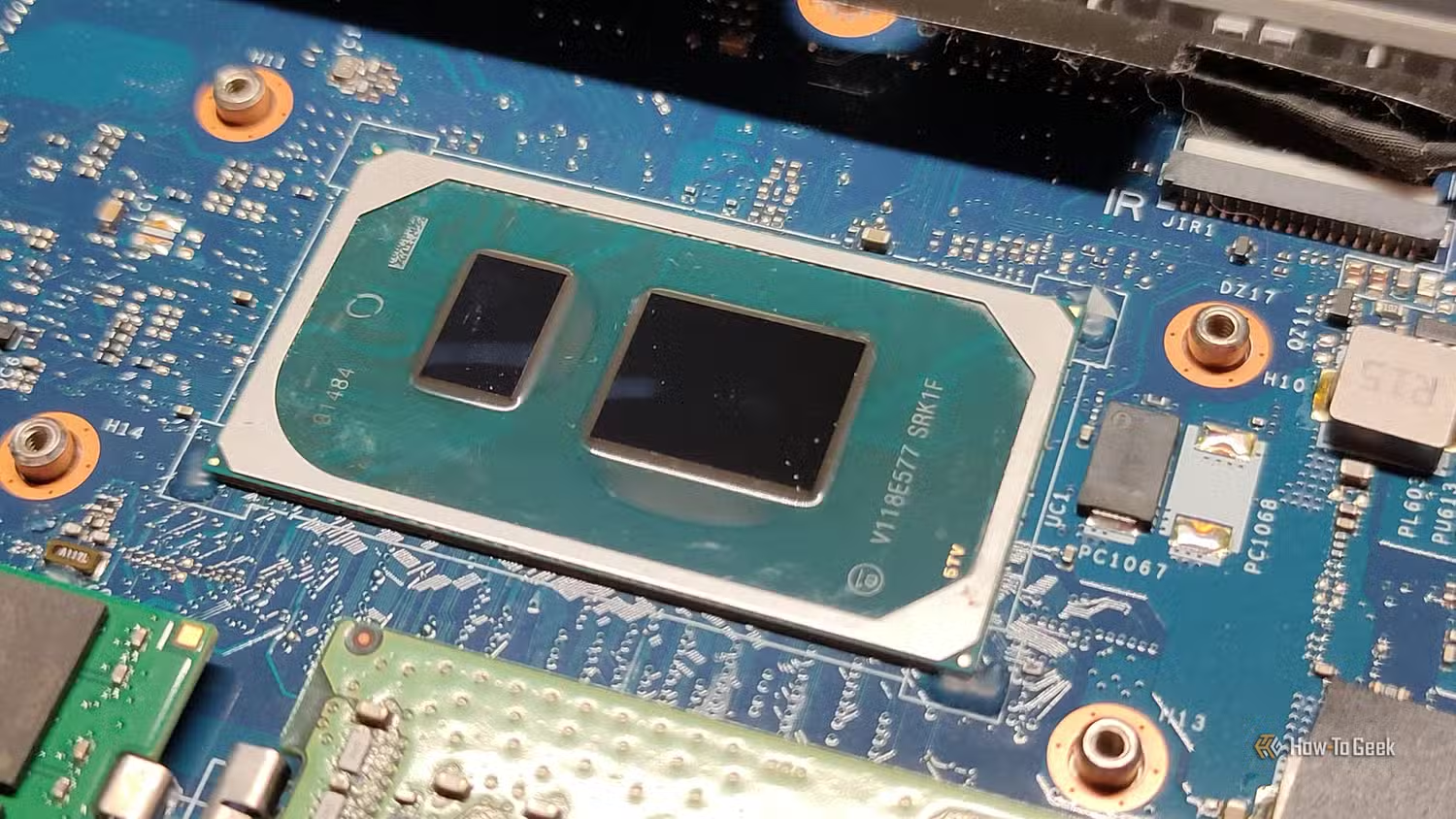
If you care more about streaming, video work, or heavy multitasking than raw gaming FPS, go straight to AMD Ryzen 7 2700X. It offers 8 cores and 16 threads, which made it one of the best all-rounder chips for demanding workloads and gaming when it launched with a USD 329 (approx. ₱18,400) MSRP. Those cores still matter: editing, encoding, virtual machines, and browser-heavy work feel much smoother than on 4‑core options. According to independent CPU benchmark charts, it can sustain solid 1080p performance while handling background tasks, making it ideal for creators who stream or record while playing. The main drawback is thermal and power behavior: its 105W TDP means more heat and higher power bills than newer efficiency-focused chips. Builders must plan for a capable tower cooler and good case airflow and verify AM4 motherboard BIOS support, as some newer firmware drops older CPU compatibility.
Ryzen 5 1600: Ultra-Cheap Esports and Basic Workhorse
For the lowest possible spend that still gives a usable gaming PC, the AMD Ryzen 5 1600 is hard to beat. This six-core chip is now about nine years old and “practically worthless” on the used market, with listings around USD 20–25 (approx. ₱1,100–₱1,400) when bought alone and often cheaper in combo deals. That price makes it an excellent entry point into PC gaming and a standout in CPU value comparison, especially for esports and lighter titles. Benchmarks show budget CPU performance such as 53 FPS in Starfield, 144 FPS in F1 24, and 249 FPS in Rainbow Six Siege at 1080p with a strong GPU, proving older processors gaming still make sense when your wallet is tight. The trade-offs are clear: aging architecture, lower single-core speed than newer chips, and potential BIOS hassle, since some boards require flashing older firmware to support first-generation Ryzen. It suits dirt-cheap systems for basic computing and light gaming rather than serious content creation.
Intel Core i7-6700K: High Clocks for Legacy and Linux Builds
If you value high clocks and overclocking more than core count, the Intel Core i7-6700K still has a place. With 4 cores and 8 threads, it looks modest next to newer chips, yet its excellent single-core performance keeps everyday tasks and many games feeling snappy. Overclocking headroom lets enthusiasts squeeze more life out of older systems without a full platform swap. The downside is significant: this CPU does not officially support Windows 11, making it a far better candidate for a Linux-based machine or a locked-in Windows 10 build. Upgrade paths are poor, as later generations moved sockets and features, and its architecture lacks the modern optimizations found in last generation CPUs and current designs. For buyers who already own compatible motherboards and want strong per-core speed at minimal cost, it remains a viable option, but new builders should prioritize the i7-8700 instead for forward-looking compatibility.
| Spec | Core i7-6700K | Core i7-8700 |
|---|---|---|
| Cores / Threads | 4 / 8 | 6 / 12 |
| Windows 11 Support | No official support | Official support |
| Best Use Case | Legacy or Linux-focused builds | Modern gaming and general use |
Key Buying Criteria and When Newer Silicon Makes Sense
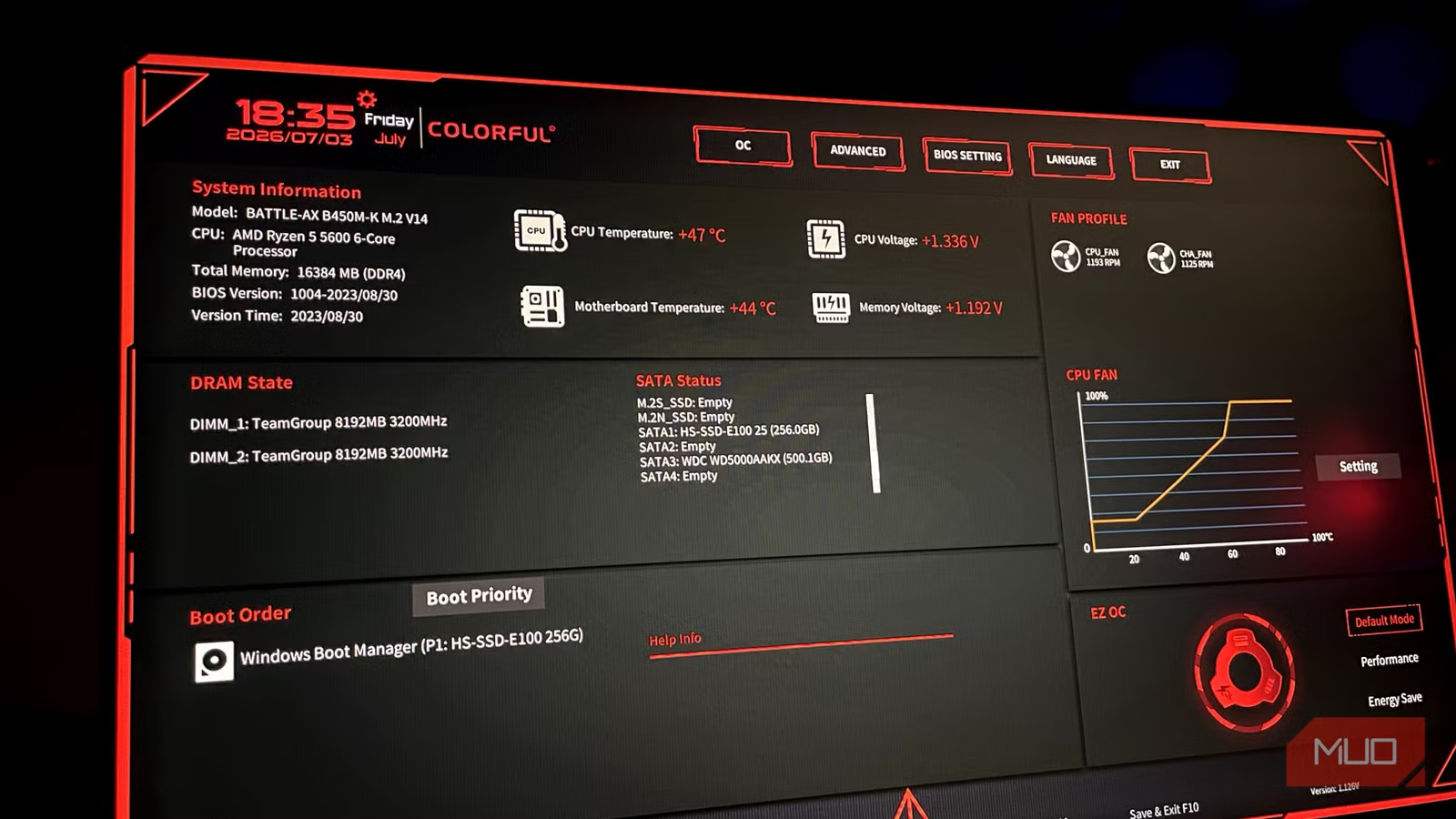
To pick the right older CPU, focus on five things: performance for your workloads, price, operating system support, motherboard compatibility, and thermal behavior. Performance-per-dollar is the main reason builders choose last generation CPUs over newer models; a USD 20–50 (approx. ₱1,100–₱2,800) chip that keeps up at 1080p is hard to ignore when new CPUs cost many times more. But raw speed is not the only factor: some aging processors lack modern instructions and features, and missing Windows 11 support can be a deal-breaker if you want that OS. Compatibility matters too, as certain boards need BIOS downgrades to run first-generation Ryzen. Finally, higher TDP parts like Ryzen 7 2700X demand better cooling and more power headroom. If you want PCIe 4.0/5.0, DDR5, or guaranteed long-term updates, a newer chip makes sense; otherwise, these four CPUs deliver excellent budget CPU performance today.
- Buy the Intel Core i7-8700 if you want the best balance of gaming speed, Windows 11 support, and price in an older CPU.
- Skip the Intel Core i7-8700 if you need PCIe 4.0/5.0 storage or DDR5 memory for heavy next-gen workflows.
- Buy the AMD Ryzen 7 2700X if you prioritize streaming, content creation, and multitasking and can handle a 105W TDP with decent cooling.
- Skip the AMD Ryzen 7 2700X if low power draw and very high single-core speed matter more than core count.
- Buy the AMD Ryzen 5 1600 if you are building a dirt-cheap system for basic computing and esports-focused light gaming.
- Skip the AMD Ryzen 5 1600 if you want guaranteed motherboard support without BIOS flashing or plan to play CPU-heavy AAA titles long term.
- Buy the Intel Core i7-6700K if you already own a compatible board and are targeting a Linux or legacy Windows build with strong per-core performance.
- Skip the Intel Core i7-6700K if Windows 11 support and a meaningful future upgrade path are important to you.