

Pixel Glow in Plain English: A Smart, Multicolored Status Light
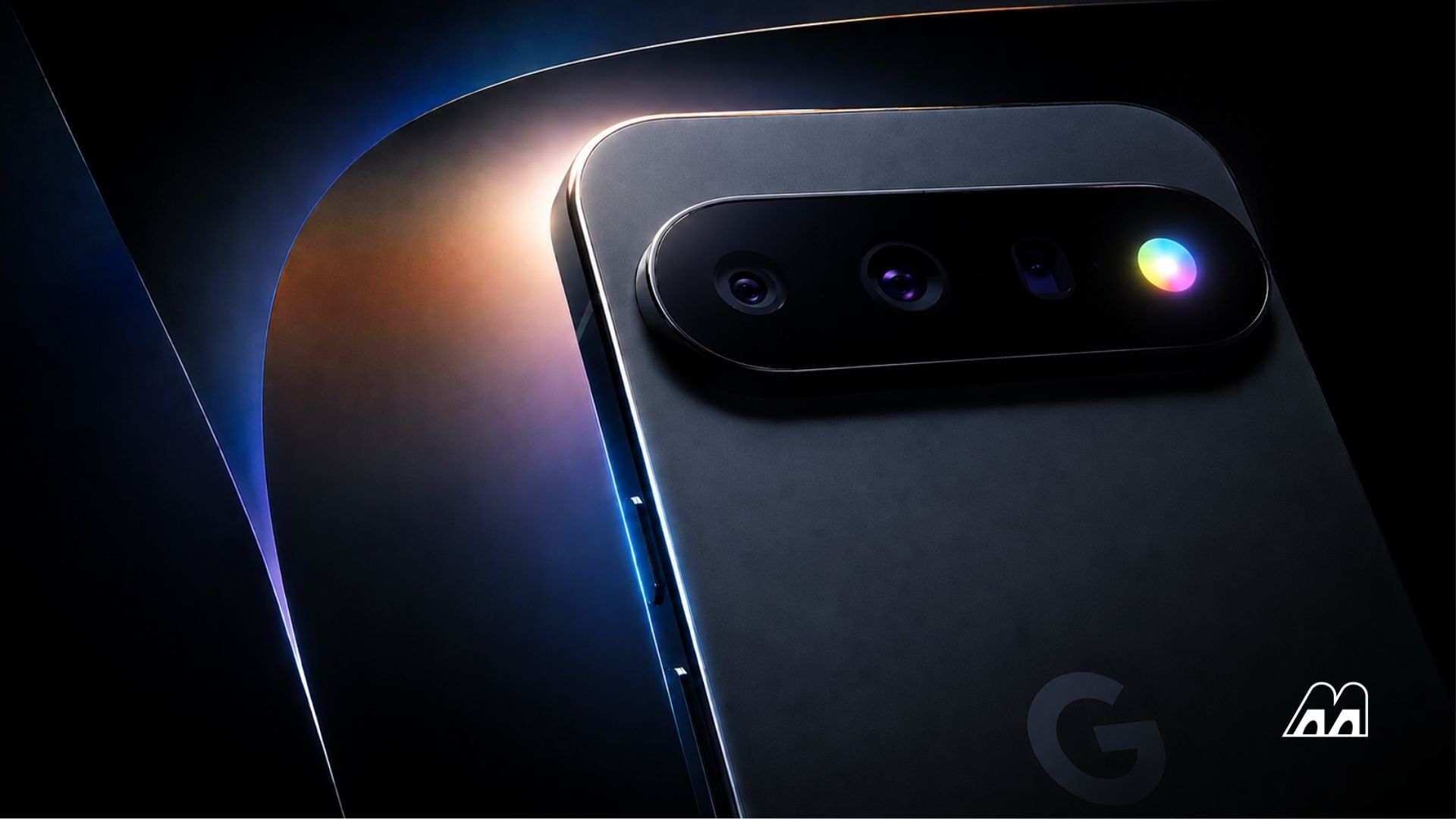
Pixel Glow is a multicolored phone notification light built into the Pixel 11 camera bar, designed to use subtle patterns and colors on the back of the device to signal missed alerts, calls, and system activity while the phone lies face down, reviving the familiar notification LED experience with more context and visual nuance.
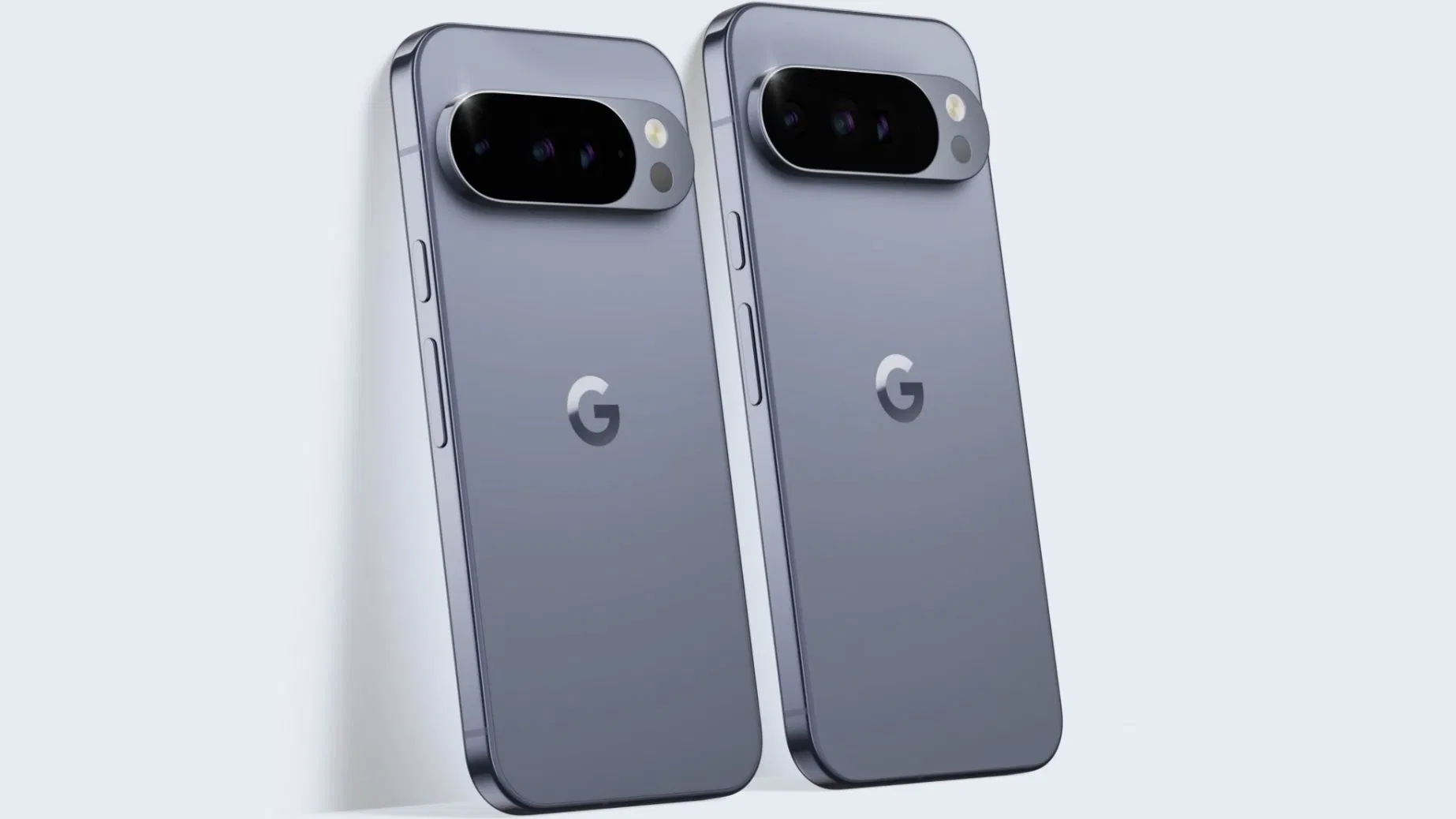
The key takeaway is simple: Google thinks we still need a notification LED on Android, but smarter. Instead of a single blinking dot on the front, Pixel Glow hides in the rear camera bar as a circular LED ring where the flash used to sit. It lights up in multicolored patterns beside the cameras, turning the Pixel 11 into a glanceable status display every time you put it face down on a table. That’s not nostalgia for its own sake; it’s a deliberate move to fix one of modern smartphones’ worst habits—forcing you to pick up the phone and unlock the screen for every minor alert.
From Boring Notification LED to Context-Aware Pixel Glow
Classic notification LEDs on Android were blunt instruments: one color, one blink pattern, no real sense of context. Pixel Glow is Google’s modern take on that older notification LED idea, closer in spirit to the expressive phone notification lights seen on recent experimental designs than to the tiny dots of the past. Instead of a single light, Google appears to use a circular array of LEDs in the Pixel 11 camera bar that can cycle through a wide spectrum of colors and patterns, as shown in the teaser’s rainbow-like animation that echoes the Gemini AI logo.
This matters because the light is no longer just "on" or "off"; it behaves like a small, context-aware display. Different colors and motion patterns can represent different types of notifications and system events, giving you a quick overview of what you missed without turning the phone over. Google is even framing Pixel Glow with the line “Stay in the moment without losing touch” — an explicit promise that the feature exists to help you stay off your screen while still staying informed.

How Pixel Glow Works When Your Pixel 11 Is Face Down
Pixel Glow’s design is rooted in a very common behavior: people put their phones face down during conversations, meetings, and meals. According to the Android 17 settings description, Pixel Glow uses subtle lighting on the back of the device to alert users to important activity while the phone is lying face down. In practice, that means the circular LED on the Pixel 11 camera bar can light and pulse in response to specific triggers—favorite contacts calling, system alerts, or interactions with Gemini voice features.
The LED ring is designed to react with distinct patterns and colors based on specific notifications and system actions, offering a glanceable overview of what you may have missed without unlocking your phone. In the teaser, the light cycles through multiple colors in a spinning pattern that resembles a familiar desktop "busy" indicator, hinting at more expressive animations during active AI or voice sessions. This is less about flashy aesthetics and more about communicating status at a distance — you can see at a glance whether the interruption is worth picking up the phone for.
Pixel Glow vs Flash Notifications and Other Phone Notification Lights
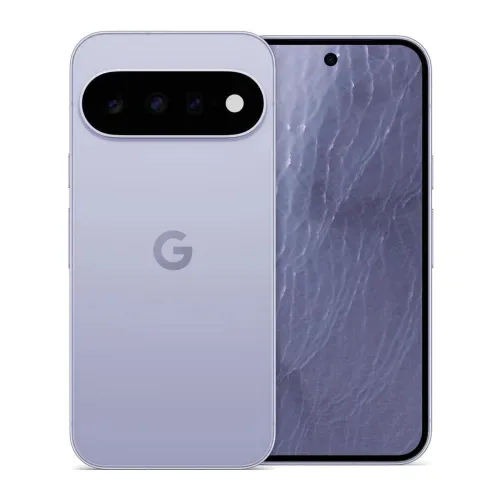
Pixel Glow will inevitably be confused with two things: the old front-facing notification LED on Android phones and the existing flash notification feature that blinks the camera flash when alerts arrive. Google is drawing a clear line between those concepts. The settings page notes that Pixel Glow does not work alongside flash notifications, and using flash notifications overrides the Pixel Glow feature. That restriction makes sense because both rely on the same physical lighting area near the cameras; you cannot have subtle ambient patterns and full-power flash strobing at the same time.
Unlike harsh flash alerts, Pixel Glow leans into softer, continuous light and nuanced color rather than blinding pulses. It also sits in the ecosystem of modern phone notification lights: instead of copying large, structural light strips, Google keeps things compact, integrating the light into the Pixel 11’s horizontal camera bar beside the three-lens array. Google’s warning for light-sensitive users shows that this is a controlled, thought-through feature, not mere decoration.
Customization, Real-World Use Cases, and Why Pixel Glow Matters
The most promising part of the Pixel Glow feature is customization. Code in Android 17 Beta 4 indicates that Pixel Glow can light up when favorite contacts call, pulse during Gemini voice interactions, and display a full spectrum of customizable colors. That strongly suggests users will be able to pick which events trigger the glow and map colors or patterns to priority contacts and apps, transforming the Pixel 11 camera bar into a personal notification language rather than a generic blinking light.
Pixel Glow might sound like a gimmick at first glance, but it addresses a real need: staying present without going offline. Most people already use physical cues—face-down phones, do-not-disturb modes—to protect their attention. A soft, color-coded glow that tells you your partner is calling, or that an important system alert has arrived, without demanding a screen unlock, fits neatly into that behavior pattern. In that sense, Pixel Glow is not nostalgia for the notification LED Android era; it is a bet that attention-aware hardware will become as important to smartphone design as faster chips and better cameras.





