

Your Pixel Is Turning Into a Memory Machine
Android’s emerging photo features turn a Pixel phone from a passive camera roll into an active system for resurfacing, playing with, and visually reshaping your memories, blending wallpaper controls with smarter Google Photos updates to change how you see and organize your past images over time. At the heart of these changes is a simple idea: your photos deserve better than being buried in a grid. Google Pixel owners have been asking for more dynamic control for years, especially around using personal photos in everyday interfaces like wallpapers. Instead of treating images as static files, Google is starting to treat them as moments to re-experience, using new photo organization tools and playful experiences built on people, places, and things in your library. This isn’t a cosmetic tweak; it’s a shift in how your phone handles memory.
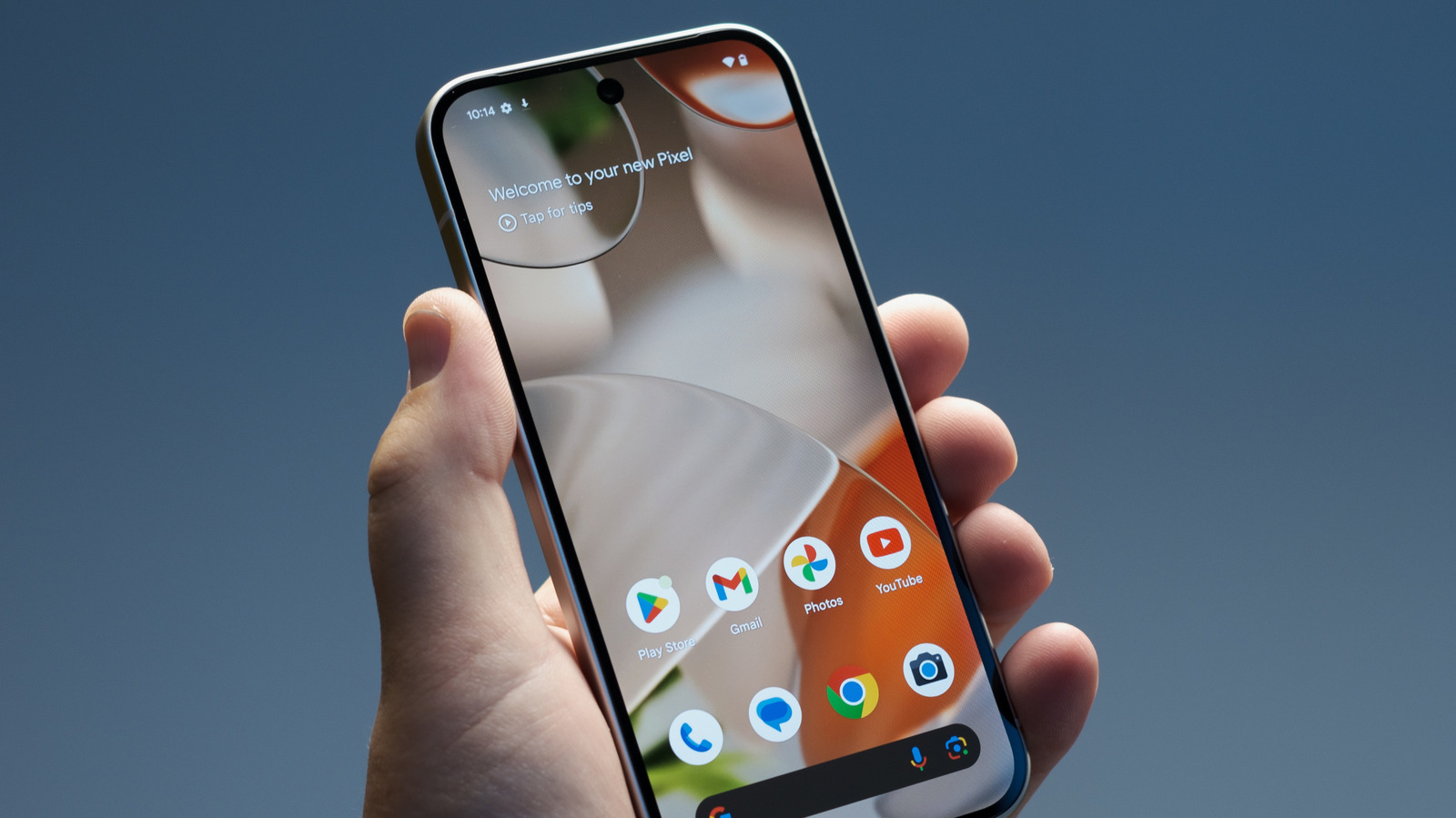
Photo Shuffle: Wallpaper as a Memory Surface
The most overdue change is the move toward a Photo Shuffle-style wallpaper experience, something Pixel fans have been requesting for at least three years. Right now, the "Daily Wallpaper" option is strangely limited, letting you select only from preset categories instead of your own pictures. You can’t use your personal photos or live wallpapers at all, which makes the feature feel disconnected from real life. The leaked Photo Shuffle interface suggests you’ll be able to pick from existing albums or build a custom album devoted to wallpaper use. Even better, you’ll choose how often it changes—hourly, daily, at sunrise or sunset, or when you tap the screen. Turning your lock screen into a rotating gallery of your own moments is the strongest kind of photo organization: it stops treating albums as archives and pulls your favorite shots into the space you look at dozens of times a day.
Memories Games: Turning Your Library Into Play
Where Photo Shuffle makes memories visible, the upcoming "memories games" feature makes them interactive. In the latest Google Photos build, a “Let’s play” card now appears in the memories carousel at the top of the app, hinting at a new way to engage with stored images. Behind it are new strings in the code describing “games and photos about people, places, and things” in your collection. According to one leak, Google is working on a “memories games” feature that creates games out of your memories in Google Photos. Notifications for themed memories are being updated to read “When new themed memories or games are available,” signaling that these experiences will arrive as ongoing prompts rather than hidden toggles. We still don’t know what the games look like, and the feature isn’t functional yet, but the direction is clear: your Pixel phone memories are going to be organized not only for search, but for replay, challenge, and nostalgia.
Smarter Photo Tools, Less Manual Sorting
The quiet revolution here is how these Google Photos updates reduce your need to manually sort and dig. Google is already working on easier ways to grab still frames from video, folding more formats into the same organized space. Now, with themed memories and potential games based on people, places, and things, the app starts to feel like a curator that understands context instead of a dumping ground. Themed memories notifications used to trigger only when new collections were ready; soon they’ll also alert you to fresh games, effectively turning “photo management” into something closer to a rotating set of prompts to revisit your past. For anyone overwhelmed by thousands of images, this is the right direction. The best photo organization tools are the ones that don’t ask you to tag every shot but still pull up your child’s first day of school or that one trip with surprising accuracy, and then give you a fun way to interact with it.
The Catch: Everything Is Still in Flux
There is a downside to getting excited now: these features are unfinished, and some may never ship as seen today. The Photo Shuffle option is still in testing, and Google can delay or drop it entirely before a wider release. The memories games feature currently leads to a 404 error when tapped, and even the people digging through the app code admit they cannot yet say what a “memories game” will include. This uncertainty is typical of experimental updates, but it matters because expectations are high—especially for Pixel owners whose requests have gone unanswered for years. Still, the pattern is promising: more visibility for your photos on the home screen, more playful prompts inside Google Photos, and smarter handling of people, places, and things without extra work on your part. The conclusion is simple: if Google follows through, your Pixel won’t just store memories; it will help you live with them, one shuffled wallpaper and one game at a time.