

Lockdown mode, redefined: from emergency switch to everyday security tool
Samsung Lockdown mode in One UI 9 is a security feature that instantly locks a Galaxy phone, disables biometric authentication, and forces PIN, password, or pattern entry, and One UI 9 beta 4 turns it from a blunt emergency switch into a configurable everyday privacy tool tied to the Quick Settings power button. With the fourth One UI 9 beta for the Galaxy S26 series, Samsung is showing that security should adapt to how people actually use their phones, not the other way around. The update, a 1,250MB Android 17 build with firmware ending in ZZG4 and the July 5, 2026 security patch, underlines that this is not a minor tweak but part of a broader One UI 9 security push. The core message is clear: Lockdown mode is powerful, but power needs control, and that control now lives in the Quick Settings shade.
From auto‑Lockdown everywhere to Quick Settings control
Earlier One UI 9 betas treated Lockdown mode like a binary: trigger the power menu and you were thrown into a fully locked state with biometrics disabled, no matter how you got there. In beta 2 and beta 3, tapping the Quick Settings power button shortcut worked identically to long‑pressing the physical side button when set to open the power menu; both paths automatically invoked Samsung Lockdown mode, instantly locking the phone and blocking biometric unlock. That behavior was secure, but it ignored a simple reality: users sometimes open the power menu for mundane tasks like restarting or turning off the device, not because they need maximum defensive posture every single time. One UI 9 beta 4 finally recognizes this nuance by separating the Quick Settings shortcut from the side button, giving the former more flexible behavior while keeping the latter as the hard lock trigger.
How the new Lockdown toggle shifts the balance between privacy and convenience
The most important change in One UI 9 beta 4 is a new quick settings control: a toggle called “Secure lock with Power button” buried under Settings > Lock screen and AOD > Secure lock settings. By default, tapping the power button icon in the Quick Settings panel now opens the power menu, and closing it returns you to your last‑used app instead of locking the phone. That means Lockdown mode no longer auto‑triggers every time you go near the power menu from the shade, reducing friction and accidental lockouts for ordinary users. Turn the toggle on, however, and you get the old behavior back: the Quick Settings power button once again locks the phone with added security and blocks biometrics until you unlock with PIN, password, or pattern. The side or power button still always invokes Lockdown when long‑pressed to open the menu, which is the right call; physical buttons remain the go‑to option when you need maximum Galaxy security features in a tense moment.
Part of a wider One UI 9 security and polish effort
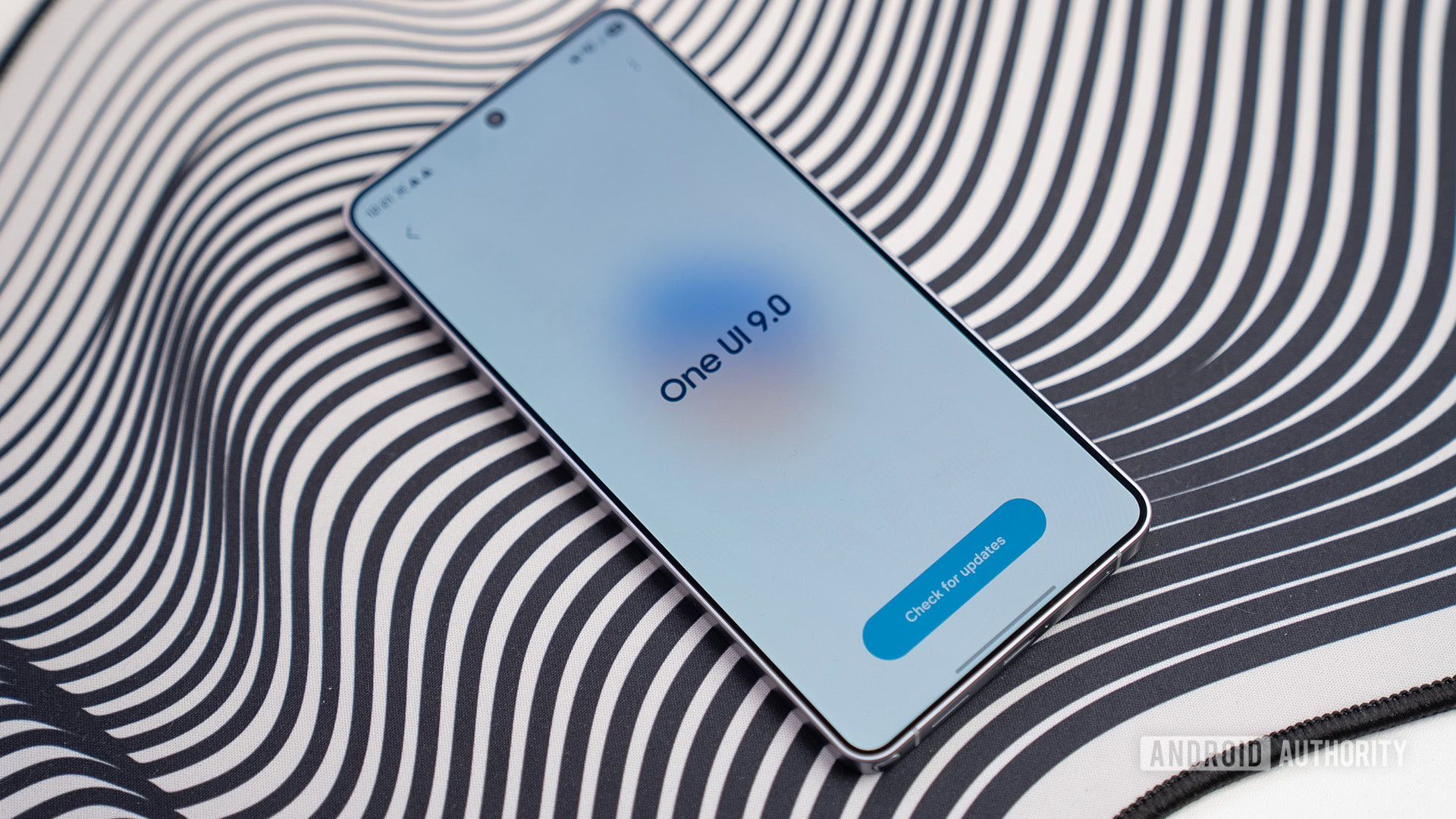
This Lockdown mode refinement does not land in a vacuum. It arrives with One UI 9 beta 4, a sizeable 1,250MB release focused on performance tuning, UI polish, and bug fixes alongside the July 5, 2026 security patch. The changelog mentions improvements to abnormal lock screen clock sizes when rotating the display, fixes for navigation bars disappearing under certain conditions during games, and stability tweaks for the Quick Panel itself. These details matter: security is not only about encryption and patches, but also about the reliability of the interfaces you depend on when you need them. If the Quick Panel stutters or the lock screen layout looks broken, users lose trust and are less likely to use advanced options like Lockdown mode. By tightening both One UI 9 security and day‑to‑day UI behavior in the same beta, Samsung is slowly building a skin where strong protections feel integrated rather than bolted on.
What this signals for the future of Galaxy security features
One UI 9 beta 4 is still pre‑release software, with the stable build promised later this year and wider rollout expected as remaining beta markets receive the update. An app teardown warns that any in‑development feature could still be dropped before final launch, but the very existence of the “Secure lock with Power button” toggle points to a reassuring philosophy. Samsung is no longer satisfied with throwing features like Lockdown mode into the OS as niche options; it wants to weave them into core controls such as the Quick Settings panel while letting users decide how aggressive those protections should be. If this approach carries through to the stable One UI 9 security experience, Galaxy owners will gain a more mature set of privacy tools that respect both urgent safety scenarios and everyday usability. The takeaway: Lockdown mode is becoming smarter not by getting more complex, but by being allowed to sometimes step out of the way.