

Phone Link Windows 11: From Utility App to Core Productivity Layer
Microsoft’s latest Phone Link Windows 11 experiments aim to turn your Android handset from a peripheral into a native part of the desktop experience, baking messaging, clipboard syncing, file sharing, and phone status controls directly into the operating system so cross-device synchronization feels like a single, continuous workflow rather than a set of disconnected tools. This is not a minor UX refresh; it is Microsoft’s clearest signal yet that the smartphone, not the PC, is the true hub of digital life—and Windows has to adapt or fall behind. The company is prototyping a full UX overhaul so your phone feels built into the OS shell, not trapped inside a standalone app. Opinionated takeaway: if Microsoft gets this right, Windows stops competing with phones and starts cooperating with them, which is exactly what users have been waiting for.
What’s Changing: Clipboard History, SMS, File Drag-and-Drop, and Start Menu Activity
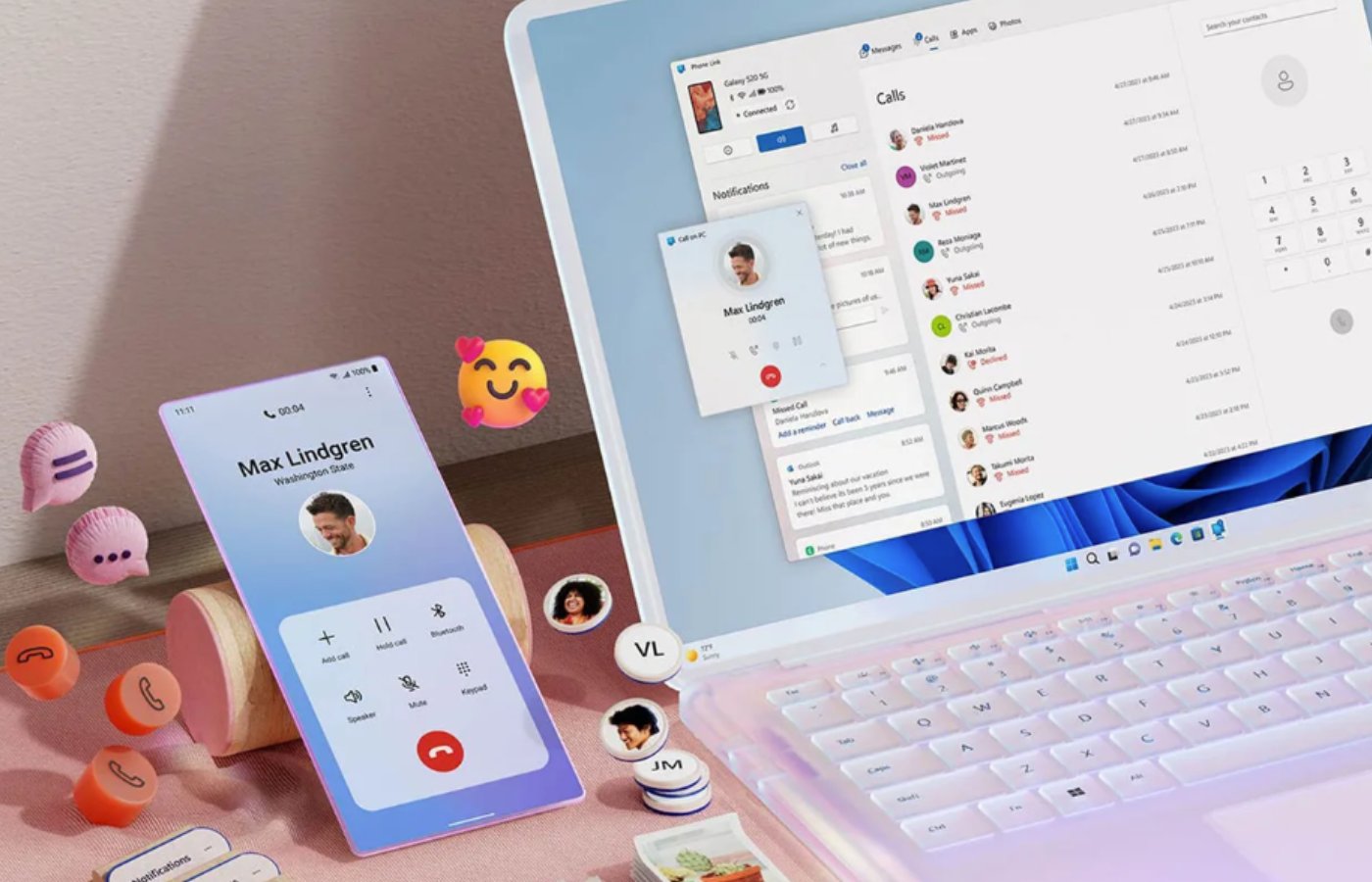
The proposed Android Windows integration focuses on everyday friction points—copying, texting, and moving files—so multitasking feels less like juggling devices and more like using one extended system. Microsoft is testing an upgraded Phone Companion panel in the Start menu that surfaces recent phone activity and lets you hover to preview full messages or photos without opening Phone Link. A new phone icon in the taskbar will open a status flyout with Do Not Disturb, vibrate, and find phone toggles, and will accept files dragged directly onto it for quick transfer. On top of that, Microsoft wants to sync your entire clipboard history between phone and PC, expanding today’s “last copied item only” limitation into a true cross-device clipboard timeline. Finally, a standalone Messages app would bring SMS into the Start menu as a first-class citizen.
Why Microsoft Is Doubling Down on Cross-Device Synchronization Now
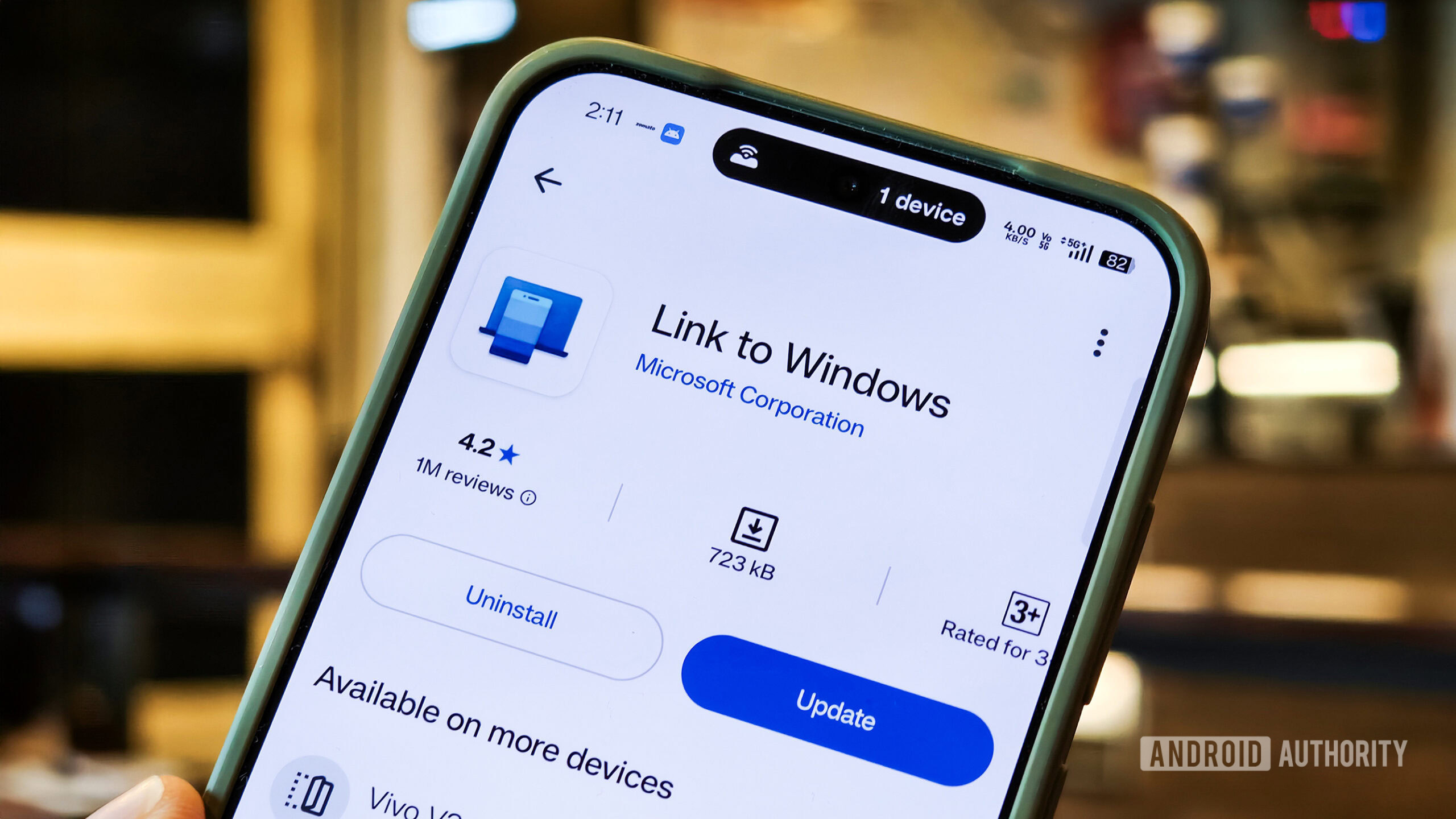
Microsoft has spent years inching toward tight Android Windows integration, starting with the Your Phone and Your Phone Companion apps introduced in 2018 to mirror phone content on the PC. Those tools, now known as Phone Link and Link to Windows, were helpful but felt bolted on instead of native. At the same time, Microsoft walked away from its own mobile platform and watched an ecosystem of PC makers struggle against a rival model where laptops and phones are inseparable. According to internal plans reported by Windows Central, Microsoft now intends to “weave your existing Android device or iPhone directly into the fabric of Windows 11,” turning the OS into a “cozy home for Android and iOS devices.” This is a Trojan Horse strategy: if Windows cannot own the phone, it can host it. Integrating Phone Link Windows 11 features into the shell is Microsoft’s answer to ecosystem lock-in.
The Real Benefits for Users—and the Risks Microsoft Must Not Ignore
For ordinary users, the upside of richer Phone Companion features is obvious: fewer context switches, less app hunting, and faster workflows. When phone notifications, SMS, clipboard history, and files live directly in the Start menu, taskbar, File Explorer, and system tray, Windows becomes the natural place to finish what you started on your phone. This is a clear win for cross-device productivity and a direct attempt to “neutralize Apple’s primary advantage” in seamless device communication. But the convenience comes with substantial trade-offs. Keeping an OS-level mirror of clipboard history and messages on your PC means that a compromised computer exposes far more of your personal data than before. Background sync can also add performance overhead and potential battery drain if the services are not tuned with care. In opinion: Microsoft must treat privacy controls, encryption, and power management as core product features, not optional checkboxes.
What Happens Next: Insider Feedback Will Decide How Far This Goes
All of these expanded Phone Link and Phone Companion features are still prototypes inside Microsoft, not guaranteed shipping code. Internal sources say the integrations are being tested and refined, and there is a real possibility that they change substantially—or never reach general users—depending on how they perform in practice. Microsoft plans to lean on its Insider community for feedback before release, which is the right move: power users will quickly surface UX problems, security gaps, and performance regressions that a lab environment cannot. My view is that the broad direction is already settled. Windows 11 is evolving into a cross-device hub where Android phones, and even iPhones, are treated as extensions of the desktop. The remaining question is how opinionated Microsoft will be about defaults. If clipboard syncing, SMS mirroring, and drag-and-drop file sharing ship as on-by-default behaviors, this will reshape everyday computing whether users ask for it or not.





