
Self-hosted cloud storage: the upgrade Google Drive can’t offer
Self-hosted cloud storage is a setup where you run your own file-sync and sharing server, like Nextcloud, on hardware you control, so you decide where data lives, how it’s secured, who accesses it, and how much storage you add, instead of relying on a company’s servers and policies. The key takeaway: if you are serious about privacy and long‑term flexibility, migrating from Google Drive to a self-hosted Nextcloud alternative is worth the initial hassle. Commercial services feel effortless because you sign in and start uploading, but you pay for that convenience with recurring fees, vendor lock‑in, and opaque data scanning policies. Nextcloud turns that relationship on its head by giving you a private cloud that looks and behaves like a familiar Google Drive replacement while keeping ownership squarely in your hands.
How Nextcloud works and why it feels familiar
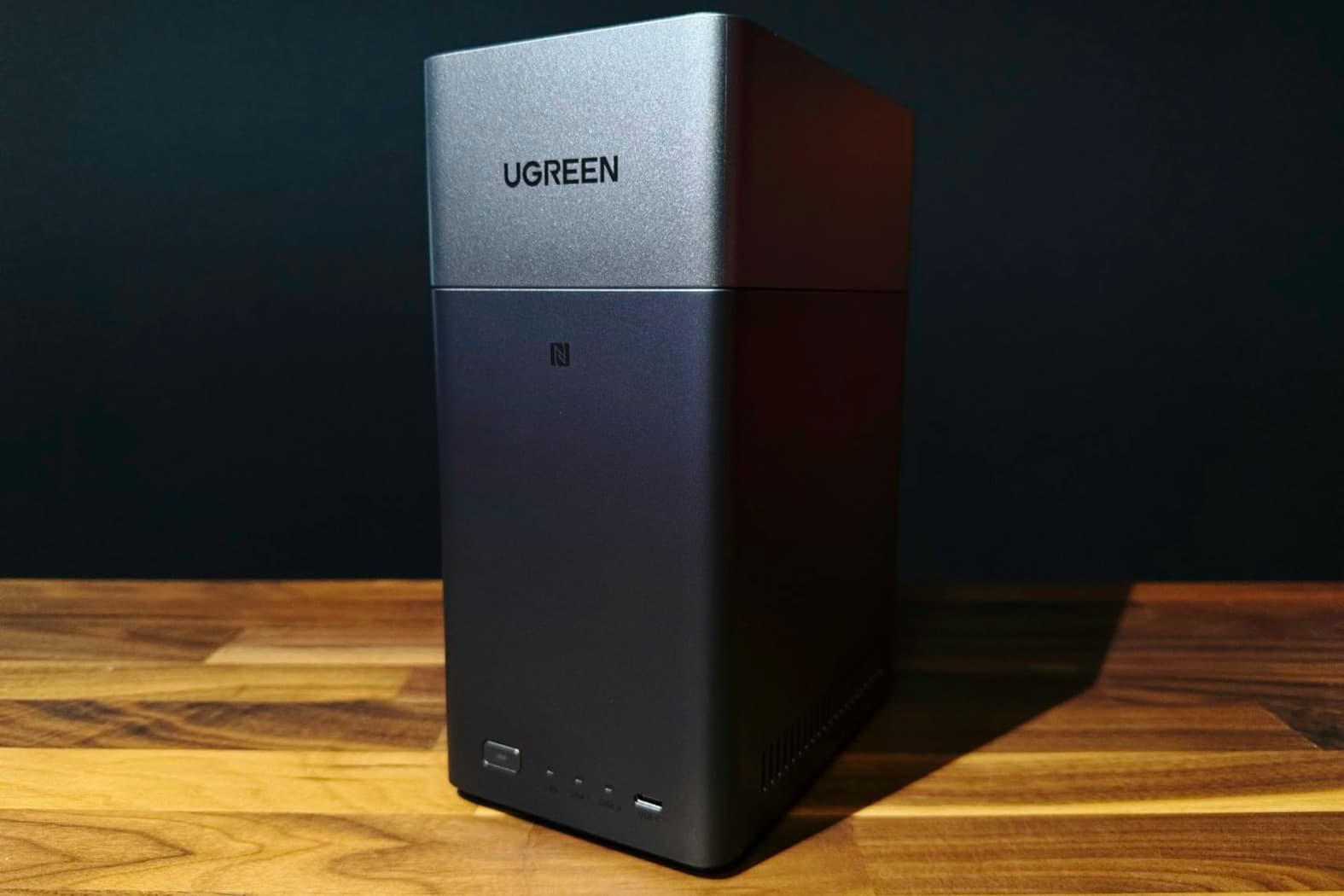
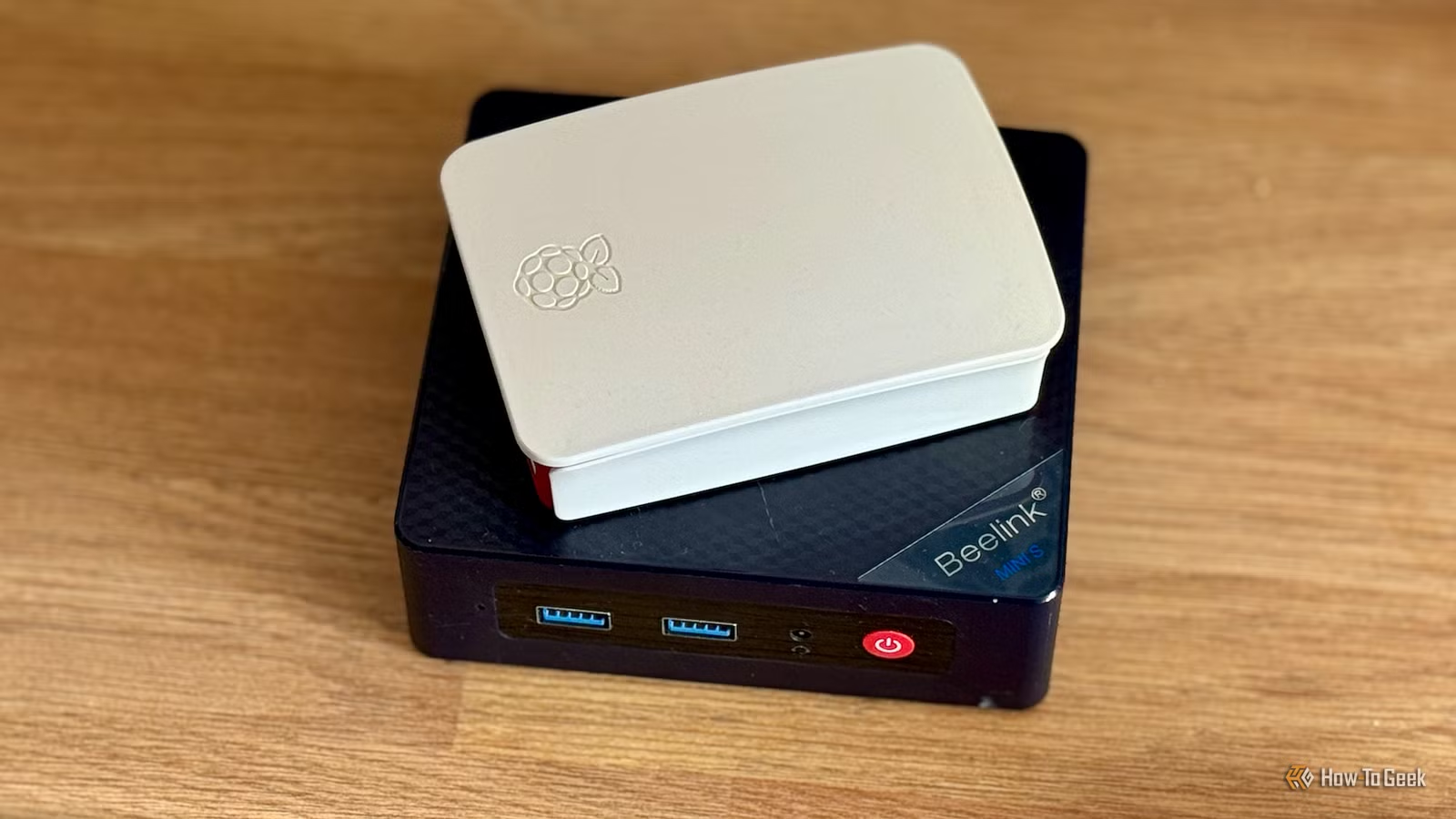
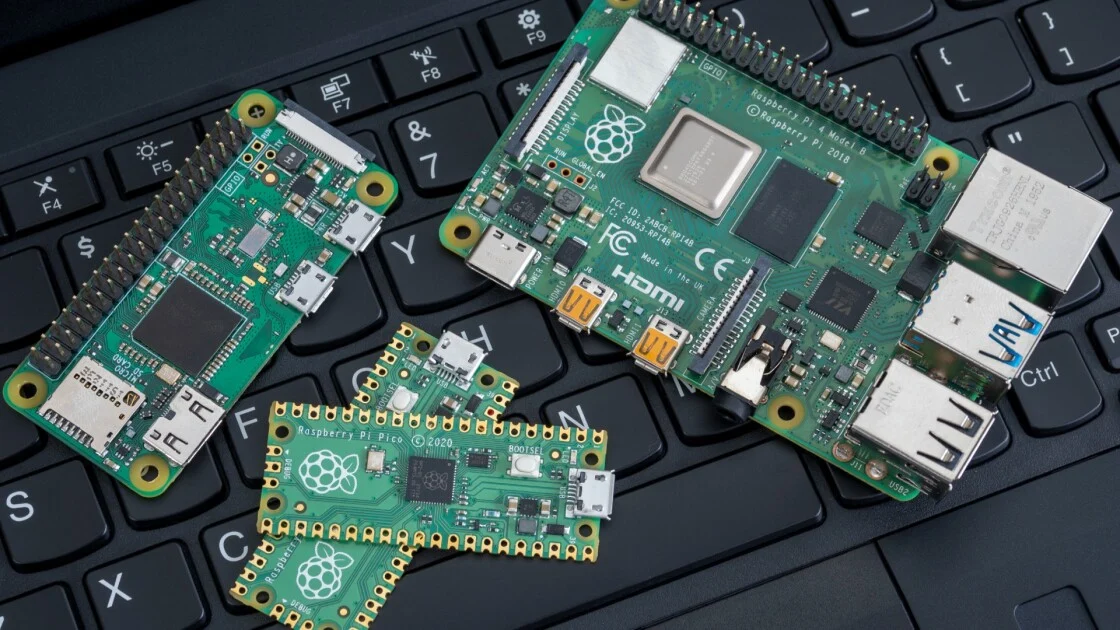
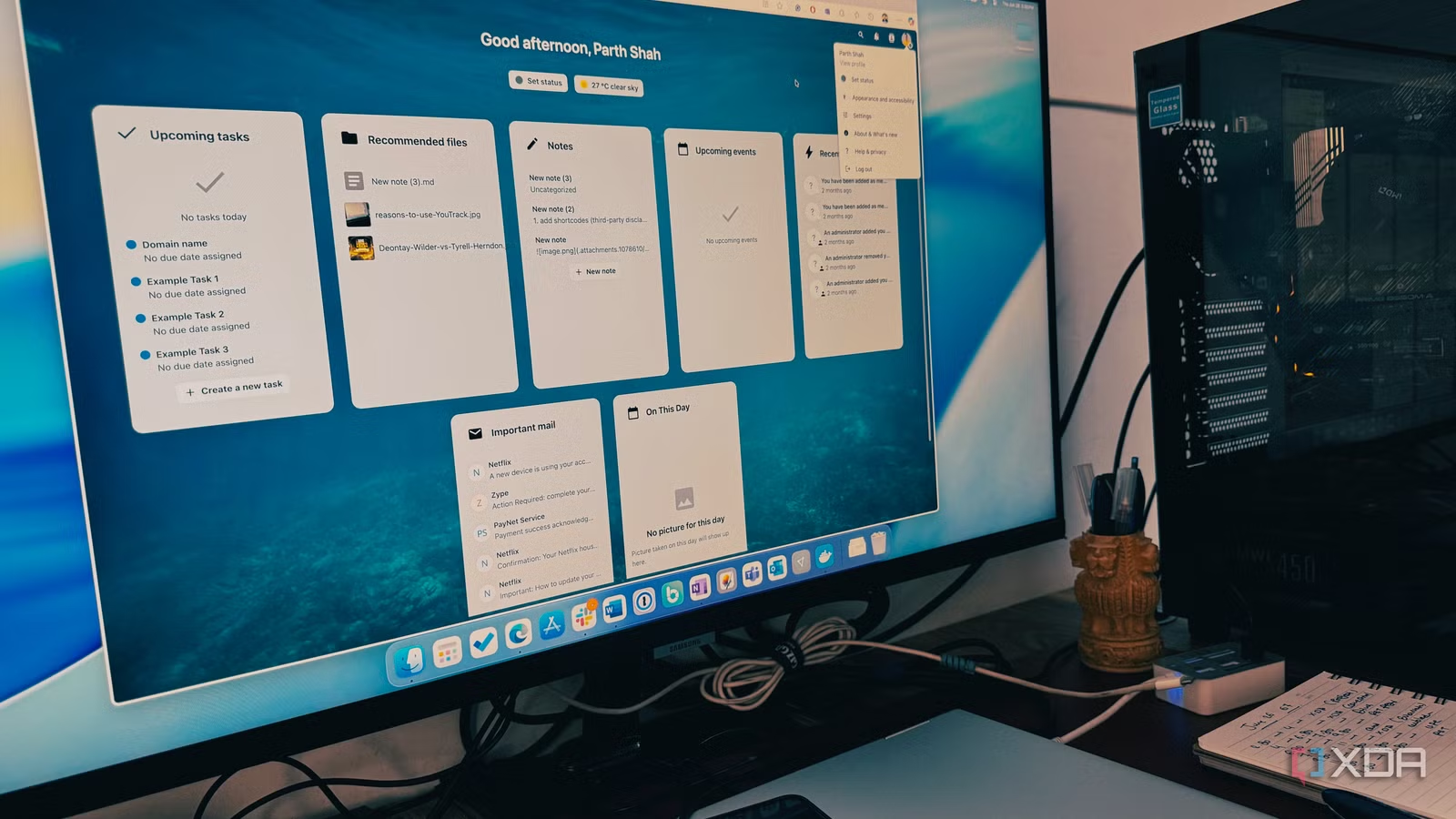
Nextcloud is free, open-source software available on iOS, Android, Windows, and Linux that you host on your own private server. That server can be an old laptop, an external hard drive attached to a small machine, a NAS box, a rented VPS, or even a managed Nextcloud provider if you do not want to deal with hardware yourself. Crucially, the interface does not feel like a nerdy server console; if you understand Google Drive or OneDrive, you will be at home. You can create folders and subfolders for everything from vet records to car maintenance, download files to other devices, set up user profiles, and share files with both users and non‑users. Passwords, expiration dates, download restrictions, and other custom permissions turn it into private file storage that behaves like a full-featured cloud drive, not a clunky backup dump.
Self-hosting vs. swapping Google for another big provider
Moving from Google Drive to OneDrive or Dropbox is a lateral move, not an upgrade. The logo and interface change, but you are still uploading your life to a company’s servers, accepting its storage limits, and trusting it to decide how your data is handled. You gain almost no control. In contrast, self-hosted cloud storage with Nextcloud lets you choose exactly where your data lives and how much storage you want, and decide which apps and features are enabled. You can expand capacity by adding more disks, create separate accounts for family members, and keep your documents, photos, backups, and personal files on storage you control. One quotable truth here: "Nextcloud is not the easiest Google Drive alternative, but it is easily one of the most rewarding." That reward is deeper than price; it is the shift from being a tenant in someone else’s cloud to owning the building.
| Spec | Commercial cloud | Self-hosted Nextcloud |
|---|---|---|
| Data location | Provider’s servers | Hardware you control |
| Fees | Ongoing subscription | One‑time hardware, no rental for local storage |
| Control | Provider decides policies | You set access, features, and limits |
Costs, hardware, and the maintenance trade-off
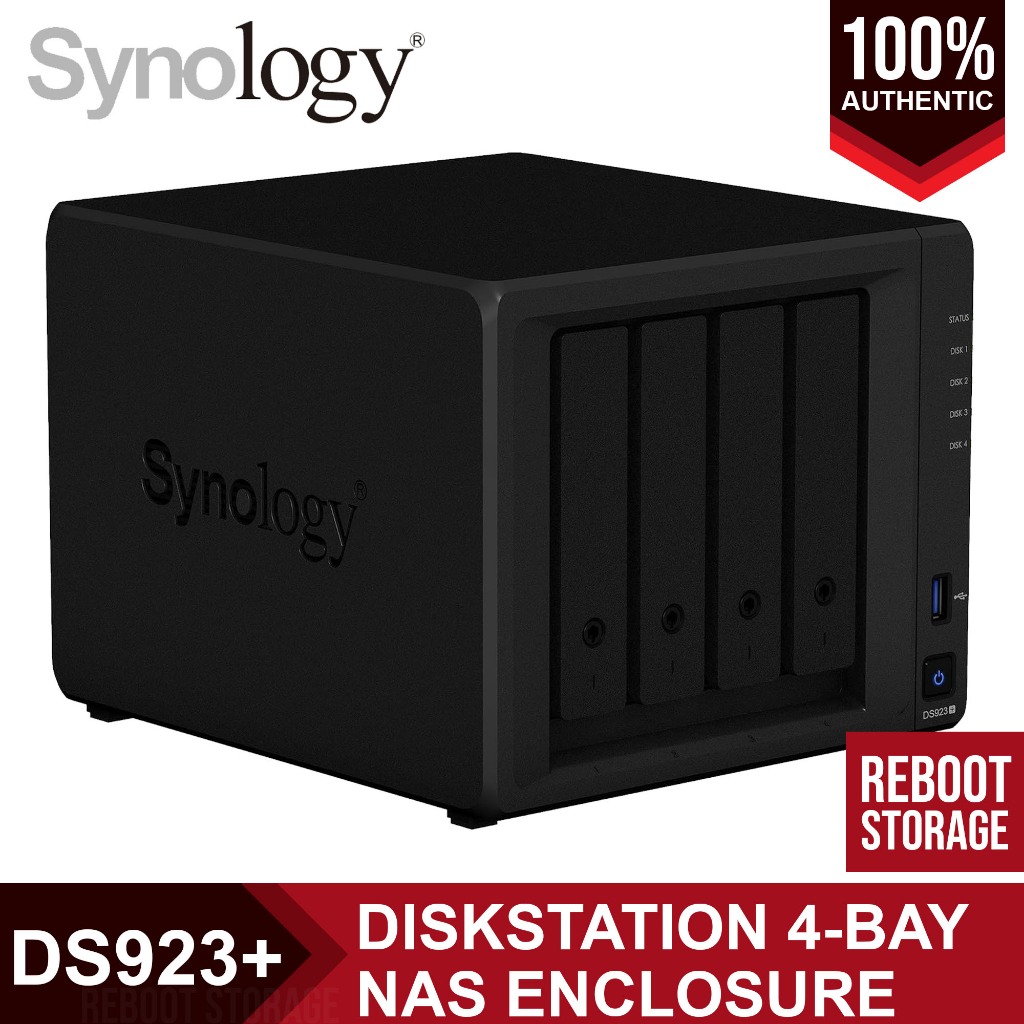
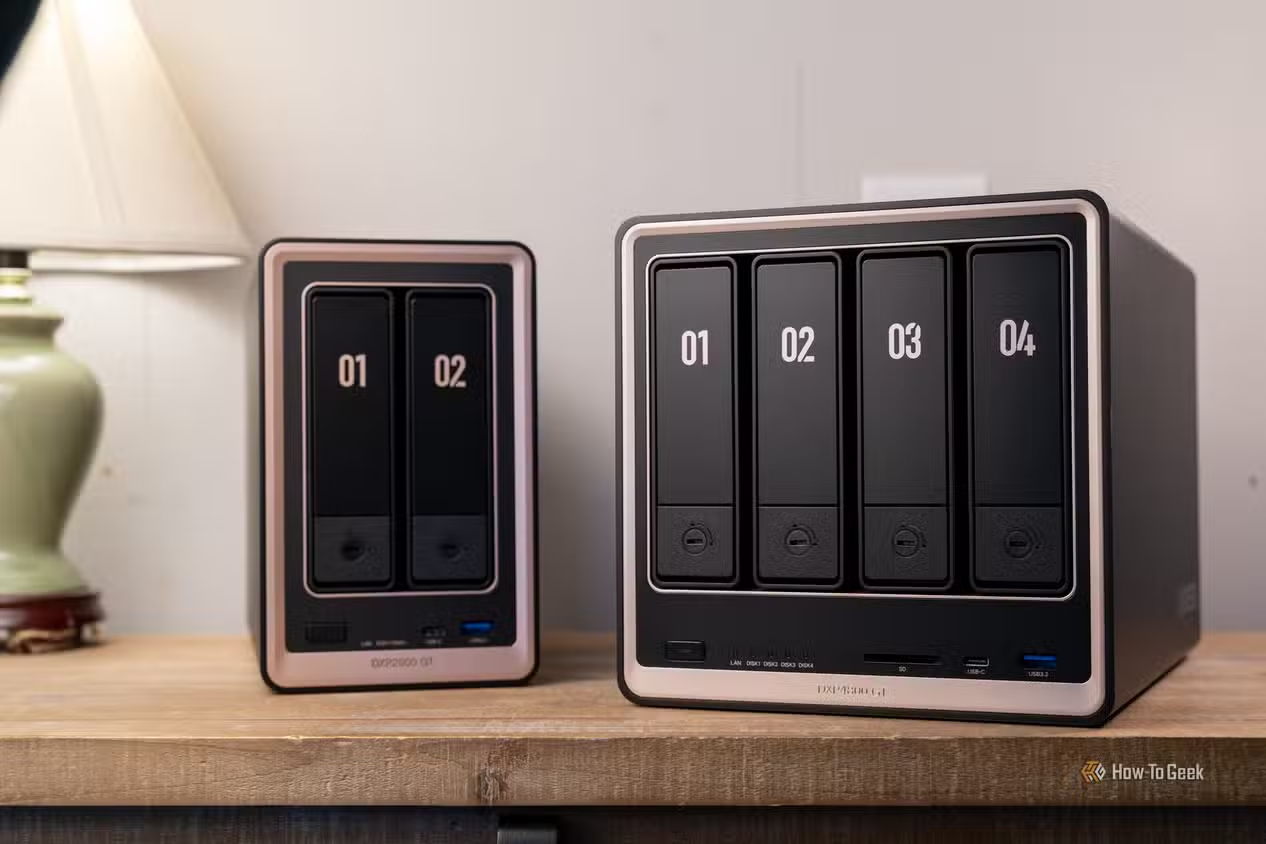
Self-hosted storage is not free in effort, and it should not be sugar‑coated. You need hardware: at minimum an old laptop or an external hard drive to host your files. Storage is limited to what you attach, but a 2TB drive for under USD 150 (approx. ₱8,400) is a reasonable one‑time investment for a lot of space, and once you buy that, you own it instead of paying a monthly rental to Google. If you want a cleaner setup, NAS devices such as a Synology DS923+ offer an accessible foundation for running Nextcloud; or you can host it on a home server, rented VPS, or managed platform. The catch is responsibility: you must think about server configuration, remote access, security, backups, and ongoing maintenance before relying on it as your everyday cloud drive. If you dislike tinkering or long‑term upkeep, that may be a deal‑breaker.
Who should switch—and a practical Nextcloud workflow
Nextcloud shines for anyone storing sensitive files or needing granular access control. The biggest advantage is being fully in control of your data and files; you do not have to worry about a tech company tracking data or scanning personal documents. You can secure shared links with passwords, set expiration dates, limit downloads, and tailor permissions to each collaborator. Beyond self-hosted cloud storage, Nextcloud can grow into a personal productivity hub, with calendar, tasks, notes, and project boards. A practical example: store an article draft in Files, add its deadline to Calendar, track progress on a Kanban board in Deck, then share the finished document through a password-protected link. With the right apps and configuration, it can replace a major part of the Google Workspace ecosystem while keeping everything under your control. If that combination of privacy, flexibility, and one‑time hardware cost appeals to you, the setup effort is worth it.