
NAS vs Homelab Server: The Big Picture
A home server is any always-on machine that stores files, backs up your devices, and runs services like media streaming or smart home tools, while a NAS is a purpose-built, compact server focused on storage and light applications that offers similar capabilities with far lower power use, noise, and maintenance compared with an old enterprise homelab server. For most people choosing between an enterprise homelab and a NAS, the trade-off is clear: a NAS will do the job for backup, media, and basic apps, while a full rack server only makes sense if you are experimenting with heavy virtualisation or advanced enterprise features. If you care about your power bill more than racking up obscure certifications, a NAS-first approach is the better default.
Power, Heat, and Total Cost of Ownership
The strongest argument in the NAS vs homelab server debate is power. An older dual‑CPU enterprise box can average 130–200W of draw and cost about USD 170 (approx. ₱9,520) per year in electricity on its own. That same box also dumps roughly 600 BTU/hr of heat into your office, which then demands more cooling and noise tolerance. By contrast, modern NAS units are built to be power efficient and much cooler, while still providing enough performance for typical home needs. One quotable takeaway is: “At the end of the day, I'm saving almost USD 200 (approx. ₱11,200) per year in electricity costs just from the server itself”. Over a few years, that ongoing saving plus lower cooling needs often outweighs the tempting low purchase price of used rack servers.
| Spec / Cost Aspect | Enterprise Homelab Server | Modern NAS (e.g., DS923+ class) |
|---|---|---|
| Typical purchase examples | Used dual‑CPU rack server at about USD 300 (approx. ₱16,800) | Midrange 4‑bay NAS often in the USD 560–700+ (approx. ₱31,360–₱39,200) bracket for similar devices |
| Electricity cost impact | Around USD 170 (approx. ₱9,520) per year in power for the server alone | Designed to be power efficient, cutting annual electricity costs significantly |
| Heat and cooling needs | About 600 BTU/hr of heat into your room, raising cooling demands | Lower heat output, keeping the room quieter and more comfortable |
| Ongoing value | Cheap upfront but expensive over time due to power and cooling | Higher upfront but better total cost of ownership for homes and small offices |
What a NAS Can Do for Home Use
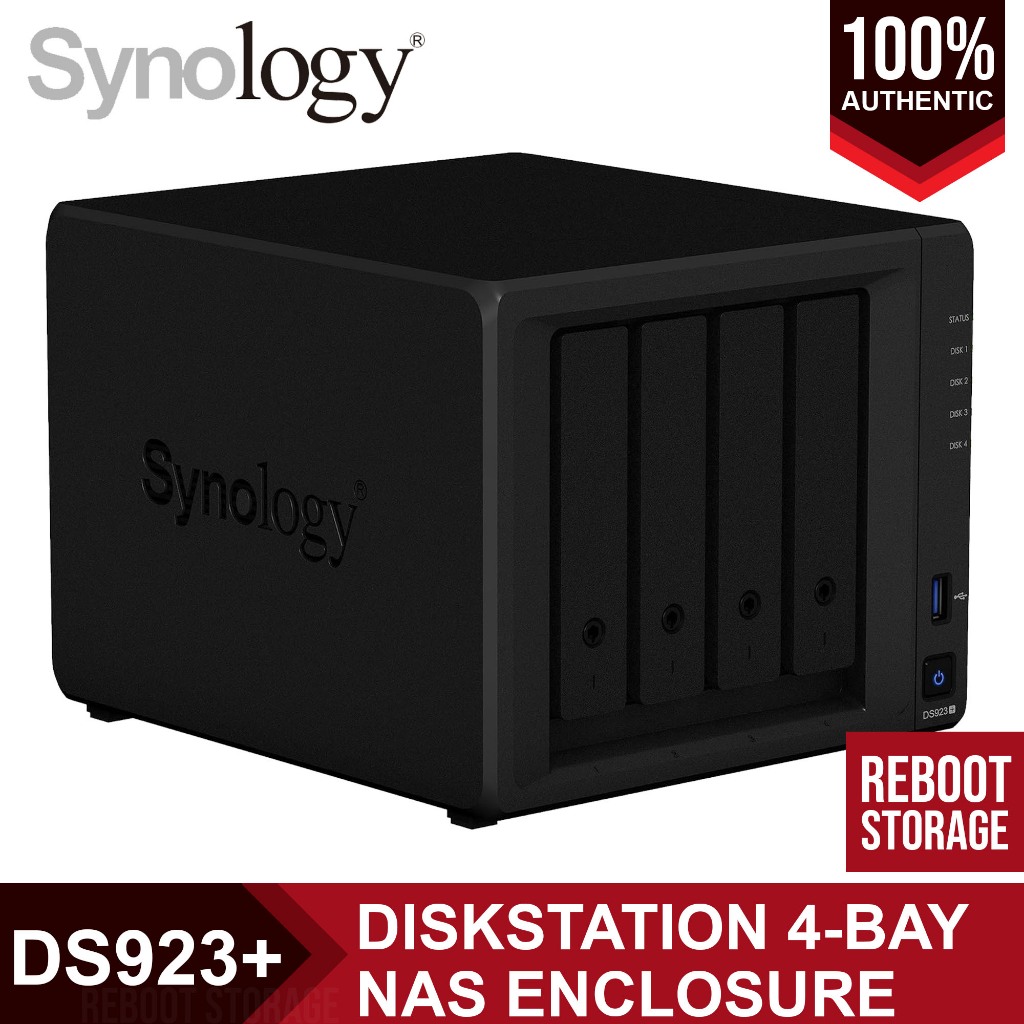
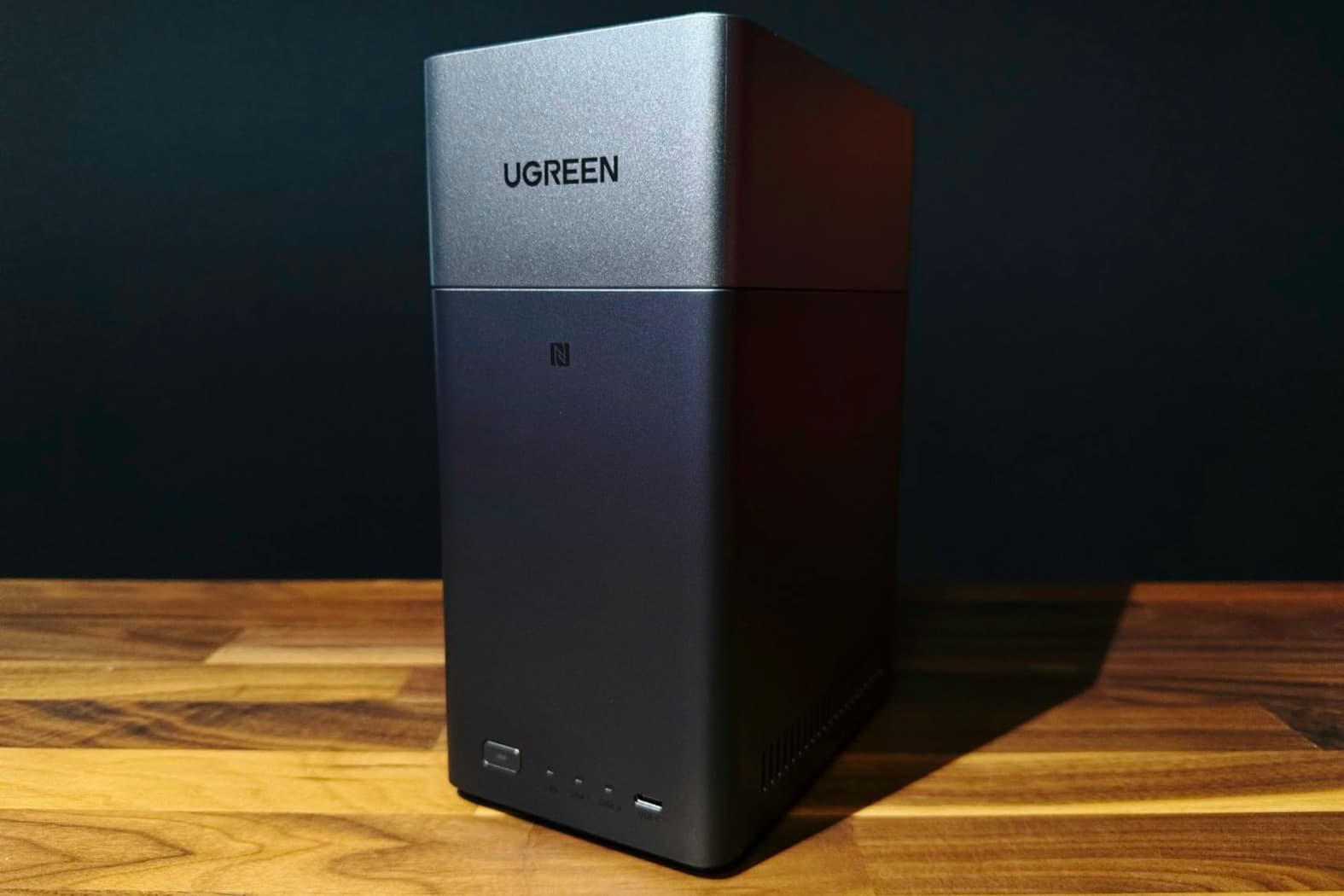
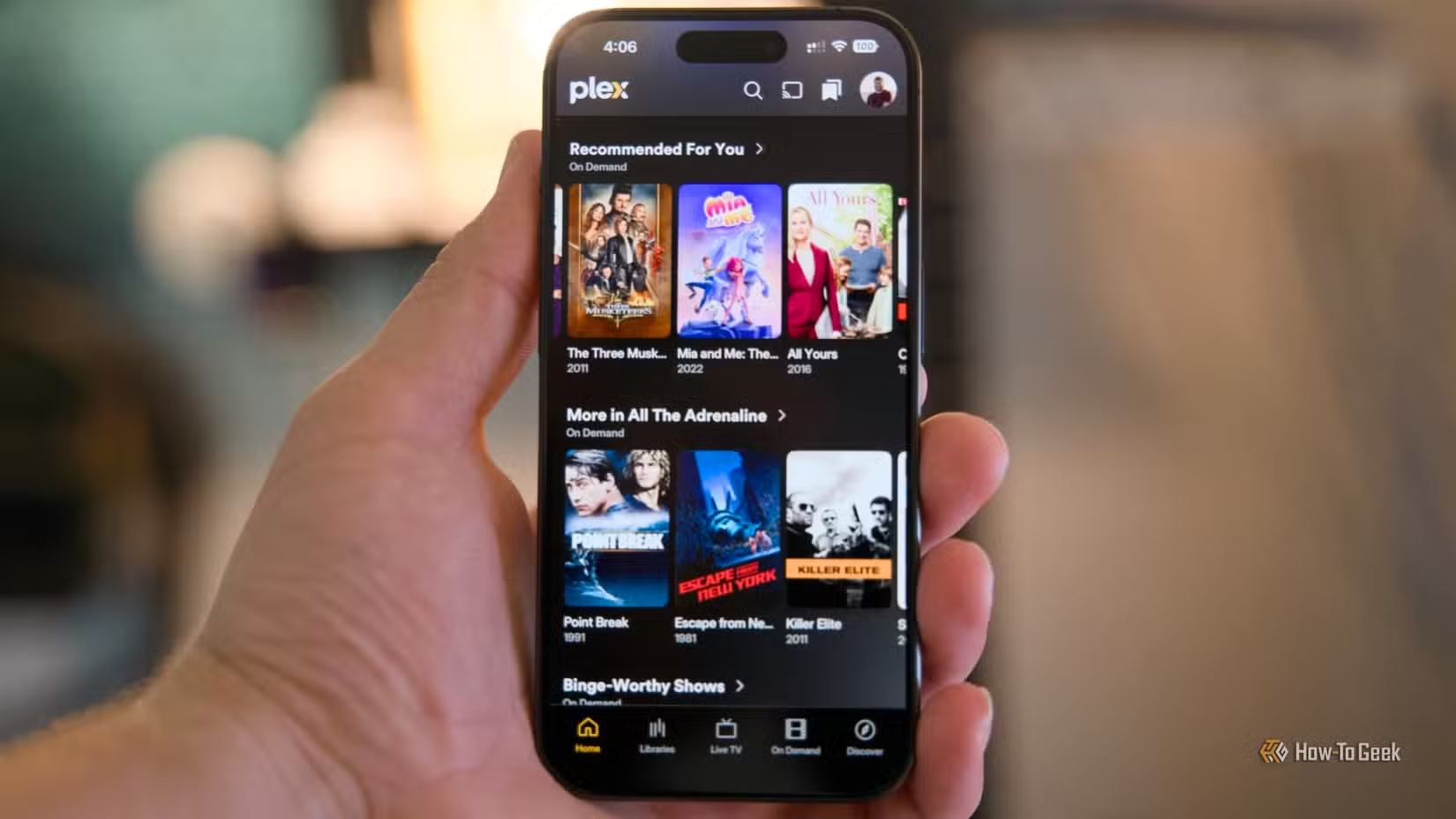
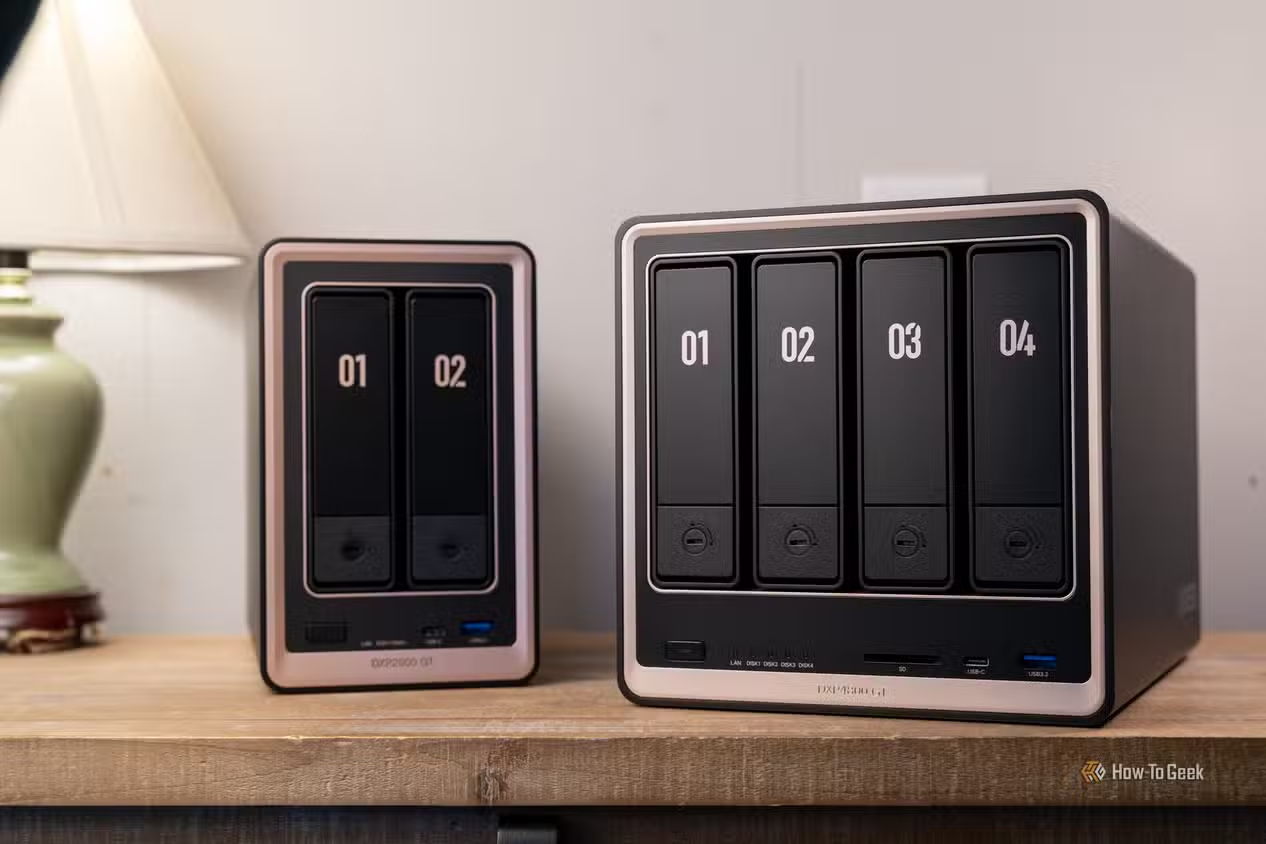
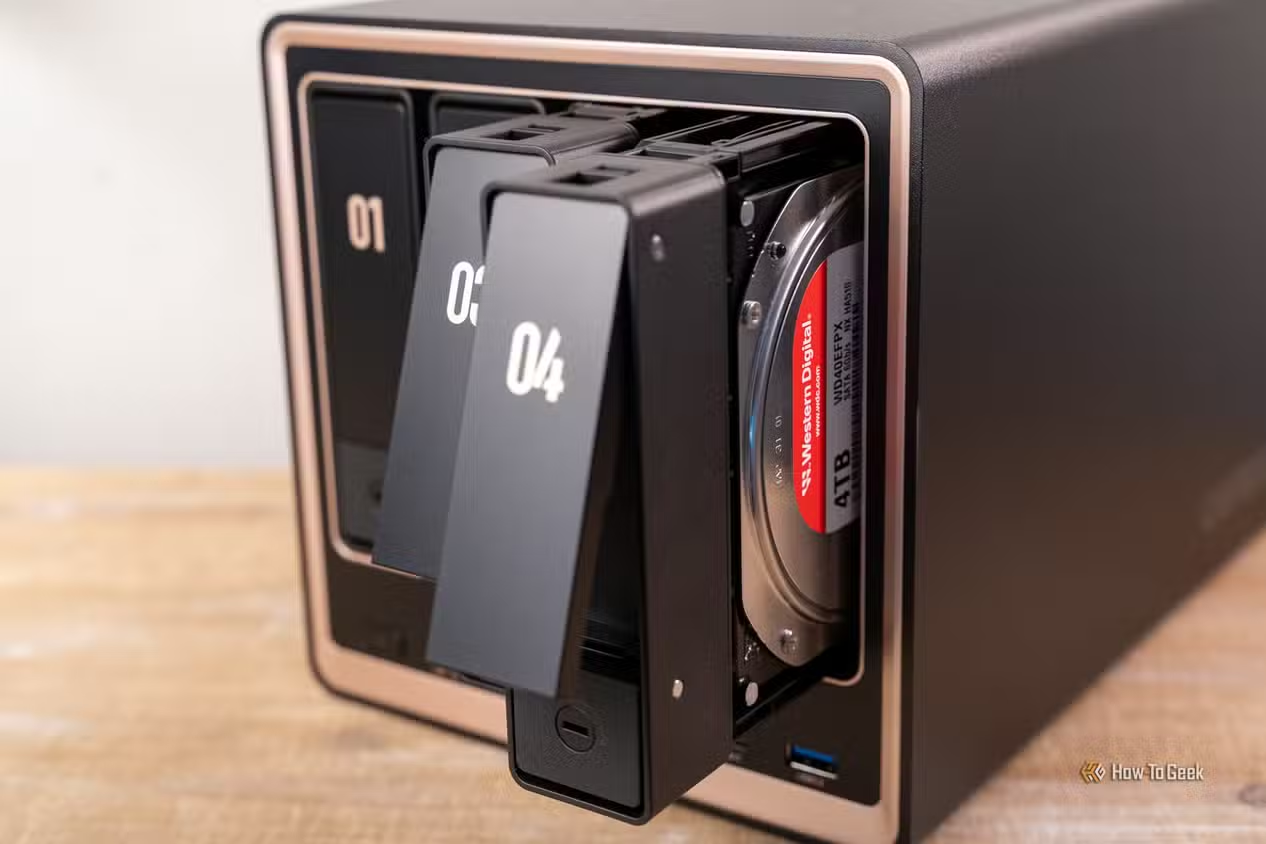
Modern NAS boxes, including models in the Synology DS923+ class, have moved far beyond dumb disk shelves. There are many NAS systems with enough CPU and RAM to run Docker containers and act as full media servers. That means they can handle home backup, Plex‑style media streaming, and file storage without the complexity of an enterprise stack. A four‑bay NAS filled with 20TB drives can deliver around 60TB of usable storage in a compact, cool enclosure, instead of a noisy rackmount in your living room. While some NAS gear is underpowered or “downright anemic” if you choose the wrong model, a midrange unit is usually plenty for small offices or families. For most people, a NAS becomes a power efficient home server that feels more like an appliance than a science project.
Containers and Home Server Alternatives
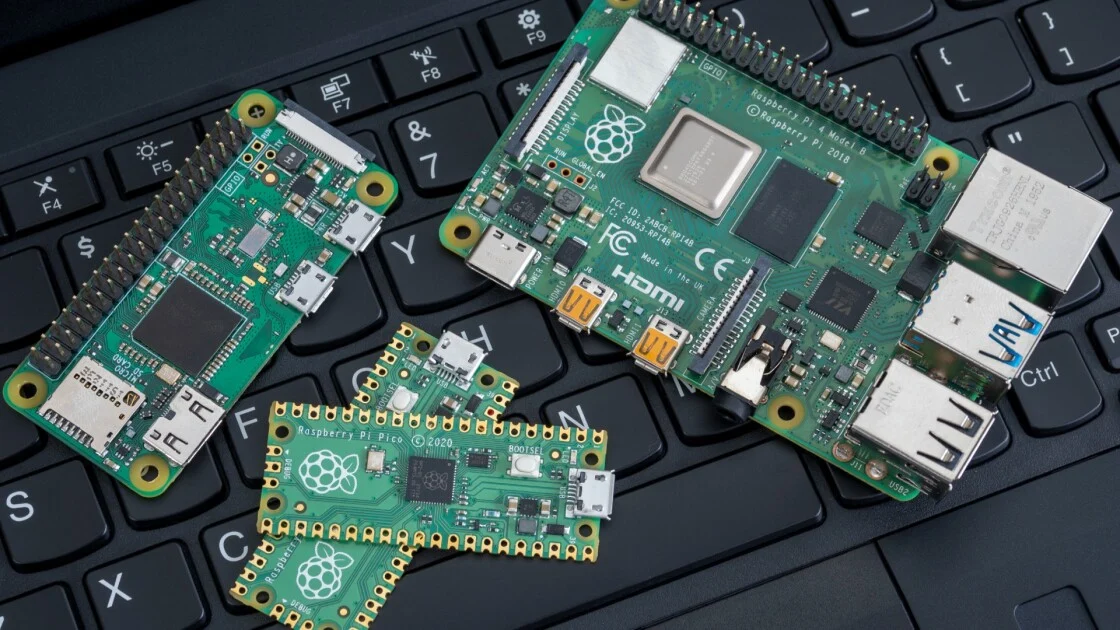
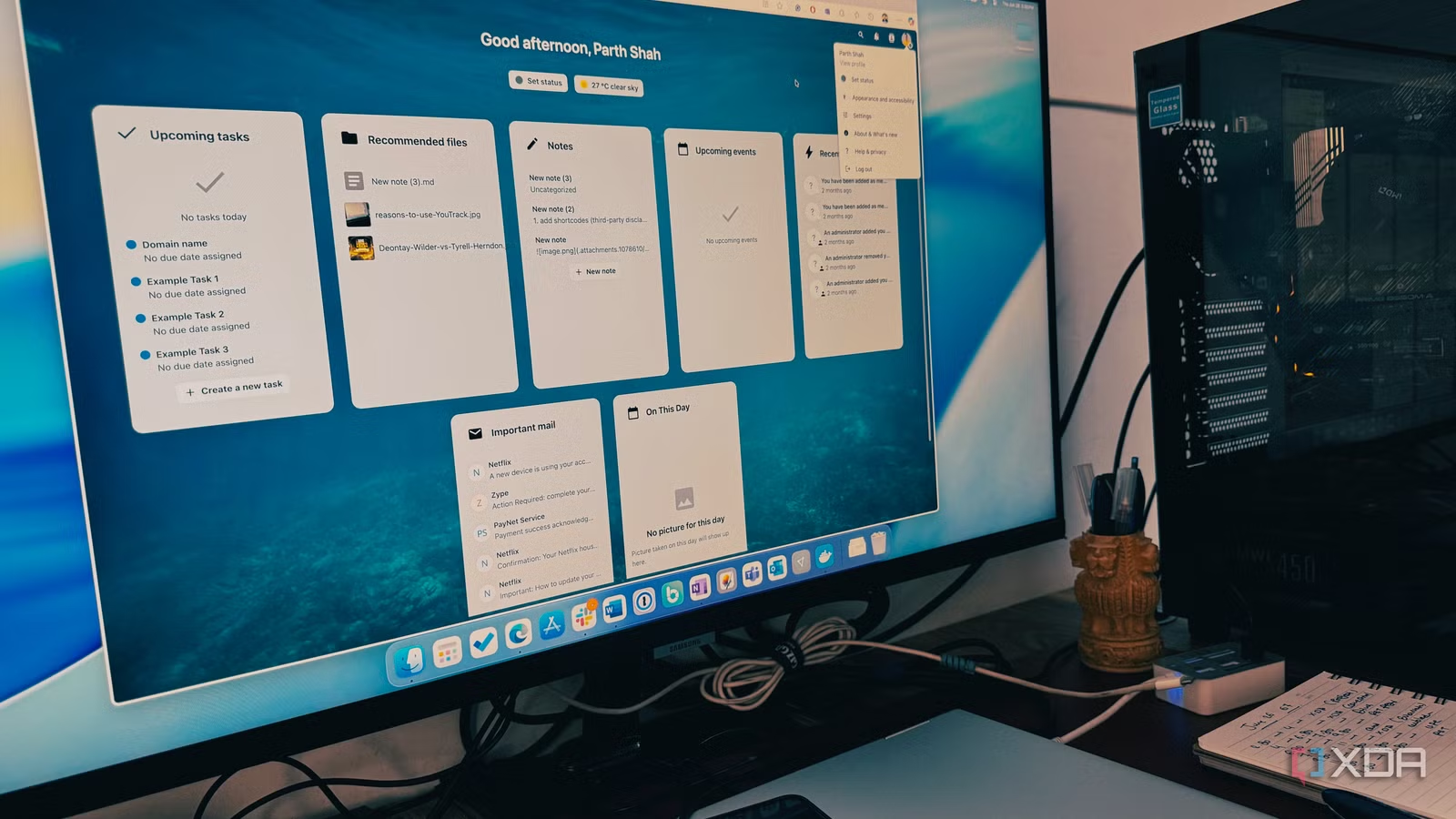
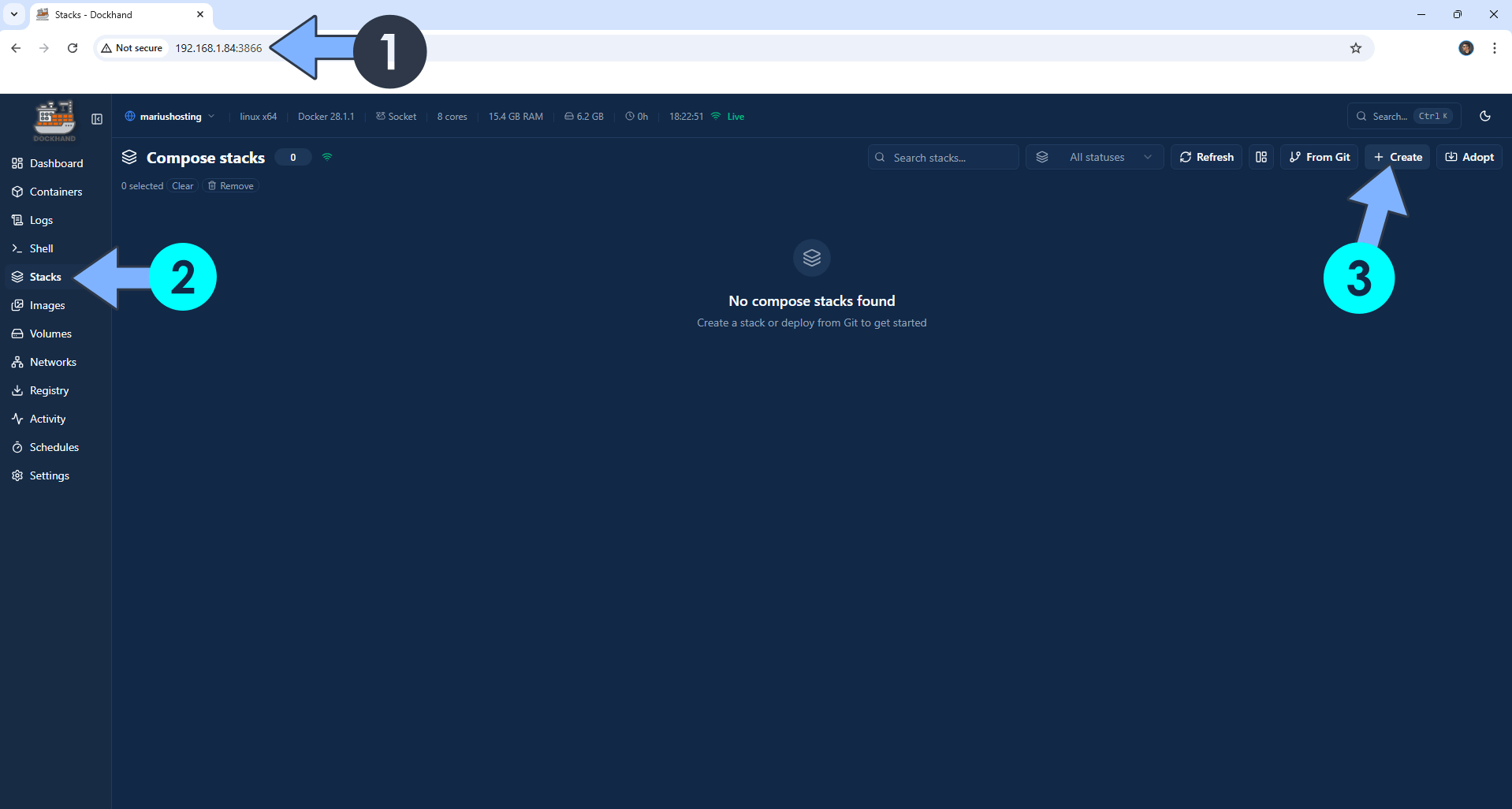
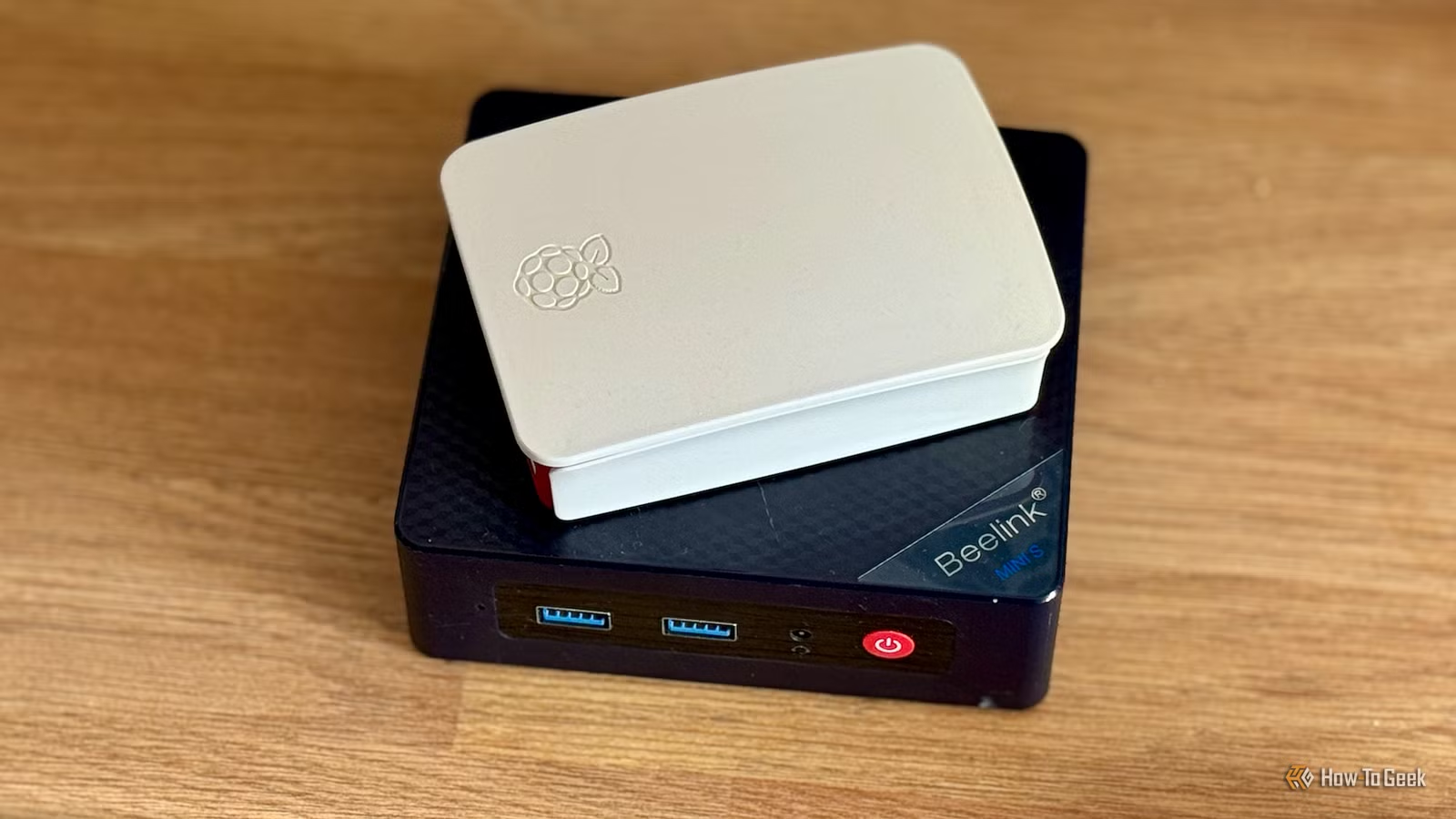
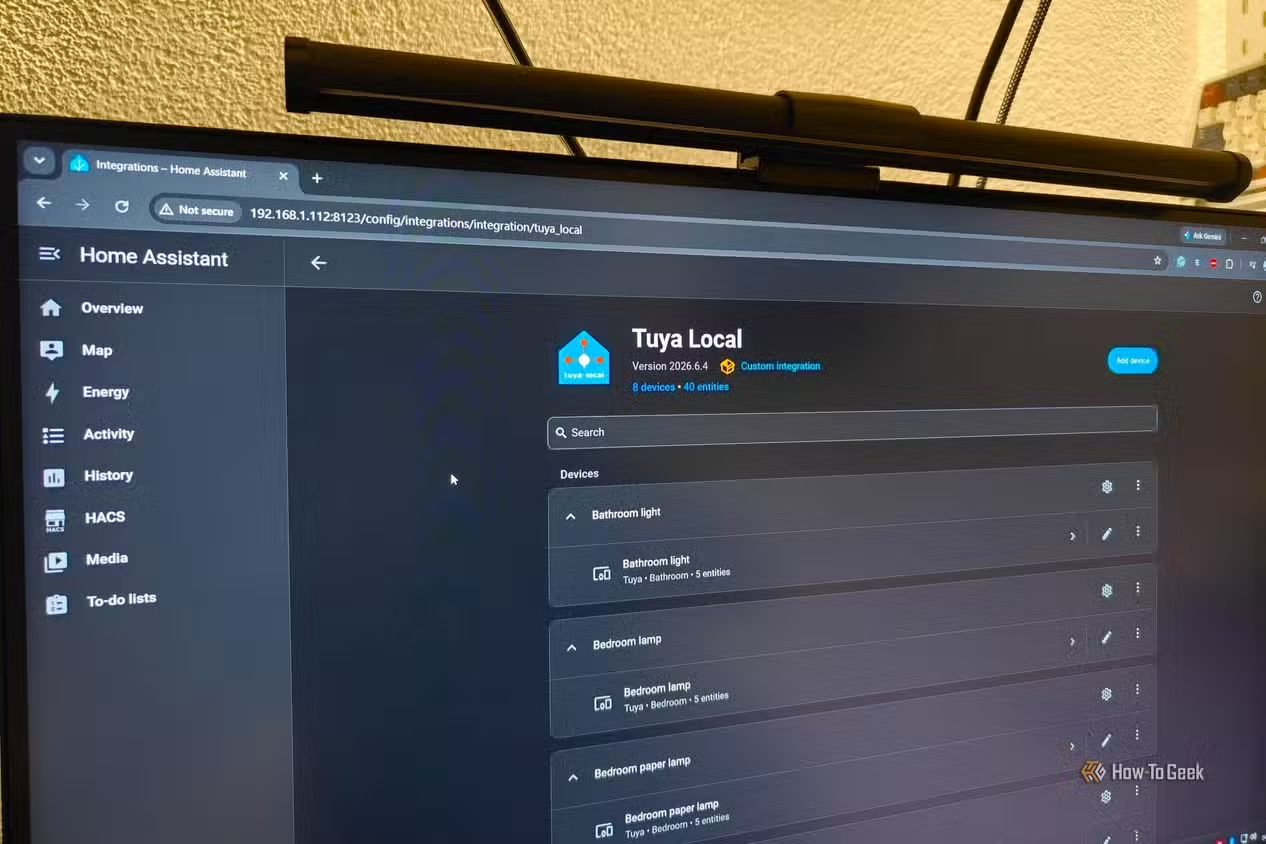
One reason people cling to big homelab servers is the fear that lighter hardware cannot run “serious” services. In reality, many NAS units can run Docker, which lets you deploy apps like Home Assistant, Nextcloud, and DNS filters without heavy virtual machines. Some containers, such as photo platforms like Immich, gain from powerful hardware but do not strictly require it. According to one guide, “many homelab services are optimized to run on as few resources as possible, meaning you can easily run them on low-powered hardware”. You can even start with an old desktop, laptop, or Raspberry Pi to host containers, making them credible home server alternatives. In short, your smart home, private cloud, and ad blocking do not demand a power‑hungry rack; they run fine on a NAS or repurposed low‑power box.
Maintenance, Noise, and Who Should Still Keep a Homelab
Moving from an enterprise homelab server to a NAS lightens more than your power bill. Simplified NAS setups shrink energy usage and heat production, which in turn reduces fan noise and cooling needs. One user notes that after retiring their rackmount, their office became “quieter, cooler, and more comfortable to work in” and that they were not giving up any real capability. NAS devices are easier to manage day to day, with web interfaces, integrated backup tools, and fewer failure points. Still, there are shared weaknesses and caveats: some NAS models are underpowered, and certain containers like Immich do benefit from stronger hardware. If you experiment with high-end virtualization labs or large-scale testing, a dedicated server may remain worth the upkeep. Everyone else is likely paying for complexity they rarely use.
Buy if / Skip if
- Buy the NAS setup if you want a power efficient home server that can handle backups, media, and light Docker apps without high electricity bills.
- Skip the NAS setup if you plan to run dozens of VMs or heavy, constant CPU loads that need enterprise-grade hardware and expansion.
- Buy the NAS setup if you care more about a quieter, cooler room and lower maintenance than about tinkering with complex rackmount gear.
- Skip the NAS setup if you enjoy learning enterprise platforms and accept higher power, heat, and management overhead as part of that hobby.
- Buy the enterprise homelab server if your main goal is an advanced lab for certifications, clustering, or experimentation beyond what a NAS OS offers.
- Skip the enterprise homelab server if your real-world use is limited to Plex, file storage, Home Assistant, and a handful of Docker containers.