
Snapshots, RAID, and the Dangerous Illusion of Safety
NAS snapshot backup refers to enabling periodic point‑in‑time copies on your network storage system so you can restore previous versions of files after accidental changes or deletions, but these snapshots alone do not replace a true backup strategy that keeps independent copies of data on separate storage and locations to protect against hardware failures, attacks, and disasters. Many home and small‑business NAS users think RAID plus snapshots means their data is safe. That belief is wrong, and it fails in the exact moment you need protection. RAID (or RAIDZ) only shields you from a drive failure; if you overwrite or delete the wrong file, that mistake is instantly replicated across all drives in the pool. Local snapshots add a convenient rewind button, yet they still live on the same hardware, sharing the same single point of failure. When the NAS dies, so do its snapshots. The takeaway: snapshots and RAID are helpful, but they are not a backup.

What Snapshots Really Do—and What They Never Will
Snapshots are fantastic for one narrow job: undoing your own mistakes. On ZFS‑based NAS systems, “Periodic Snapshot Tasks” let you schedule automatic snapshots for chosen datasets, with retention rules that the NAS handles quietly in the background. Because ZFS uses copy‑on‑write, snapshots are lightweight point‑in‑time references; they appear almost instantly and only start to consume extra space as current data changes. Browsing a hidden .zfs/snapshot directory makes recovering the previous version of a file as straightforward as copying it back into place, without rolling back the whole dataset. Local snapshots solve accidental overwriting or deletion, providing granular version history over days, weeks, or months. However, they do not protect you from the entire pool dying, a dead drive, a power surge, or any other event that kills the NAS. If the pool goes down, it takes all snapshots with it. Treat snapshots as a powerful undo tool, not as your backup plan.
RAID vs Backup: One Resists Failure, the Other Survives Disaster
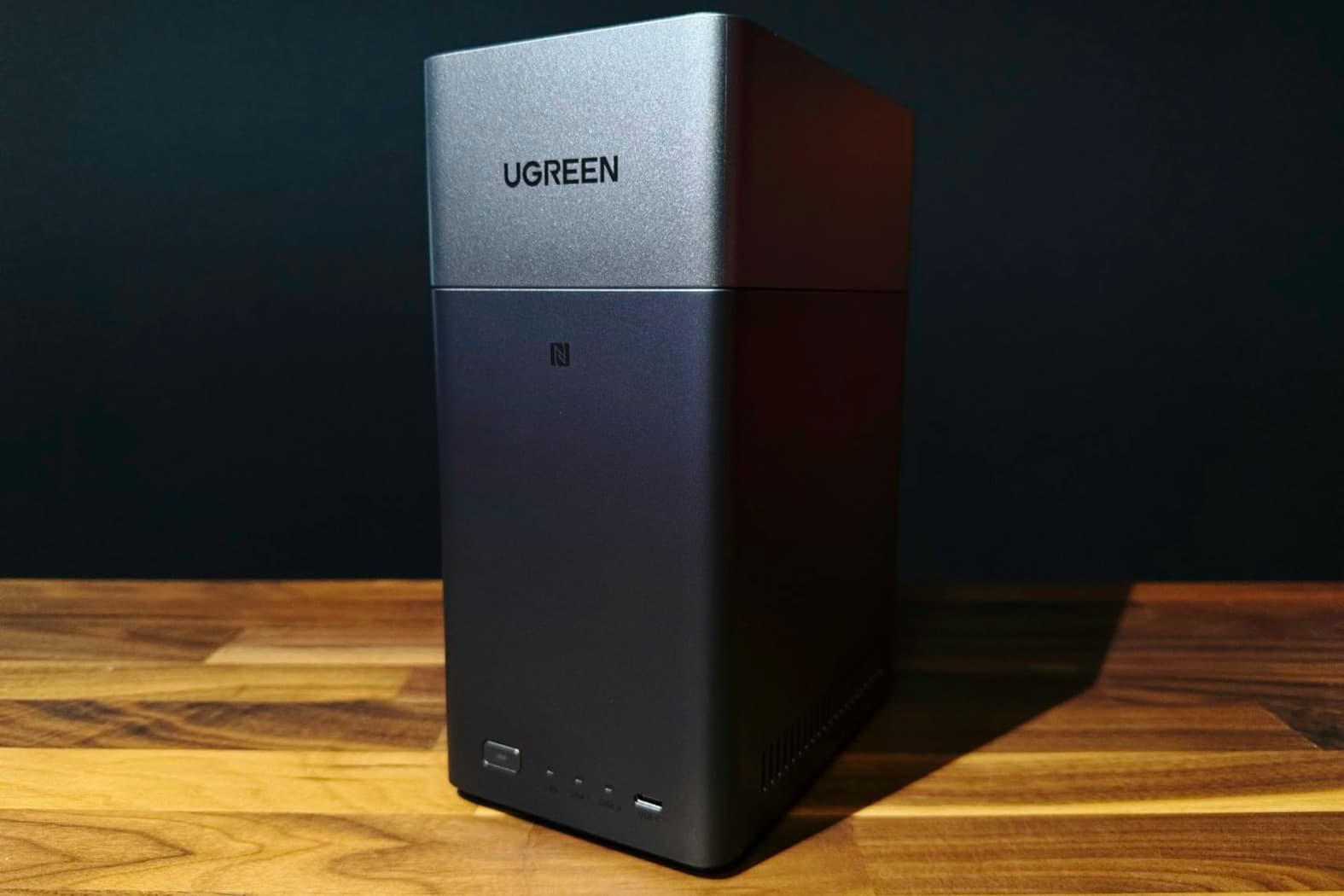
RAID is part of a data redundancy strategy, but it is not a backup. With modern NAS hardware, you can build large arrays—such as a 4‑bay system loaded with 20TB drives in RAID 5 to yield 60TB of usable storage for a Plex library and leave room to expand to 100TB in a 6‑bay chassis. That capacity and drive redundancy feel impressive, yet they only shield you from a single‑drive failure. RAID does nothing when you overwrite a configuration file or delete a folder you meant to keep; the redundancy simply synchronizes your mistake across every disk. Snapshots help here, but they still sit on the same storage pool, sharing the identical hardware and failure domain. That is why it is essential not to conflate snapshots with backups; they solve different problems and can fail together. A real backup is a separate, independent copy that survives when your NAS and its RAID set do not.
Why So Many NAS Owners Are One Click Away from Losing Everything
Many NAS users never enable snapshots at all. In one setup, the ZFS snapshots checkbox in the NAS GUI remained unchecked until a single overwrite wiped out a critical text file containing all home lab configuration details. That RAIDZ2 pool “didn't care in the slightest,” because redundancy happily preserved the damaged data. Only after that loss did the value of snapshots become clear. The truth is harsh: if you are running ZFS and you have not enabled snapshots, you are betting your data on never making a mistake. And even when snapshots are enabled, leaving them on the same pool means a dead drive, power surge, or one of the many things that commonly kill a NAS will erase live data and snapshots together. According to that experience, “if the pool goes down, it'll take all of the snapshots along with it.” Complacency, more than technology, is what puts NAS data at risk.
Designing a 3‑2‑1 Backup Strategy That Your NAS Cannot Destroy
Proper NAS data protection means embracing the 3‑2‑1 backup rule: three copies of your data, on two different media types, with one copy offsite. Local snapshots give fast, granular version history, but they are only one piece of a whole backup solution. To handle pool‑level failures, you need at least one additional copy stored on separate hardware. One practical approach is to keep snapshots locally, then replicate everything offsite using tools such as rsync to a remote box or a similar solution. The offsite copy breaks the single point of failure; a local disaster cannot reach it. That “one offsite backup” part of the 3‑2‑1 strategy is paramount, because it ensures your data survives no matter what happens to the NAS. With both components in place—local snapshots for mistakes and remote copies for catastrophes—you move from the illusion of safety to a solid data redundancy strategy and true NAS snapshot backup coverage.