
Self-hosted media servers and the Jellyfin vs Plex dilemma
A self-hosted media server is software that turns your own files and hardware into a Netflix-style library you control, providing local media streaming across your devices without relying on commercial streaming catalogues or permanent internet connectivity. For home users, the real decision is no longer whether to self-host at all, but whether to trust a cloud-tethered platform like Plex or commit to a fully self-contained alternative such as Jellyfin. Plex began as a self-hosted media platform where you could build your own Netflix on your local network, and it remains one of the biggest names in that space. Yet its shift toward cloud accounts, social features, and ad-supported content has pushed many users to reconsider their setup and ask a blunt question: if the cloud gatekeeper can lock me out of my own movies, is this still “my” server?
Cloud convenience vs control: how Plex and Jellyfin differ
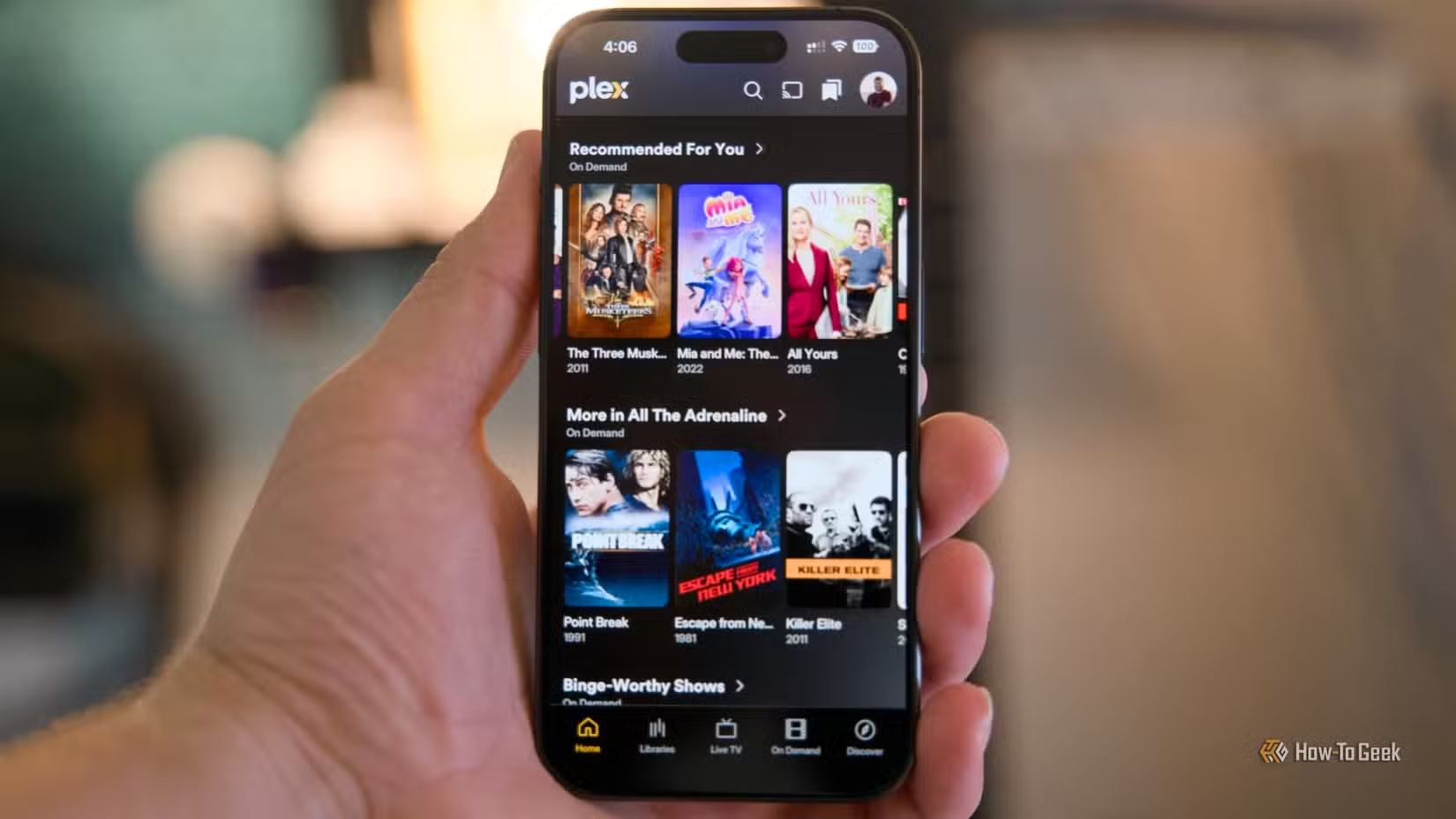
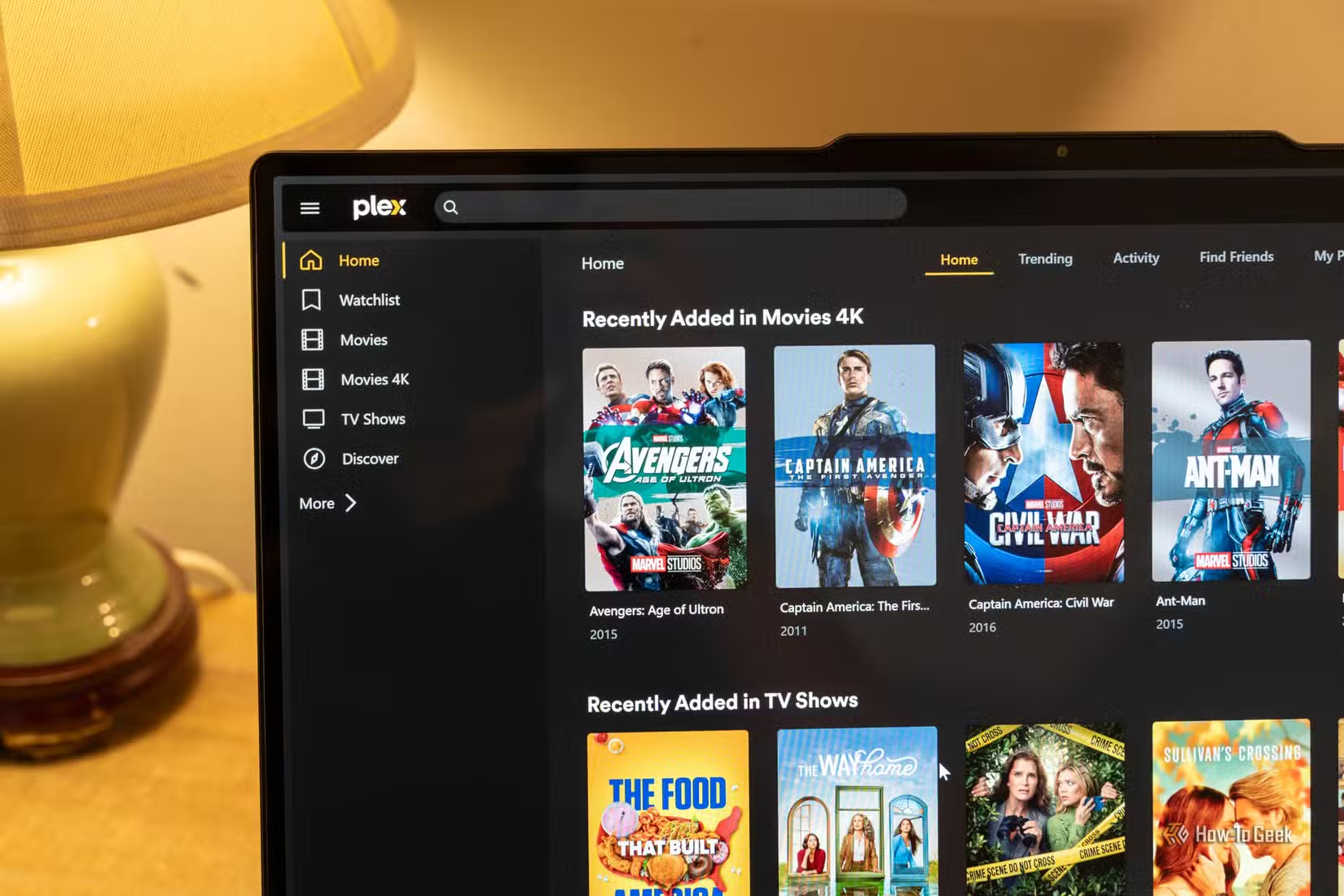
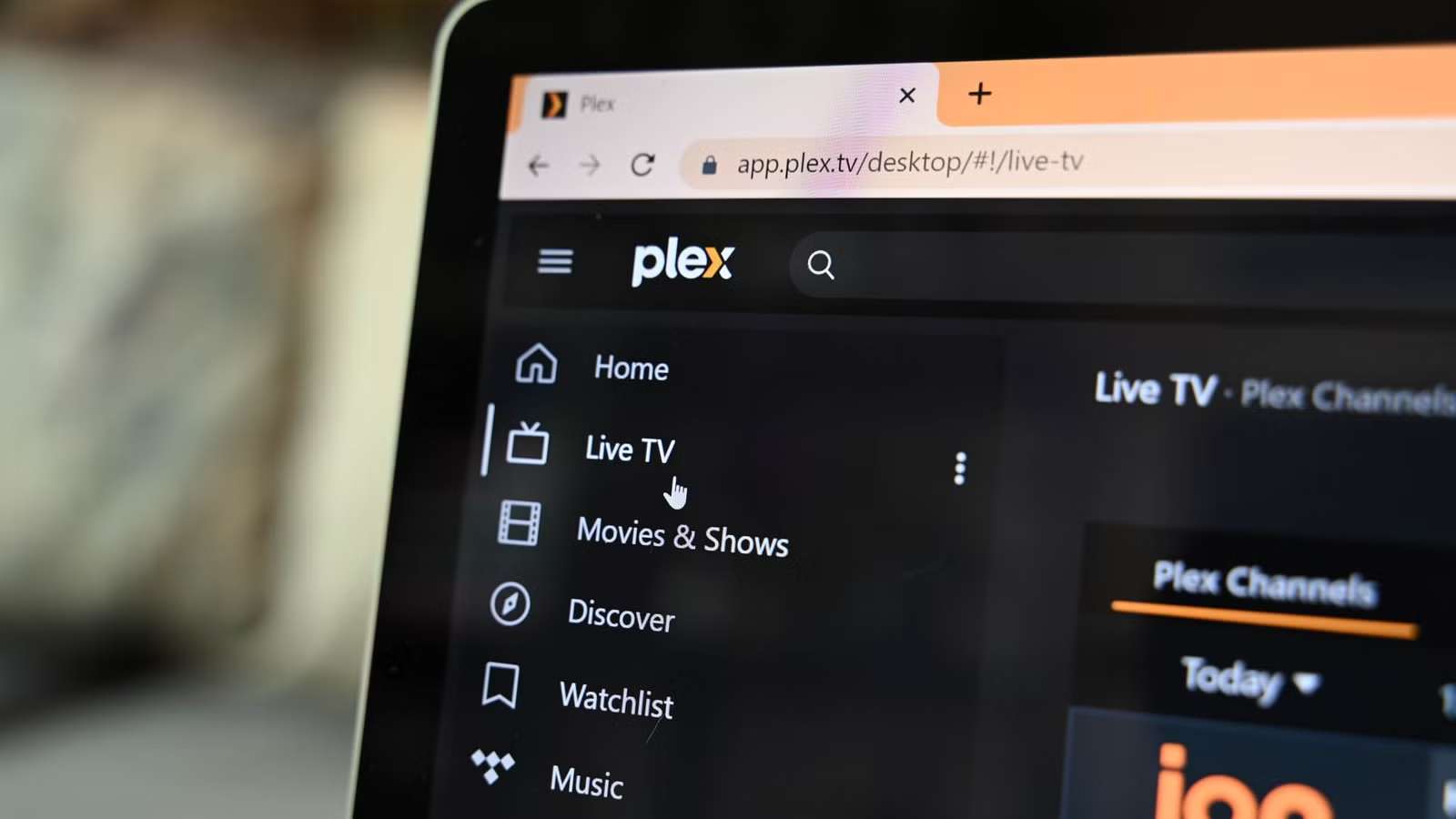
Plex’s biggest selling point is ease. It turns your personal collection into a polished, Netflix-style streaming service that feels familiar to anyone used to commercial apps. The trade-off is growing clutter and a stronger push toward its ad-supported streaming and social features, which can get in the way if you only care about your own library. On top of that, Plex now depends heavily on cloud-based account verification. You need a Plex account for almost anything, and even accessing your server by local IP can require Plex’s servers to authenticate you. When those servers went down, many people suddenly could not watch their own media on their own network.
Jellyfin takes the opposite stance: it is free and open source, and it can run completely locally without phoning home to any external servers. That means no corporate account gate, no central authority that can fail, and no design decisions driven by advertising inventory. The cost of that freedom is effort. Where Plex hands you a managed cloud sign-in, Jellyfin expects you to understand and configure your own network, especially for remote access. You are trading convenience for control, and you need to be honest with yourself about which matters more.

Setup complexity and remote access: where Jellyfin demands more from you
If your goal is straightforward local media streaming on your home network, Jellyfin is far less intimidating than its reputation suggests. You install the server, point it to your TV and movie folders, and you can get local streaming working very quickly. Scanning and matching are on par with Plex; occasional mislabels are usually a file-naming problem rather than a platform failure. In the living room, Jellyfin clients cover major desktops, phones, and smart TVs, so day-to-day use can feel surprisingly normal for something that costs nothing and is open source.
The real complexity kicks in once you want to leave your house. Plex leans on its own cloud infrastructure to connect your phone or laptop to your server, abstracting away port forwarding and DNS. Jellyfin has no such infrastructure; if you want remote access, you must set up the networking yourself. There are instructions, but they are clearly written for power users and assume you are willing to tinker. The paradox is that this extra work removes a single point of failure. When Plex’s cloud is down, “even if you are on your own local network and want to watch Plex right now, there’s a good chance you can’t”. With Jellyfin configured for local-only use, an outage like that is irrelevant.
Costs, frustrations, and the hidden price of lock-in
Money is not the only factor in this choice, but it sharpens the contrast. Plex’s advanced features sit behind Plex Pass, which has seen meaningful price increases. One user reports paying an annual subscription fee of USD 70 (approx. ₱4,200) and notes that Plex raised its lifetime pass price from USD 250 (approx. ₱15,000) to USD 750 (approx. ₱45,000). Another source points out that Plex Pass has recently gone up substantially in price. Those numbers might still be acceptable if Plex stayed focused on local libraries, but many users are frustrated that the interface is becoming cluttered and that design choices favor ad-supported streaming and social layers over personal media and DVR features.
Jellyfin, by contrast, is completely free and open source. There is no subscription tier, no upsell, and no price increase around the corner. The “payment” is your time, your willingness to learn, and your tolerance for documentation that expects technical curiosity. Both platforms share weaknesses: Plex can feel unfocused and dependent on a cloud you do not control, while Jellyfin can feel unfinished in places and unfriendly to non-technical users. Yet when Plex’s servers go down and your library becomes unreachable, the true cost of cloud lock-in becomes obvious. That is why many people are spinning up Jellyfin servers to ensure they “no longer have any issues accessing” their media.
So which self-hosted media server should you bet on?
The point of a self-hosted media server is to put you in charge of your own content. If your priority is a polished, low-effort experience and you are comfortable with a cloud gatekeeper, Plex still offers an easy way to stream your library anywhere and dress it up like a commercial service. But you must accept rising subscription costs, an interface that may favor ads over your files, and the real possibility that a remote outage can take down your local playback.
If you are willing to trade convenience for autonomy, Jellyfin is the more coherent vision of what a self-hosted media server should be. It provides free, open-source media streaming without cloud authentication, and it can run completely locally so no external server stands between you and your library. You will work harder to configure remote access and to maintain your setup, but you gain something more valuable than a glossy UI: confidence that when the wider internet misbehaves, your movies and shows remain available on your terms. In the long run, that reliability matters more than any extra layer of polish.