

Why Google Maps Privacy Matters on Android
Google Maps privacy on Android means reducing how much personal data the app collects and displays about your movements, saved places, and identity so you keep convenient navigation features without turning your phone into a detailed tracking log that anyone borrowing it or any company behind it can easily mine and analyze for patterns.
If you use Google Maps every day, your phone is building a quiet diary of your life: where you sleep, work, shop, and travel. Research cited in the sources shows that out of 35 possible data categories, Google Maps pulls from 24 of them, which goes far beyond location and includes things like search history and contact details. That is a lot of information tied directly to your identity. On top of that, turning off the obvious switches is not always enough, because Maps can still log your coordinates in the background. This guide is for you if you want turn‑by‑turn directions but dislike the idea of your dashboard doubling as a tracking device. The goal is not to give up navigation but to regain control.
Tighten Google Maps Settings Without Losing Convenience
Before you change anything, it helps to know what information is exposed to people around you, not just to Google. Every time you save a location, you add another clue about your habits to the map that lives on your phone. Saving locations is handy—search for a place, tap the Save button with the bookmark icon, then tap Done to store it for later. Over time you build lists for travel, cafés, and other categories, which makes everyday navigation feel smooth.
The catch is that saved places and labels can show up directly on the map, so someone borrowing your unlocked phone to find an address can see your favorite spots at a glance. Home and work locations are especially sensitive here. Visibility is a privacy problem, but it is also manageable: the app includes settings that hide these labels from the map while keeping them in your account. That way, you keep your shortcuts but avoid handing your life map to anyone looking over your shoulder.
Step-by-Step: Reduce Android Location Tracking and Reclaim Your Maps
Think of this like tidying a messy room: we are not throwing away the furniture, we are deciding what stays out in the open and what stays in the drawer. Follow this sequence once, and you will have a calmer, more private version of Google Maps plus a backup plan with privacy navigation apps.
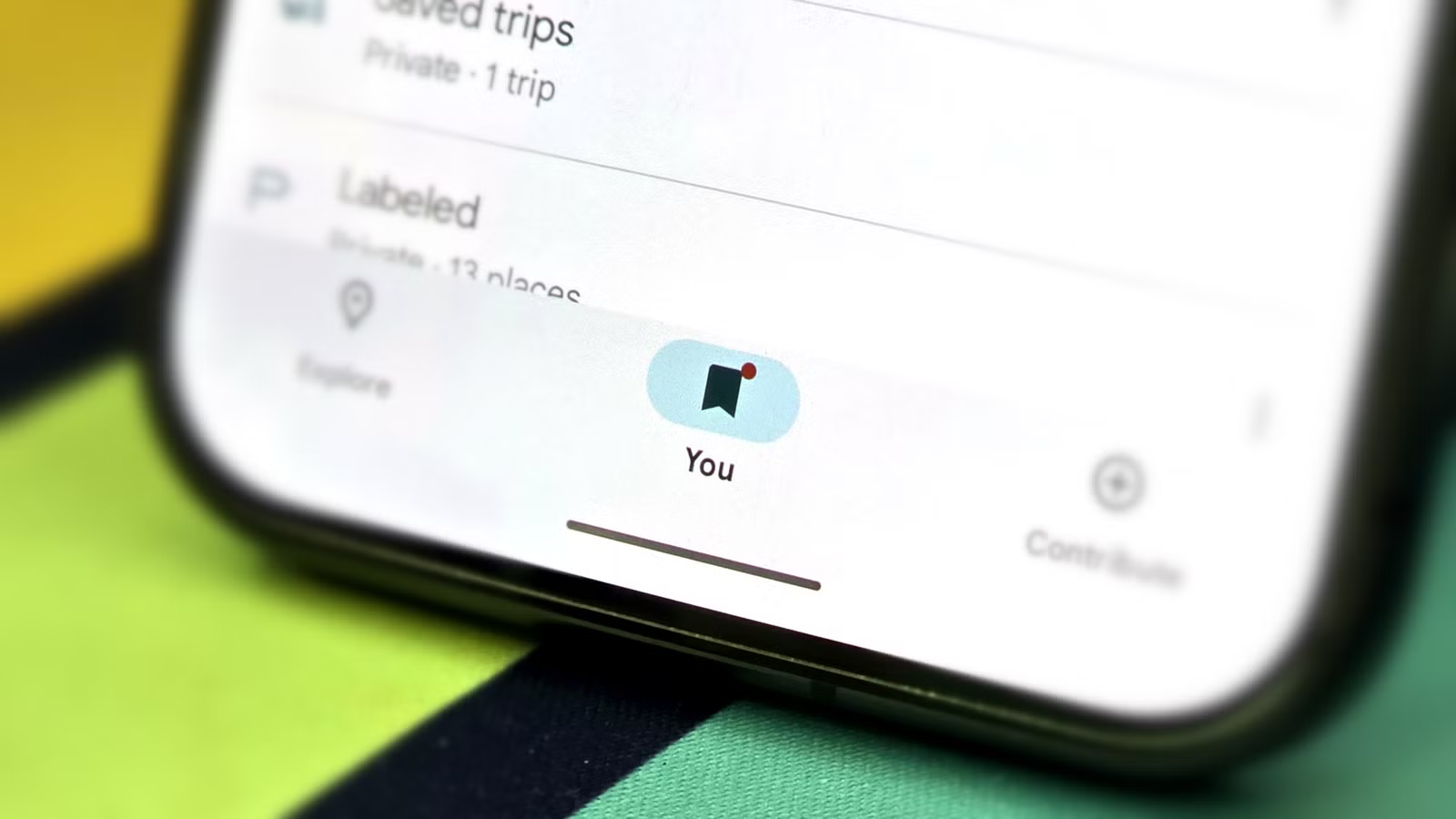
- Open Google Maps on your Android phone and review your saved places and lists under the You or similar tab, noting any sensitive locations like home, work, doctors, or schools that you would rather not have visible at a glance.
- Use the option in Google Maps that hides your saved lists from displaying as labels directly on the main map, so those locations remain stored in your account but are no longer immediately visible if someone else uses your phone.
- Go through Google Maps privacy settings such as Timeline, location permissions, and Location Sharing, and adjust them to match your comfort level so that the app no longer records more location history and movement patterns than you are willing to share.
- In your Android settings, open the app permissions section for Google Maps and decide how much location access it gets in general, understanding that the app has been shown to continue logging coordinates in the background even when obvious tracking switches are turned off.
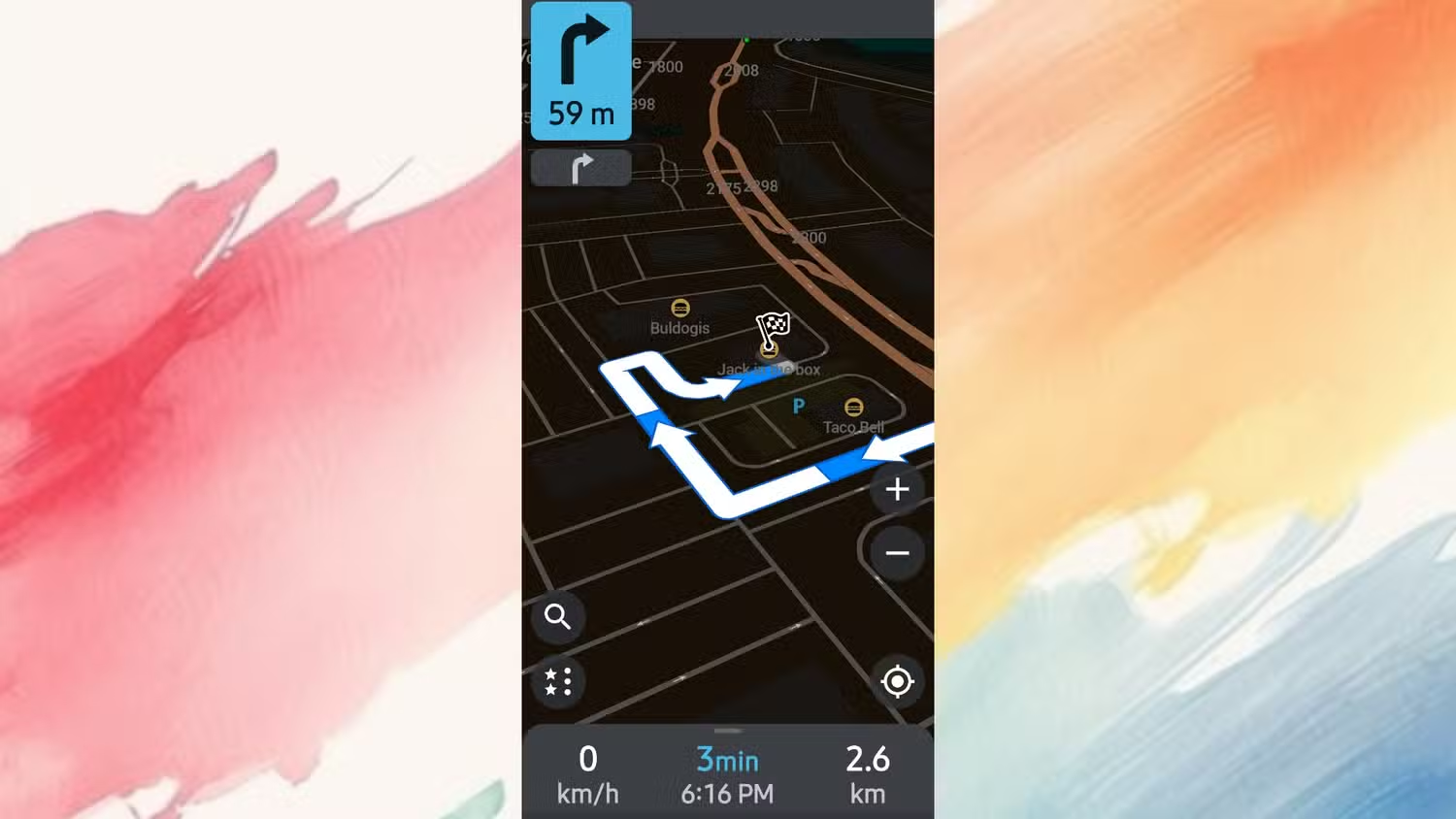
- Install an open‑source, privacy‑first navigation app such as Organic Maps or OsmAnd, which rely on OpenStreetMap data, work offline, and do not collect data tied to your identity or include advertising networks.
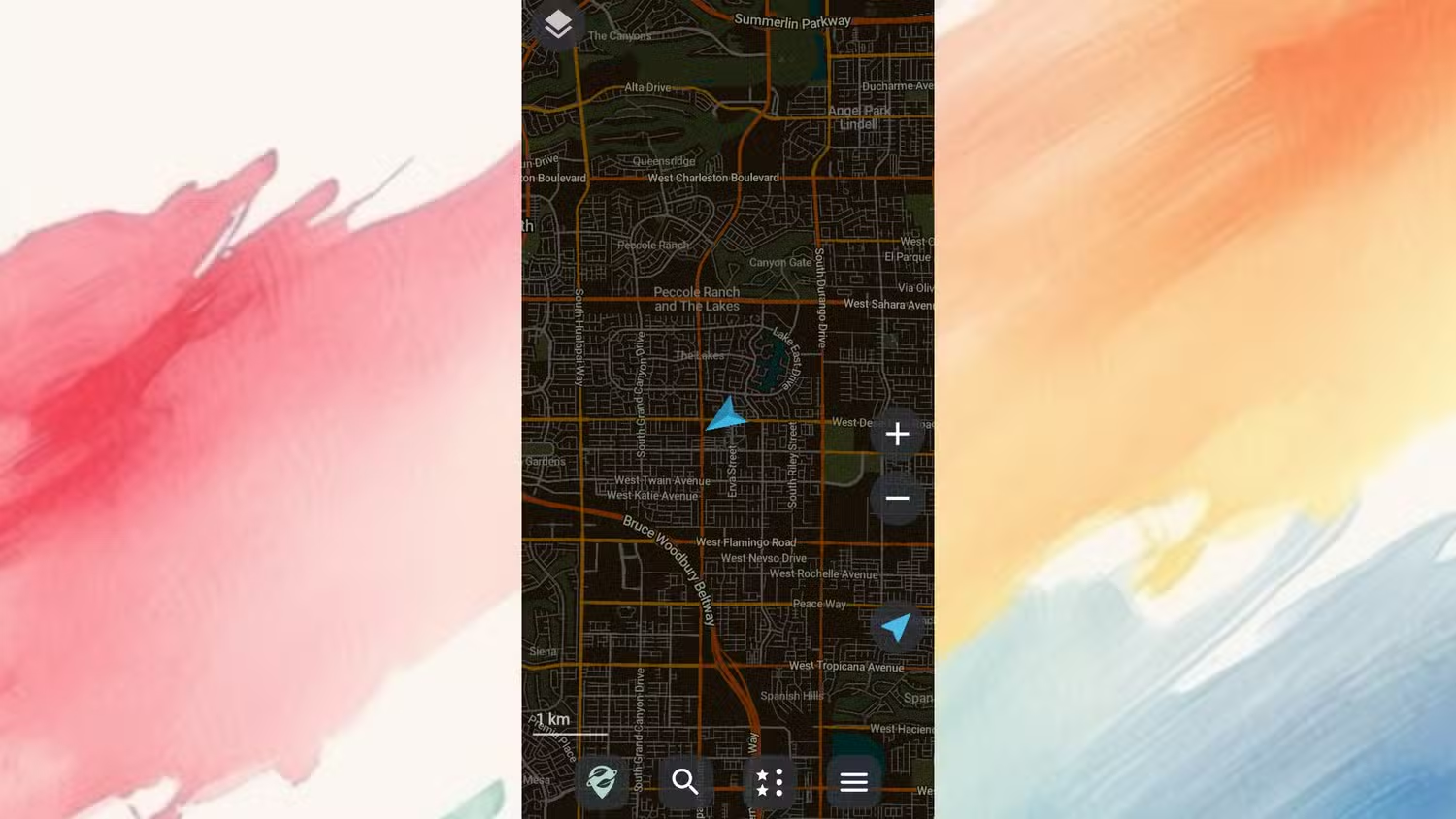
- Inside your new privacy navigation app, download the maps for your area over Wi‑Fi so that the routing engine and map files live on your device, allowing turn‑by‑turn directions and rerouting without ever contacting a remote server.
- Make a habit of using the privacy navigation app for everyday trips while keeping Google Maps as a backup for cases where you need its extra features, so most of your movement patterns are no longer fed into those 24 data categories.
The main gotcha here is assuming one toggle will fix everything. The sources show that switching off a few obvious tracking options does not stop background coordinate logging. That is why you pair tighter in‑app controls with using a privacy‑first alternative for most drives. Once your open‑source app has downloaded maps, it can calculate routes and give turn‑by‑turn directions without going online at all, so you are not trading away functionality to gain privacy.
Living with Privacy-First Navigation Day to Day
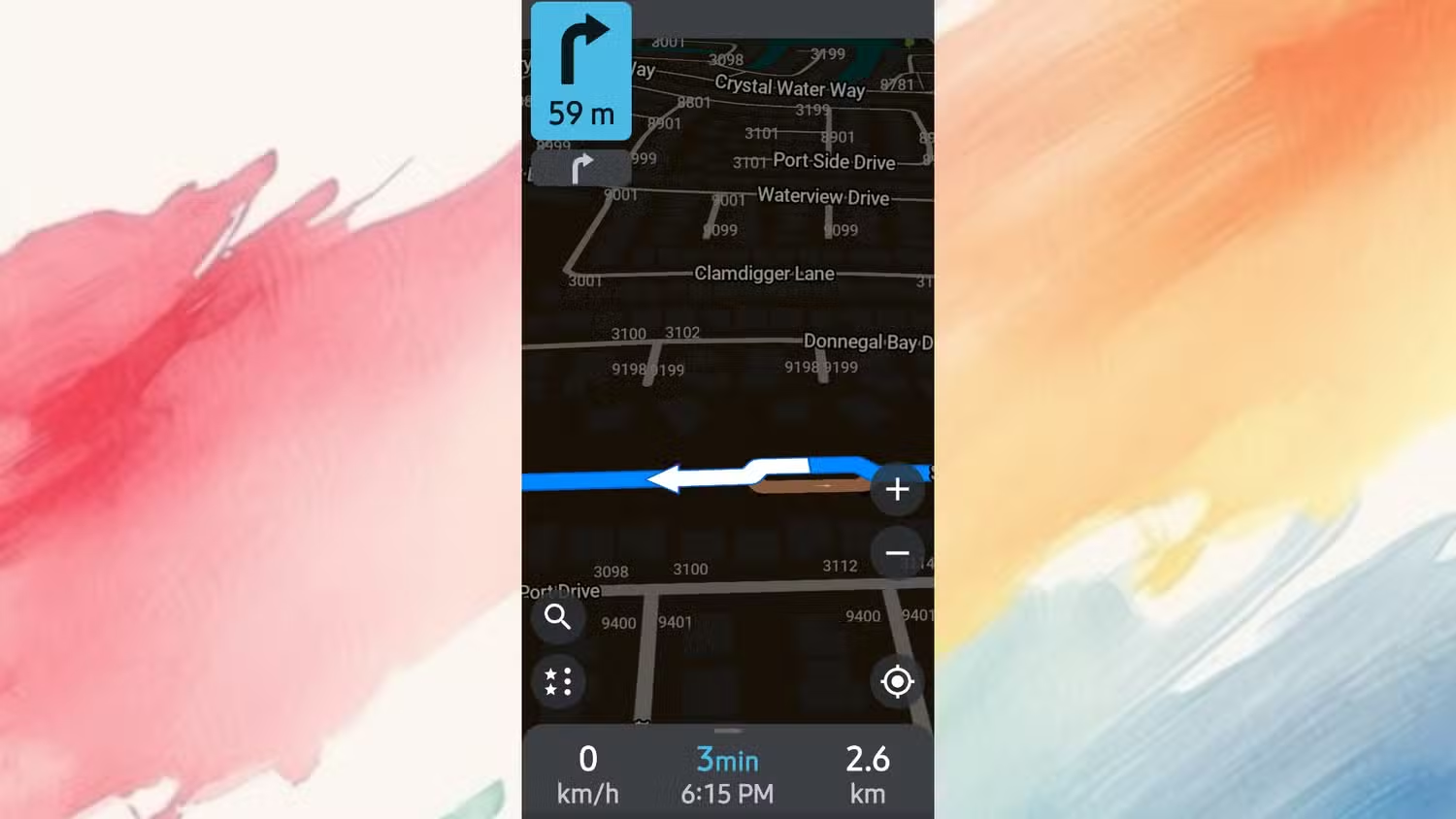
After the initial setup, using privacy navigation apps feels surprisingly normal. They lean on the same OpenStreetMap data that many people already contribute to, but they keep the maps and routing engine on your phone. That means when you start driving, the app can calculate a route, guide you with voice directions, and reroute if you miss a turn, all without reaching out to a tracking server. There are no advertising networks built in, and neither app is designed to collect data tied to your identity.
On the Google Maps side, the tweaks you made pay off in quieter ways. Your saved lists stay accessible through the You area, but they no longer broadcast your habits from the map view. Timeline and sharing settings match your comfort zone instead of the default. Those changes can be especially useful when you travel in a group, lend your phone, or prefer to keep certain locations private, because they make sensitive data much less visible at a glance while keeping navigation convenient.
Is Locking Down Google Maps Privacy Worth It?
For most people, this is worth the hour it takes. You keep the strengths of Google Maps—reliable directions and saved spots—while shrinking the shadow it casts over your personal life. You also gain a privacy navigation app that guides you offline, with no identity‑linked data collection and no baked‑in advertising networks. In other words, you have options instead of one default. The main thing to watch for is drift: over time, new features and lists can sneak in more tracking or visibility than you like. Plan to revisit your Maps settings a couple of times a year, and keep your open‑source maps updated on Wi‑Fi. Do that, and your Android phone becomes a tool you steer, not a sensor that steers you.





