
Pixel Glow: A Tiny Circle of Light With a Big Idea
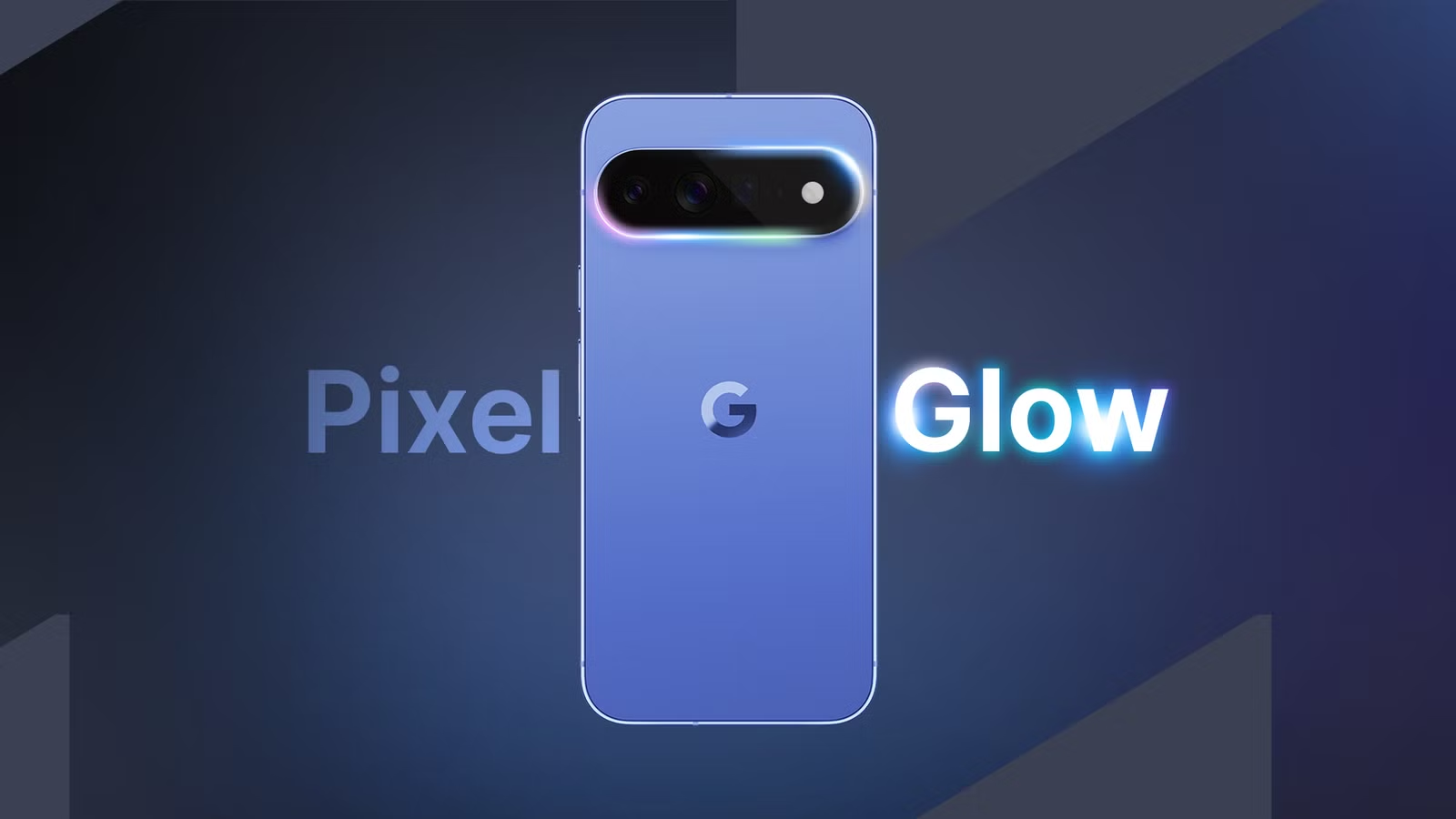
Pixel Glow is a circular RGB notification LED on the Pixel 11 series that revives the old hardware notification light as a dynamic, color‑coded ring for calls, alerts, and system events while your screen stays off, turning a small circle in the camera bar into a quiet, glanceable status hub. This is not nostalgia for nostalgia’s sake; it reflects a growing backlash against phones that demand constant attention. Pixel Glow sits where the flashlight lives in the camera bar and can display the full color spectrum, acting as a customizable RGB notification light rather than another always‑on animation. The intent is clear: less face‑to‑screen time, more awareness. In an era of notification fatigue, that is a surprisingly radical stance from a company that also depends on you opening its apps.
How Pixel Glow Works—and Why It Feels Different
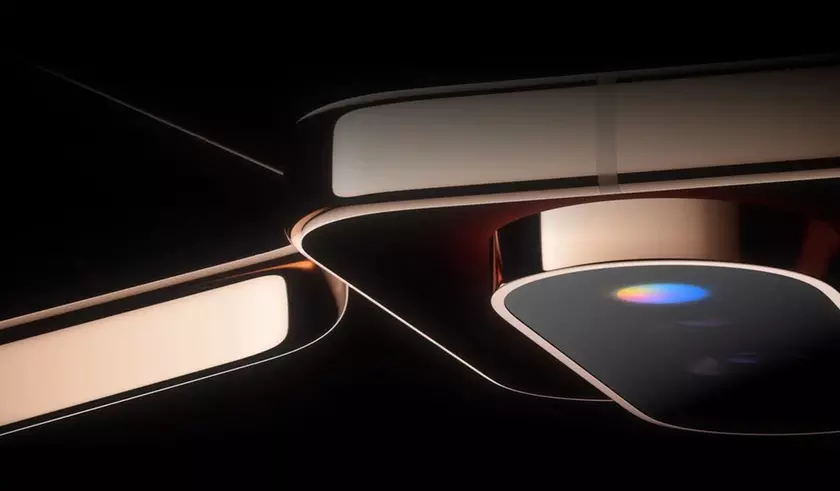
Under the hood, Pixel Glow ties into Android notification features as a dynamic indicator that reacts to incoming calls, app notifications, and interactions with Gemini AI. Hidden strings in Android 17 Beta 4 describe it as more than a simple blink‑when‑pinged light; the idea is to assign a color to a contact or an app so the ring tells you what’s happening without you unlocking your phone. Crucially, leaked code also suggests Pixel Glow will inform you of important activity when your phone is face down, making the back of the device a subtle dashboard when you want the screen out of sight. This is where the feature earns its keep: it reduces phone dependency by delivering visual alerts without requiring a screen wake‑up, which means fewer impulsive dives into social feeds every time your phone nudges you.
Pixel Glow vs Nothing’s Glyph Bar: Simplicity Over Spectacle
Pixel Glow will inevitably be compared to the Glyph Bar on the Nothing Phone, which uses nine individually controlled mini‑LEDs in a strip on the back. But the resemblance is more conceptual than literal. Pixel Glow is far more compact—a single circle rather than a strip—and leans into simplicity over spectacle. Where Glyph feels like a light show that turns the whole rear glass into a stage, Pixel Glow behaves more like a focused status icon, closer in spirit to the classic notification LED Android users thought was gone for good. That restraint matters. A single ring is easier to read at a glance than a complex pattern, and less likely to become a novelty you disable after a week. The message from Google is that visual feedback should be calm and purposeful, not a miniature billboard for your phone’s personality.
Glowbar and the DIY Pixel Glow Experience
If you are not planning to buy a Pixel 11, third‑party tools show why this idea resonates. One Android app, Glowbar, explicitly tries to capture the Pixel Glow experience on any Android phone. It recreates a pulsating, multicolored bar under the camera hole, and for a paid upgrade it can display battery levels, indicate when notifications arrive, and track downloads and other data transfer actions. There is even a ring mode that wraps the camera cutout, echoing the circular design in a way that feels less intrusive. When paired with minimalist launchers that hide the status bar, Glowbar steps in to show missing information in a compact, playful way. According to one reviewer, they “didn’t think [they] needed Pixel Glow” until they used Glowbar, then realized the appeal is as much about fun as strict utility.
Why RGB Notification Lights Might Be the Calm Future of Phone Alerts
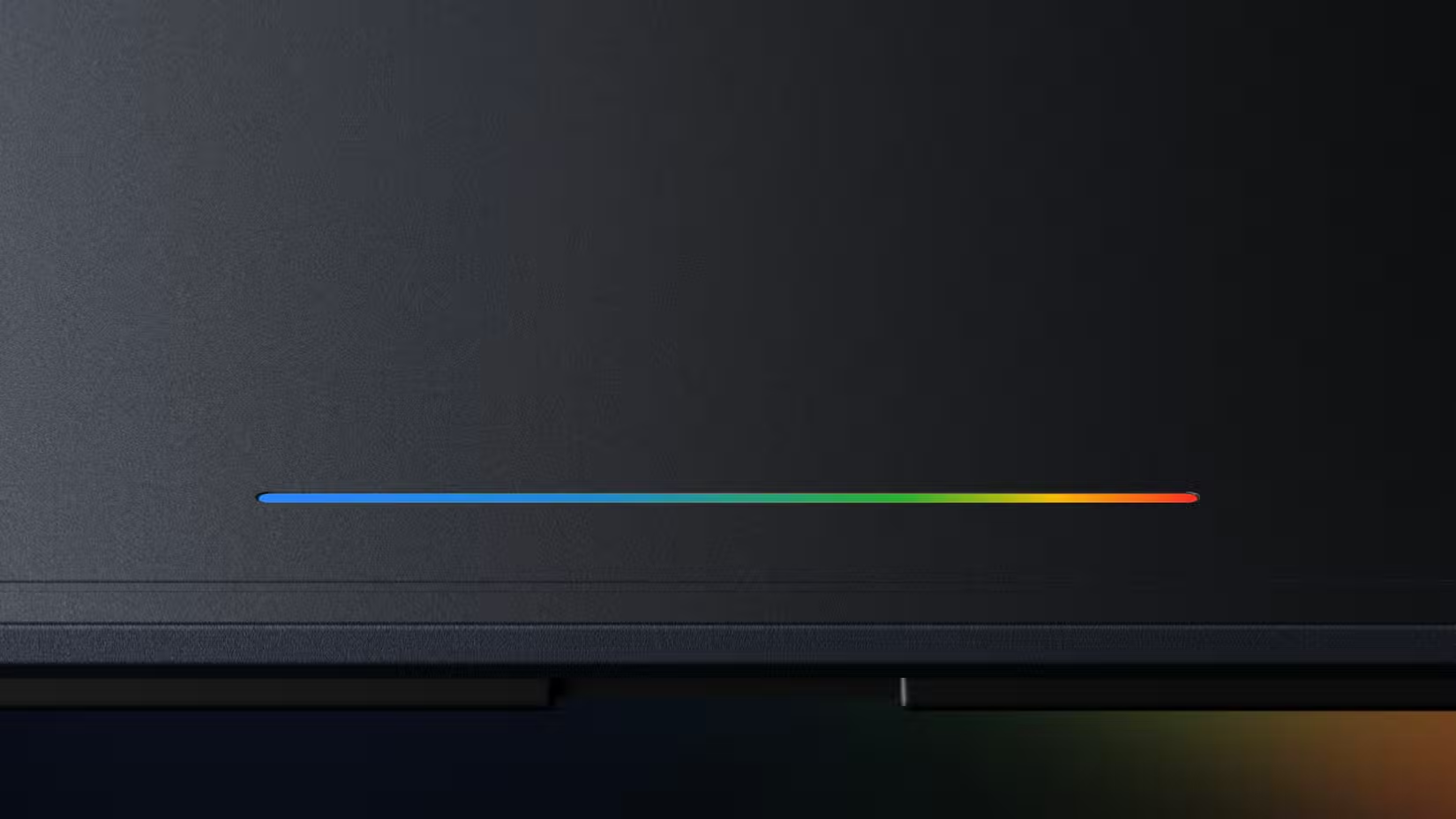
The return of an RGB notification light on the Pixel 11 series is more than a design flourish; it is a quiet attempt to rebalance how we interact with our phones. A color ring that reacts to calls, alerts, and charging without demanding a full screen wake‑up encourages you to treat your phone as a tool, not a slot machine. Assigning colors to apps or contacts means you can triage attention—blue might be work, green personal, red urgent—without unlocking, scrolling, or being tempted by unrelated icons. Glowbar’s success on older devices underlines that people enjoy visual representations of progress and activity even when they do not strictly need them. In the end, Pixel Glow is not about returning to the past; it is about admitting that the simplest Android notification features we abandoned may be the ones that help us master our phones again, instead of the other way around.