

What Samsung Secret Codes Are And Why You Should Care
Samsung secret codes are short number and symbol combinations you type into the phone dialer to unlock hidden menus for diagnostics, system information, and advanced controls that are not visible in standard settings, giving you more direct control over how your Galaxy phone behaves without installing extra apps or modifying the system.
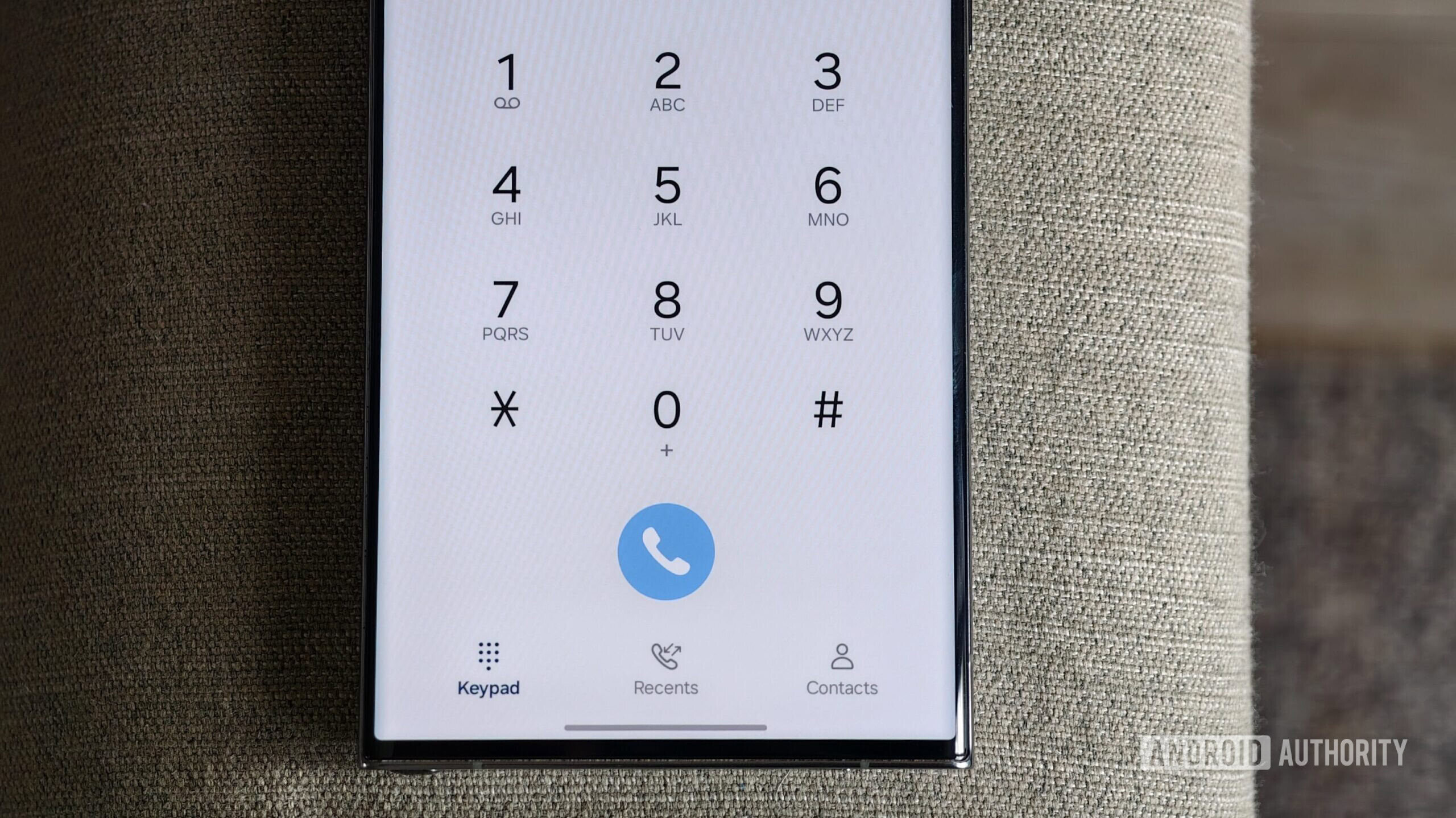
If your Galaxy feels slower over time or you like phone customization tricks, these codes are worth learning. The dialpad on your Samsung Galaxy phone is not only for making calls; entering specific Man-Machine Interface (MMI) codes reveals menus and features most people never notice. With them, you can pull up your IMEI, trigger hardware tests, hide caller ID, clear old system logs, and more without rooting or third-party tools. Combine these Galaxy hidden features with a few built‑in optimization settings and you can squeeze better performance from an older device. The only real caveat: some codes are powerful, so you should understand what they do before tapping anything that deletes data.
One Ordered Walkthrough: Safely Using Core Samsung Dial Codes
Here is a practical sequence you can follow like a checklist. It starts with enabling the codes, then moves through information, diagnostics, clean‑up, and finally general performance tuning. Follow the order, and you will see results without rooting or flashing anything.
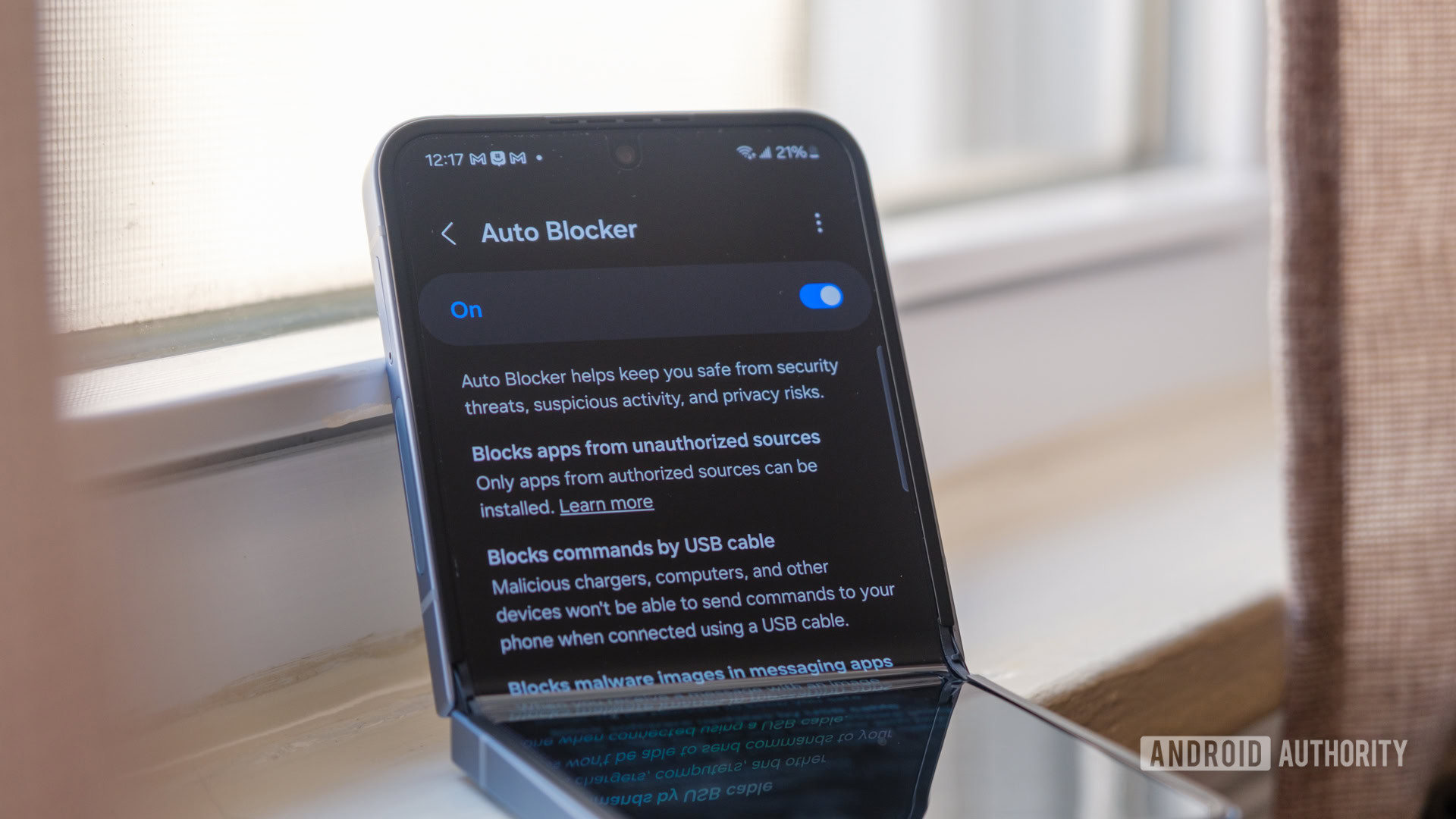
- Disable Auto Blocker so codes work: open Settings > Security and privacy, then turn Auto Blocker off. Many MMI codes fail until this is disabled.
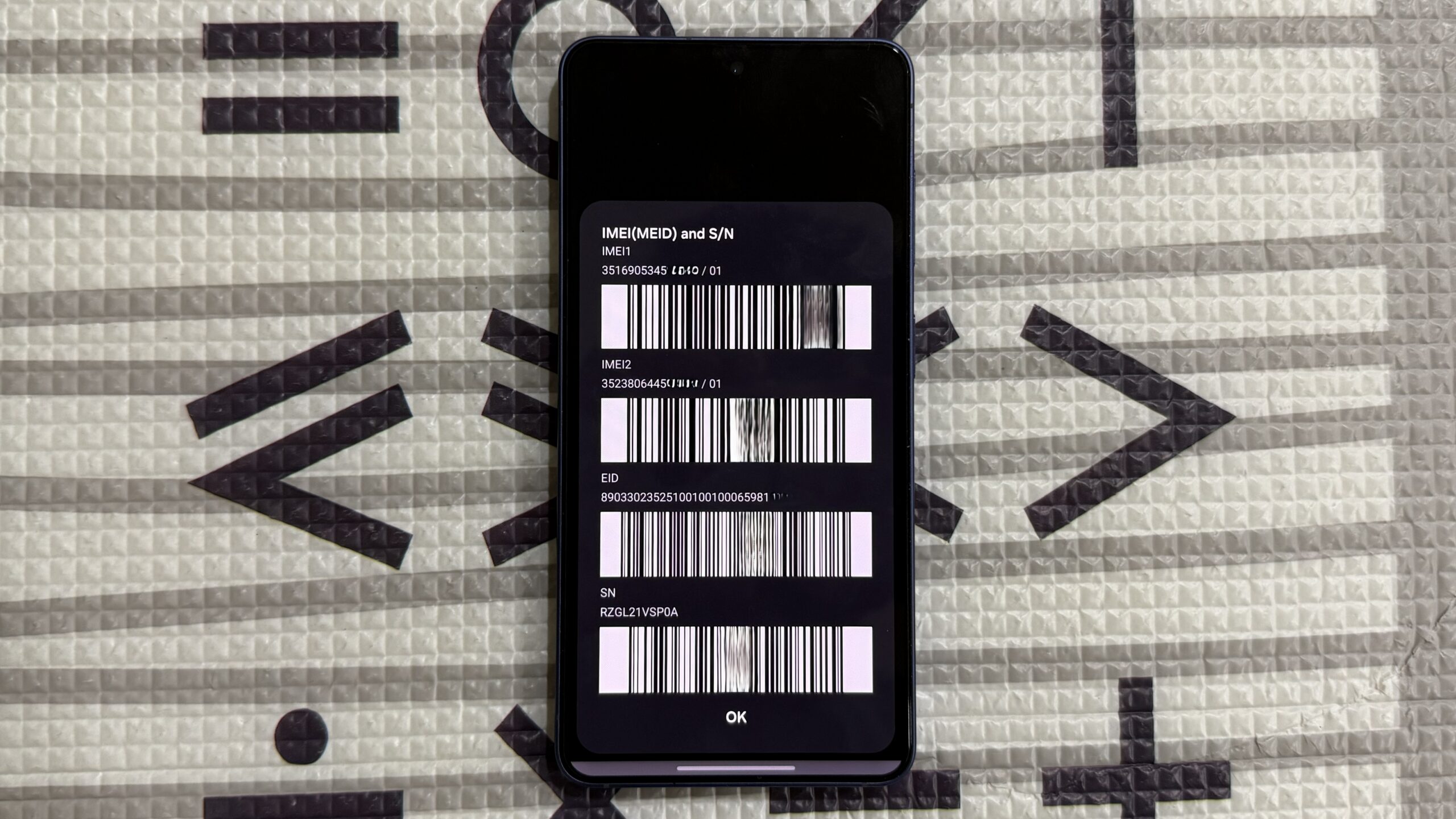
- Check your IMEI quickly: open the Phone app, dial *#06#, and note the 15‑digit IMEI (or two numbers on dual‑SIM models) that identifies your device.
- Run a hardware check: dial *#0*# to open the hardware diagnostics menu, then tap through the grid to test the screen, sensors, speakers, and other components.
- Free storage by deleting logs: dial *#9900#, tap Delete dumpstat/logcat in the SysDump menu, and let the phone remove accumulated system log files.
- Tweak behavior and speed: turn off RAM+ under Settings > Device care > Memory, and enable Deep Sleeping Apps under Settings > Battery and device care > Battery > Background usage limits so unused apps stop running in the background.
Disabling Auto Blocker temporarily is the key that “unlocks” most Samsung dial codes today, because the security layer can block them as a side effect. Quote‑worthy: “Between disabling RAM+, deep sleeping apps I rarely use, keeping my storage lean, and switching to a lighter launcher, the A55 feels like it did when I first pulled it out of the box.” Remember that on some carrier‑locked phones you may see a connection error even if you follow the steps, which is a limit set by the carrier rather than the device itself.
What Each Key Code Does For You In Everyday Use
Once you know how to run them in order, it helps to understand why each code matters. Dialing *#06# shows your phone’s unique IMEI, which you will need if your device is ever lost or stolen or when dealing with insurance or support; using the dialer is the fastest way to see it compared with digging through About Phone menus or the box. Dialing *#0*# opens a hardware diagnostics menu with a grid of tests that cover almost every major component, from the display to sensors and speakers, so you can confirm whether slowdowns are caused by hardware or software. To reclaim hidden “Other files” storage taken up by system logs, *#9900# brings up the SysDump menu where Delete dumpstat/logcat clears those logs; in one example this step freed 1.2GB of storage that had quietly piled up.
Beyond codes, you have a few Galaxy hidden features that feel like secret switches. Turning off RAM+ stops the phone from using slow internal storage as pretend RAM; when it was disabled on a Galaxy A55 and the phone restarted, app switching and menu navigation felt noticeably faster. Putting unused apps into Deep Sleeping Apps mode prevents them from running or syncing in the background, which cuts lag at the cost of delayed notifications for those apps. Together with those Samsung secret codes, you end up with a toolkit that lets you troubleshoot and streamline your phone without installing optimization apps that often add more bloat than benefit.
Phone Customization Tricks To Tie It All Together
Once your diagnostics and clean‑up are done, you can lean into phone customization tricks to keep things feeling light. If you can live without every part of the default interface, switching from the stock look to a lightweight third‑party launcher can make the whole system feel more responsive. One user moved to a streamlined launcher that replaces the icon grid with a simple alphabetical list and saw the home screen load instantly and apps open faster, which helped an older phone feel closer to new. The key idea is to pair your Samsung secret codes and Galaxy hidden features with a setup that does less in the background: fewer widgets, fewer auto‑syncing apps, and a simpler home layout.
Think of this as regular maintenance instead of a one‑time hack. Run the diagnostics with *#0*# when something feels off, clear logs with *#9900# when storage shrinks for no clear reason, keep RAM+ conservative or off, and let unused apps sleep. After a while, this rhythm becomes easy habit rather than a project. The payoff is a phone that lasts longer, wastes less storage on hidden clutter, and feels more under your control than when you rely only on surface‑level settings menus.