
Start Here: The Best iPad to Buy for Most People
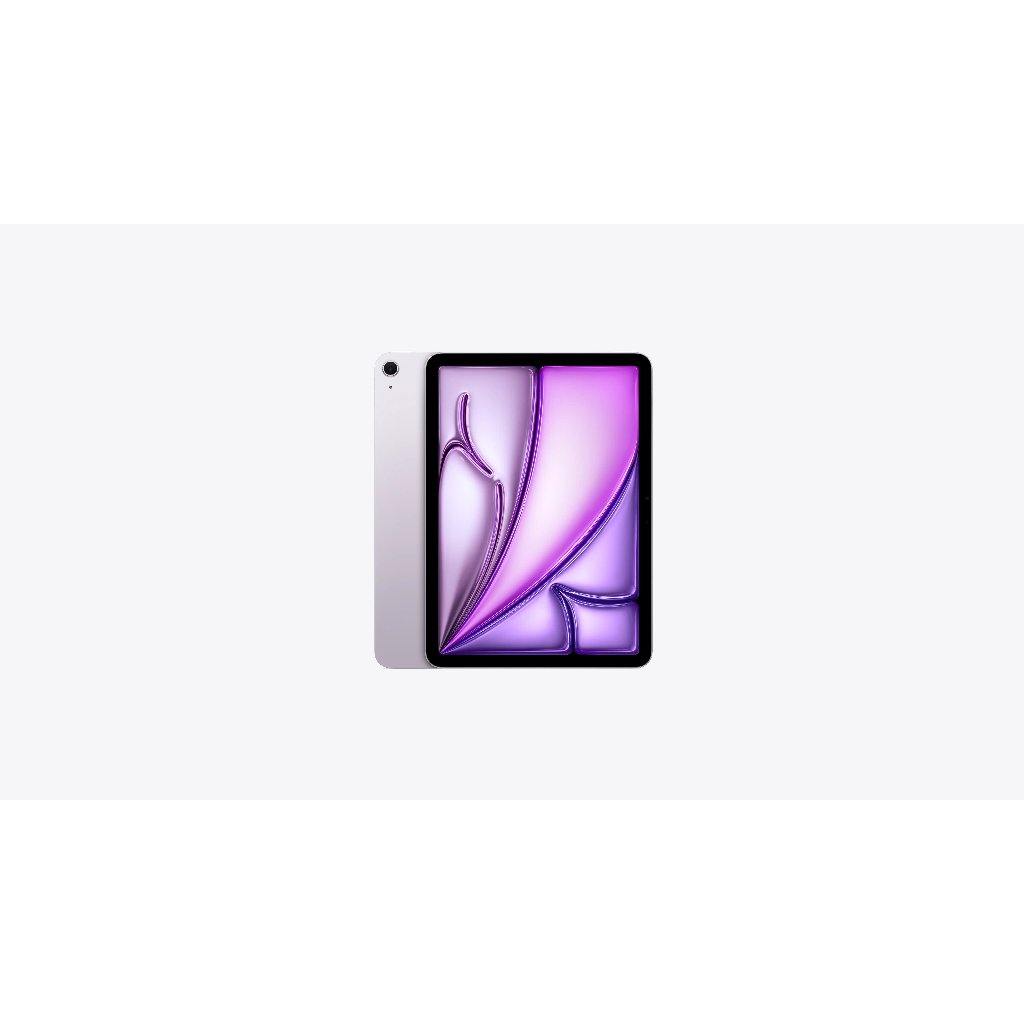
An iPad buying guide is a structured comparison of current iPad models and compatible accessories that explains which tablet best fits different workflows, budgets, and use cases, so you can confidently choose the right balance of performance, features, and price without overpaying for specs you will not use. For most people, the best iPad to buy is the iPad Air, because it offers the strongest mix of performance, modern design, and long‑term versatility while still undercutting the top‑tier Pro models on price. It handles streaming, browsing, reading, and gaming, and has enough headroom for graphic design, illustration, and photo and video editing when you need more power. According to the source, "We think the iPad Air is the best tablet money can buy, period"—and this guide will help you decide whether that Air, a budget standard iPad, or a smaller Mini is the right fit for you.
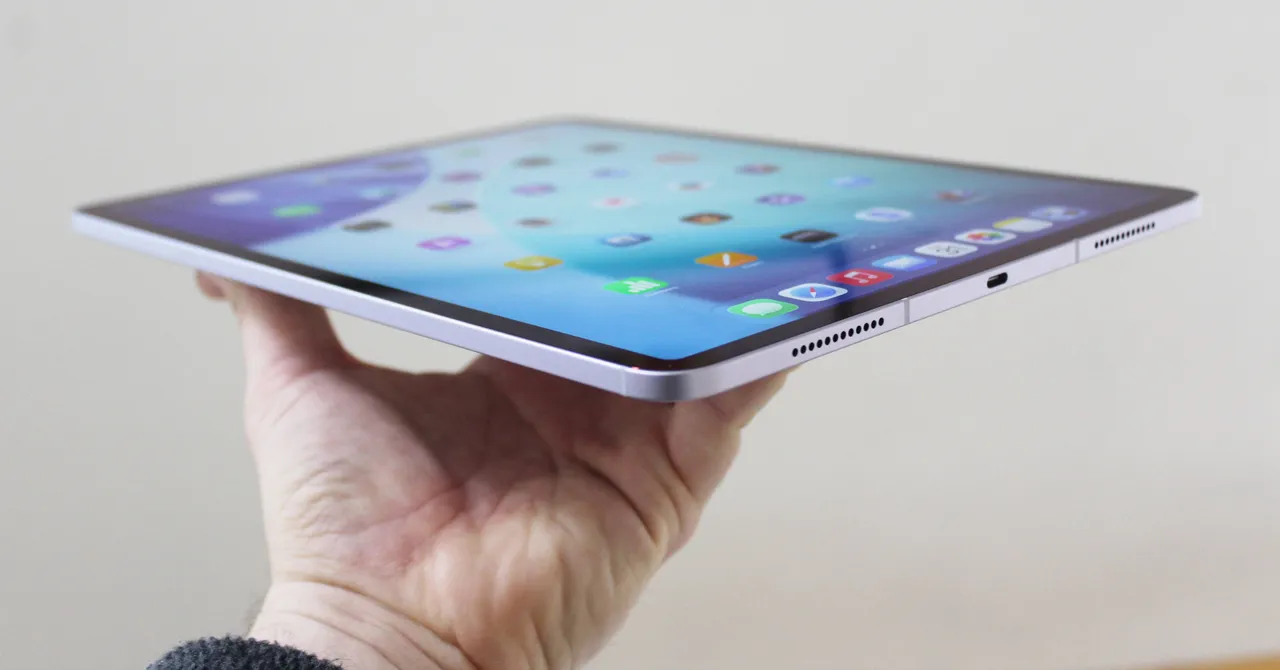
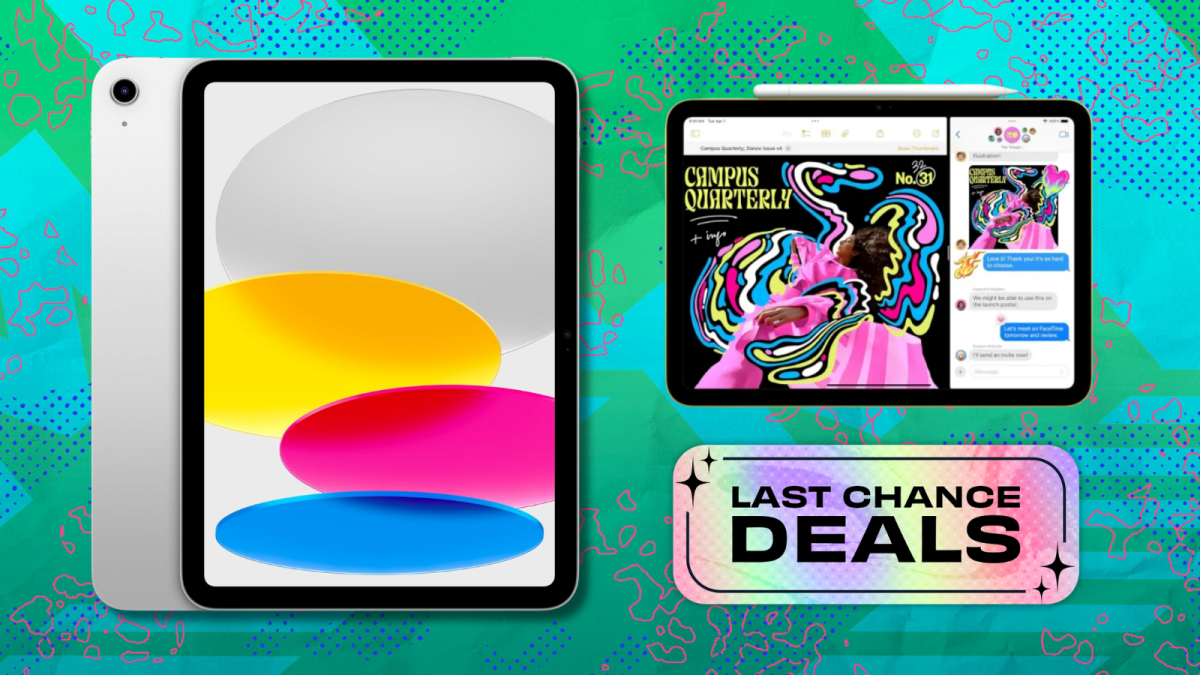
Budget Pick: Standard iPad at USD 299 (approx. ₱16,800)
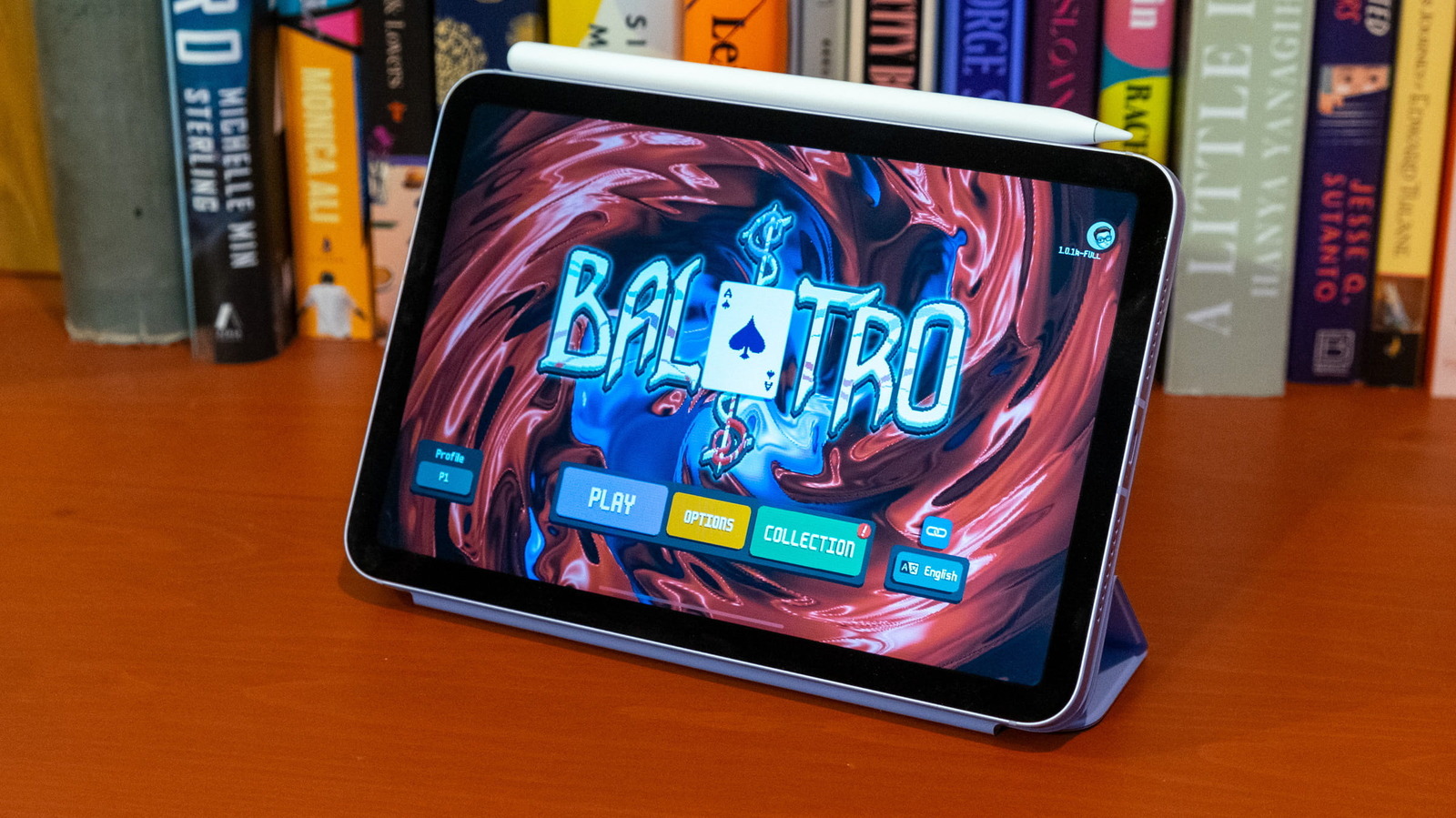
If you want an iPad that covers essentials without straining your wallet, go straight to the entry‑level iPad when you see it discounted to around USD 299 (approx. ₱16,800). Price‑conscious options starting at USD 299 (approx. ₱16,800) make iPads accessible across a wide range of budgets while still feeling premium. This standard iPad is described as a favorite for budget shoppers and kids: it is not especially fast, but it delivers a lightweight design, an 11‑inch Liquid Retina display, a solid 12 MP camera, and Touch ID for secure sign‑ins. Expect about six hours of battery life per charge, which is enough for flights, school days, and casual couch use. It is ideal if your workflow centers on streaming video, browsing the web, reading, light gaming, and note‑taking, and you do not plan to push heavy creative apps every day.
Power Users: Why the iPad Air Beats Pro and Mini
If you split your time between everyday tasks and serious creative or productivity work, the iPad Air is the clear winner over iPad Pro vs Air vs Mini. The source notes that it can handle basics like streaming, internet browsing, reading, and gaming while also scaling up to graphic design, illustration, and photo and video editing. That balance is exactly why it should be your default choice unless you have a very specific need. The Pro line exists for people who demand the absolute best displays and highest performance all day, but many workflows will never touch that ceiling. The Mini, meanwhile, is all about size—great for portability, but cramped for multitasking or detailed design work. When you factor in cost, the Air gives you most of the Pro’s real‑world benefits at a lower price, and it keeps a larger, more comfortable canvas than the Mini for long work sessions.
Apple Pencil Lineup: Which Stylus Fits Your Workflow?
| Model | Price | Key Features | Best For |
|---|---|---|---|
| Apple Pencil (first gen) | USD 99 (approx. ₱5,600) | Pressure and tilt sensitivity; glossy, fully round body; Lightning charging; no magnetic attachment | Artists on older iPads who need pressure‑sensitive drawing and shading |
| Apple Pencil (USB‑C) | USD 71 (approx. ₱4,000) | No pressure sensitivity; magnetic attachment; USB‑C pairing and charging; Hover Mode on select iPad Air and Pro models | Note‑takers and casual users who want a convenient stylus more than a pro art tool |
| Apple Pencil (second‑gen) | USD 129 (approx. ₱7,300) | Pressure and tilt sensitivity; wireless pairing and charging; magnetic attachment; double‑tap tool switching; now discontinued for newer iPads | Owners of compatible older Air, Mini, and Pro models who want a premium drawing and note‑taking experience |
| Apple Pencil Pro | USD 99 (approx. ₱5,600) | Squeeze gesture to open tool palette; haptic feedback; gyroscope for tool orientation; Find My support; limited to M‑series Air, Pro, and seventh‑gen Mini | Digital artists and designers on the latest iPad Air and Pro who want the most advanced stylus features |
The Apple Pencil is a must‑have for any iPad owner who takes a lot of notes or likes to draw, and even for signing documents. The first‑generation Pencil is still capable thanks to pressure and tilt sensitivity, but its glossy body, lack of magnets, and Lightning charging make it less convenient today. The USB‑C Pencil is better suited to note‑takers than artists, since it drops pressure sensitivity; it attaches magnetically but still needs a cable for charging. The second‑generation Pencil adds wireless charging and a handy double‑tap gesture, though it is officially discontinued and unsupported on the newest Air and Pro models. The Pencil Pro is the most feature‑packed option, with squeeze controls, haptics, tool rotation via gyroscope, and Find My tracking—but it only works with the latest iPad Air, iPad Pro, and seventh‑gen iPad Mini, which is a clear compatibility downside.
Buy if / Skip if
- Buy the iPad Air if you want the best iPad to buy for a mix of everyday use and serious creative work, without paying Pro prices.
- Skip the iPad Air if you only stream, browse, and game casually and would rather save money with the standard iPad at USD 299 (approx. ₱16,800) when on sale.
- Buy the standard iPad if you are a budget shopper or buying for kids and value a premium feel, 11-inch Liquid Retina display, and Touch ID over top-speed performance.
- Skip the standard iPad if your workflow involves heavy photo or video editing and you will benefit from the extra power and screen quality of an Air or Pro.
- Buy the Apple Pencil (USB-C) if your priority is handwriting, note‑taking, and occasional sketching rather than pressure‑sensitive art.
- Skip the Apple Pencil (USB-C) if you are a serious artist who needs pressure sensitivity and should choose the first‑gen, second‑gen, or Pencil Pro instead.
- Buy the Apple Pencil Pro if you own a recent iPad Air or Pro and want advanced squeeze, haptic, gyroscope, and Find My features for professional design work.
- Skip the Apple Pencil Pro if your iPad is older and not on the compatibility list; its limited support makes it a poor match for legacy devices.