
Galaxy AI in One Sentence: Powerful, Busy, and Sometimes Pointless
Galaxy AI features are a collection of Samsung AI tools for productivity, photography, and audio enhancement that ship with modern Galaxy phones, combining note‑taking, call management, image editing, and sound cleanup into One UI 6.1 features designed to automate everyday tasks across the Galaxy S24 lineup and newer models. The problem is that this collection mixes essential utilities with gimmicks, and your experience depends entirely on which ones you turn on. If you let everything run by default, your phone becomes a busy demo of artificial intelligence instead of a sharper tool for work and content creation. So the smart move is to rank them by how they fit into a real workflow, not by how flashy the marketing page looks.
Top Tier: Call Assist, Note Assist, Photo Assist, and Audio Eraser
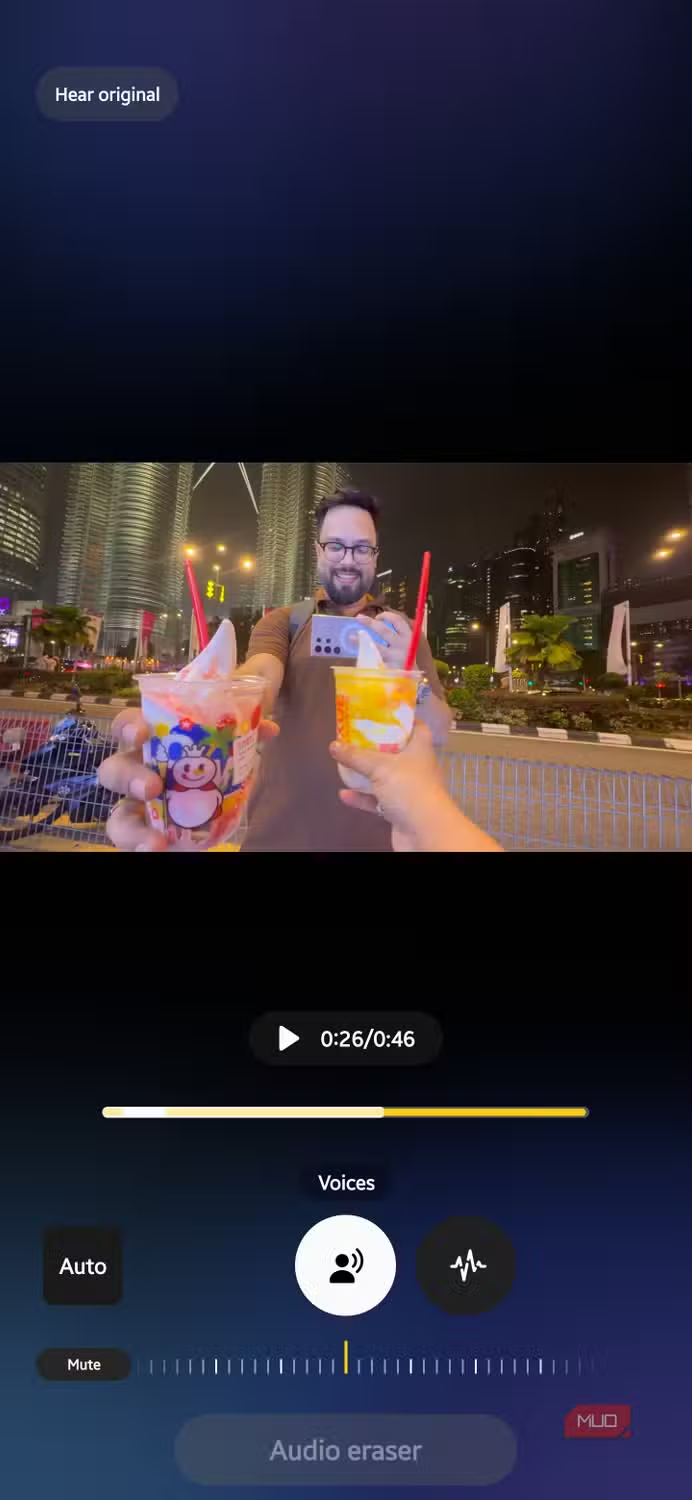
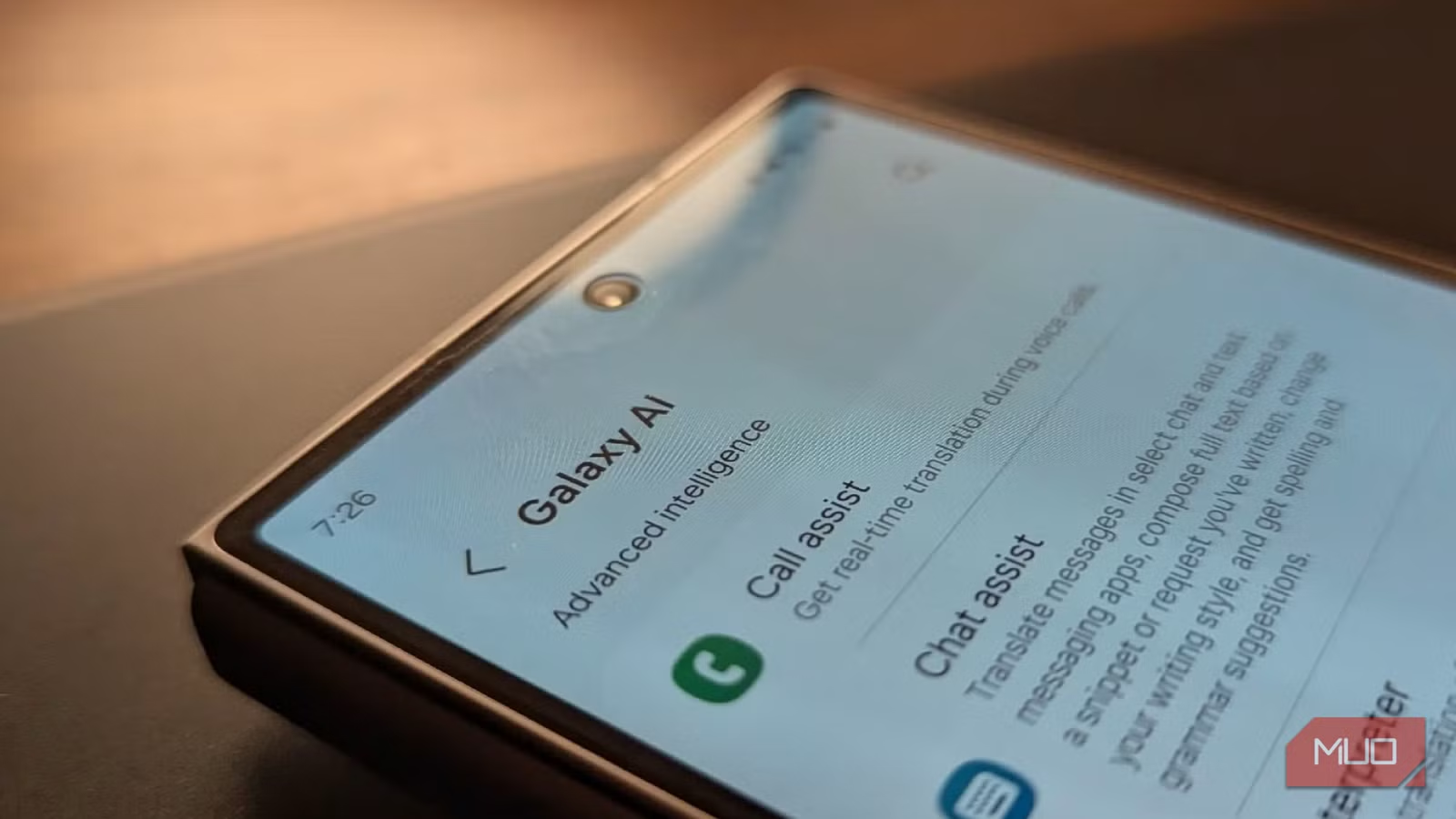
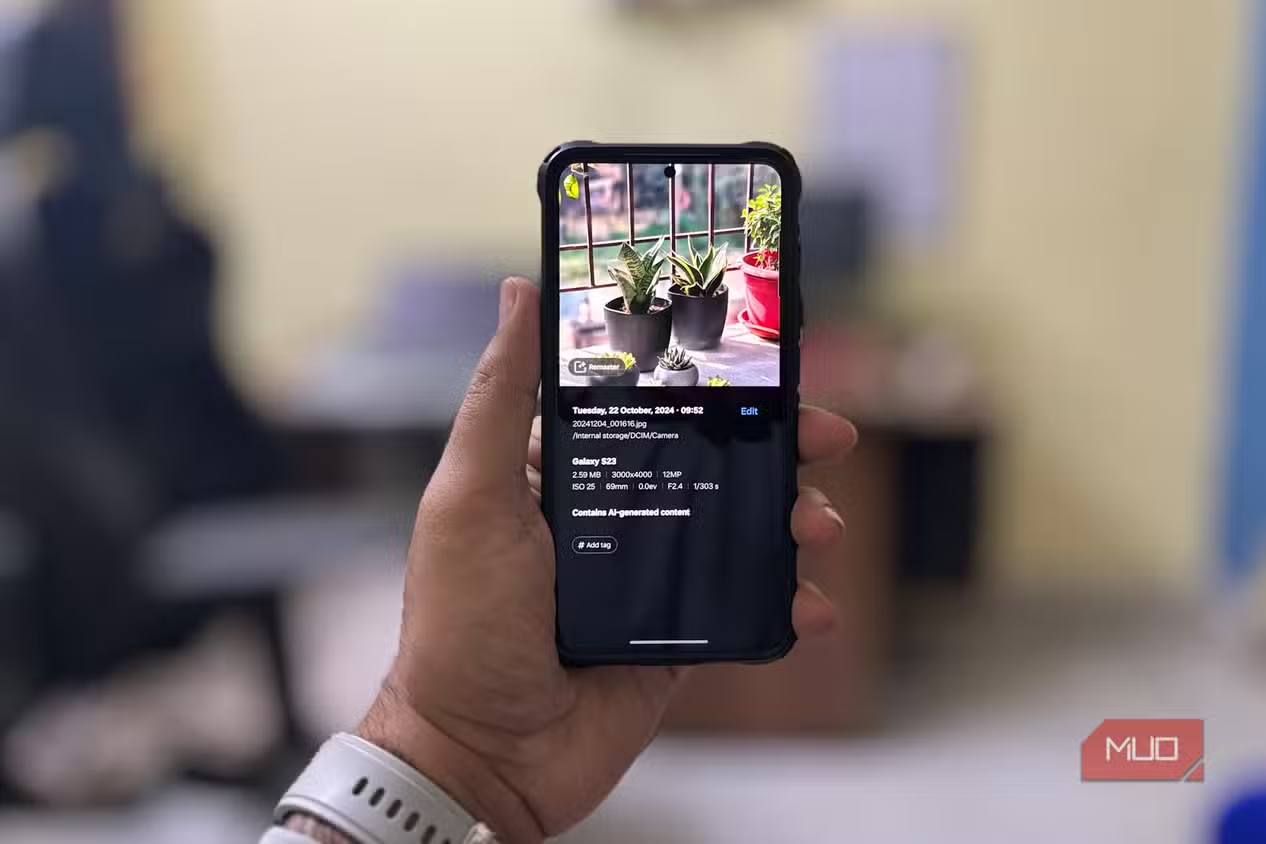
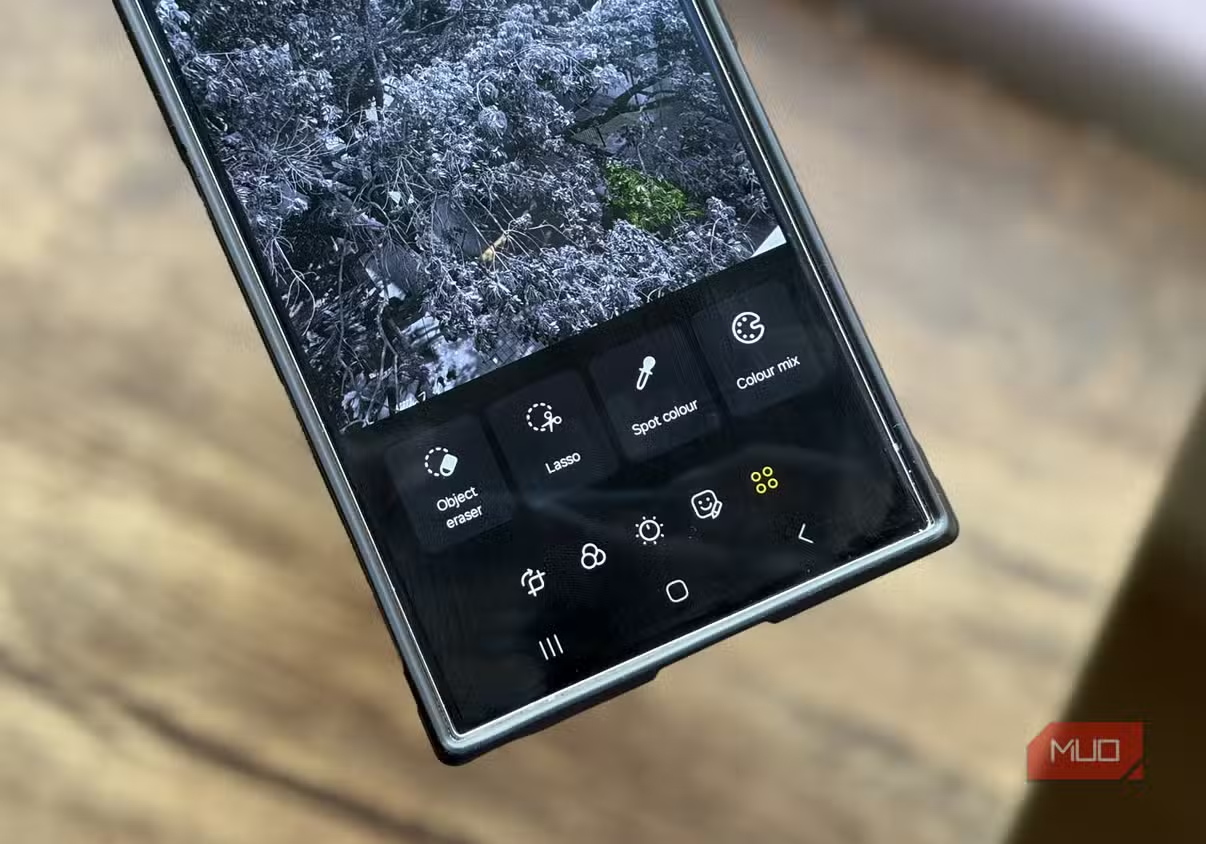
The Galaxy AI features that deserve permanent space on your phone are the ones that remove friction you feel every day. Call Assist is the standout: it screens spam calls for you, asking who is calling and why, then shows the responses as text so you can decide whether to pick up. It also adds two‑way live translation and can mute original voices, turning awkward multilingual calls into something you can manage calmly. Note Assist in Samsung Notes takes walls of text and restructures them with headings, paragraphs, bullet points, summaries, translation, and even context‑based covers, which is strong enough to make Samsung Notes preferable to other note apps. Photo Assist brings an AI eraser that removes, moves, and resizes objects more effectively than similar tools on rival phones. Finally, Audio Eraser processes a video’s audio track on device, categorizing voices, music, crowd noise, nature, and general background noise so you can keep your voice while muting wind, construction, or chatter.
Situational Wins: Audio Eraser for Creators, Now Brief, and Now Nudge
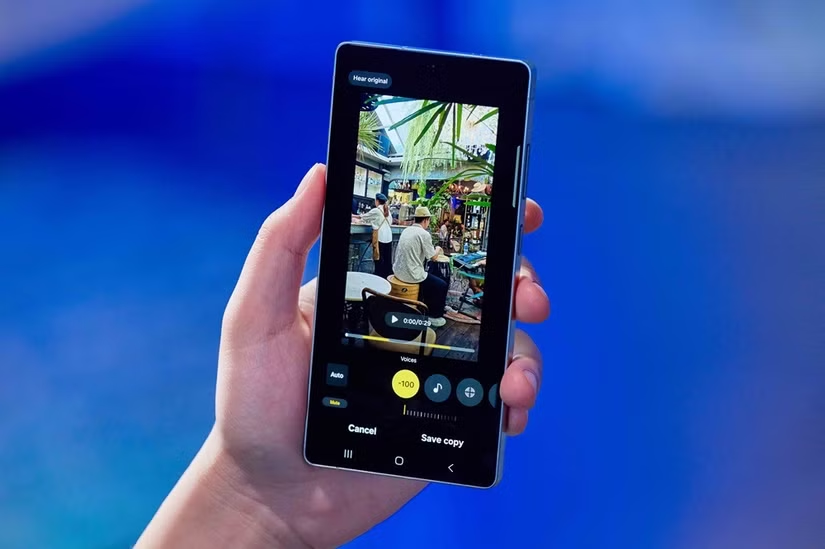
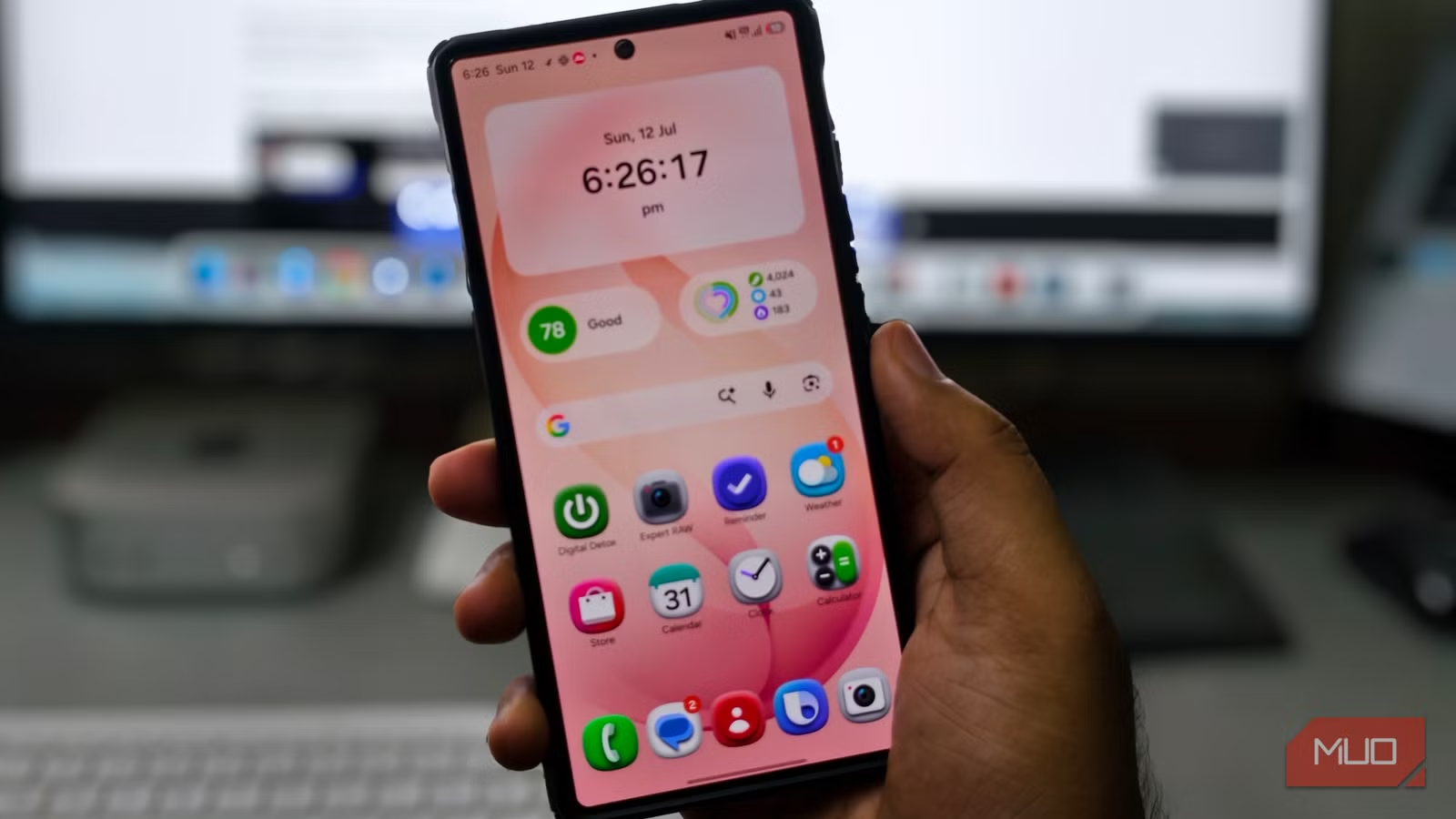
Some Samsung AI tools are excellent in the right context but don’t belong in everyone’s daily routine. Audio Eraser is the clearest example: it fixes footage with messy sound, ideal if you are a vlogger recording during travel or someone capturing important moments in noisy environments. Samsung states that Audio Eraser is "meant to provide a quick solution for people to fix their footage right on their phone", and it now runs on all Galaxy devices with Android 14 and One UI 6.1 or higher, including Enhanced Audio Eraser on the Galaxy S25 and S26 series. It is also useful for lectures, client calls, or interviews when you need clearer speech. Now Brief shows weather, calendar entries, news, and other contextual cards on the lock screen, but its value depends on how deeply you use Samsung’s ecosystem apps like Calendar, Health, Gallery, News, and Routines. Now Nudge, exclusive to the Galaxy S26 series, suggests actions based on what’s on screen—for example, surfacing trip photos or contact details directly in the keyboard—but again, it shines only for people who share and schedule from their phone all day.
Gimmick Zone: Creative Studio, Weather Wallpaper, and Other Novelty Tricks
Then there are the Galaxy AI features that feel like they exist to pad the spec sheet. Creative Studio is Samsung’s AI image generator for prompts, stickers, greeting cards, and wallpapers. It can be fun for a short burst, but the novelty wears off fast, and it does not solve a concrete problem for most users. The Weather wallpaper feature is described as perhaps the most gimmicky Galaxy AI feature, showing animated conditions that add visual flair but no meaningful function. This is where you need to be ruthless: if a tool is mainly for showing off that your phone has "AI," disable it. Leaving these running turns your device into a playground instead of a practical companion. They can stay hidden until you have a specific, creative use case—otherwise they dilute the impact of the features that do matter.
Know the Limits, Pick Your Tools, and Make Galaxy AI Work for You
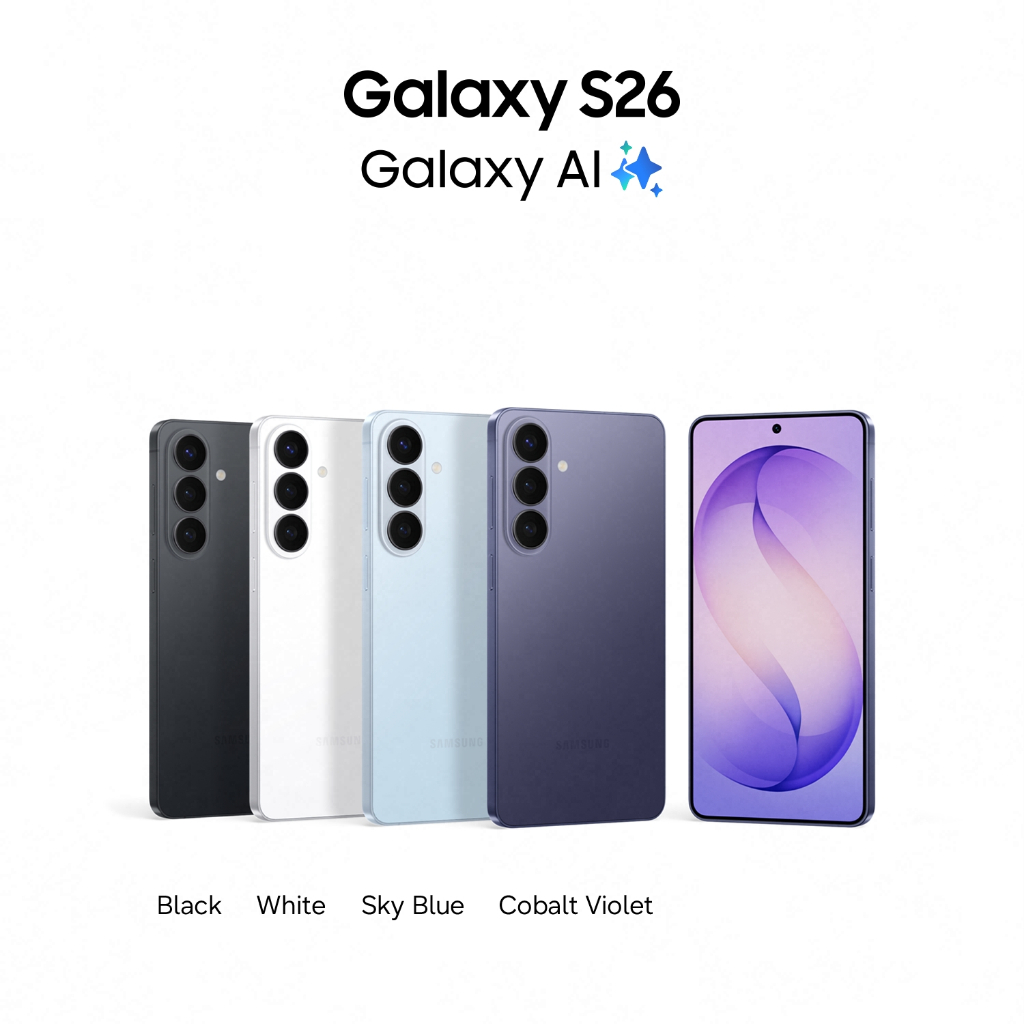
Even the best Samsung AI tools have limits, and acknowledging them helps you choose wisely. Samsung is clear that Audio Eraser is not flawless: short sounds may be missed, similar noises can be misidentified, and muting background audio can sometimes make your own voice sound muffled. It also cannot replace a standalone microphone or professional editing software. Likewise, Galaxy AI features in general range from essential to barely useful; some are clever but situational, and some exist "purely for the sake of making the list look longer". The Galaxy S26, for example, adds Now Nudge and Enhanced Audio Eraser to its Snapdragon 8 Elite Gen 5 package at USD 780 (approx. ₱43,700), down from USD 853.76 (approx. ₱47,900). The conclusion is simple: match features to your workflow. Keep Call Assist, Note Assist, Photo Assist, and Audio Eraser if you deal with calls, notes, images, and audio daily. Leave the wallpaper tricks and casual generators off unless you have a plan for them. Galaxy AI is powerful—but only if you treat it as a toolbox, not a magic show.