
The hard truth: OxygenOS is over, but your phone isn’t
The OnePlus ColorOS transition is the complete replacement of OxygenOS with Oppo’s ColorOS through upcoming Android 17 updates, changing interface design, features, and future software support paths for existing OnePlus phones.
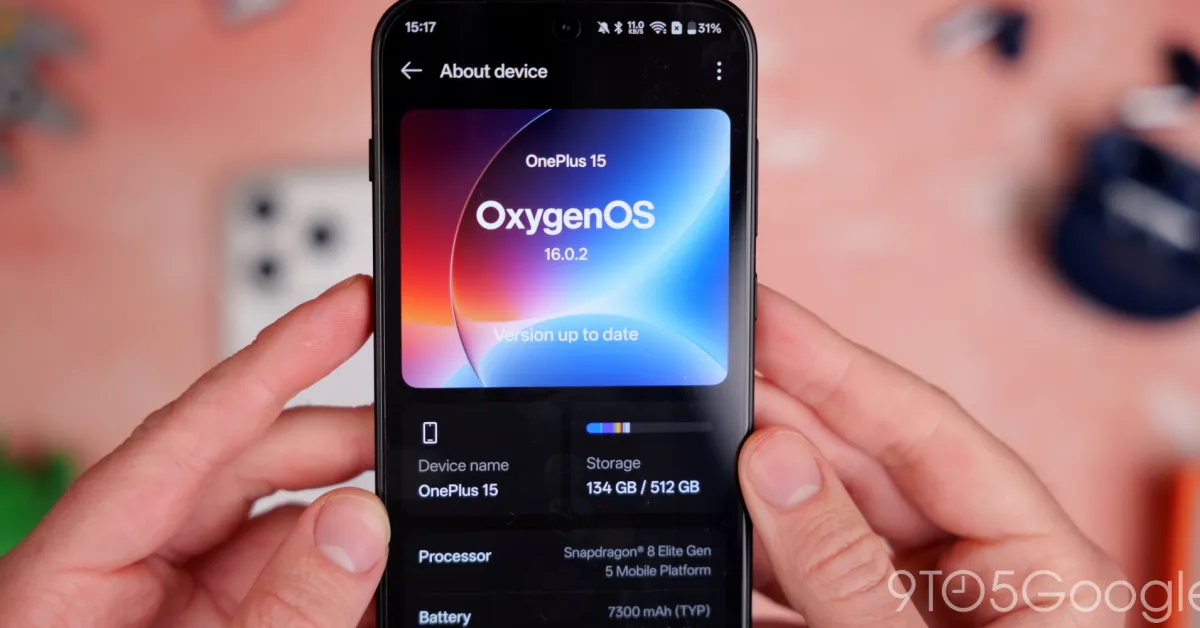
This is not a minor skin tweak; it is the end of OxygenOS as you know it. OnePlus has confirmed that its Android flavor is going away and that all active devices in the eligible upgrade pool will move to ColorOS starting with Android 17 updates. OxygenOS had already drifted toward ColorOS, but now, as one source bluntly puts it, "OxygenOS won't be based on ColorOS anymore. It WILL be ColorOS." At the same time, OnePlus is effectively dead in most of the world, even as it promises ongoing software updates and security patches for existing devices. That makes this shift less of a choice and more of a last lifeline: if you want long-term support, ColorOS Android 17 is where your OnePlus has to go.
Why this transition matters more now than ever
OnePlus exiting key hardware markets turns the ColorOS Android 17 update from an optional tweak into a survival plan for your phone. OnePlus is offloading much of its business to a sibling brand in some regions and will only keep selling devices elsewhere while stocks last, even though it promises repairs and support for longer. In parallel, it says existing devices will still get software updates, security patches, and support, but under the ColorOS framework rather than OxygenOS.
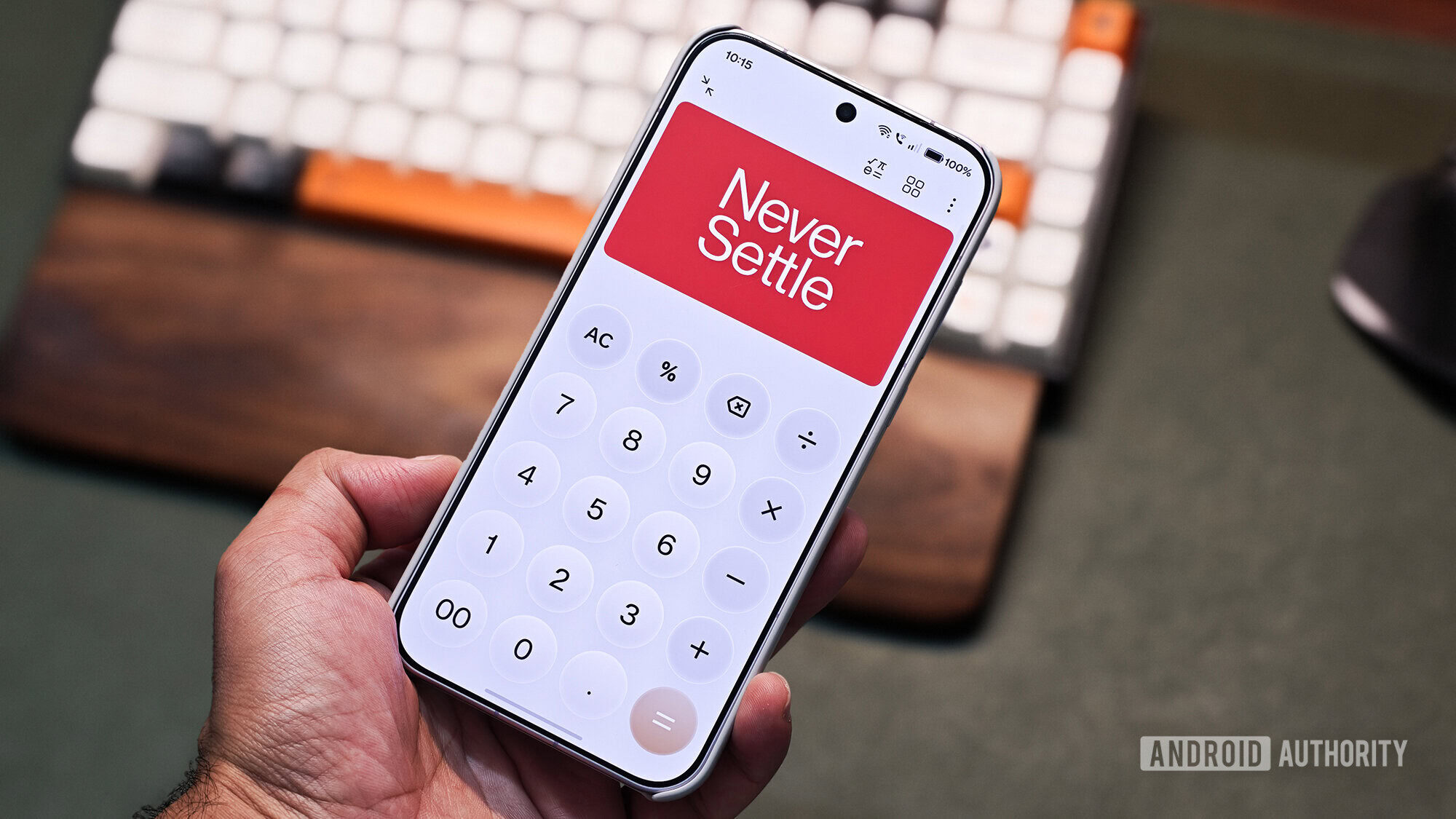
In practical terms, this means two paths. If your model is in the Android 17 upgrade scope, the future of your OnePlus software is ColorOS; OnePlus calls the ColorOS 17 move an "operational adjustment" meant to streamline development and accelerate update delivery. If your device is not eligible, you remain on OxygenOS with maintenance-only support. OnePlus says rollback builds will exist for those who prefer OxygenOS, but newer devices are signposted toward ColorOS for any meaningful OnePlus software update. The Never Settle slogan may be gone, yet settling for no updates is worse.
What you lose: clean OxygenOS polish and lighter software
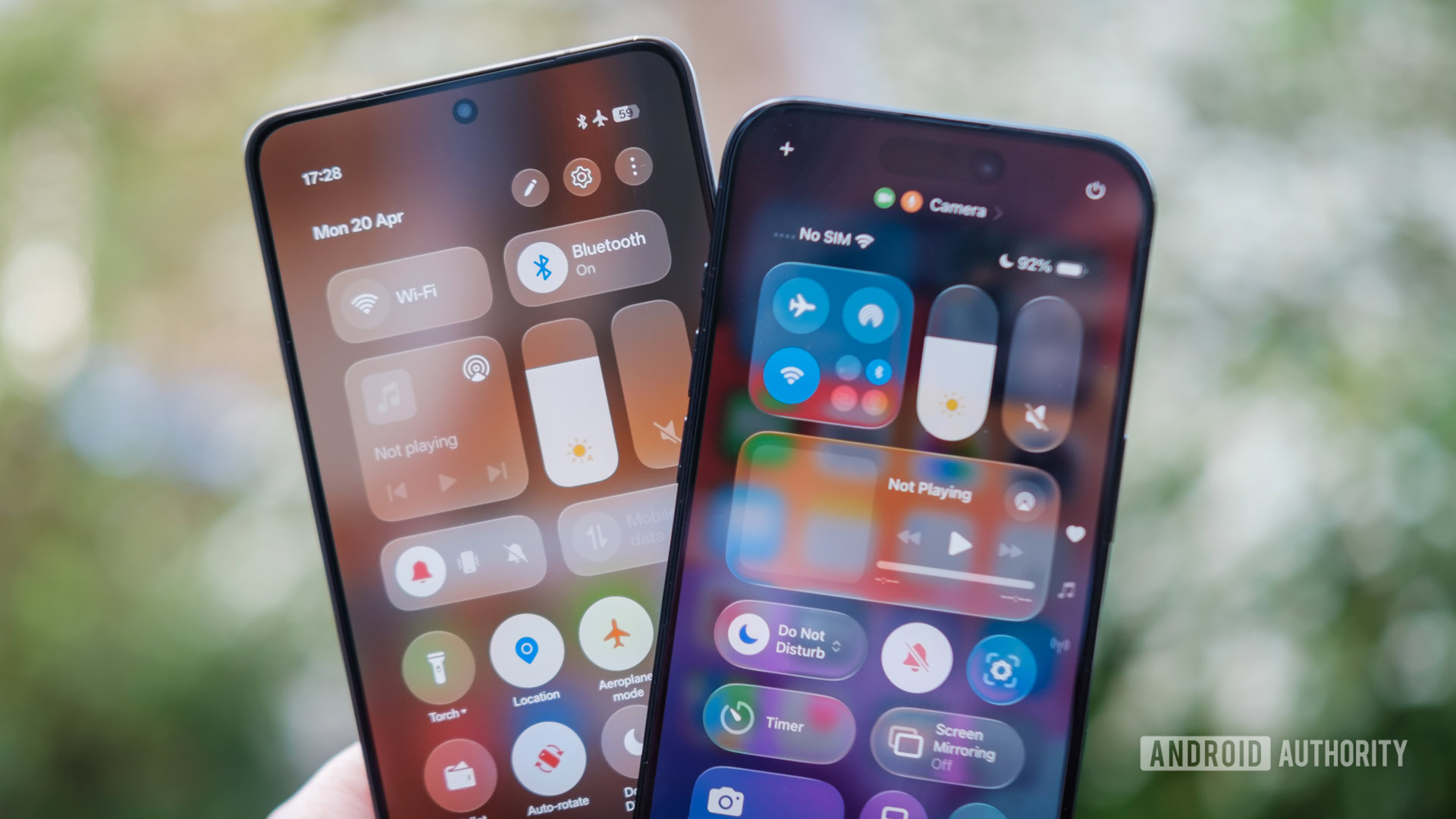
The painful part of the OnePlus ColorOS transition is what disappears. OxygenOS had a reputation for a cleaner, less cluttered interface, simpler colors, and fluid animations that many long-time users already miss since the earlier partial merger. With full ColorOS, expect more translucent, "Liquid Glass" styling in areas like the control center, where OnePlus previously offered a more Android-like, toned-down version. You also give up some subtle OxygenOS behaviors such as lighter background-process killing and global-market-friendly optimizations, which historically distinguished OnePlus devices.
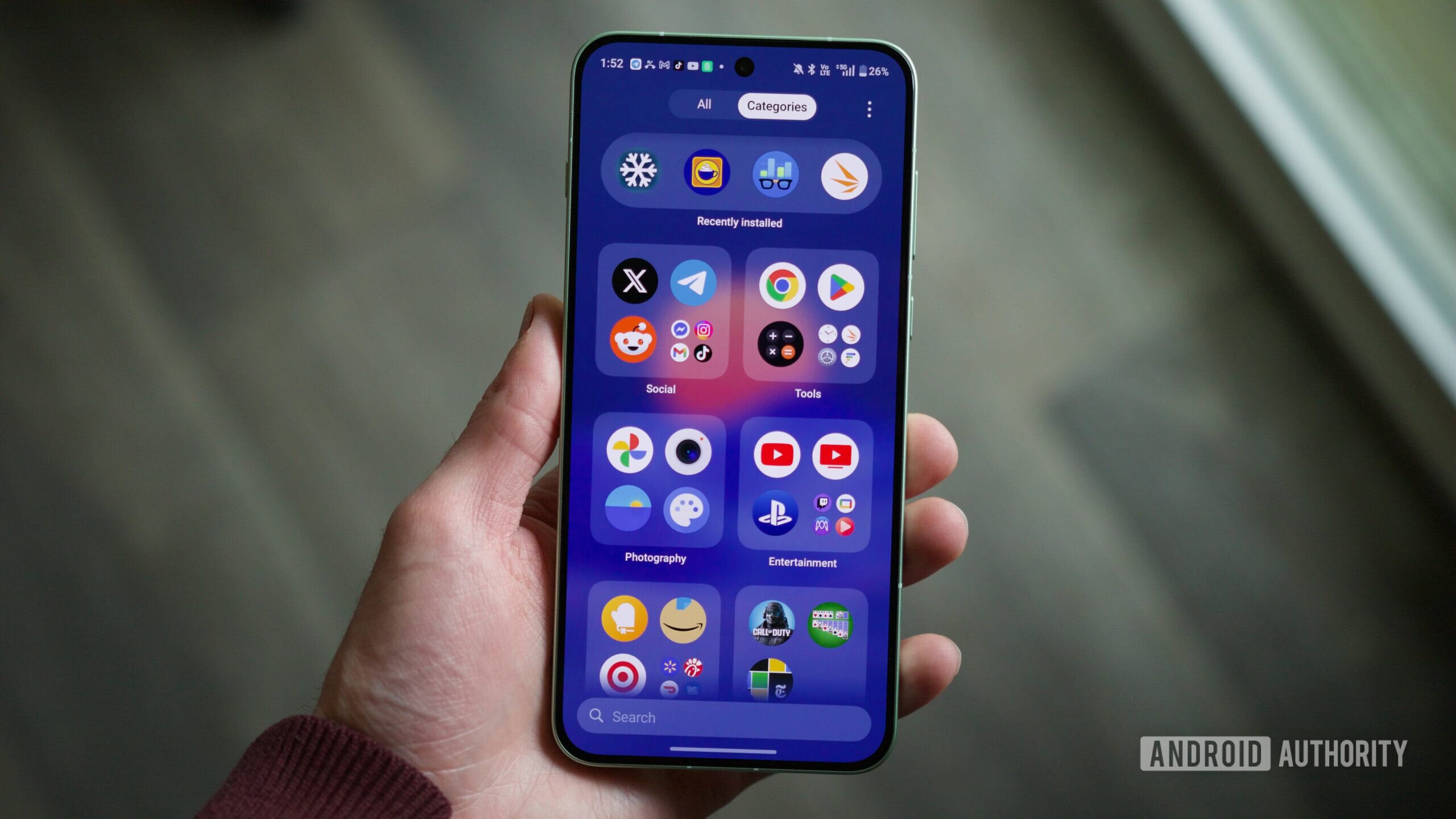
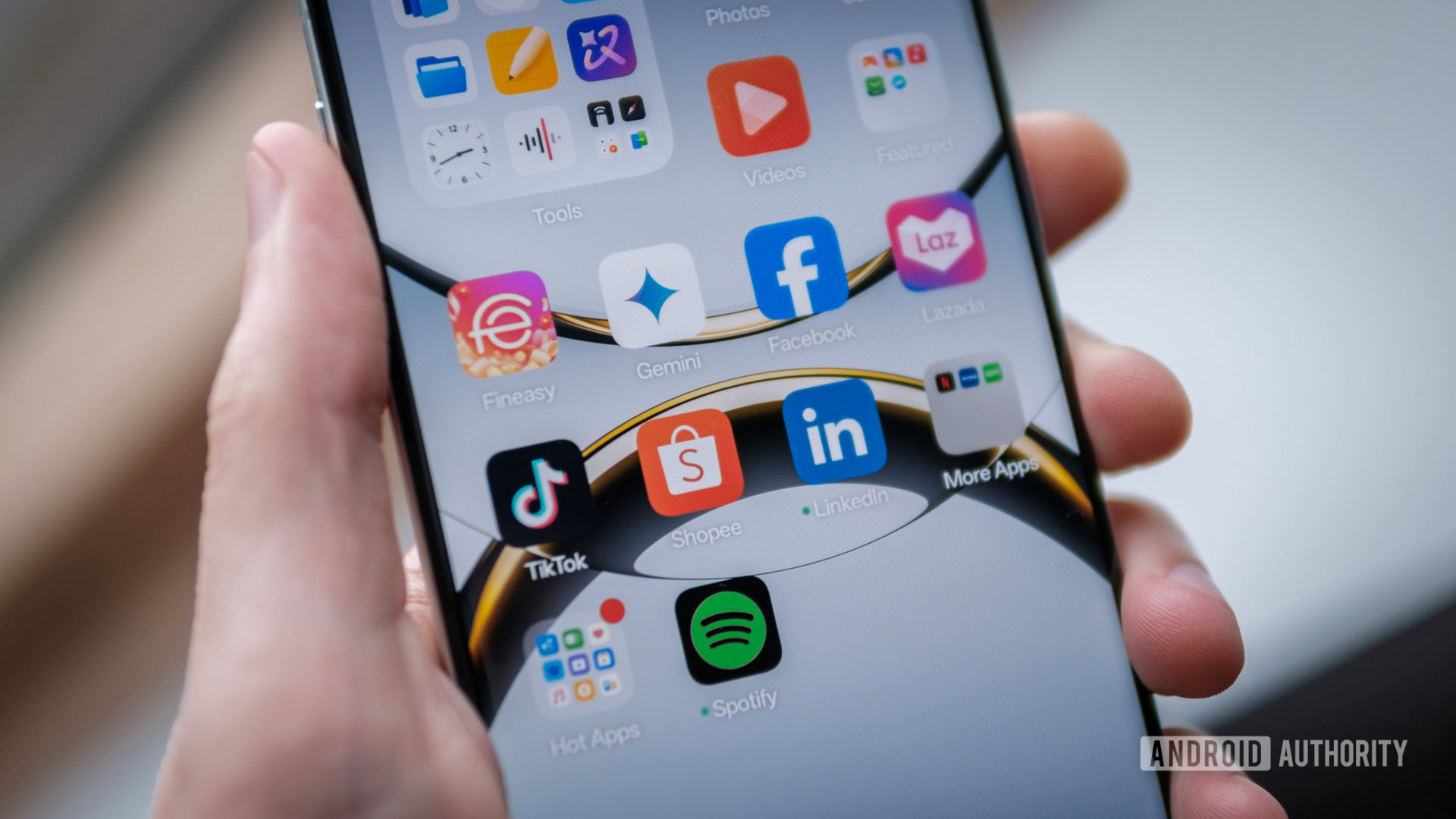
Then there is bloat. ColorOS on Oppo phones ships with pre-installed apps such as App Market and Game Center, which act as gateways to its own app store and promote low-quality knockoffs, along with preloaded services like Amazon, Booking.com, Facebook, Instagram, LinkedIn, and Netflix depending on region. You can uninstall many of these and mute notifications, but the core app store cannot be fully removed and lockscreen magazine ads are enabled by default, even though you can disable them. If you loved OxygenOS because it stayed out of your way, this OxygenOS replacement will feel more intrusive from day one.
What you gain: longer updates and new tricks—if you tame the bloat
ColorOS is not all downside. The main upside is continuity: OnePlus says it will fully support existing devices with software updates, security patches, and applicable support, and those future updates for eligible phones will arrive as ColorOS builds. The company argues that merging with ColorOS lets it streamline development, share engineering and R&D, and improve update speed and quality. Since OnePlus devices in one major market already run ColorOS, this consolidation should reduce duplication and help you receive the latest Android 17 features sooner under the ColorOS Android 17 umbrella.
Because ColorOS and OxygenOS already share a codebase and are "identical to a great extent" for most users, many everyday experiences—camera performance, system stability, battery behavior—should feel familiar. ColorOS has also adopted niceties originally championed by OnePlus, blurring the line further. Once you strip out or hide the worst bloat, you are left with a capable, modern Android skin that keeps your phone in the security and feature race after OnePlus’ hardware retreat. The trade-off is clear: accept more aggressive branding and bundled apps in exchange for a longer-lived device.
How to adapt your workflow and keep your sanity
If you treat the OnePlus ColorOS transition as a chance to retool your setup instead of a forced downgrade, you can stay productive. First, plan the jump: when ColorOS 17 appears for your phone, back up everything, then update knowing this is the future path for any major OnePlus software update. After installation, immediately uninstall every non-essential preinstalled app you can, disable App Market and Game Center notifications, and turn off lockscreen magazine to cut ads and nagging prompts.
Next, reclaim your interface. If ColorOS’ launcher and control center feel too loud or restrictive, switch to a third-party launcher recommended by power users and tweak gestures until they match your muscle memory. You may no longer have the old Shelf or the classic icon pack, but you can recreate much of your OxygenOS workflow with custom home screens, notification tweaks, and smarter app categorization. Finally, accept that "Never Settle" in this era means something different: not clinging to a dead OS, but shaping ColorOS into something that still serves how you work.