

Switching Platforms Is Less About Phones, More About Ecosystems
Switching phone platforms means moving not only from one device to another but between two deeply integrated ecosystems that shape your daily communication, app choices, and workflow habits, turning a simple upgrade into a complex renegotiation of how and where your digital life is stored and controlled. This is why the decision to switch iPhone to Android or go the other way rarely feels neutral; it feels risky. You are not just learning new icons, you are leaving one company’s stack of services for another’s. People sense this risk, which is why ecosystem lock-in on mobile has become one of the quiet pressures guiding hardware choices. The friction is less about technical limits and more about the power these ecosystems gain once your photos, messages, and productivity tools orbit around them.
Under the surface, this lock-in shows up in small but decisive ways: which calendar your colleagues use, how your family shares photos, where your backups live, and which assistant or AI sits on your power button. And once those pieces are in place, the cost of switching platforms stops being theoretical; it starts touching every part of your everyday phone use.
What Android Users Lose When Moving to iPhone
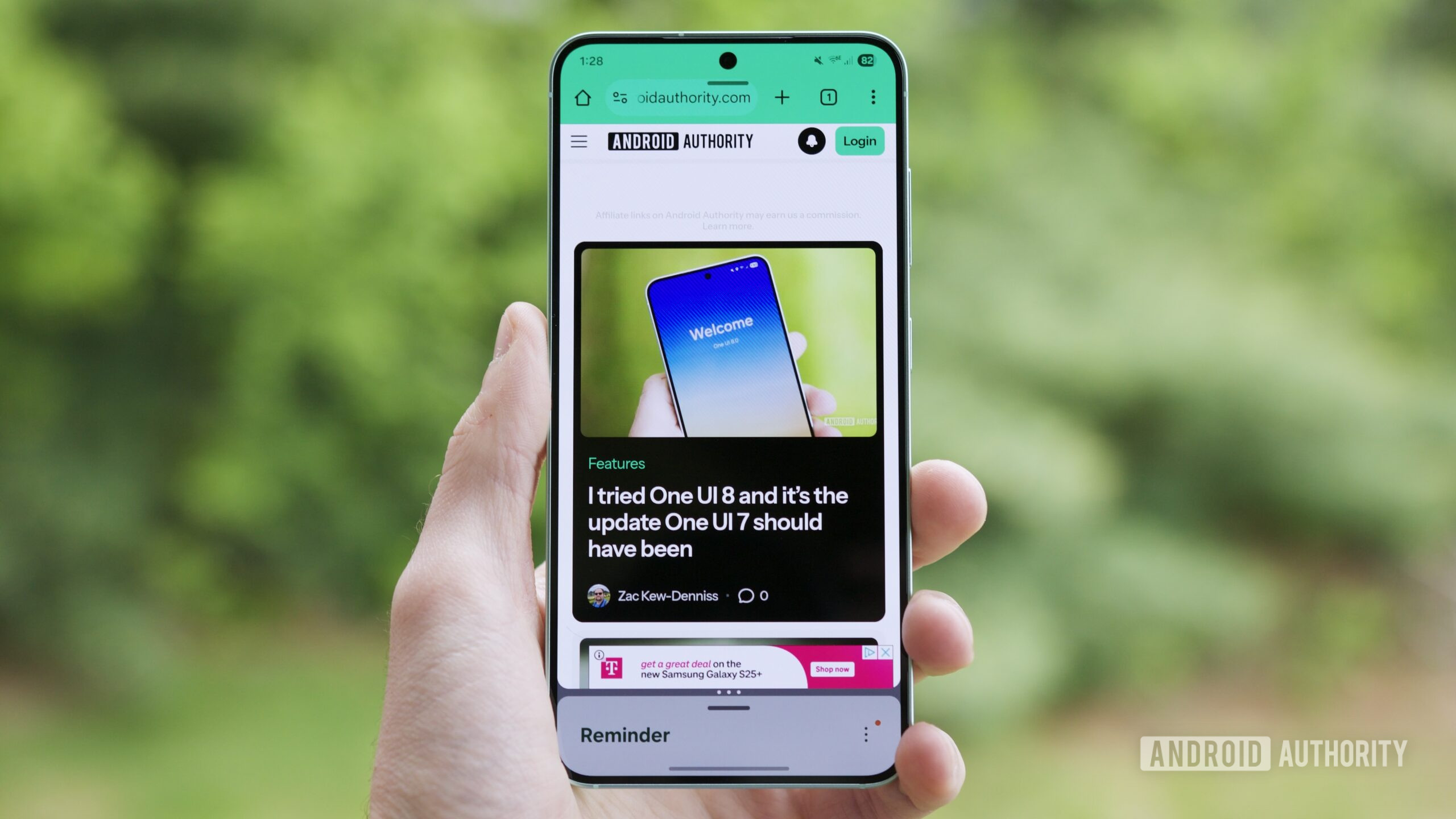
When people switch from Android to an iPhone, they do not only change hardware; they often feel they have stepped down in control and flexibility. Multitasking is a clear example. On many Android phones, you can run apps in split‑screen view, pop‑up windows, or app bubbles, using more than one app on the screen at once. Users rely on this to take notes while researching, cross‑check documents between apps, or fill spreadsheets with data from another app, and some even save app pairs to the home screen for one‑tap, split‑screen workflows. Losing that kind of system‑level control makes the first weeks on an iPhone feel constrained, even if the device itself is fast and polished.
Desktop‑style modes deepen the gap. Turning a phone into a pocket computer with a desktop interface has become part of how some Android users think about their devices, and that concept is simply missing on iOS. Add to this the broader culture of customization, alternative app stores, and sideloading, and it is clear why Android users often describe the move to iPhone as trading flexibility for stability. According to Android Authority, “the lack of the above‑mentioned features when switching from an iPhone to Android makes the transition feel like a downgrade — at least for the first few weeks.” The direction of that judgment may be debatable, but the sense of loss is real.
Transferring Data Is Easy, Until OS Architecture Gets Involved
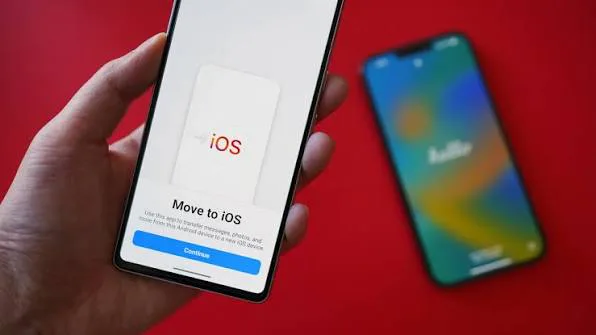
Most guides promise that switching iPhone to Android is a straightforward process: follow a few steps, and your content comes along. In reality, copying data between platforms is not the same as dragging files between folders, because the difference between iOS and Android lies not only in interface but also in how their data is structured. That means direct file copying may fail or miss important context, like how contacts are linked, how calendar events sync, or how chat histories are stored. This is why cloud‑based transfer tools have become the default advice for switching phone platforms; they translate one system’s structure into another’s rather than moving raw files only.
A typical modern path uses Google’s cloud. You connect both devices to Wi‑Fi, sign in with a Google account, install Google Drive on iOS, and often run a dedicated helper app such as “Switch To Android” on the iPhone to pull photos, videos, contacts, calendar events, and even messenger chats into the new phone. You are encouraged to back up the iPhone first, either to a computer or iCloud, and to tune backup quality so your images move in original resolution. Technically, this works. But it quietly moves more of your life into Google’s orbit, a reminder that each transfer solution is also an ecosystem invitation.
How Google and Apple Workflows Trap You Even When You Want Out
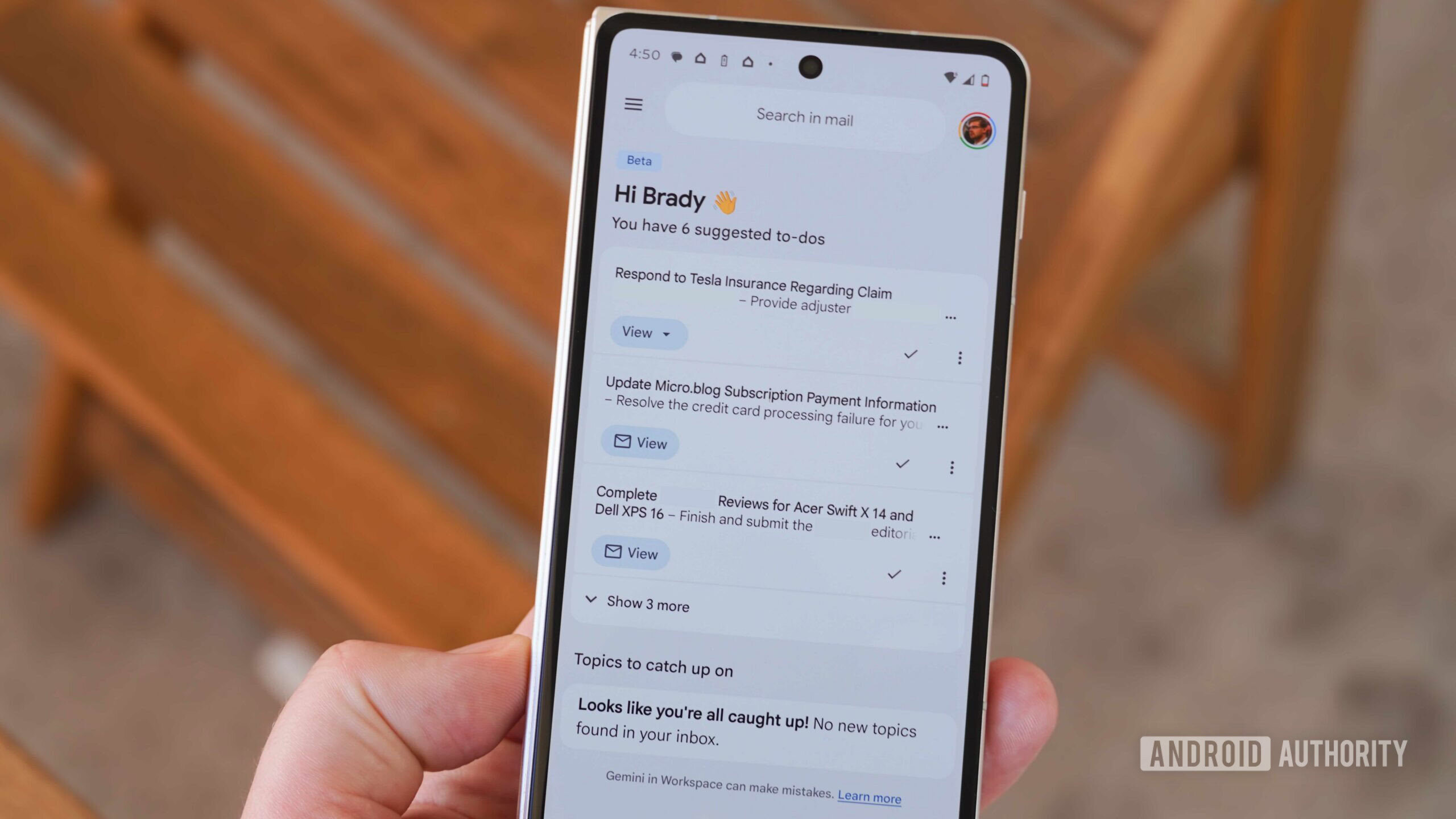
Ecosystem lock-in on mobile is not an abstract idea; it shows up in very practical ways, especially around Google’s services. Many Android users find that Gmail, Calendar, Photos, and now Gemini sit at the center of their workflow, often integrated into the phone from the first boot. Over time, this immersion makes it difficult to break out, because quitting Google apps and services is not easy or convenient. Once your events, notes, and messages are built around one account, switching phone platforms is no longer only about hardware; it is about unwinding years of default choices. Even attempts to “de‑Google” a life can be undermined when AI assistants on the phone keep nudging users back toward the company’s own apps.
There is also a deeper concern about putting all your eggs in one basket, since it means a single company can influence your hardware and workflow decisions. People who admired certain phones found themselves skipping them because those devices could not run Google Mobile Services without complex workarounds, proving how an ecosystem can veto hardware that would otherwise be a perfect fit. At the same time, users pay for services, then watch some of their data train AI features that are resold back to them. This cycle shows how mobile ecosystems do not just host your data; they shape the business models around it, adding another layer of hesitation to any plan to switch platforms.
Why Transfer Guides Solve the Symptoms, Not the Lock-In
Step‑by‑step guides for iPhone to Android transfer solve an important part of the problem: getting photos, contacts, videos, documents, and audio files across without loss. They answer the immediate fear of leaving valuable materials behind when switching to a new model. Yet they do not address the bigger question of ecosystem lock‑in on mobile, which is about where your data lives long term and which company’s services run your day. Moving your camera roll is helpful, but it does not change that your work calendar may be tied to one provider, or that your messaging habits keep you bound to a group that refuses to change platforms.
The uncomfortable truth is that switching phone platforms responsibly requires more than a migration app. It demands a review of which services you are willing to leave behind and which ones you want to keep regardless of device. That might mean gradually replacing core apps with alternatives that work well on both ecosystems, so your next switch is less traumatic. It might also mean accepting that some lock‑in is unavoidable, but choosing it consciously rather than sleepwalking into it because the default options were convenient. Transfer tools are useful; they are not enough. If you want real freedom to move between iPhone and Android, you have to design your digital life to be portable.





