
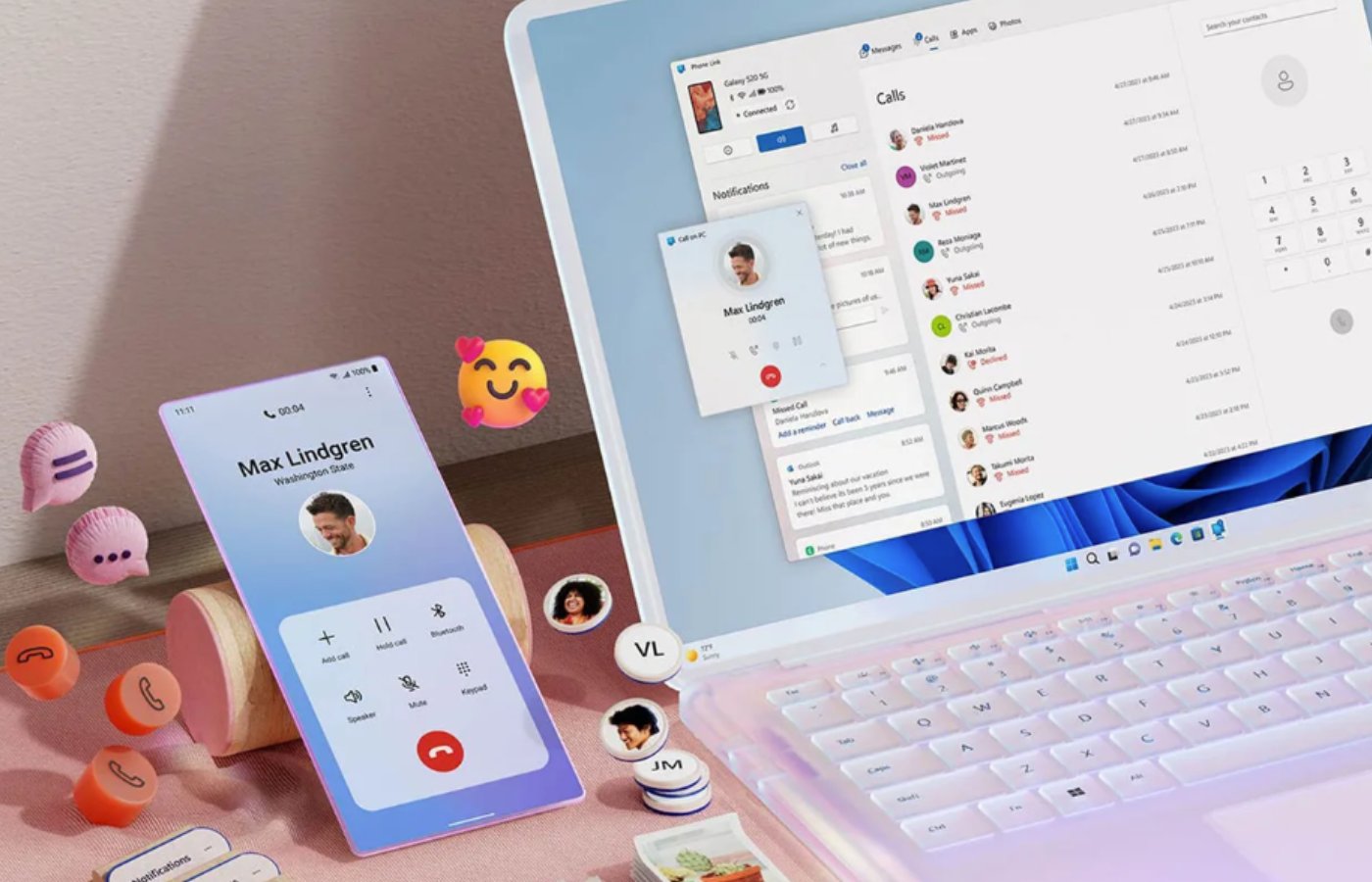

Phone Link: From Companion App to Core Windows Feature
Phone Link is a Windows app that connects an Android phone to a Windows PC so you can sync notifications, photos, messages, apps, and files in near real time, turning two separate devices into a single cross-device workflow bridge for everyday tasks and productivity.
Microsoft is no longer content with Phone Link living as a tucked-away utility. The company is now prototyping a UX overhaul that embeds Phone Link Android features directly into the Windows 11 shell, so your phone starts to feel like a native part of the desktop. This is the pivotal shift: Android Windows sync is moving from “open an app when you remember” to “always-on infrastructure baked into the OS.” For users, that means fewer context switches and more time staying in the flow. A tool that one tech journalist downloaded out of duty has become such a natural part of their workflow that they forgot it was optional at all. That is the kind of stickiness Microsoft is betting on.
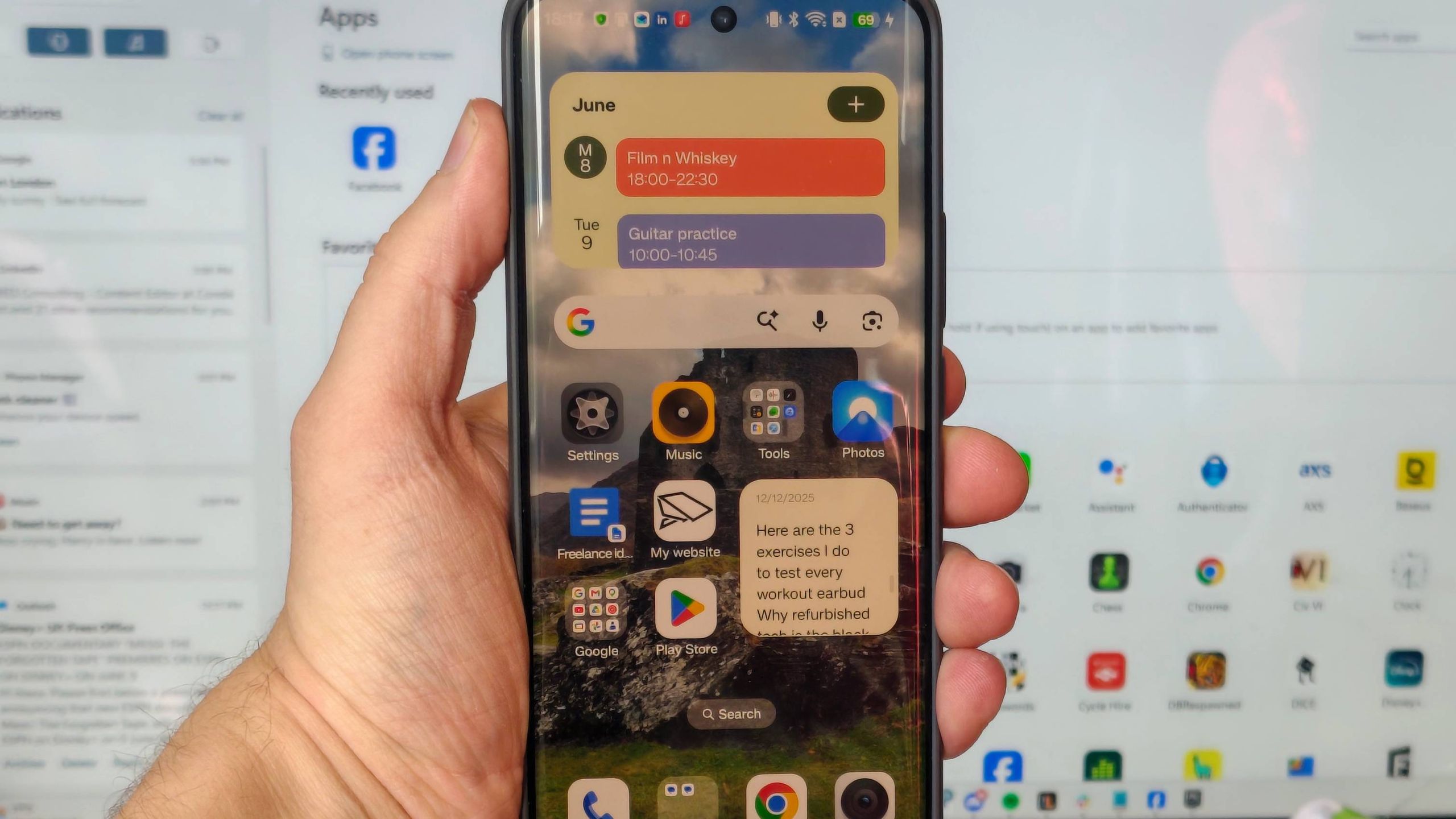
New Windows 11 Integration: Your Phone in the Start Menu and System Tray
The most important change is where Phone Link lives: everywhere. Microsoft wants to embed core Phone Link Android capabilities into the Windows 11 interface, cutting down on trips to the standalone app. An upgraded Start menu gets a Phone Companion panel where you can scroll through recent phone activity and hover to preview full messages or photos without opening anything else. That is not a convenience trinket; it turns the Start menu into your unified inbox for both PC and phone life.
On the taskbar, a dedicated phone icon in the system tray opens a status dashboard with quick toggles for Do Not Disturb, vibrate mode, and a find phone shortcut. You will also be able to drag and drop files straight onto that icon to send them to your phone, making Android Windows sync feel as normal as moving files between drives. Microsoft is exploring full clipboard history sync too, going beyond the current single-item clipboard to mirror your entire history across devices. Add a standalone messages app that pins to Start for SMS, and Windows finally stops treating your phone as an accessory and starts treating it as another screen.
How Phone Link Changes Everyday Workflows
These features matter because they attack the tiny frictions that slow down cross-device workflows. One reviewer describes Phone Link as now so central to their routine that they forgot it was something they had to install, not something that shipped with the PC. That is the result of practical wins: the Photos tab shows a live feed of recent shots, ready to save, edit, or share as soon as you are back at your desk, as long as both devices share Wi‑Fi. No cables, no fumbling permissions, no email-yourself hacks.
Phone Link also exposes your phone’s storage through a Files tab, where it appears in the Devices and drives list alongside local and cloud drives. For anyone juggling media, downloads, or work documents, Android Windows sync becomes a natural extension of file management instead of a separate chore. On top of that, you can mirror mobile apps in windows, keep a music player on the side, check services that lack good desktop clients, handle calls and SMS, and even keep an eye on phone status like battery or pairing straight from your PC. The real benefit is cognitive: you stay at the keyboard while your phone becomes an input, not a distraction.
Microsoft’s Trojan Horse Against Apple’s Ecosystem
This push is not just about features; it is about strategy. Microsoft abandoned its own mobile platform, but it has not abandoned the phone. Instead, it wants to “turn Windows 11 into a cozy home for Android and iOS devices,” a Trojan Horse that pulls your smartphone life into Windows. For years, Apple’s tight ecosystem has locked users in because Mac and iPhone talk so well to each other. By baking Phone Link into the taskbar, Start menu, File Explorer, and clipboard, Microsoft is going straight at that advantage and, as one analysis puts it, neutralizing Apple’s primary edge.
If Microsoft can make every Android phone feel like it “belongs” on Windows, OEM partners gain a counterargument to the old “Mac plus iPhone” pitch. Deeper cross-device integration boosts Windows’ appeal in a world where phones sit at the center of daily life. It also reframes Windows 11 integration as something you get for free when you stay on PC, not something you need to jump ecosystems for. In practical terms, that makes Phone Link Android capability one of the most strategically important consumer features Microsoft has shipped in years.
Productivity Upside and the Security Trade-Off
For individual users, the payoff is blunt: less device juggling, more time doing work. The proposed updates should allow you to handle common phone tasks directly from Windows 11, reducing the need to pick up your handset at all. One user describes how Phone Link became their workaround when a former employer blocked work Gmail on personal computers, saving “ages each day” that would have been spent poking at emails on a phone or coaxing an aging work laptop to boot. Multiply that kind of time saving across messages, photos, and app checks, and the productivity gains are obvious.
But there is a cost: convenience widens the blast radius if something goes wrong. Maintaining an OS-level mirror of your phone’s clipboard history and messages on your PC means that a compromised computer can expose a frightening amount of personal data in one hit. Microsoft’s deeper Android Windows sync will have to be balanced with clear security controls and sane defaults. The biggest unknown is timing: these features are still under internal development and could change significantly or never ship at all, depending on testing and feedback from the Windows Insider community. Until then, the direction is unmistakable. If you use an Android phone and a Windows PC, Phone Link is no longer optional—it's the new center of your cross-device workflow.





