
What Pixel Glow Is—and How Glowbar Copies It
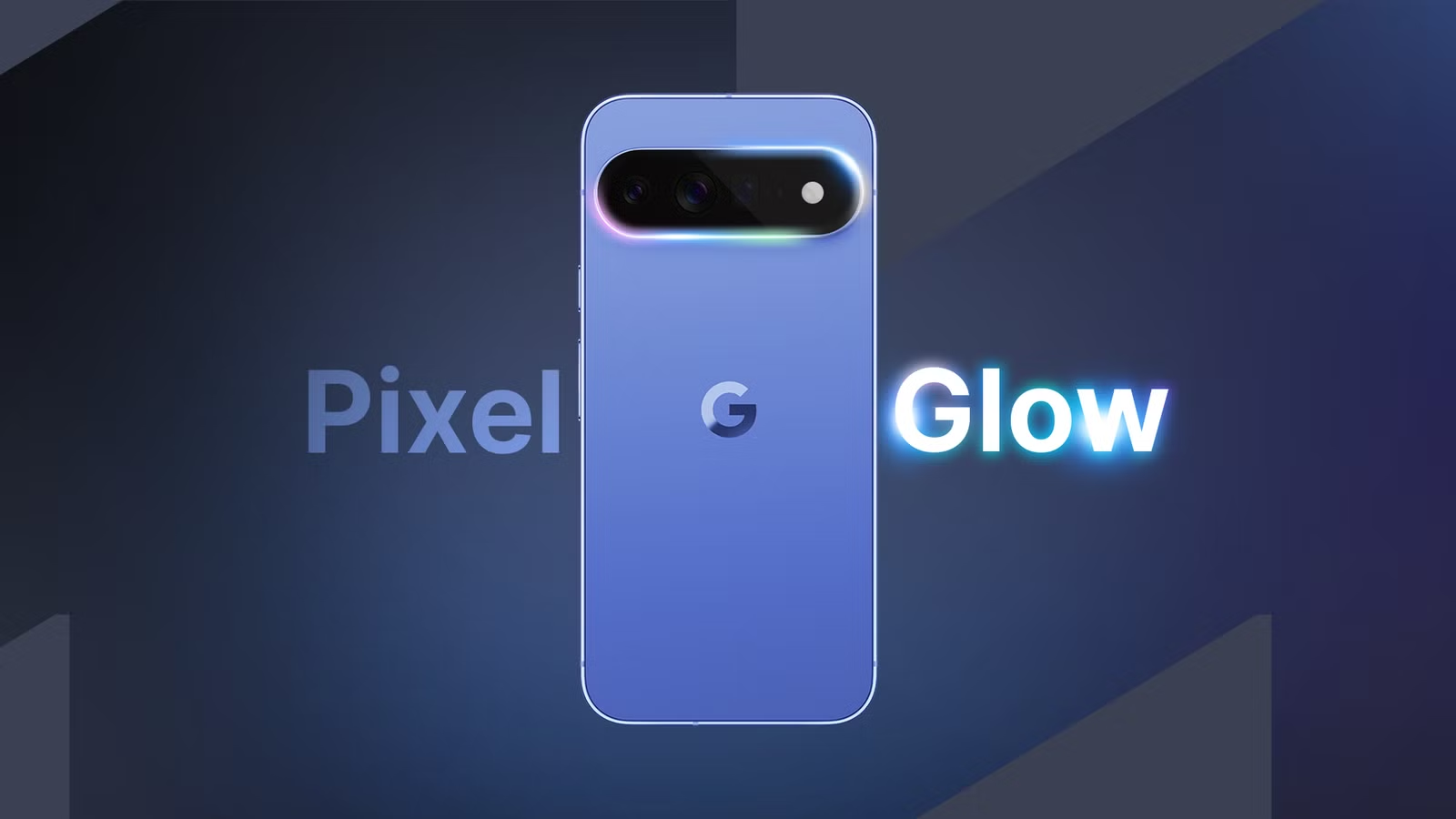
Pixel Glow is a circular RGB notification LED built into the Pixel 11 camera bar that revives old-school notification lights as a modern, customizable ring that can display different colors for calls, alerts, and AI interactions without waking your phone.
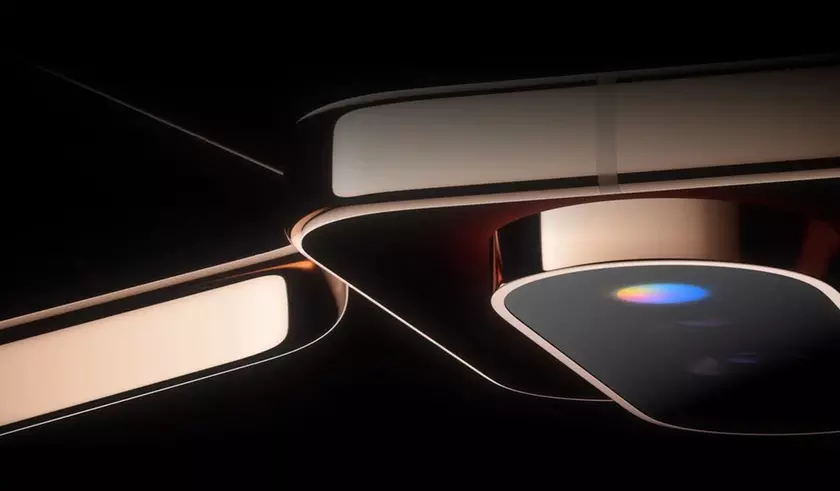
On the hardware side, Pixel Glow is a tiny LED circle that sits where the flashlight lives and can show the full color spectrum. It is meant to act as a dynamic indicator, reacting to incoming calls, notifications, and even interactions with Google’s Gemini AI by assigning different colors to contacts or apps so you can see what is happening at a glance. In other words, it is a modern Pixel Glow notification LED with an RGB notification feature designed around subtle feedback instead of a bright screen flash.
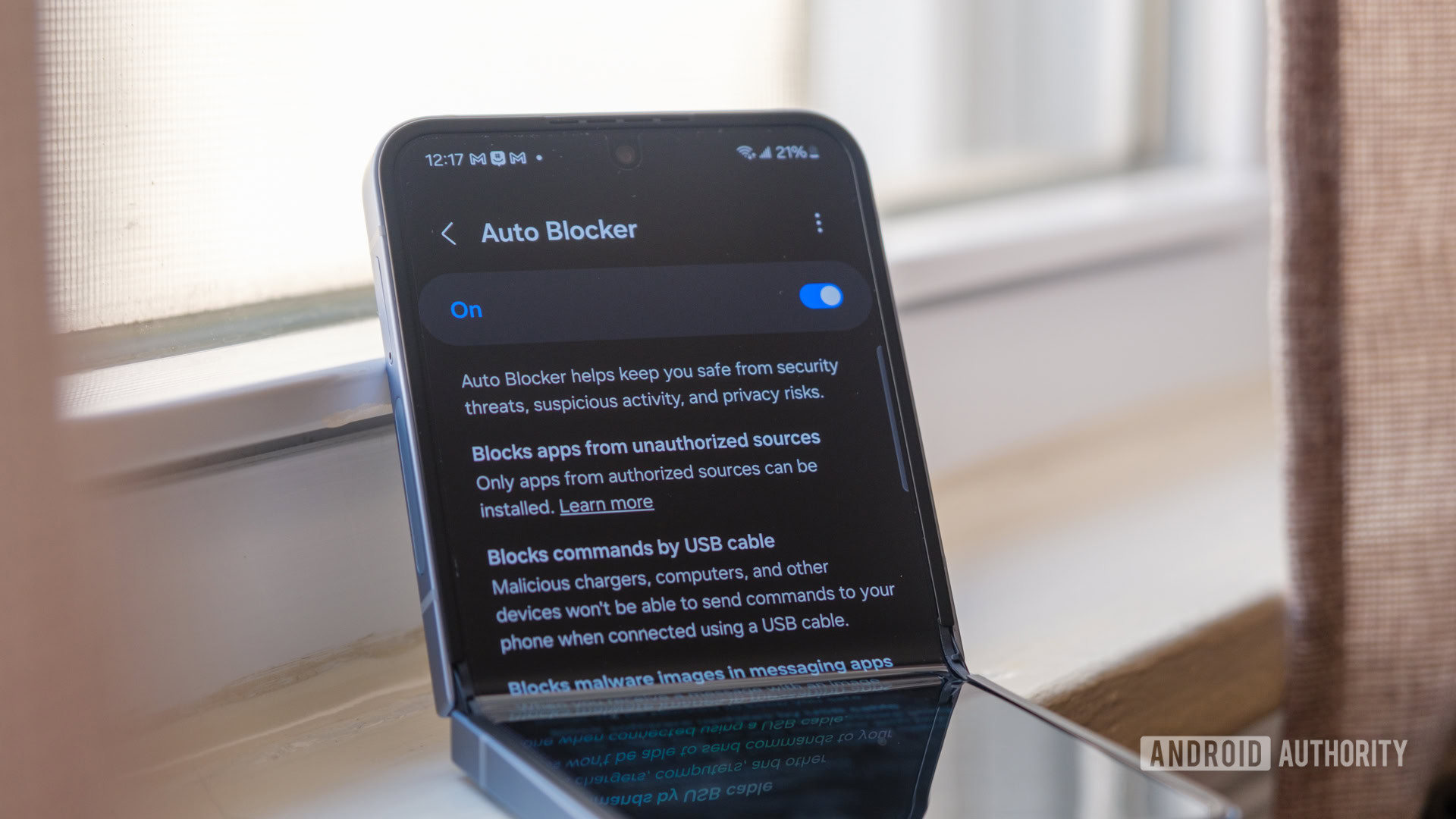
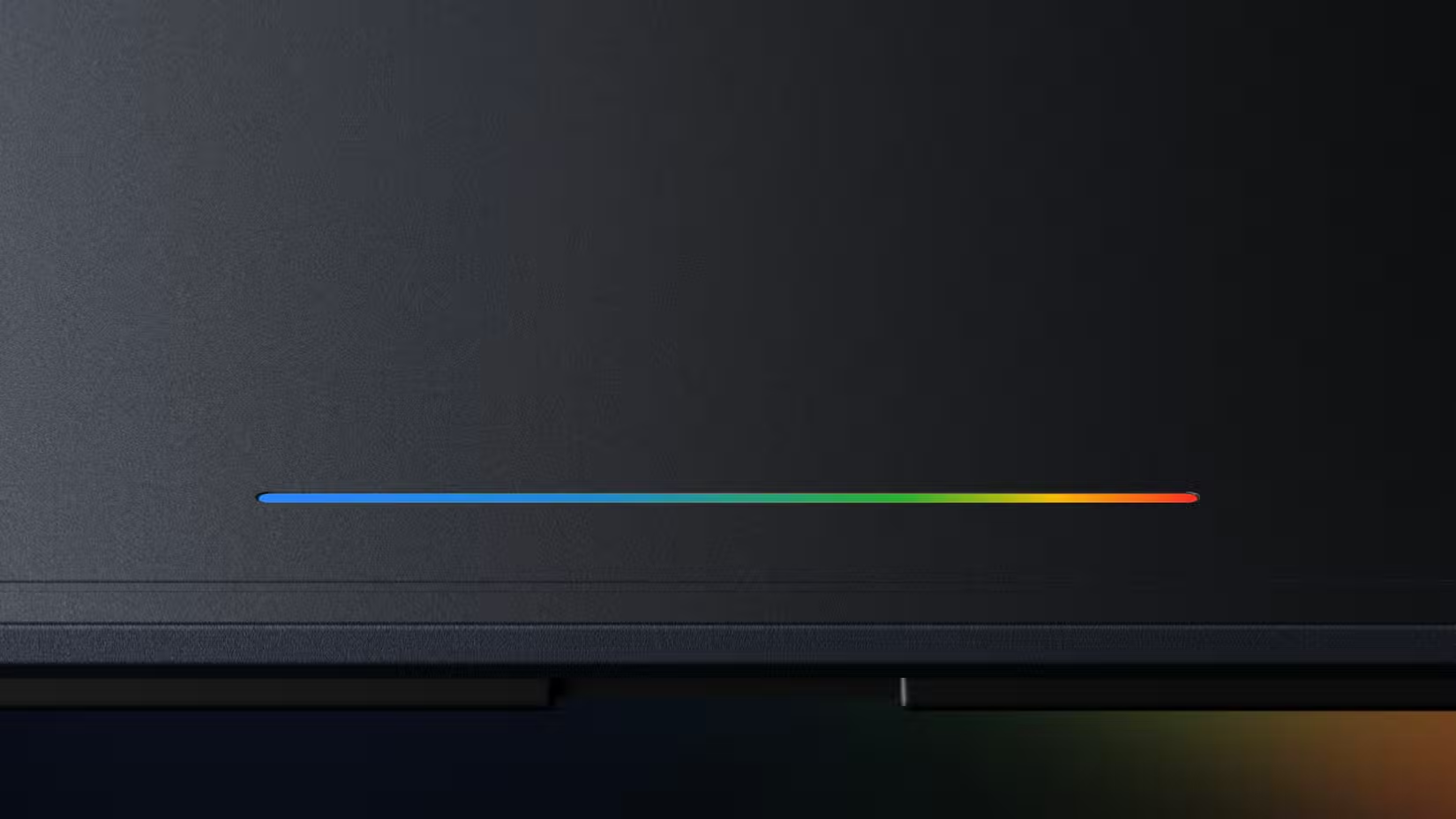
Glowbar is a one-dollar Android notification light app that chases this same idea in software. Instead of an LED in the camera bar, it draws a pulsating, multicolored bar under your camera hole that can be turned into a ring around the cutout. The result is a practical Glowbar app alternative to buying an entirely new Pixel 11 just to get that Pixel Glow-style RGB notification feature.
Why Glowbar Is Worth a Look Before Upgrading
Pixel Glow is positioned as a premium touch: a small RGB ring in the camera bar that brings back notification LEDs with a fresh design. Hidden strings in Android 17 describe how it can react to calls, notifications, and Gemini AI activity by using different colors for different events. That kind of hardware polish usually lives behind flagship pricing and uncertain model splits, especially since the teaser clips focus on higher-end hardware.
Glowbar gives you a taste of that experience on almost any Android phone. It started as a visual clone of the Googlebook’s lightbar, showing a multicolored bar tucked under the camera cutout with no real function. Unlocking the paid version turns it into a tool that can show battery levels, flash for notifications, and track downloads or other data transfers as a moving color bar. One reviewer summed it up neatly: Glowbar is “a fun way to represent information,” even if it is not strictly necessary.
The main catch is mindset, not money. Glowbar will not magically make notifications more reliable; it repackages information you already have into a more playful format. If you expect a life-changing upgrade, you may be underwhelmed. If you like the idea of a subtle, customizable RGB notification feature dancing around your camera cutout, it becomes a small, delightful upgrade that keeps your lock screen calmer while still keeping you in the loop.
How to Set Up Glowbar for Pixel-Style Notifications
Glowbar’s setup is straightforward, but a few choices early on decide whether it feels helpful or in the way. Think of it less like a system feature and more like a cosmetic mod that you tune to your habits.
- Install Glowbar from your preferred app store, open it, and grant the basic permissions it requests so it can draw a bar on top of your screen.
- Switch the default glow from a horizontal bar to the circular cutout mode so the effect hugs your camera hole instead of floating awkwardly in the middle of your display.
- Configure when Glowbar appears—such as on the home screen or during charging—and enable notification access so it can light up when alerts arrive or when data transfers and downloads start.
- Assign different colors or patterns to categories like charging, incoming notifications, or ongoing downloads so you can read the meaning of the glow at a glance instead of opening the shade.
- Test it with your usual apps, then tweak size, position, and auto-hide options until the ring feels integrated with your layout and does not cover buttons or content you tap often.
The biggest gotcha is placement: as a bar, Glowbar can feel intrusive even after you move and resize it. Around the camera cutout, however, it blends into a space that is already visually occupied, which makes the Pixel Glow notification LED illusion far more convincing.
Making Glowbar Fit Your Launcher's Style
Glowbar shines most when it fills a gap instead of piling onto an already busy status bar. One reviewer only began to appreciate it while using a minimalist launcher that hides the usual status icons, leaving Glowbar to stand in for battery and notification hints. In that context, the app stopped feeling like a gimmick and became a visual indicator that matched the stripped-back design.
If you use a stock launcher with a full status bar, Glowbar’s RGB notification feature can feel redundant. You already see icons for charging, alerts, and data transfers right at the top of your screen. The trick is to let Glowbar carry one or two roles instead of all of them—perhaps notifications only, or battery and charging progress. That keeps the effect readable instead of noisy and makes the Android notification light app feel purposeful, not cluttered.
Ironically, the more minimal your setup, the more Glowbar feels like hardware-level polish. When it becomes your main visual indicator for alerts on a clean home screen, it starts to echo the elegance of an integrated Pixel Glow notification LED without needing a new device.
Is Software Glow Enough, or Do You Still Need Pixel Glow?
Pixel Glow is a hardware RGB notification feature that brings back the classic notification LED in a modern ring that lives in the Pixel 11 camera bar and can display the full color spectrum for different events. For fans of subtle, always-available indicators, it is a neat addition that ties into the phone’s design and AI features. However, it is also tied to specific hardware and pricing, and not every model is guaranteed to have it.
Glowbar, on the other hand, is a third-party way to get a similar visual language on almost any Android phone for USD 1 (approx. ₱56). It turns your camera cutout into a colorful status ring that can respond to notifications, charging, and data transfers, giving you much of the Pixel Glow vibe without a flagship purchase. “Glowbar is a fun way to represent information,” according to one early user, and that is the best way to think about it.
If you value clean, minimal feedback and enjoy small flourishes of color, Glowbar is worth the tiny price and a bit of tweaking. Watch out for over-configuration and keep its role focused, and you will get a playful, Pixel-inspired glow that makes your phone feel fresh again without locking you into new hardware.