
Self-hosted cloud storage: what are you really choosing?
Self-hosted cloud storage means storing and managing your files on hardware and software you control instead of paying a third‑party provider for ongoing cloud access, giving you data ownership, freedom from recurring subscription fees, and the ability to tailor your storage, sharing, and backup setup to your exact needs while accepting the responsibility for maintenance, reliability, and security on your own terms. That trade‑off is at the heart of the decision between running Nextcloud on a server and building a Raspberry Pi NAS. Both are compelling cloud storage alternatives if you are tired of account lock‑out scares, AI scanning of personal data, or watching subscription costs climb year after year. But they solve different problems: one aims to replace a full online productivity suite, the other to be a budget, always‑on file box.
Nextcloud: a full-featured self-hosted cloud for everyday work
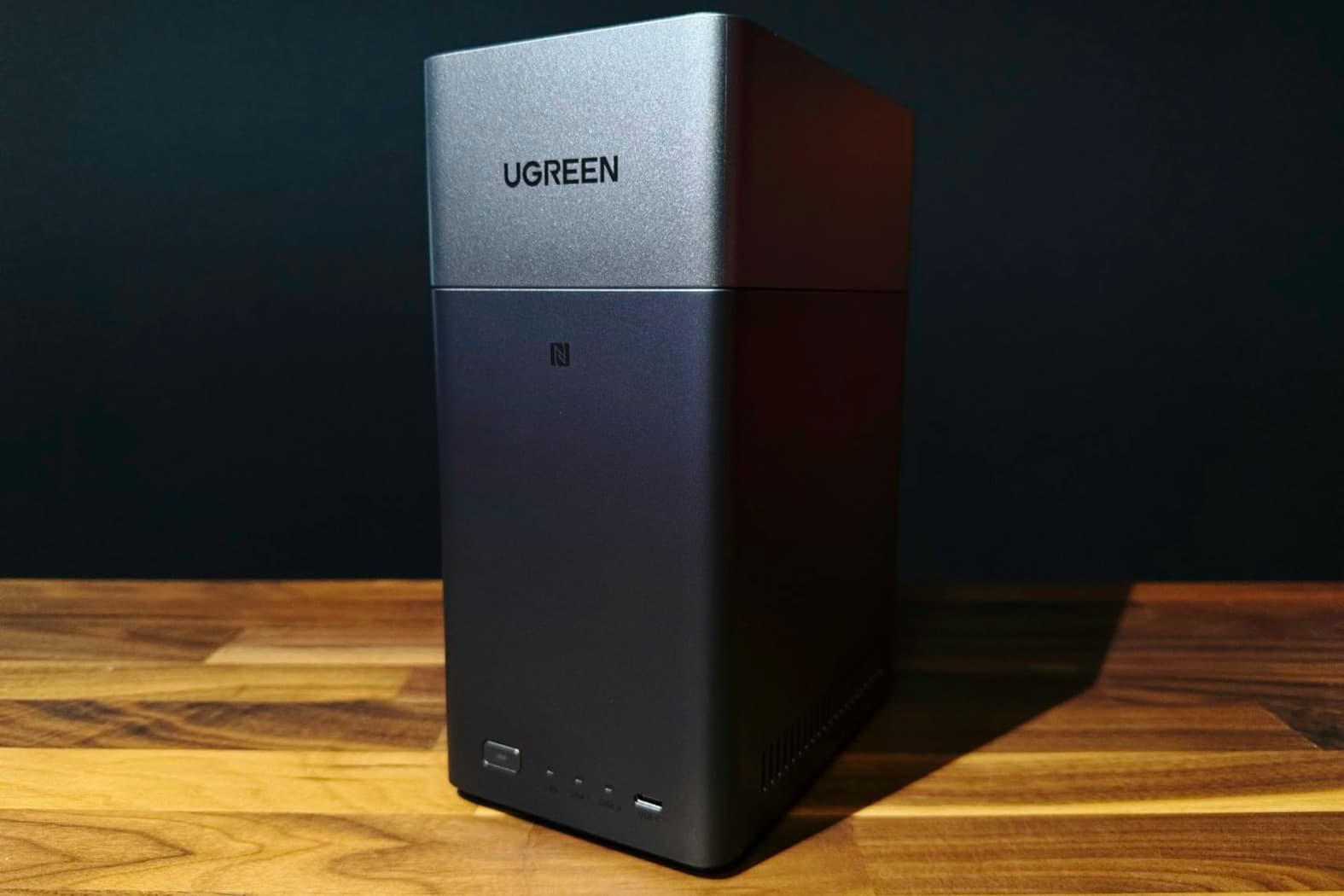
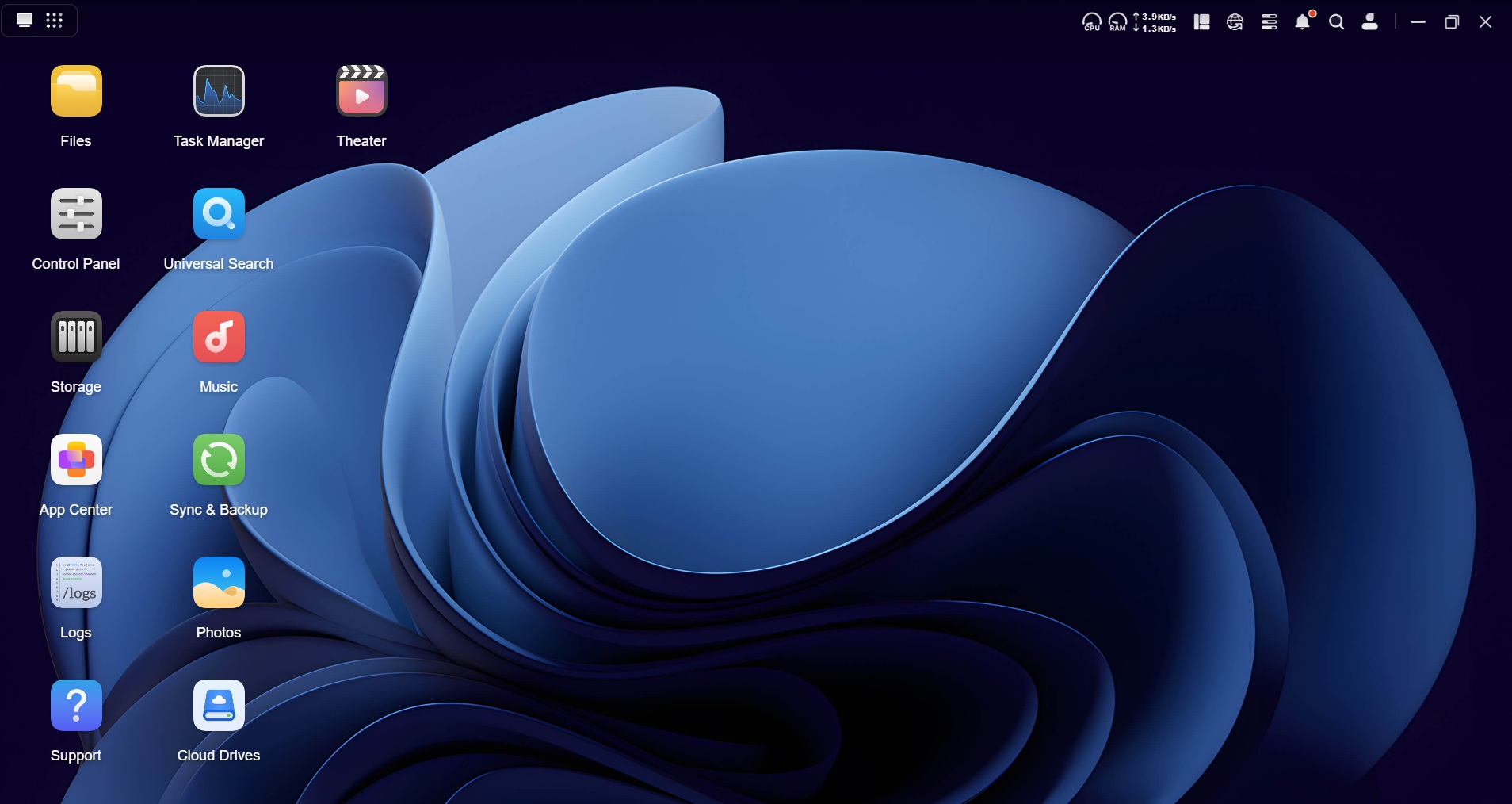
If your goal is to escape Google Drive without losing its conveniences, Nextcloud is the more convincing cloud storage alternative. It mirrors familiar interfaces like Drive or OneDrive, letting you organize folders, download files to other devices, create user profiles, share with non‑users, and even protect links with passwords, expiration dates, and custom permissions. Crucially, your files live on your own private server, which can be an old laptop paired with an external hard drive, so you keep control over your data instead of renting space from a provider. Beyond basic storage, Nextcloud behaves like an entire self-hosted cloud ecosystem: it offers a task manager, password keeper, calendar, and office suite that can replace large parts of a commercial workspace platform if you want to centralize your digital life. According to ZDNET, once you buy the hardware, you own it outright instead of paying monthly storage fees.
The intimidating part is the Nextcloud setup guide. Self-hosting sounds like a job for professionals, and the documentation can look dense at first glance. But this fear is often overstated. If you can follow step‑by‑step instructions, setting up a Nextcloud server is described as not hard at all. In practice, configuration is closer to installing a sophisticated app than building a data center. The bigger question is whether you will use the collaboration tools, multi‑user features, and app ecosystem enough to justify the effort. If you want shared calendars, document editing, and controlled external sharing as part of your storage, Nextcloud is clearly aligned with that ambition; if you only want a simple backup target, it may be more than you need.
Raspberry Pi NAS: budget-friendly storage, modest expectations
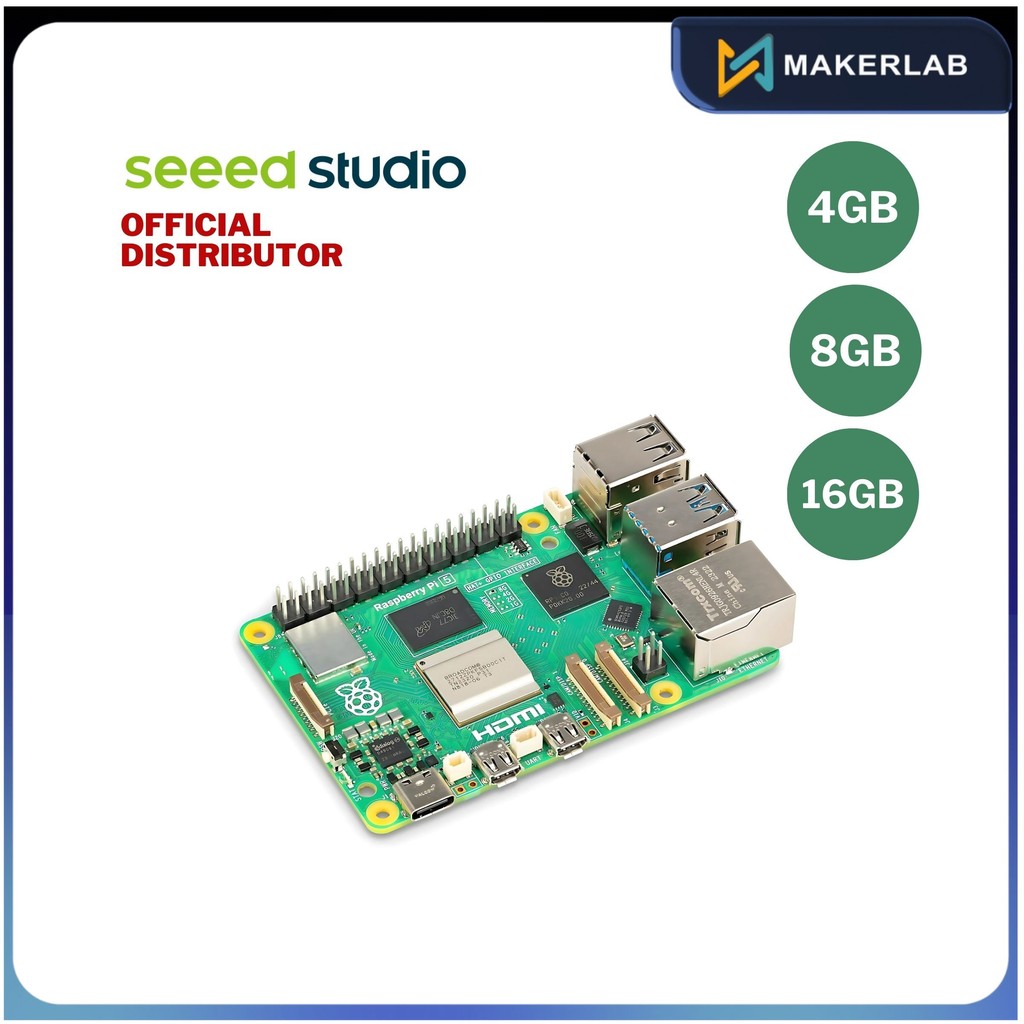
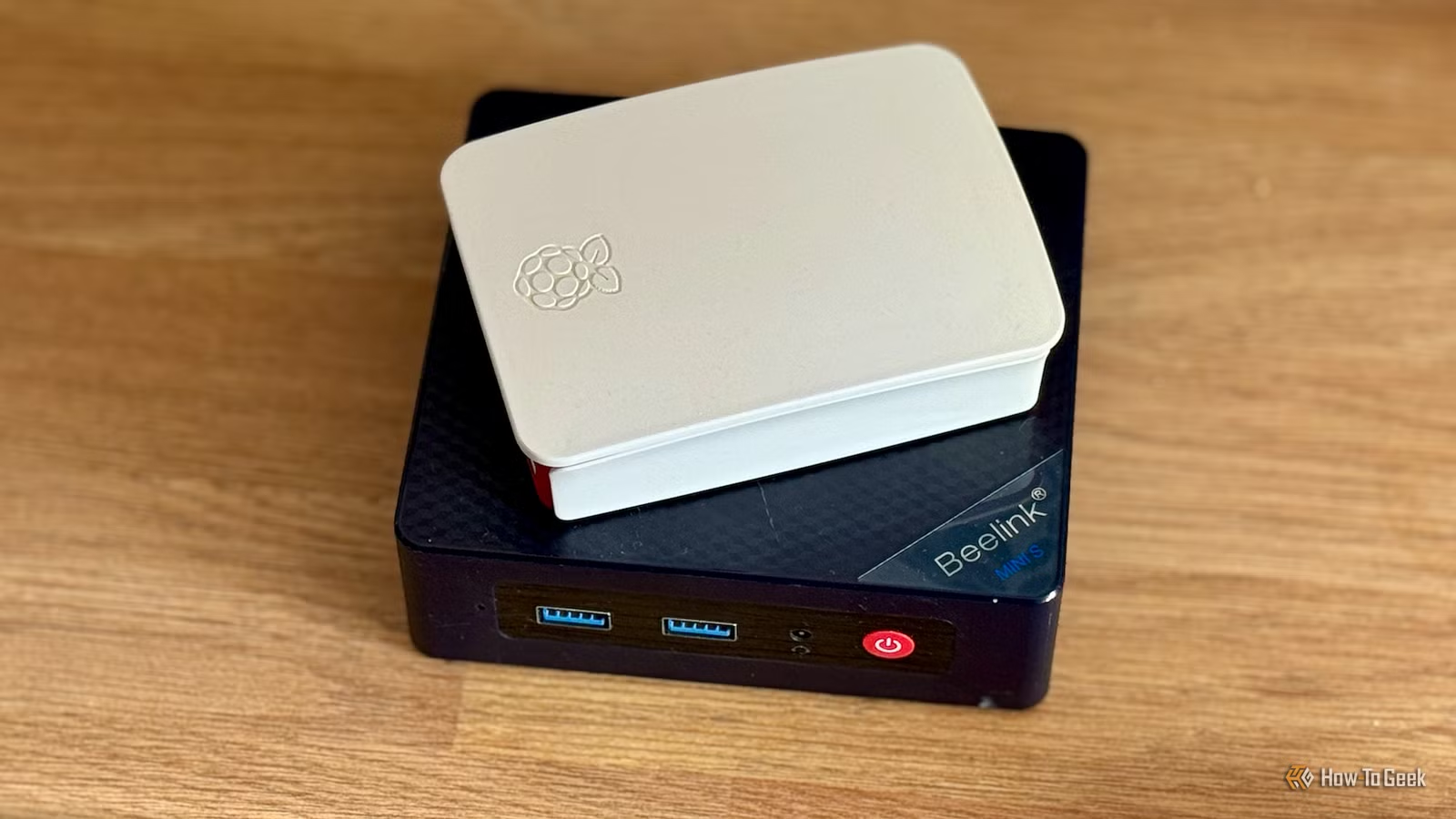
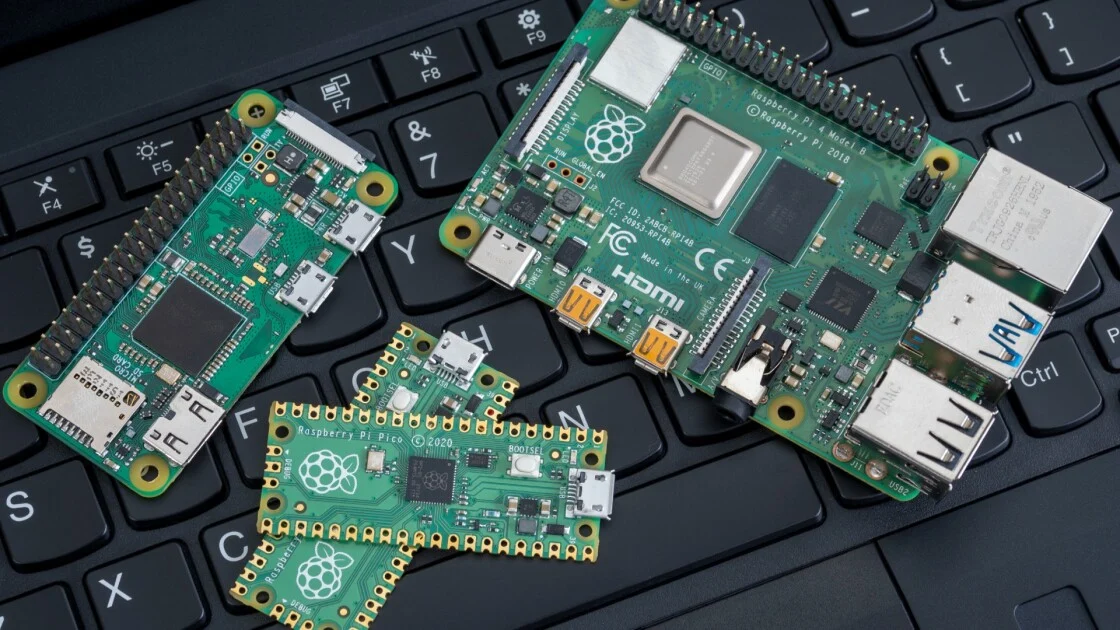
On the other side is the Raspberry Pi NAS: a low‑cost, Linux‑based board turned into an always‑on file server for your home. Instead of buying a dedicated NAS from specialist vendors, you build your own with a Raspberry Pi, a power supply, a microSD card, and external or internal drives connected through USB. This route is ideal if you want to try network attached storage without committing to expensive hardware; its price and versatility mean it can act as a cheap trial NAS that you can repurpose into a retro console, VPN server, or voice assistant later. You still gain the core benefit of self-hosted cloud storage: wireless access to movies, photos, backups and other files from devices on your network, and you avoid the "never‑ending monthly payments" that come from upgrading cloud plans when free tiers fill up.
The catch is performance and resilience. A Raspberry Pi NAS is not described as "rock‑solid" compared with purpose‑built units, and RAID does not work particularly well on the Pi if you want data redundancy. In plain terms, that means you should treat it as convenient, but not as the only home of irreplaceable data: the advice is to ensure important information is backed up elsewhere. Setting it up with Raspbian and file‑sharing services is surprisingly accessible, especially for anyone comfortable with basic terminal commands, but the hardware ceiling remains. For a single user storing media and household backups, a Pi can feel magical; for a team pushing large files or expecting office‑grade reliability, it can feel like a hobby project under heavy load.
According to PCMag, once you start using a NAS, "it's hard to go back" to relying only on local drives. A Raspberry Pi NAS delivers that lifestyle at minimal cost to experiment, yet its limitations make it best seen as a stepping stone: a way to learn what always‑on storage can do for you before deciding whether to build a more powerful server for Nextcloud, upgrade to a dedicated NAS appliance, or keep the Pi as a secondary, repurposed tool.
Cost, control, and the long-term trade-off
Both Nextcloud and a Raspberry Pi NAS exist for the same reason: frustration with paying for cloud storage that feels less and less under your control. One source describes moving away from Google Drive after seeing account lock‑out stories, greater AI scanning, and noticing how much was going toward storage each month. Another points out how free cloud plans fill up fast and upgrades can trap you in never‑ending payments. In contrast, buying hardware for self-hosted solutions is a one‑time commitment: "once you buy that, you're buying it for good rather than paying Google a monthly rental." That ownership extends beyond money. Hosting files on your own private server means choices about where data lives, how it is backed up, and what software sees inside it. The trade‑off is that you also inherit the responsibility to maintain, patch, and protect your system against failures.
The strategic question is not "which is cheaper"—both avoid subscriptions—but "how much cloud do you actually need." If you only want a place to store media and backups on your home network, and you like the idea of tinkering with hardware, the Raspberry Pi NAS fits that profile and stays within modest performance expectations. If you want shared file spaces, fine‑grained external sharing, separate user profiles, and integrated productivity tools, those requirements lean strongly toward a Nextcloud deployment. Neither option is magically maintenance‑free; each demands some time and attention. The difference is whether you want to spend that time maintaining a simple box of files or a comprehensive self-hosted cloud workspace.
Conclusion: match the tool to your digital habits
The safest way to decide between Nextcloud and a Raspberry Pi NAS is to be blunt about your habits. If your life revolves around shared documents, calendars, and collaboration, a full-featured self-hosted cloud with advanced sharing and office‑style tools is not a luxury; it is the minimum you need, and Nextcloud is built for that reality. If your main problem is scattered media and overflowing backups, and you are curious about always‑on storage without overhauling your workflow, building a Raspberry Pi NAS is a budget‑friendly experiment that teaches you a lot. Both paths free you from recurring cloud storage subscription costs and hand data ownership back to you. The decision is less about the technology and more about whether you want your self-hosted system to behave like a full cloud workspace or a simple, reliable digital attic. Pick the one that matches how you actually use your files.