
UGREEN DH2300 vs DXP4800 GT: Which Home NAS Fits You?
An entry level NAS comparison for personal cloud storage home use compares devices that give you subscription‑free, centralized storage for photos, videos, and files, with simpler UGREEN NAS setup than traditional systems and enough home NAS capacity for backups and media streaming without demanding deep networking knowledge. In this showdown, the DH2300 is the right pick if you want plug‑and‑play ease and a low learning curve, while the DXP4800 GT suits users who care more about long‑term storage growth and faster networking. Both models strip away much of the old NAS complexity, so your decision should focus less on raw specs and more on how hands‑on you want to be and how huge your media library might become over time.
Core Specs and Home NAS Capacity
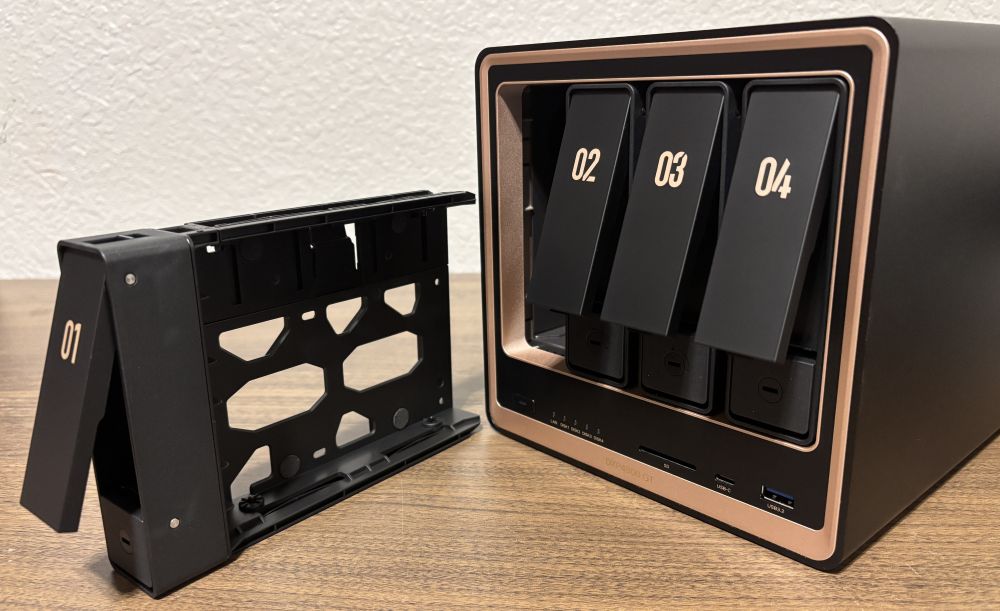
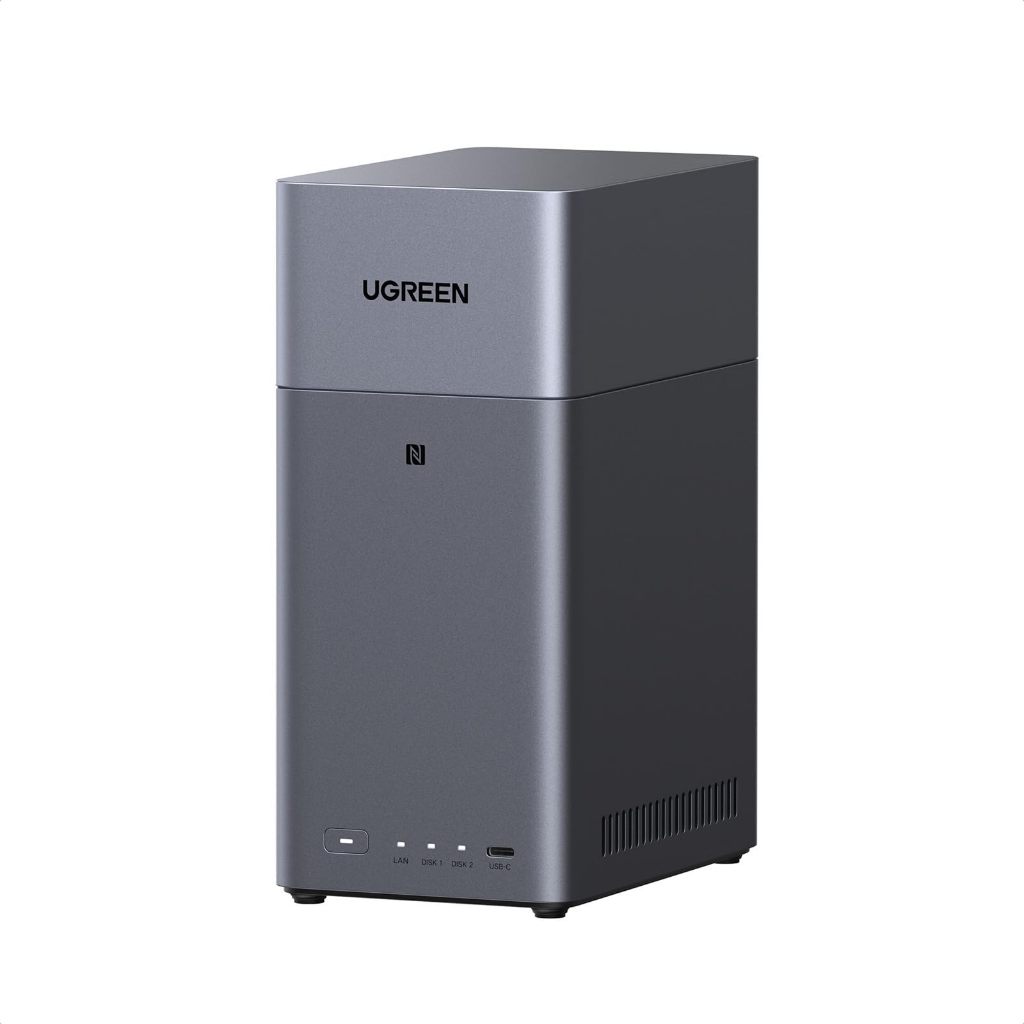
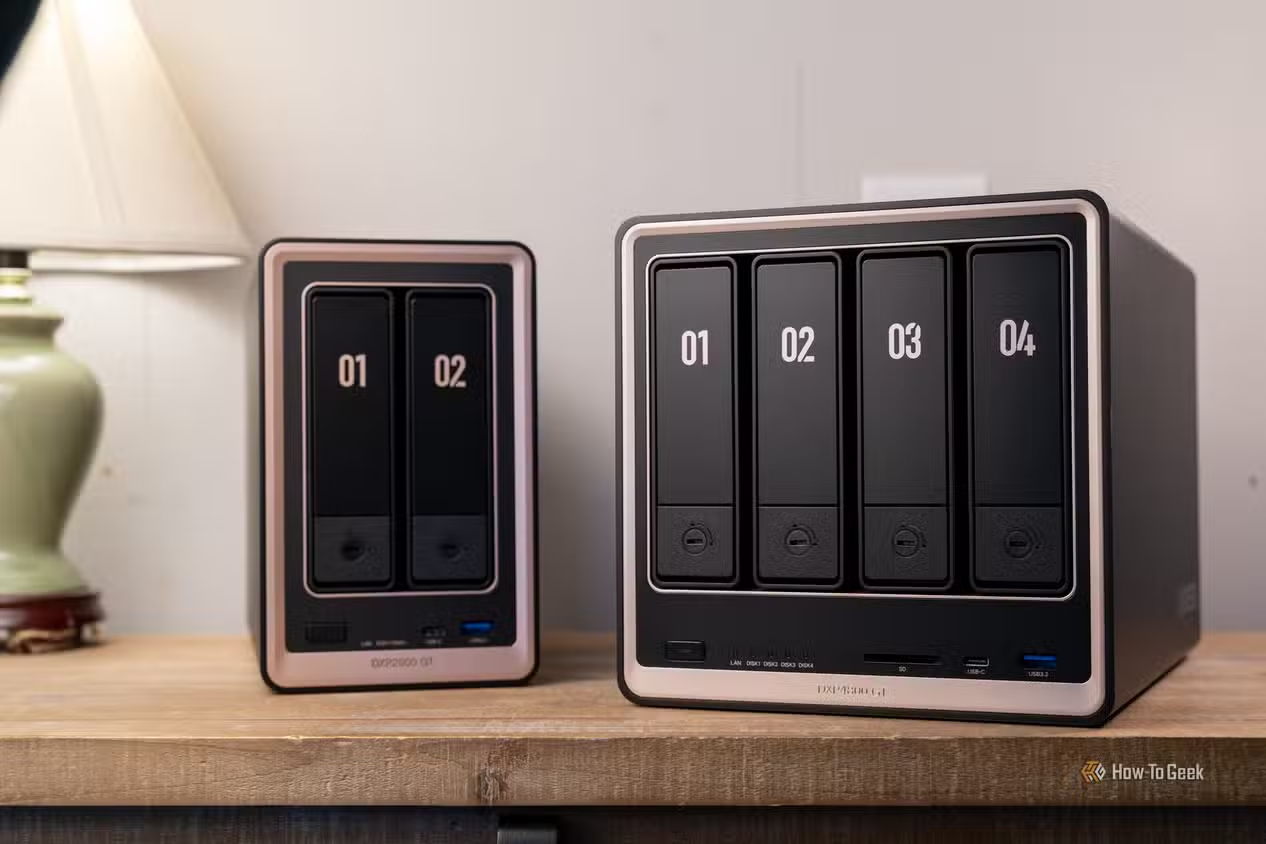
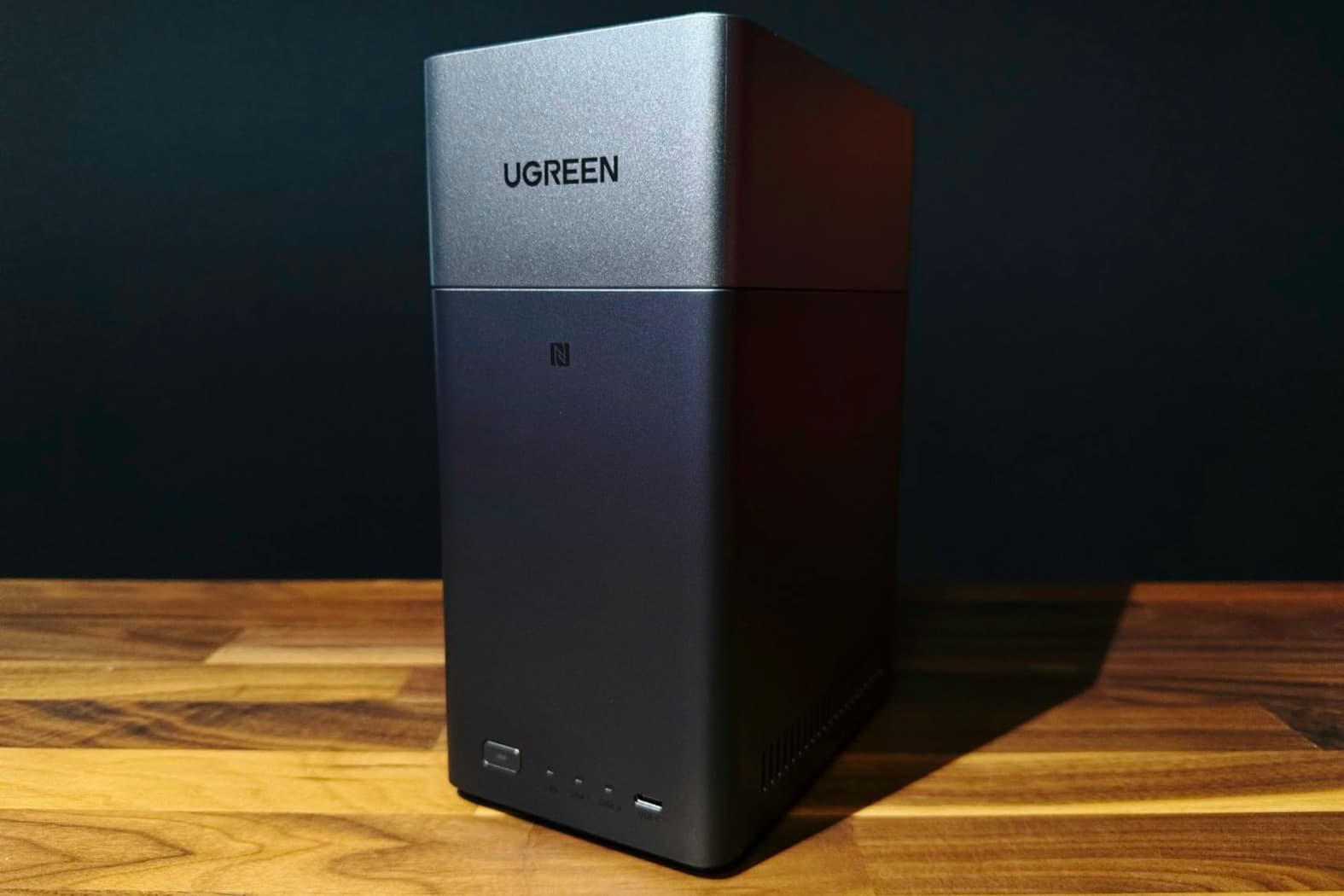
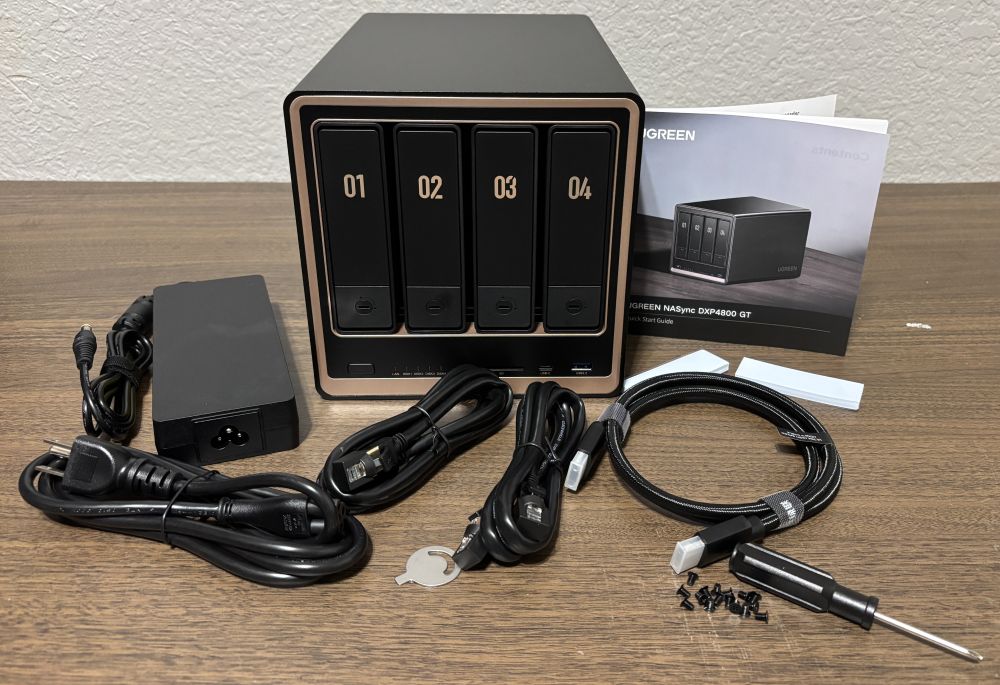
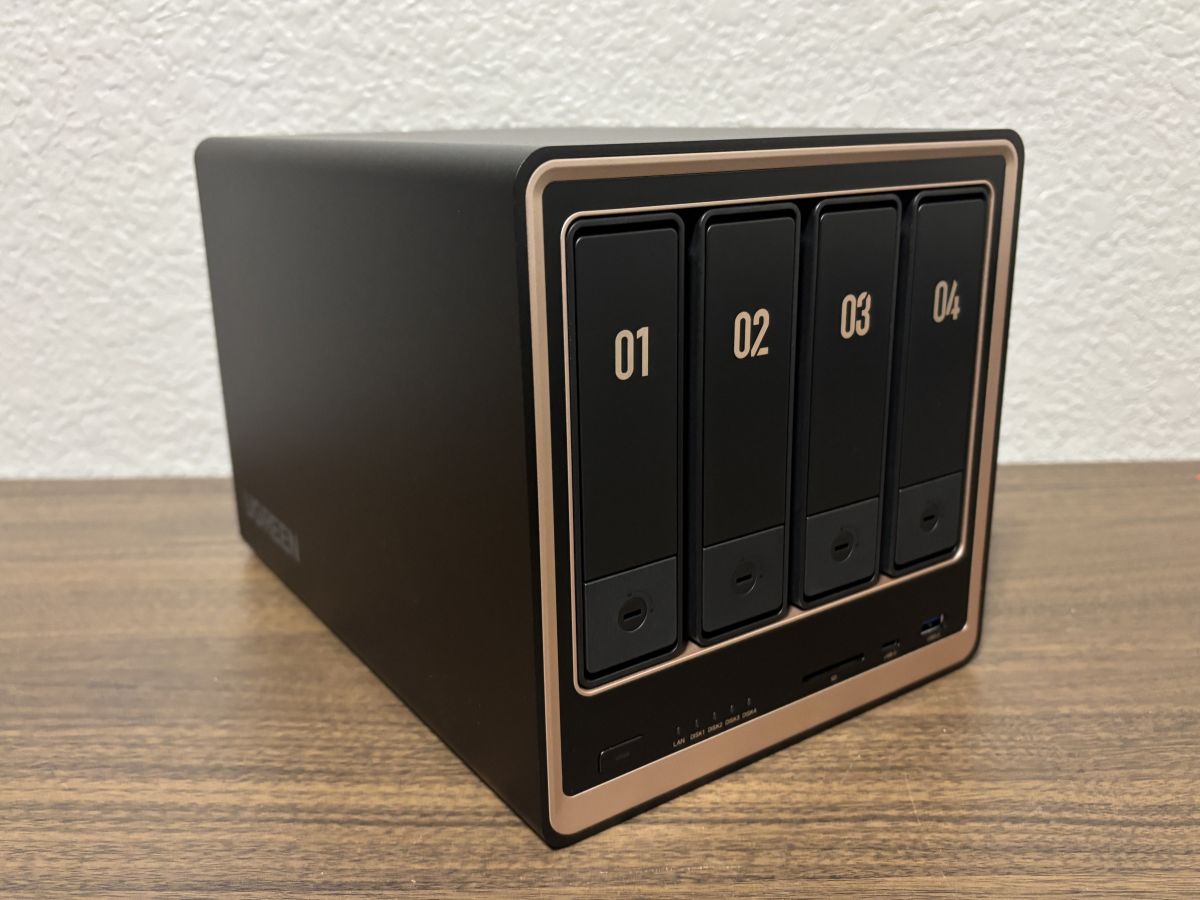
On paper, the DXP4800 GT is far more powerful and expandable than the DH2300, and that matters if you expect your personal cloud to grow fast. The DH2300 uses an eight‑core Rockchip processor with 4GB of LPDDR4X RAM and supports up to 64TB across two SATA bays. That is plenty for most family photo collections and home backups, especially in RAID 1 for redundancy. By contrast, the DXP4800 GT runs a 4‑core, 8‑thread AMD Ryzen embedded R2514 with 8GB of DDR4 RAM, upgradeable to 64GB. Its four SATA bays accept up to 30TB each plus two M.2 SSD slots up to 8TB apiece, delivering a huge 144TB ceiling. If you plan to hoard 4K video, lossless music, or large project archives, the DXP4800 GT’s combination of four bays and SSD slots clearly wins on home NAS capacity.
| Spec | A: NASync DH2300 | B: DXP4800 GT |
|---|---|---|
| Processor | Rockchip A72+A53, 8 cores, 2.2 GHz | AMD Ryzen embedded R2514, 4 cores / 8 threads |
| RAM | 4GB LPDDR4X (fixed) | 8GB DDR4 4800MHz, upgradable to 64GB |
| Maximum storage | 64TB (32TB × 2 SATA bays) | 144TB (4 × 30TB SATA + 2 × 8TB M.2 SSD) |
| Drive bays | 2 SATA bays, no M.2 slots | 4 SATA bays + 2 M.2 SSD slots |
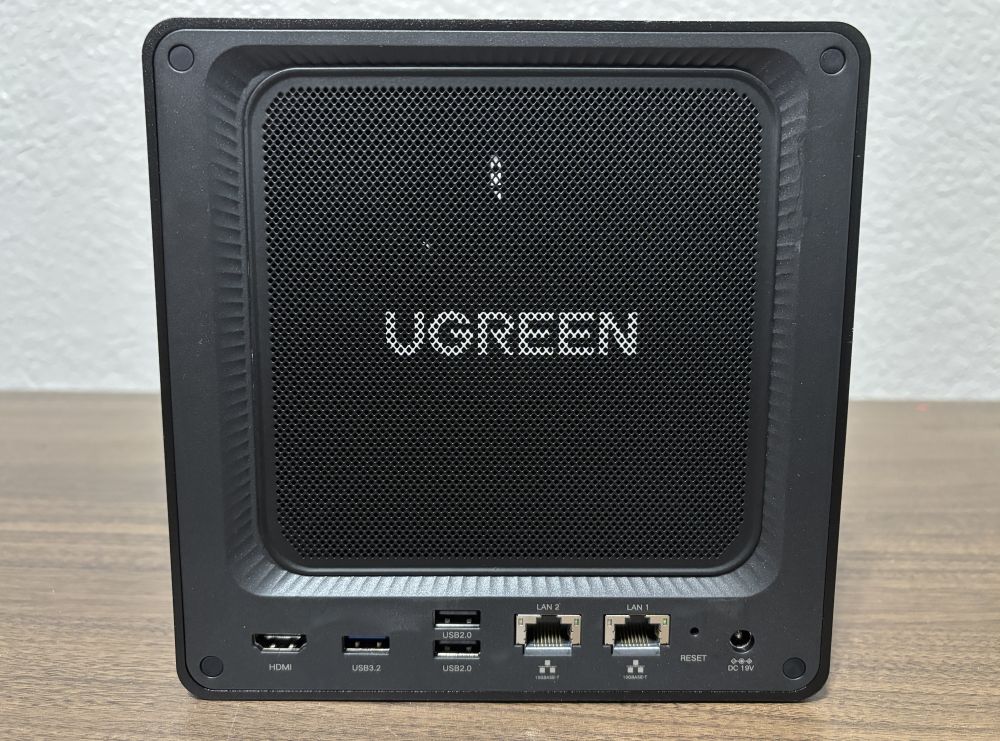
| LAN ports | 1 × 1GbE Ethernet | 2 × 10GbE Ethernet (312.5 MB/s) |
| USB ports | 2 × USB‑A 5Gbps, 1 × USB‑C 5Gbps | Front: 1 × USB‑C 3.2 Gen2, 1 × USB 3.2 Gen2; Back: 1 × USB 3.2 Gen2, 2 × USB 2.0 |
| Other I/O | HDMI 4K 60Hz, no SD card slot | HDMI 4K, SD 3.0 card slot |
| Operating system | UGOS Pro | UGREEN NAS system with app‑based setup |
| RAID options | Basic, JBOD, RAID 0, RAID 1 | Multiple RAID configurations (with redundant storage support) |
| Approx. price (no drives) | List USD 219.99 (approx. ₱12,300), often around USD 199.99 (approx. ₱11,200) on Amazon | Around USD 699.99 (approx. ₱39,200) on Amazon; USD 659.99 (approx. ₱36,900) on UGREEN’s site |
Ease of Use and UGREEN NAS Setup Experience
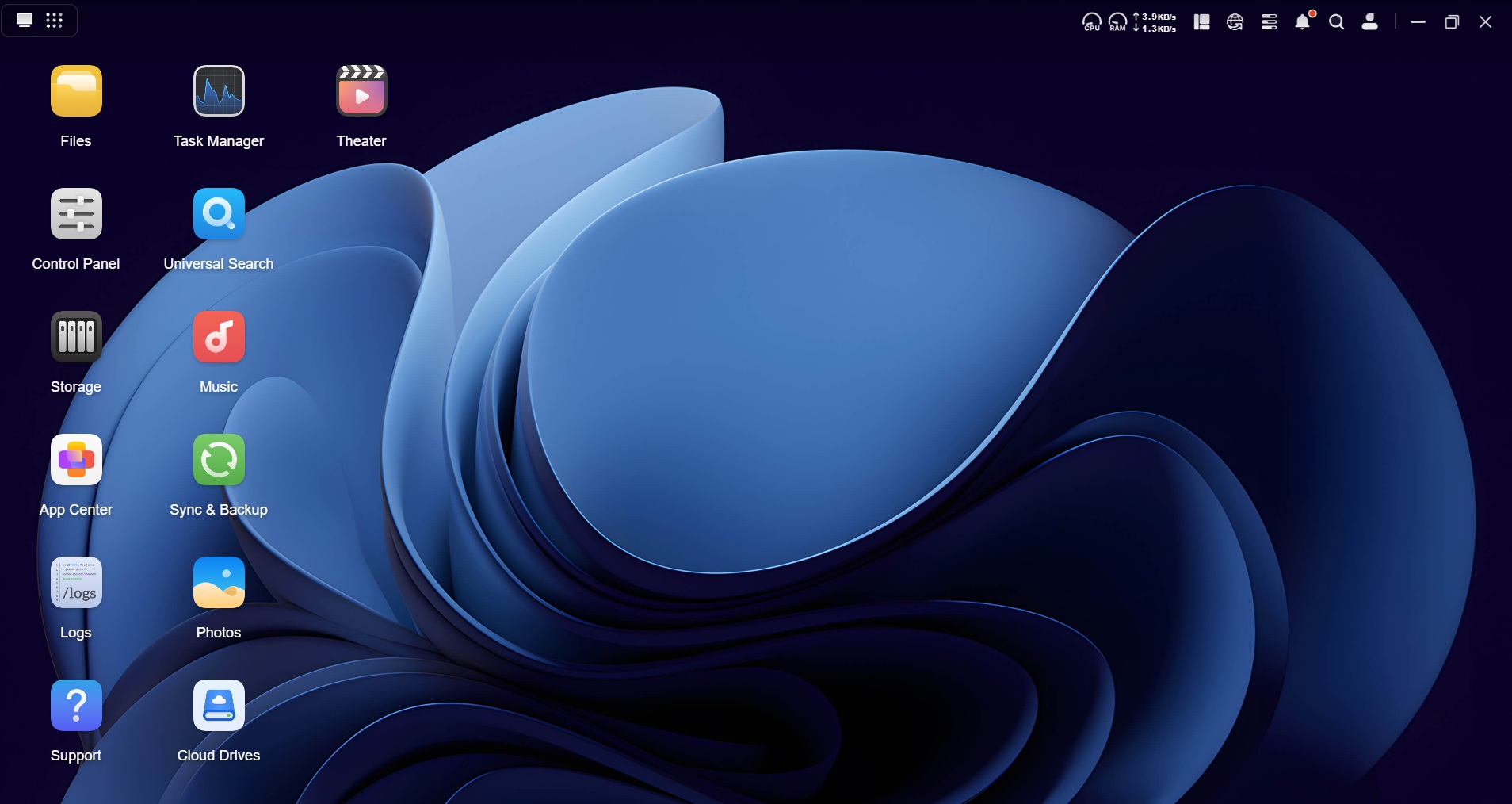
If you care most about a painless UGREEN NAS setup, the DH2300 is built precisely for you. It is positioned as an entry level personal cloud for home users and families who want centralized storage without traditional NAS complexity. Guided setup through the mobile app or a browser walks you through drive installation, storage pool creation, and account setup step by step. Reviewers gave its design and ease of use 98%, highlighting that “extremely easy setup… makes NAS ownership approachable for first‑time users.” The DXP4800 GT is more advanced but still friendlier than old‑school NAS hardware. Initial setup also happens through a UGREEN app on a phone or computer connected to the same router, which shows installed drives and walks you through configuration. One reviewer noted they had been apprehensive about NAS in the past but found this process much easier than expected. So both options eliminate much of the usual NAS intimidation; the DH2300 feels more plug‑and‑play, while the DXP4800 GT asks you to think a bit more about RAID and capacity planning.
Real-World Use: Performance, Networking, and Expansion
In everyday personal cloud storage home use—phone photo backup, document sharing, and media streaming—the DH2300’s hardware is more than adequate. It delivers reliable performance for backups, file sharing, and personal cloud access over a gigabit network. The trade‑off is that its single 1GbE port caps maximum throughput and there are no M.2 NVMe slots for SSD caching or high‑speed volumes. That’s fine for casual home users, but limiting if you want multi‑gig video editing or heavy simultaneous access. The DXP4800 GT is clearly designed for heavier workloads: dual 10GbE Ethernet ports rated at 312.5 MB/s, four SATA bays, and two M.2 SSD slots. Its AMD Ryzen CPU and upgradable RAM make it suitable for continuous use with stable performance under sustained workloads. Importantly, both devices ship without hard drives, so your real performance and total cost of ownership depend heavily on the NAS‑grade disks and SSDs you choose.
Price, Shared Caveats, and How to Decide
Budget and growth plans are the key deciding factors between these two UGREEN NAS options. The DH2300’s list price is USD 219.99 (approx. ₱12,300) and it has been offered at around USD 199.99 (approx. ₱11,200) on Amazon. The DXP4800 GT is a much larger investment at about USD 699.99 (approx. ₱39,200) through Amazon, with UGREEN’s site listing it at USD 659.99 (approx. ₱36,900). Neither model includes hard drives, which raises total cost but also lets you choose disks that match your budget and performance needs. Both turn intimidating NAS concepts into more approachable home personal clouds, accessible from computers, phones, tablets, and even smart TVs. If your main goal is to escape recurring cloud fees with an easy, central backup box, the DH2300 is enough. If you are building a long‑term media library or want room for demanding workloads, the DXP4800 GT’s 144TB ceiling and faster networking make far more sense.
- Buy the DH2300 if you are a first-time NAS user who wants plug-and-play personal cloud storage with minimal configuration.
- Skip the DH2300 if you expect to store tens of terabytes of 4K video or run demanding workloads that need more than 1GbE networking.
- Buy the DXP4800 GT if you plan a large, growing media library and want four bays plus SSD slots and dual 10GbE ports for future-proof capacity.
- Skip the DXP4800 GT if your budget is tight and your needs are limited to family photo backup and light home file sharing.
- Buy the DH2300 if you prioritize a polished, simple interface and guided UGREEN NAS setup over raw performance and expansion.
- Skip the DH2300 if you need advanced RAID options, SSD caching, or more flexible hardware upgrades.
- Buy the DXP4800 GT if you foresee using your NAS for continuous workloads and want upgradable RAM and higher throughput.
- Skip the DXP4800 GT if you prefer a compact, inexpensive two-bay box and do not need enterprise-like features at home.