
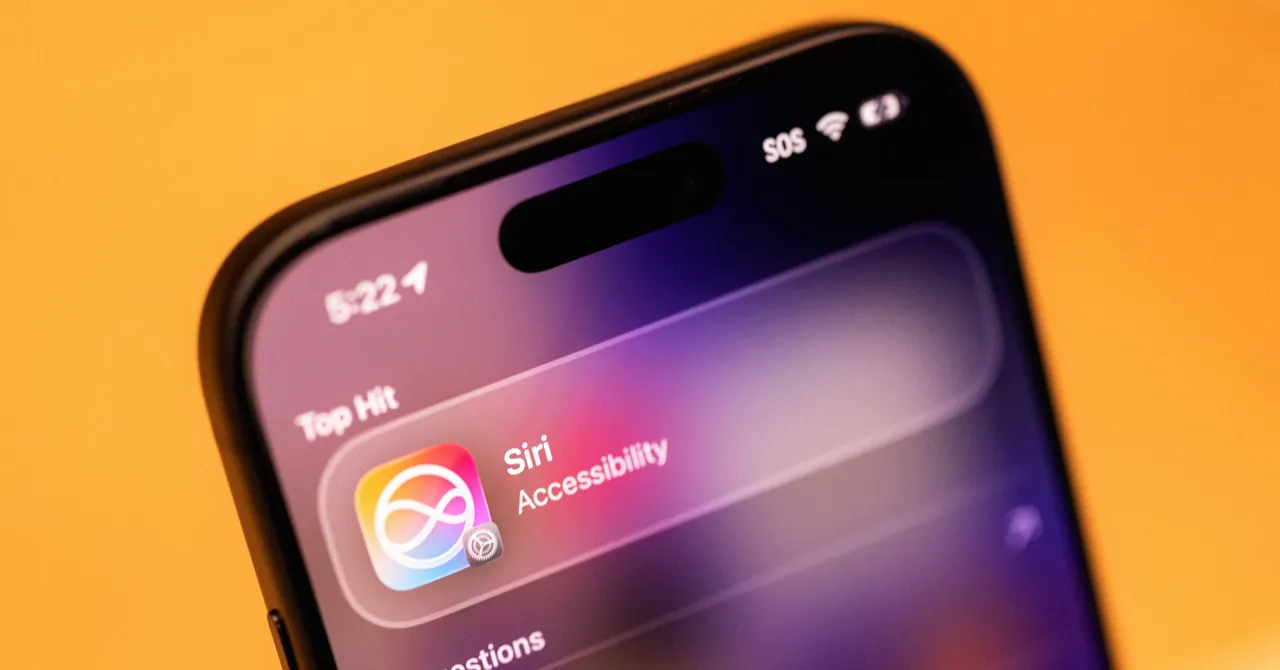

Verdict: Siri AI Is Finally Worth Turning On
Siri AI in iOS 27 is Apple’s rebuilt voice assistant that now acts as a system-wide intelligence layer, using your on-device data and on-screen context to answer questions, complete tasks and control apps in a way that feels integrated into the whole iPhone experience rather than bolted on.
Siri AI is good—good enough that long-time skeptics should give it another try. With the iOS 27 beta, it shifts from a basic voice interface to the backbone of how you search, act on, and understand what is on your phone. It is now baked into the system search bar, so pulling down on the home screen brings up a unified “Search or Ask” field where typed or spoken queries often go straight to Siri instead of the web. In daily use, it excels at finding buried information and executing tasks in Apple apps without manual tapping. The trade-off: you need a recent iPhone and you need to be comfortable living mostly inside Apple’s ecosystem.
What’s New: From Simple Voice Commands to System Brain
The headline change is that Siri is no longer a separate assistant—it is wired into core iOS 27 features. The pull-down search field is now effectively a Siri AI front end, so when you type “What’s a good route for driving to Sacramento?”, it opens Maps with a route already selected instead of tossing you generic web links. That alone makes Siri feel more like a control center than a talking search box.
Under the hood, Siri AI’s “special sauce” is access to your emails, photos, calendars, texts, notes and more once you opt in—and the phone spends a couple of days indexing that data like a grocery store inventory. On top of that personal context, Siri can read what is on your screen through its onscreen awareness feature, a continuation of earlier visual intelligence that now plugs into the broader AI model. If you see a social post and ask, “Where did she say this?”, Siri can infer who “she” is from what you are viewing and answer with details and links. According to one early tester, it “feels like that computer from Star Trek” compared with the 2011 version, even if rival assistants now offer similar capabilities.
Real-World Performance: Everyday Tasks, Fewer Taps
In testing on the iOS 27 beta, Siri AI’s biggest gain is task completion: it does things instead of making you do them. Asking, “How many steps have I taken today?” pulls your live step count from the Health app with no extra taps. Saying, “Move my appointment to another day” reschedules a calendar event even if you fumble the date in your request; Siri still understands and follows along.
Siri shines when working across Apple’s own apps. It is “gifted at taking action” like rescheduling events without opening Calendar, or surfacing one photo out of 13,742 in your Photos library when you ask. For example, “Show a photo of me in Paris” brings up a couple of older images, while “Show a photo of me in Japan” cleverly finds shots at a local Japan-themed center, then notes it cannot find any photos from Japan. These are not party tricks; they show that contextual understanding and object recognition have caught up to the expectations Apple set years ago.
Pros
- Noticeably better task completion and context handling in iOS 27 beta, including follow-up questions.
- Deep integration with Apple apps makes information retrieval and actions (like rescheduling events) fast and hands-free.
- Onscreen awareness lets Siri answer questions about what you see without extra explanation.
Cons
- Limited access to third-party apps like Gmail, WhatsApp and Google Photos, so a lot of your digital life stays off-limits.
- Still inherits some Apple opacity—Siri had to indirectly reveal the iPhone’s RAM rather than answer plainly.
- Early testers have seen occasional stale or off-target responses, such as news queries surfacing older events.
Context, Emotion and Limits: When Siri Feels Human—and When It Does Not
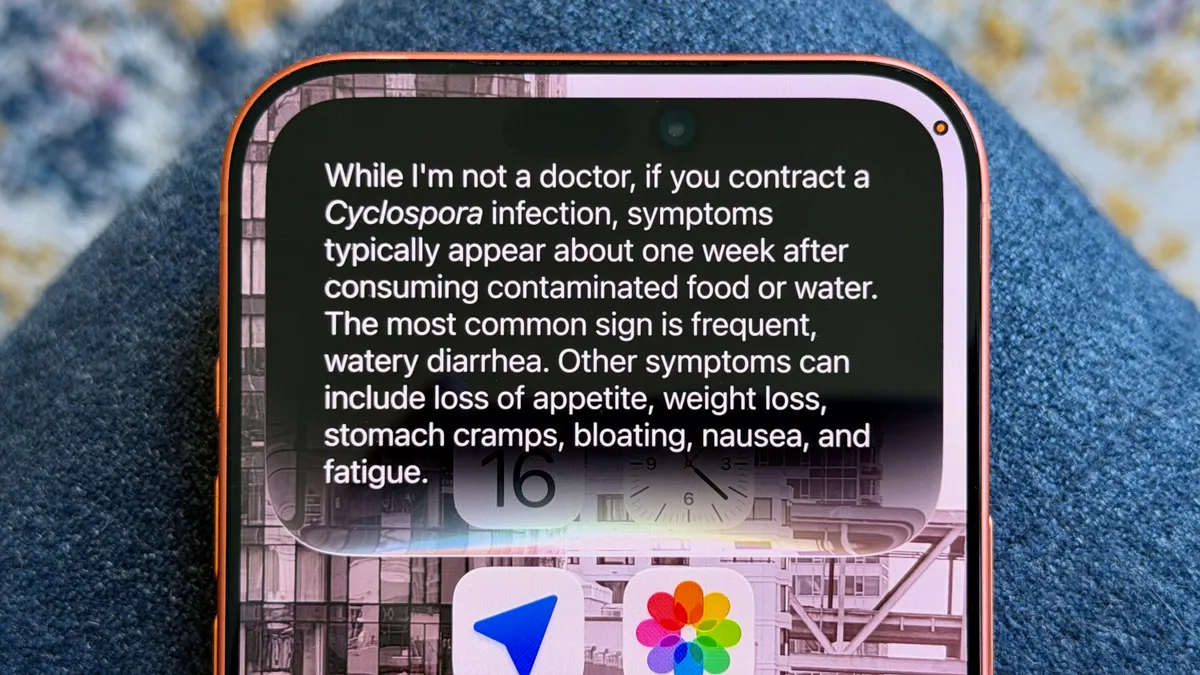
Siri AI does more than answer factual questions; it uses your history to respond in ways that feel personal, even if it remains unapologetically machine-like. When one tester asked whether lettuce was safe to eat, Siri warned about a parasitic outbreak linked to lettuce in the US and explained symptoms with a disclaimer that it is not a doctor. That mix of personal advice and safety caveats is the new norm. It can even estimate nutritional values from a food photo, tying visual recognition to health insight.
Emotional context is also part of the upgrade. Saying, “I feel sad. Can you show me some photos of mine to cheer me up?” prompts Siri to acknowledge the feeling and open the Memories section in Photos. Conversation has improved: Siri can handle follow-up questions and extended prompts better than before, even if it does not rival the most conversational AI chat tools. But the limitations—like no access to key third-party apps yet and hardware requirements that restrict Siri AI to iPhone 15 Pro and newer models—mean this upgrade is far from universal. For many people, Siri AI now delivers the intelligent assistance Apple promised in 2011; for others, it remains locked behind both ecosystem and hardware walls.
Buy if / Skip if
- Buy the Siri AI assistant if you already use Apple’s Mail, Messages, Photos, Calendar and Notes as your daily tools and want them to feel instantly connected.
- Skip the Siri AI assistant if most of your important data lives in third-party apps like Gmail, WhatsApp or Google Photos that Siri cannot yet access.
- Buy the Siri AI assistant if you own an iPhone 15 Pro or newer and want iOS 27 features that turn Siri into the backbone of your phone experience.
- Skip the Siri AI assistant if you have an older iPhone or cannot install the required hardware-specific version of Siri AI.
- Buy the Siri AI assistant if you care about voice assistant improvements like better follow-up understanding, on-screen awareness and direct task execution.
- Skip the Siri AI assistant if you expect flawless, cross-platform intelligence today and are not willing to accept occasional wrong or stale answers.





