
Siri Stops Being a Gimmick and Starts Being the Workflow
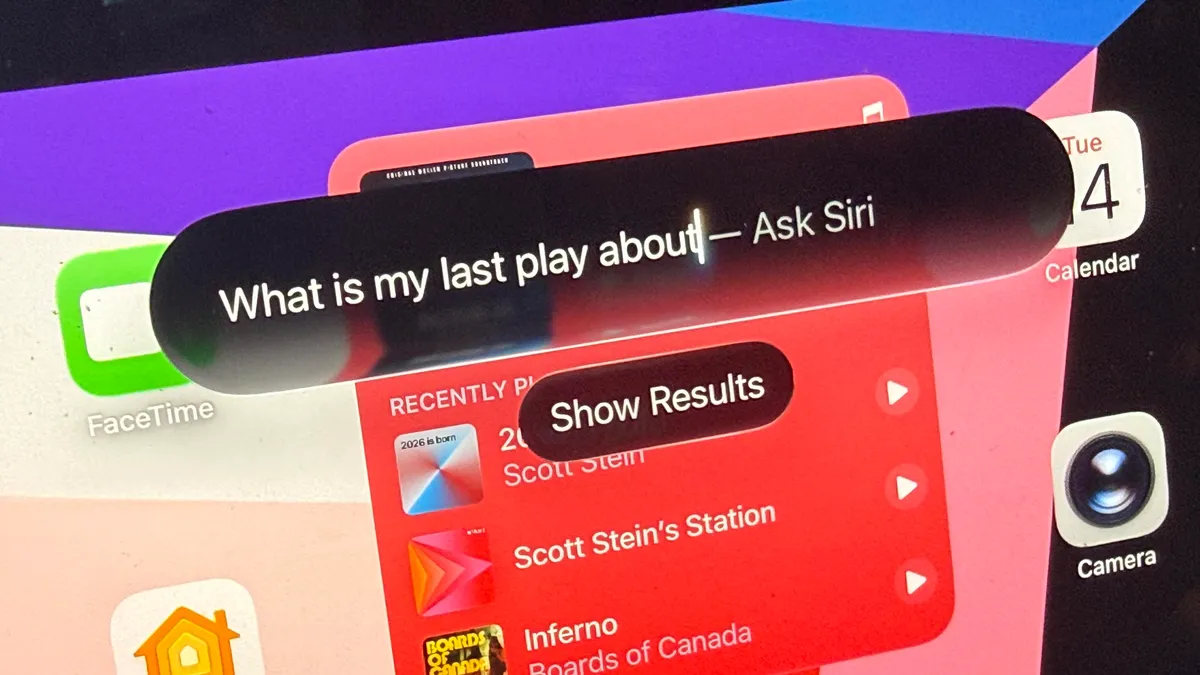
iPadOS 27 Siri is an upgraded, device‑aware assistant built into Apple’s tablet platform that uses deeper indexing and app integration to turn voice commands into practical search, drafting, and organizational tools for everyday work on compatible iPads. The headline change in iPadOS 27 is not a radical new multitasking UI or a Mac‑style overhaul; it is a smarter Siri that finally makes sense for professionals who live on their tablets. By tying Siri into Messages, Files, Photos, Mail, Calendar and more, Apple has shifted the assistant from a novelty into a genuine control layer for the device. The effect is subtle at first, but for people who design, research, and write on iPads all day, this shift matters more than another cosmetic tweak to the home screen.
Contextual Siri Turns Voice Into a Precision Tool
Professional tablet work is often a dance between precision and interruption: sketching with a pencil, annotating PDFs, juggling reference docs and chat threads. The new iPadOS 27 Siri reduces friction in those moments by becoming a fast, context‑aware retrieval system instead of a clumsy voice toy. After a one‑time, intensive indexing pass, Siri can search across email, messages, Notes and other Apple apps to surface exactly what you asked for, like what a colleague said last week or every instance you discussed a specific topic. It can write drafts, analyze documents, and describe files on demand, so you can keep your stylus on the canvas while your voice handles the admin work. This is the kind of assistant professionals have wanted for years: embedded in the tablet’s memory, not floating above it.
Performance Gains Meet Modern Hardware for Serious Work
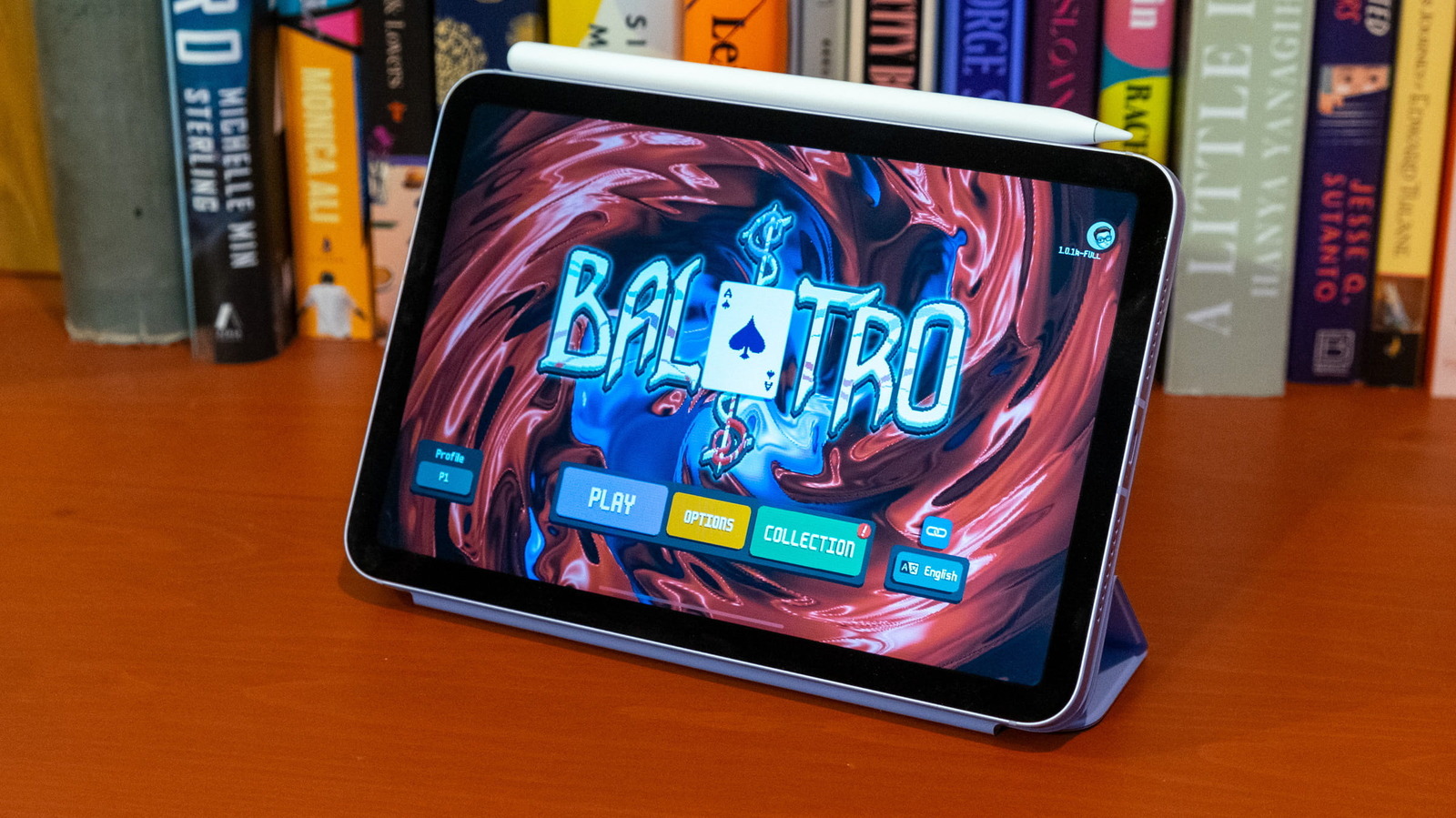
Siri’s upgrade would matter less if iPadOS 27 felt sluggish, but this release is explicitly focused on performance improvements alongside the smarter assistant. Running the developer beta on an 11‑inch iPad Air with an M4 chip shows how the OS now better matches modern tablet hardware used by professionals. Animations stay smooth while Siri indexes in the background, and the new Siri app with session history behaves like a serious work tool rather than a side feature. This matters not just for Apple’s own high‑end devices, but for how the broader pro‑tablet category is evolving: users expect their M‑class iPads and rival large‑screen tablets to feel more like dedicated workstations than casual consumption devices. iPadOS 27’s performance focus finally starts to respect that expectation, even if the interface remains a hybrid between phone and desktop paradigms.
Less App Hopping, More Flow During Multitasking
The everyday win for professionals is simple: less time hunting through apps, more time staying in flow. Siri now lives in its own app with a history of previous chat sessions, which means you can revisit past searches and prompts as part of your ongoing work. Summoning Siri with a voice command or a pull‑down teardrop gesture that becomes a search bar turns the assistant into a lightweight command palette anchored to your current task. While you are marking up photos or assembling files, Siri’s deep hooks into Apple’s core apps reduce the mental overhead of remembering where that key note or email thread lives. Using Siri to search large repositories like Notes becomes “a huge eye‑opener” for anyone who treats their tablet as a short‑term memory bank. In practice, this is multitasking without the constant app shuffle.
Public Beta: Early Advantage for Tablet Pros—With Caveats
Professionals who depend on tablets for design, research, or note‑taking now have a chance to get ahead by testing iPadOS 27 Siri in the public beta. The beta is available on a wide range of devices, from M4 iPad Pro models through recent iPad Air, iPad, and iPad mini generations, so most modern work tablets are covered. Installing it is as straightforward as enabling Beta Updates in Software Update for the public beta, or enrolling in the free tier of the Apple Developer Program to access the developer build. According to one guide, “The Apple Developer Program is free if you just want access to the beta,” with a paid subscription reserved for app distribution and advanced tools. The trade‑off is instability: bugs, glitches and crashes are expected, and backing up your device first is non‑negotiable. Early adopters can also use the bundled Feedback Assistant to influence how Siri evolves before the fall release.