
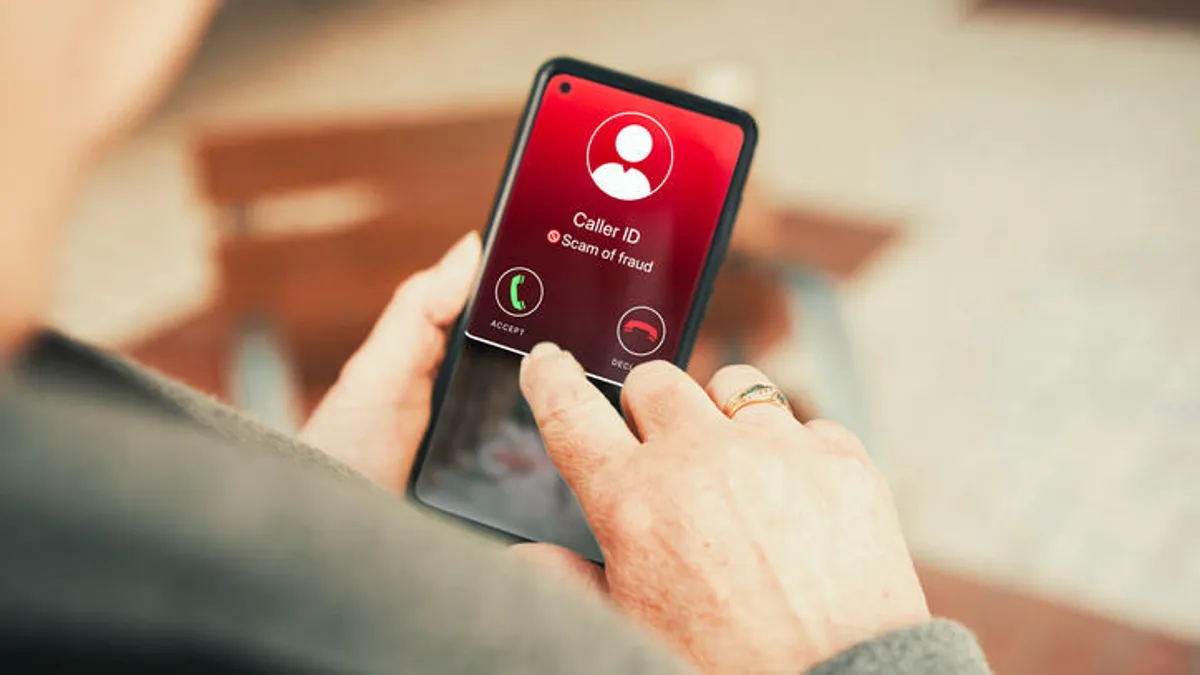

FaceTime Scams: A New Front in Video Call Fraud
FaceTime scams are social‑engineering attacks carried out over live video calls in which scammers impersonate trusted institutions, such as banks or technology companies, to pressure iPhone users into revealing passwords, verification codes, or bank information and sometimes into sharing their screens, enabling the attackers to steal account access without exploiting any technical vulnerability in FaceTime itself.
The takeaway is blunt: treat unexpected FaceTime calls about money or security as presumed fraud until you prove otherwise. Fraudsters are now impersonating bank representatives and using FaceTime to “verify” accounts, then stealing banking information during the call. This is not a clever hack of iPhone software; it is an emotional hack of you. Video makes scammers look more legitimate, more urgent, and more persuasive, and that combination threatens your bank information safety. If you still treat FaceTime as a friendly space where only people you trust can reach you, you are giving criminals exactly the advantage they want.
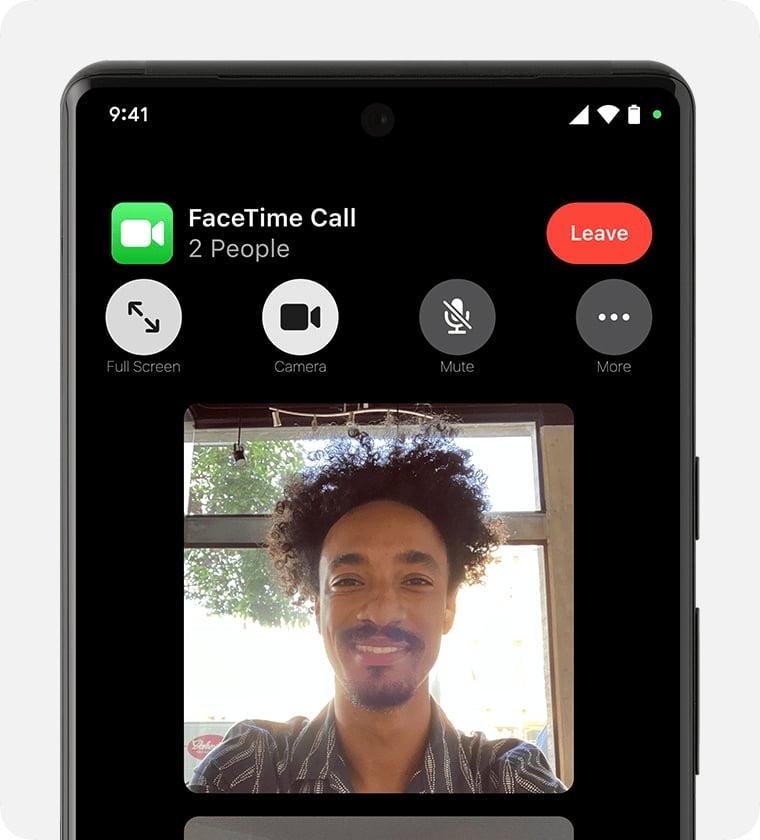
How Criminals Turn FaceTime Into Fake Legitimacy
Scammers start by triggering anxiety. They send a call or text claiming your bank account or credit card is compromised and include a number you are supposed to call to fix it. Once they have you on the line, they escalate to a FaceTime video call to “verify” your account. On camera, they may appear professional, use official‑looking backgrounds, and warn that you must act immediately to prevent financial loss. This is classic video call fraud: nothing is technically broken, but your trust is being engineered in real time.
Because you can see a face, the call feels personal and trustworthy. That familiarity works in the scammer’s favor, making impersonation attempts appear legitimate, especially when paired with urgent deadlines or fraud warnings. During these calls, victims are manipulated into sharing their screens, passwords, or account numbers, handing over exactly the data needed to drain accounts. In some cases, elaborate sets and, increasingly, AI‑generated video and audio are used to imitate real staff. The harsh truth is that your eyes are no longer a reliable identity check on FaceTime.
Red Flags Banks and Apple Say You Must Never Ignore
If a call involves your money, you need hard rules, not vague instincts. A trusted bank will never ask to FaceTime you when there is an issue with your account, and will not request passwords or sensitive verification details over video. Apple’s own support guidance is equally direct: its representatives will never ask for an Apple Account password, device passcode, or two‑factor authentication code. Any unexpected request for account details, money, passwords, or security codes over FaceTime should be treated as a scam.
Apple warns that users should not treat an incoming FaceTime call as proof that the caller is who they claim to be. Red flags include surprise contact about supposed bank or credit card compromise, links or phone numbers in messages demanding you respond, requests to share your screen, or pressure to act immediately or transfer funds. The safest response is refusal: do not click unfamiliar links, do not call numbers sent in texts, and do not disclose personal or financial information to unsolicited callers. Call the number on the back of your card or use the official website instead; that extra minute of caution can be the difference between safety and a wiped‑out account.
FaceTime Scam Protection: Settings, Habits and Reporting
You cannot control whether scammers target you, but you can make yourself a hard target. FaceTime scam protection starts with refusing to share passwords, verification codes, Apple Account credentials, financial information, or your screen during unsolicited calls. End any video call that pressures you to act immediately or move money. Then, take advantage of iPhone security threats defenses built into the device: you can silence FaceTime calls from anyone not in your contacts so unknown callers are routed to history instead of ringing your phone. Keep your operating system up to date to ensure the latest security protections are active.
When a suspicious FaceTime call or invitation link appears, do not engage; document and report it. Apple instructs users to take a screenshot of the caller information or link and email it to reportfacetimefraud@apple.com. You can also go into FaceTime call history, press and hold the caller’s info tile, and report spam, sending details directly to Apple. After any suspected fraud attempt, contact the organization involved using a verified phone number or official site, not the details provided by the scammer. These reports do more than protect you; they help Apple and consumer advocates track and shut down evolving video call fraud patterns.
If You’ve Been Hit: Protect Your Bank Information Fast
Even careful people slip—FaceTime scams are built to exploit moments of distraction. If you realize you have shared bank details, screens, or passwords during a suspicious video call, treat it as an active emergency. Immediately call your bank or financial institution using the official customer service number; early reports can help them stop further intrusion and, in some cases, recover funds. Change passwords for any accounts mentioned, and enable two‑factor authentication wherever possible, especially on your Apple Account.
Next, lock down future risk. Review your phone’s safety features and enable options that reduce exposure to unknown callers. Make a habit of reporting spam messages and fraudulent FaceTime calls via the built‑in tools, and send screenshots of FaceTime fraud attempts to Apple as requested. According to consumer advocates, scammers only need a small percentage of people to respond to make these efforts profitable. By refusing to engage, verifying caller identity through trusted channels, and helping authorities track attacks, you shrink that profitable slice. The conclusion is clear: your vigilance is now part of the security system protecting your bank information safety.





