
Our Top Pick: Add Pixel Care+ Now If You’ll Keep Your Pixel 9 or 10 for Years
Pixel Care+ is Google’s own device protection plan for Pixel phones that offers no‑cost screen and battery repairs, unlimited accidental damage coverage, and optional loss and theft insurance for a monthly fee, as long as your phone meets strict eligibility rules and is in flawless working condition. For most people, the best move right now is clear: if you own a Pixel 9 or Pixel 10 in perfect condition and you plan to keep it for several years, you should add Pixel Care+ coverage during this open enrollment window. Usually, you only have 60 days after purchase to sign up, but Google has reopened enrollment so you can add device coverage to qualifying phones no matter when you bought them. Coverage starts around USD 5 (approx. ₱290) per month and can run up to USD 15 (approx. ₱870), depending on your model and whether you include loss and theft protection. That monthly cost is easier to justify when you consider that a typical battery replacement alone can be in the same ballpark over the life of the phone.
Pixel Care+ Eligibility: Who Can Add Device Coverage Now?
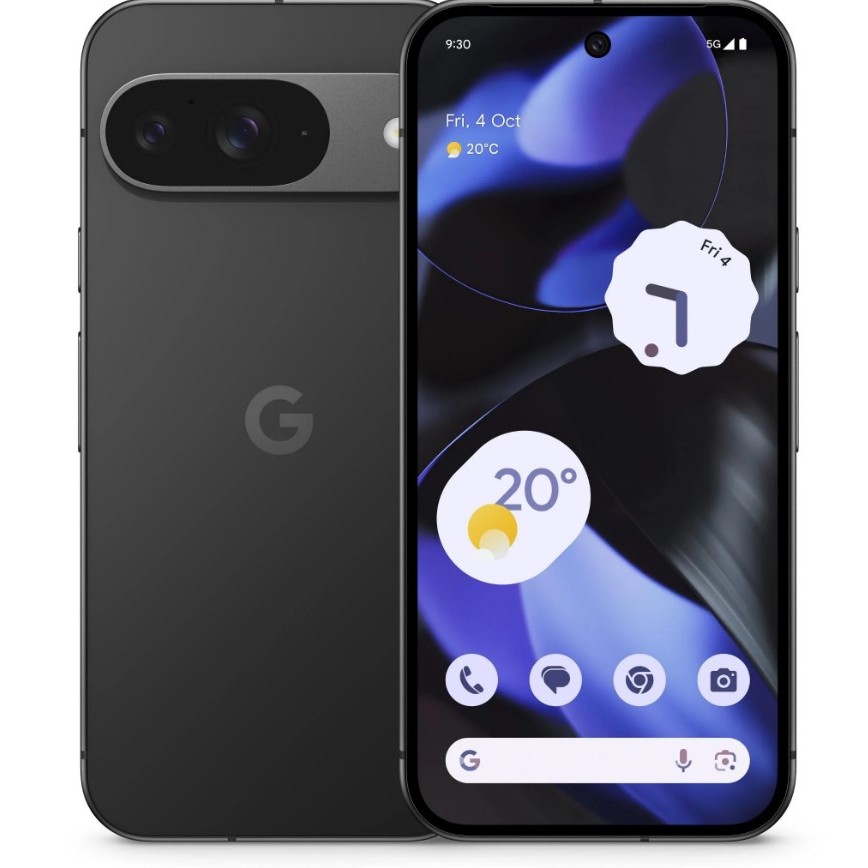
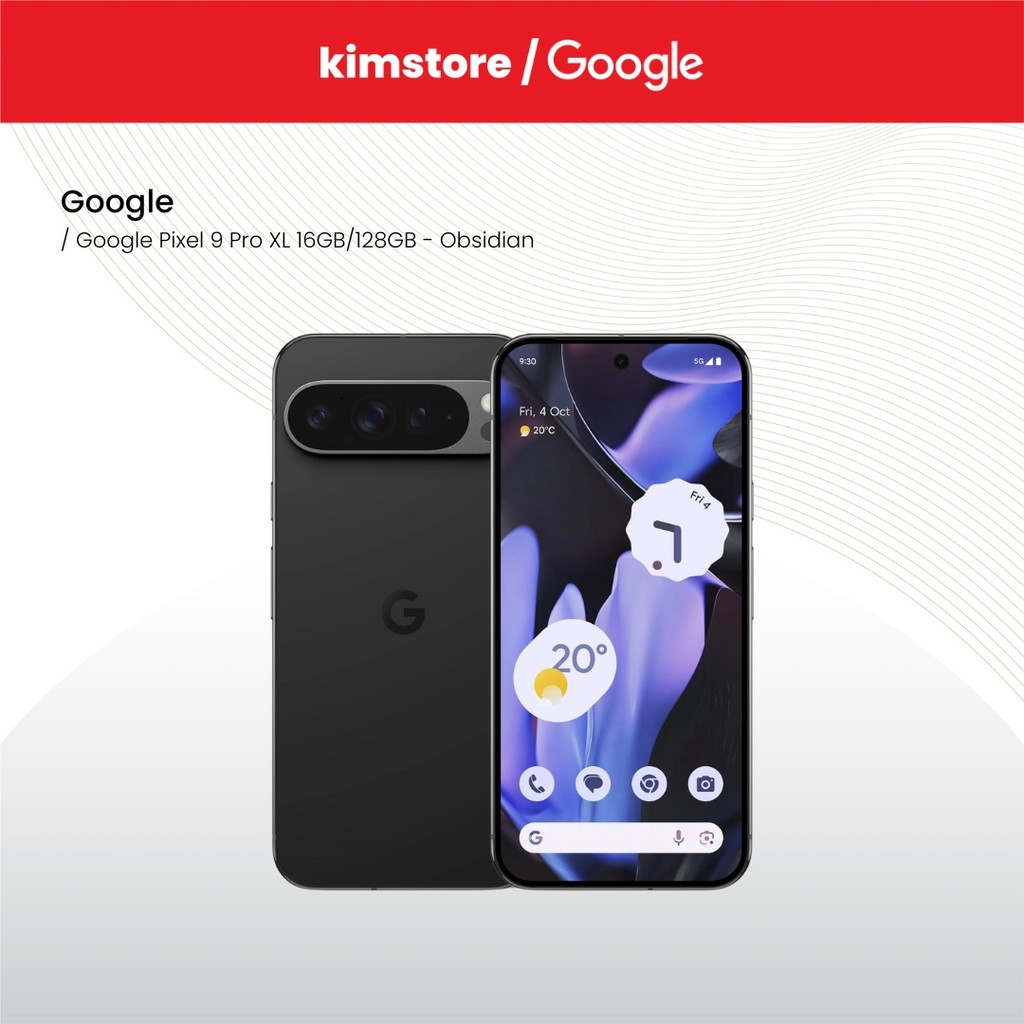
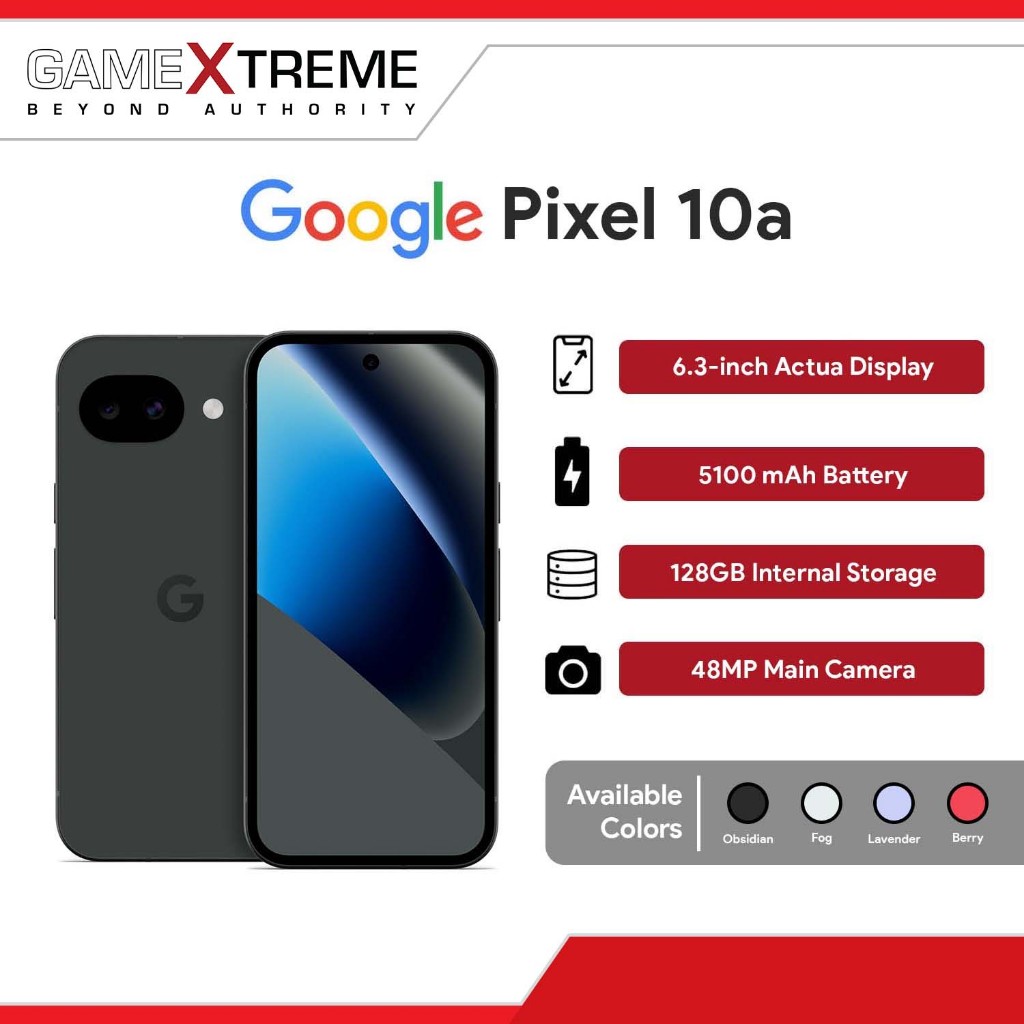
Google device protection is no longer only for brand‑new phones—Pixel Care+ can now be added to older devices, but the eligibility rules are strict. You can enroll only if you have a Pixel 9 or Pixel 10 phone: specifically, the Pixel 9, 9 Pro, 9 Pro XL, 9a, 10, 10 Pro, 10 Pro XL, or 10a. The Pixel 9 Pro Fold and 10 Pro Fold are excluded, as are the Pixel 8 series and anything older. According to Google, “you only have until August 2, 2026 to sign up” for this reopened enrollment window. Your phone also has to be in “good condition,” and Google is strict about what that means: no cracked or shattered glass on the front or back, no mechanical failures, and every button, sensor, and charging port must work perfectly. There must be no liquid damage and the battery cannot be swollen. This is not a backdoor way to repair a damaged device—verification and fraud‑prevention measures are in place to catch heavily damaged phones.
What Pixel Care+ Covers (and Where It Falls Short)
Pixel Care+ is best thought of as Pixel phone insurance with a generous repair policy and some important limits. Once enrolled, you get no‑cost screen repairs, battery replacements, unlimited accidental damage protection, and self‑service claims through the Google Store website. You can optionally add loss and theft coverage, but that tier comes with a deductible of about USD 99 (approx. ₱5,700), depending on your device. Coverage ranges between USD 5 and USD 15 per month (approx. ₱290–₱870) and is slightly cheaper if you prepay for two years. There is one major exclusion: Google does not offer loss and theft coverage in New York state, so customers there only receive damage protection. The upside is clear if you are accident‑prone or use your Pixel without a case—a single cracked screen can easily cost more than the plan’s total price over time. The downside is that you must be starting from a pristine device; any existing cracks, liquid issues, or bad buttons will disqualify you.
Add Protection Now or Wait for Your Next Pixel?
Whether to enroll in Pixel Care+ now or wait for a future upgrade comes down to how you use your phone and how often you replace it. If you expect to keep your Pixel 9 or 10 for several years—especially with Google now offering long‑term software updates—Pixel Care+ makes financial sense because you’re likely to face battery wear and at least one repair‑worthy accident. Owners who skip phone cases, have a history of dropping devices, or rely on their Pixel for work and cannot afford downtime benefit most, since next‑day replacement shipping is offered in many situations. On the other hand, habitual upgraders who swap phones every cycle or every other cycle should avoid multi‑year plans; paying for long coverage on a device you will trade in soon is a waste. If that’s you, either skip Pixel Care+ entirely or stay on a monthly plan and cancel when you switch phones. Also check if your credit card already includes cell phone insurance, which can make Pixel Care+ redundant.
Buy if / Skip if
- Buy the Pixel Care+ plan if you own a Pixel 9 or Pixel 10 (non‑Fold) in flawless condition and want protection for several years of use.
- Skip the Pixel Care+ plan if you upgrade your Pixel every year or two and don’t keep devices long enough to benefit from multi‑year coverage.
- Buy the Pixel Care+ plan if you rarely use a case, have a history of dropping phones, or need next‑day replacement because your work depends on constant phone access.
- Skip the Pixel Care+ plan if your credit card already provides cell phone insurance with damage and theft coverage for a small deductible.
- Buy the Pixel Care+ plan if you want no‑cost battery and screen repairs and are comfortable paying USD 5–15 (approx. ₱290–₱870) per month for Google device protection.
- Skip the Pixel Care+ plan if your Pixel 9 or 10 shows any disqualifying damage, such as cracked glass, liquid signs, swollen battery, or broken buttons or ports.
- Skip the Pixel Care+ plan if you live in New York and only care about theft protection, since loss and theft coverage is not offered there.