
Bixby’s Latest Glitches: When Your Voice Assistant Stops Sounding Like Itself
Bixby voice problems after software updates refer to a set of issues where Samsung’s assistant either switches to unexpected voices or stops speaking aloud altogether, even though it still processes commands and shows text responses on your Galaxy phone’s screen. These bugs affect a small but vocal group of users who rely on Bixby for hands‑free help and smart home control, and they make a supposedly natural‑sounding assistant feel unreliable and inconsistent instead.
The key takeaway: the recent push to make Bixby sound more natural has exposed how fragile voice consistency can be. After a recent update, at least one Galaxy user reported that Bixby started switching between different voices when responding, regardless of which one they selected. At the same time, some users now see Bixby’s replies as text only, with no audio feedback even though commands are being understood. That combination—random voice swaps and silent replies—turns a basic feature into a daily annoyance. If your Bixby voice is not working as expected, you are not imagining it, and you do not have to wait helplessly for a future patch.
Why Bixby Sounds Wrong: Voice Switching and Silent Responses Explained
The most visible Bixby assistant problems right now fall into two camps: first, Bixby voice randomly switching between different profiles; second, Bixby going mute while still showing text answers. After a recent update, a Galaxy owner complained that Bixby started responding in different voices regardless of their chosen option, with their usual voice only returning on the second response while the first and later answers used a lower, unfamiliar voice. They also noticed that Bixby no longer matched the notification voice they had configured via a routine, which makes routines feel unreliable.
On the silent side, a small number of users report that Bixby is not responding to voice commands with speech; instead, all responses appear as text in the chat without any voice feedback. That means Bixby voice not working even though the assistant still understands what you say. One named moderator from the Bixby team apologized and promised to forward feedback about Bixby’s voice style to the relevant department, but did not confirm a bug or commit to a fix. Support staff have also asked affected users to send logs, yet the exact cause remains undiagnosed, especially because the issue currently affects a small group.
Step-by-Step Galaxy Phone Troubleshooting for Bixby Voice
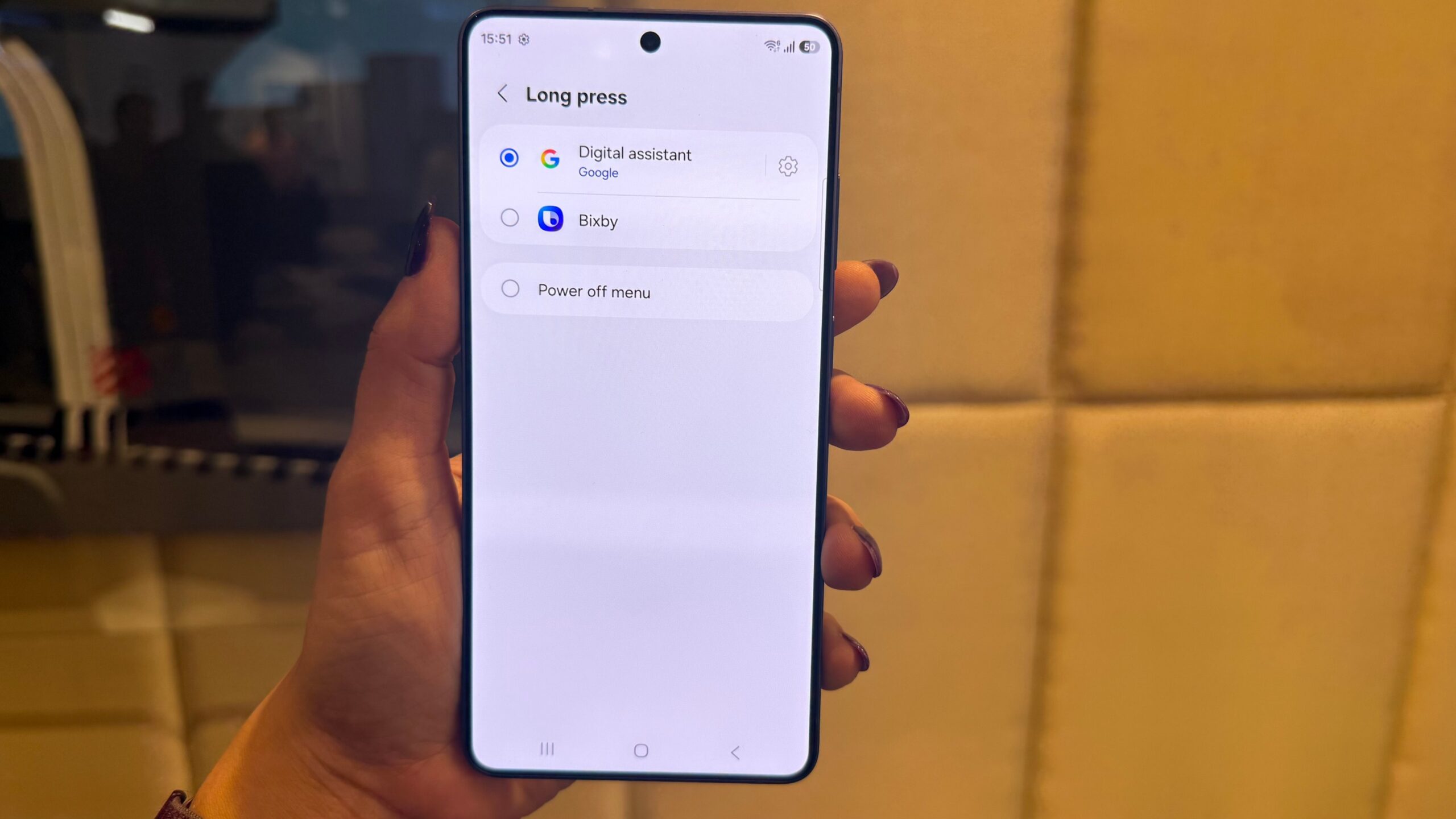
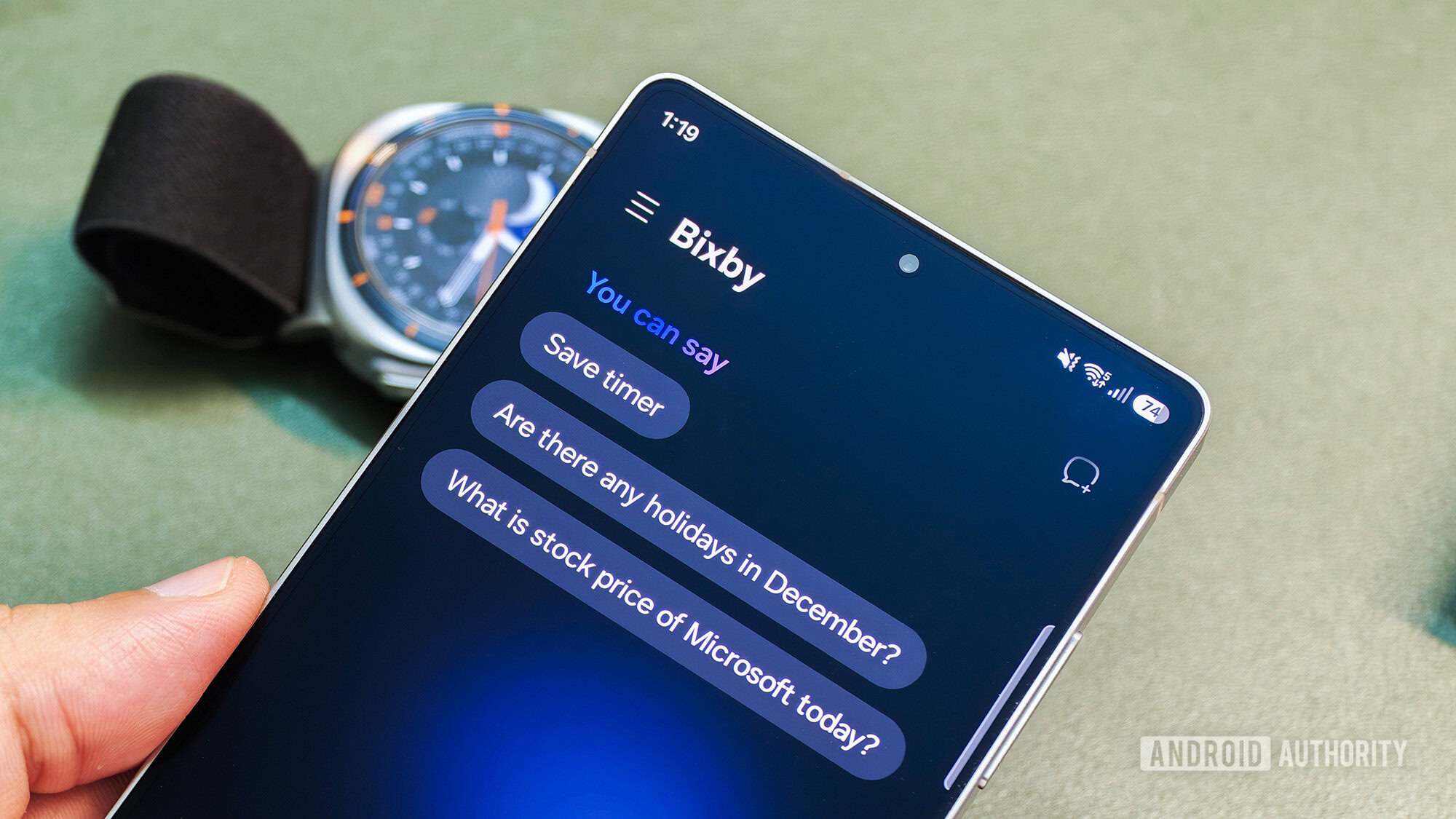
Instead of waiting for Samsung to quietly patch things, you can tackle these Bixby assistant problems with systematic Galaxy phone troubleshooting. Start with the basics: confirm your media and system volume are up, then open Bixby settings and switch to a different voice profile before switching back. This can refresh whatever glitch is causing random voice swaps. If Bixby no longer matches notification voices you configured through routines, re‑save those routines after changing the assistant’s voice to force a sync.
For cases where Bixby voice not working means silent responses, treat it like a corrupt assistant install. Clear the Bixby app’s cache and data, sign back into your Samsung account, and make sure both your phone’s software and Bixby are updated to their latest versions—some users say their silent‑response issue disappeared after updating One UI 8.5 to the newest build. Samsung also hosts a support page with basic voice assistant fixes that can help when Bixby cannot understand your voice commands, and those same steps often clear up audio glitches. Rerun the voice training process so Bixby re‑learns your voice under the current software version rather than an older one.
When to Stop Tweaking and Call Samsung Support
There is a point where DIY Galaxy phone troubleshooting becomes a waste of time. If Bixby is still cycling through strange voices after you reset its settings, re‑trained voice recognition, and updated the phone, you are likely facing a deeper bug rather than a misconfiguration. One commenter already criticized the broader inconsistency in Bixby’s speech, saying the voice now changes depending on what it says, which suggests something off in the assistant’s speech generation rather than user error.
For users whose Bixby voice not working issue shows up as permanent silence—responses stuck as text only—even after clearing cache, reinstalling updates, and checking volume, it is time to contact Samsung support. Support staff have already asked at least one affected Galaxy Z Fold 7 owner to share detailed logs of the issue so engineers can investigate. Those logs matter: Bixby is still used by a small number of Samsung users, especially those who rely on SmartThings‑enabled home appliances, so persistent bugs need real diagnostic data to be fixed. Informed support tickets are more effective than vague complaints, so describe exactly when Bixby goes silent or swaps voices and what you have already tried.
Living With Bixby Today: Keep Using It, But Stay Skeptical
Bixby’s latest glitches are a reminder that voice assistant fixes often lag behind new features. While Samsung has boosted Bixby’s cognitive capabilities and fluency in One UI 8.5, reliability still matters more than fancy language skills. A community poll of 182 votes found that 82% of respondents felt Samsung has plenty of work left before Galaxy AI makes a phone worth paying more for, while only 18% said it adds daily value. When the assistant slips into unfamiliar voices or stops talking altogether, that skepticism looks justified.
The practical path forward is to keep Bixby enabled if it still adds value—especially if you tie it to SmartThings—but to treat it as a tool, not a promise. Follow the basic Galaxy phone troubleshooting steps, lean on Samsung’s support documentation, and escalate stubborn audio issues with clear logs when needed. Until Samsung ships a confirmed fix, expect occasional rough edges. Your job is to keep the assistant working well enough for your daily use, and to stop tolerating glitches that turn a helpful voice into background noise.