
Verdict: Siri AI Is Finally Worth Leaving On
Apple’s new Siri AI assistant is a voice-driven and text-driven system that integrates search, on‑device data, and app actions so your iPhone can answer nuanced questions, understand context from your screen, and complete tasks across core apps without you opening them. In practical terms, this version of Siri changes from a gimmicky voice assistant into a reliable iPhone productivity tool that most people should keep enabled instead of turning off after a week. With Siri AI baked into system search and deeply tied to your emails, photos, calendars, texts, notes, and more once you opt in, the assistant now feels like the backbone of the iPhone experience rather than an optional extra. It is good enough for everyday use, especially if you live in Apple’s apps, though it still falls short when you rely heavily on third‑party services or expect perfect news and web answers every time.
Pros
- Excels at finding personal information across Messages, Photos, Calendar, Mail, Notes and more once indexing is complete.
- Capable of taking action, such as rescheduling events or surfacing specific photos, without you opening individual apps.
- Improved ability to understand follow‑up questions and maintain context over a short conversation.
- Onscreen awareness makes Siri feel useful while you browse social feeds or other content.
Cons
- Cannot access data inside many popular third‑party apps like Gmail, WhatsApp or Google Photos yet.
- Sometimes surfaces outdated or inaccurate online information, such as news that is weeks old.
- New interaction patterns around the top‑of‑screen search and Siri area can feel awkward and unintuitive at first.
- Still defers to web search and external sources for some hardware details, adding an extra step for basic questions.
From Novelty Voice Commands to Core iOS 27 Features
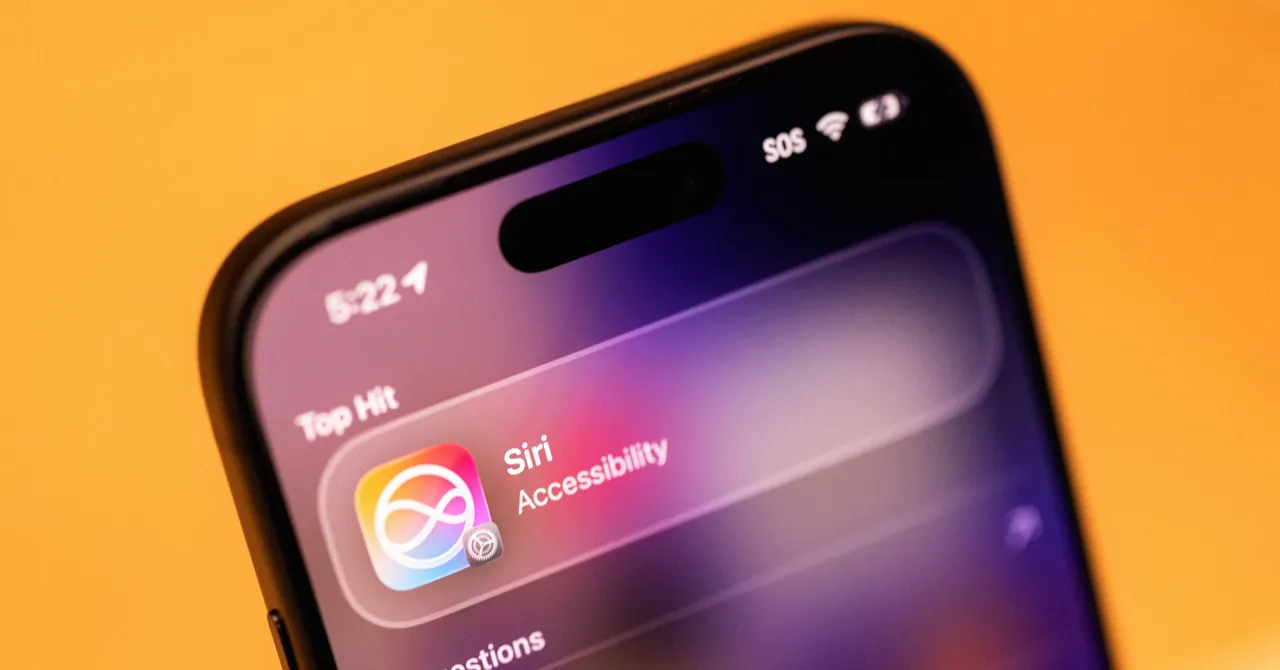
In iOS 27, Siri AI is no longer a separate trick you trigger with a long‑press; it is threaded through the way you use the phone. Apple has built the assistant into the universal search field, so swiping down now reveals a “Search or Ask” bar that routes many queries straight through Siri. You can type or speak, and instead of a page of links you often get a direct answer or an action, such as opening Maps with a pre‑selected route to your destination. This integration extends beyond the iPhone: Siri AI is positioned as part of the broader ecosystem experience, not just a single device helper. Importantly, long‑time skeptics who had Siri disabled for years now report that this release finally lives up to the original promise of a Star Trek‑style computer, even if rivals like Gemini offer comparable intelligence today.
Real‑World Performance: Getting Things Done, Not Just Answering
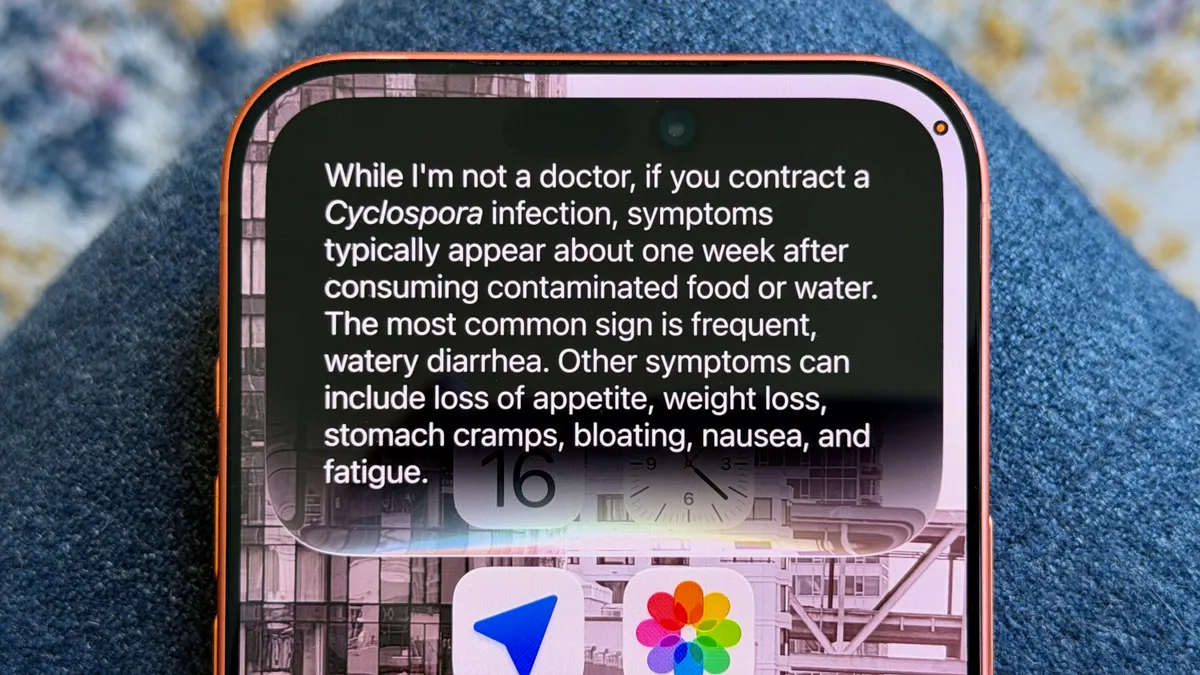
Day‑to‑day testing shows that Siri AI has moved beyond timers and weather reports into practical task completion. It excels at digging out information, whether that is your current step count from the Health app or a buried detail in a long text thread. When asked to “Move my appointment to another day,” Siri successfully rescheduled the calendar event, even when the spoken date was muddled, showing stronger language understanding than previous versions. The assistant can identify foods in your photos and explain their nutritional value, and when questioned about whether lettuce was safe to eat, it both answered and warned about a current parasitic outbreak, then described symptoms in plain language. However, as a colleague’s frustration with getting old headlines to the prompt “What’s in the news?” shows, Siri’s internet answers can still be inaccurate or stale at times.
Context, Onscreen Awareness, and Multitasking Power
Siri AI’s biggest leap is its use of context. After you opt in, your phone spends days indexing emails, photos, calendars, texts, notes, and other on‑device data, which Apple likens to doing inventory at a grocery store. That indexing is the foundation for the assistant’s “special sauce”: knowing where to look when you ask about a past trip, an upcoming dinner, or a friend’s gift preferences. On top of this, Siri can read what is on your screen, pulling in details from social posts or articles so you can ask follow‑up questions without re‑explaining who or what you mean. A Siri tab in the camera app lets the assistant analyze what you point at and provide a quick paragraph of context, while tools like “Write with Siri” help you draft notes or messages as part of your wider set of iPhone productivity tools. The result is multitasking that feels closer to a unified, conversational interface than separate app hopping.
Limits, Learning Curve and Where Siri AI Still Falls Short
For all the voice assistant improvements, Siri AI remains strongest inside Apple’s walls. If what you need lives in Messages, Photos, Calendar, Mail or Notes, Siri tends to find it fast. But if you depend on Gmail, WhatsApp or Google Photos, the assistant cannot yet reach into those third‑party apps; developers must add support first. There is also a learning curve. Accessing notifications, Control Center and the new Siri AI search area from the top of the phone can feel cramped, and some testers admit they still have not built the necessary muscle memory. Online answers can be uneven, whether that is being pointed to older news or deferring you to web search for basic specs until you press it for more. Still, Siri’s improved follow‑up handling means you can push back, refine questions, and turn many near‑misses into useful responses without starting over.
Buy if / Skip if
- Buy the Siri AI assistant if you rely on Apple’s core apps and want an iPhone productivity tool that can find information and complete tasks without constant app switching.
- Skip the Siri AI assistant if most of your important data lives in third‑party apps like Gmail, WhatsApp or Google Photos and you cannot wait for developers to add support.
- Buy the Siri AI assistant if you want a more conversational voice assistant with better follow‑up understanding and onscreen awareness while you browse or multitask.
- Skip the Siri AI assistant if inconsistent online answers or occasionally outdated news results would undermine your trust in a digital helper.
- Buy the Siri AI assistant if you are willing to adapt to the new search and Siri entry points in iOS 27 and let the phone index your data for smarter suggestions.
- Skip the Siri AI assistant if you prefer traditional web search, manual control over every app, and are not interested in voice assistant improvements that reshape how you use your phone.