
Why Google Calendar Focus Time on Your Phone Changes Everything
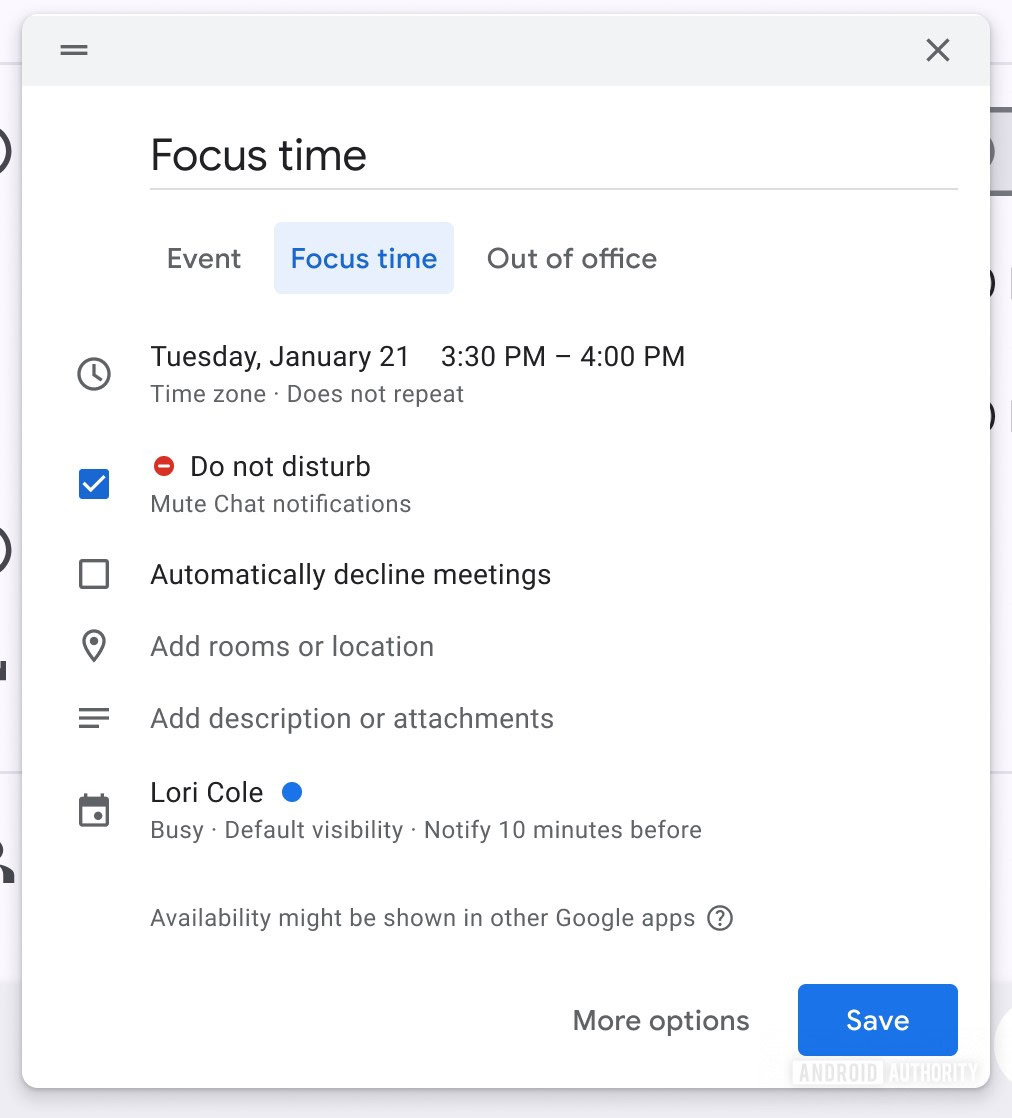
Google Calendar focus time is a scheduling feature that blocks out distraction-free periods in your calendar so incoming chats, meeting invitations, and similar requests are silenced or automatically declined, letting you concentrate on demanding work without interruptions. This move of focus time from a desktop-only setting to native Android support matters because it turns your phone from a distraction engine into a serious planning tool. Until now, you had to open the desktop web interface to set up new focus time blocks, even though you could edit or delete them from Android or iOS. That made no sense for people who live out of their phones. By bringing Android focus time setup onto the same device that generates most interruptions, Google is finally aligning your phone calendar management with how you actually work.
From Desktop-Only to Native Android: A Long-Overdue Fix
The most important change is simple: focus time setup is no longer chained to a desktop browser. Previously, you could only create new focus time periods through the desktop web interface, even though the mobile apps already let you edit and delete existing sessions. That split workflow made focus time feel like an afterthought instead of a core productivity calendar feature. Now, work-in-progress changes in a recent Android Calendar version show that this limitation ‘doesn’t look like it’s going to be the case for much longer,’ with dedicated interface elements appearing in the app. In practical terms, this means your next deep-work block can be planned on the commute, in a hallway between meetings, or right after a stand-up, without detouring to a laptop.
How Android Focus Time Setup Will Work on Your Phone
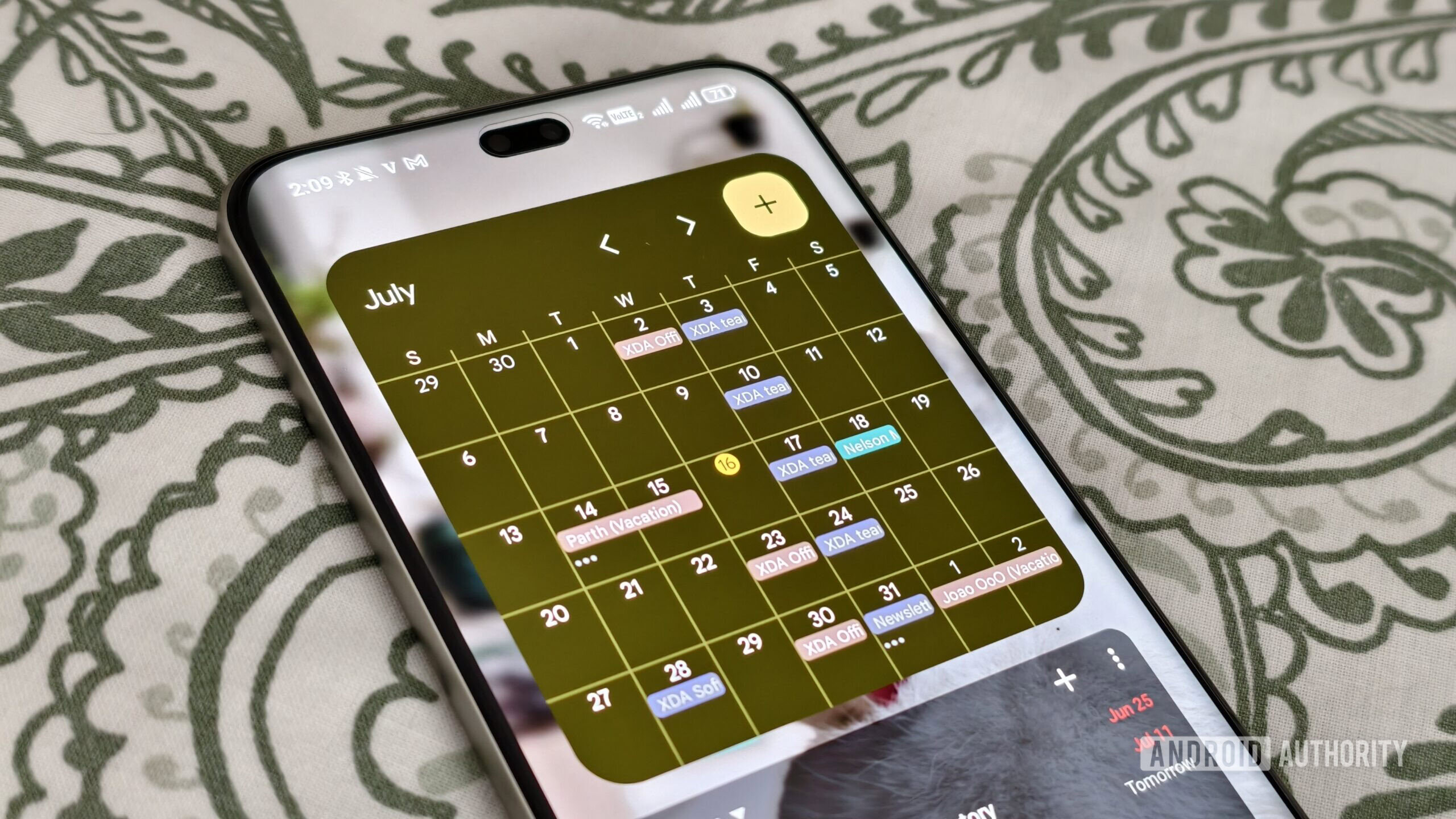
The new Android focus time setup revolves around a small but powerful UI addition: a “Focus time” chip appears above the floating action button used to add calendar entries. Tap that chip and you’ll be able to start adding focus time blocks directly into your schedule without visiting Calendar on a desktop. According to early app code analysis, this option ‘would allow users to start adding these time blocks to their schedules, without requiring a visit to Google Calendar on a desktop PC.’ That phrasing matters. It confirms Google’s intent to let your phone handle the full lifecycle of focus sessions, instead of treating mobile as a read-only dashboard. In other words, your pocket device becomes the primary control center for focus, not an afterthought.
What You Gain: Less Friction, More Real Focus
Focus time is a rare example of a productivity calendar feature that fights for your attention instead of against it. When a focus block is active, incoming chats and meeting requests are blocked and any requests that do slip through can be automatically declined so you can get done what you need to. Moving creation of those blocks onto Android finally aligns that promise with daily reality. No more remembering to “fix your calendar later on the laptop.” Your phone calendar management can reflect your priorities the moment they change, which is when it matters. You reduce context switching between devices, tighten feedback loops, and make it easier to protect serious work from casual interruptions. That is how a small interface tweak turns into a meaningful focus upgrade.
Conclusion: Turn Your Calendar into a Commitment, Not a Suggestion
Calendar tools are only as strong as your willingness to live by them. By letting you create and manage focus time blocks directly from your phone, Google is removing one of the biggest excuses not to use them. Instead of juggling devices, you will soon be able to turn a passing intention—“I need two hours without interruptions”—into a concrete block on your schedule in seconds. Focus time has always been designed to protect you from distractions by automatically declining requests and muting noise. Bringing that power natively to Android honors how modern work happens: on the move, on your phone, and under constant attack from notifications. Use it, or your day will be scheduled by everyone except you.