
The Big Picture: Beta Ambition vs. Daily Reliability
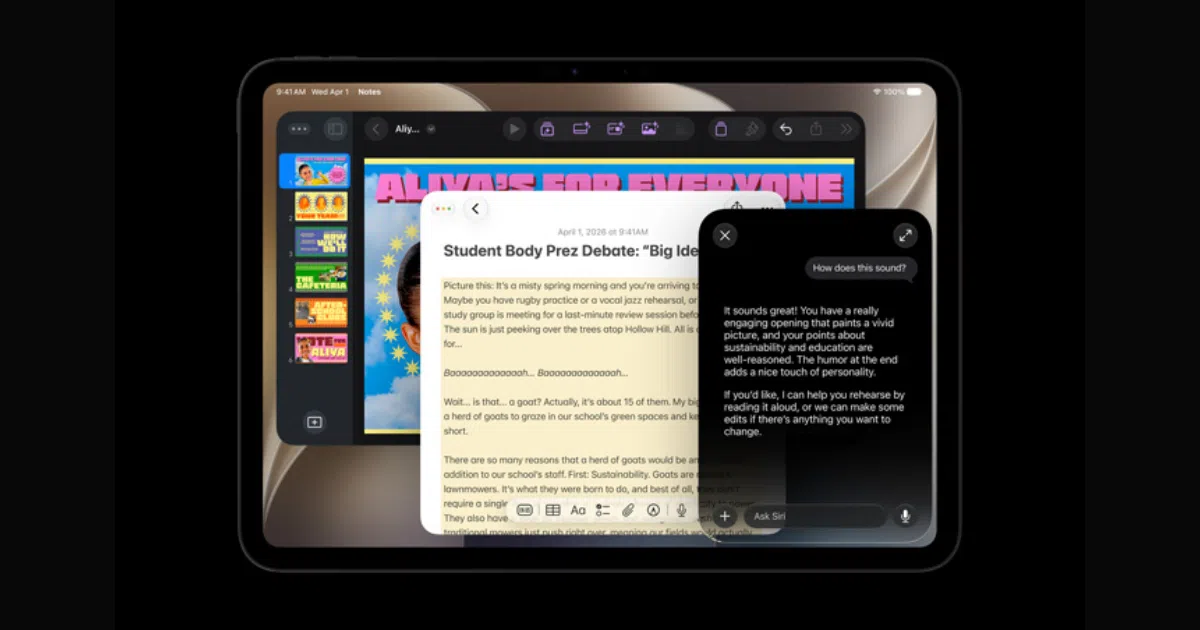
iPadOS 27 public beta problems are bugs, performance slowdowns, and accessory glitches that appear in this pre-release software and can undermine productivity, even though it previews new multitasking, Apple Intelligence, Safari, and Siri features that will arrive in the stable release later in Fall 2026. If you depend on your tablet to work, study, or run a business, treating the beta as a playground instead of a production environment is the only sane approach. Apple unveiled iPadOS 27 during WWDC 2026, promising smarter Siri, new Safari capabilities, and deeper Apple Intelligence integration. That ambition comes at a cost: you’re trading reliability for early access, and the trade is sharper on productivity-focused devices. Before installing any test build, back up your iPad, and remember that beta builds are not meant to be perfectly stable.
Battery Drain, Overheating, and Performance: Fixing the Silent Killers
For productivity users, battery drain and lag are the silent killers of iPadOS 27 beta problems. After a major update, your iPad re-indexes Spotlight, analyzes your Photos library, syncs iCloud, and optimizes Apple Intelligence in the background, which can spike heat and power use for 24–48 hours. If the battery still collapses after that window, it’s time to treat it as a bug, not a phase. Open Settings > Battery and identify which apps are burning power, then update or temporarily remove offenders. Reduce brightness, enable Auto-Brightness, and use Low Power Mode when you need runtime more than peak speed. Avoid intensive tasks while charging. If the device feels sluggish, install the latest public beta, check that you have 10–15GB free storage, close unused apps, and restart. Heavy, persistent drain after several days is a strong sign the beta should not live on your main work iPad.
App Crashes and Stage Manager Issues: Protect Your Workflow
The iPadOS 27 beta shines when multitasking works; it falls apart when Stage Manager issues and app crashes interrupt deep work. Because iPadOS 27 is still in testing, many creative, productivity, and enterprise apps are not yet fully optimized, so crashes are common. The rule is simple: if an app is central to your income or studies, assume the problem is the app and wait for its developer to update it. In the meantime, update from the App Store, force close and relaunch, restart your iPad, or reinstall the app. Stage Manager can misbehave with windows that refuse to restore, unpredictable resizing, or external displays that are slow to be recognized. Toggle Airplane Mode briefly, restart your iPad and accessories, and reseat display cables. When misbehavior persists, install newer beta builds; Apple typically improves multitasking stability over the beta cycle. If Stage Manager bugs make your tablet hard to use day-to-day, that’s a downgrade trigger, not something to “live with.”
Apple Pencil Lag, Safari, and Siri: Keeping Your Tools Responsive
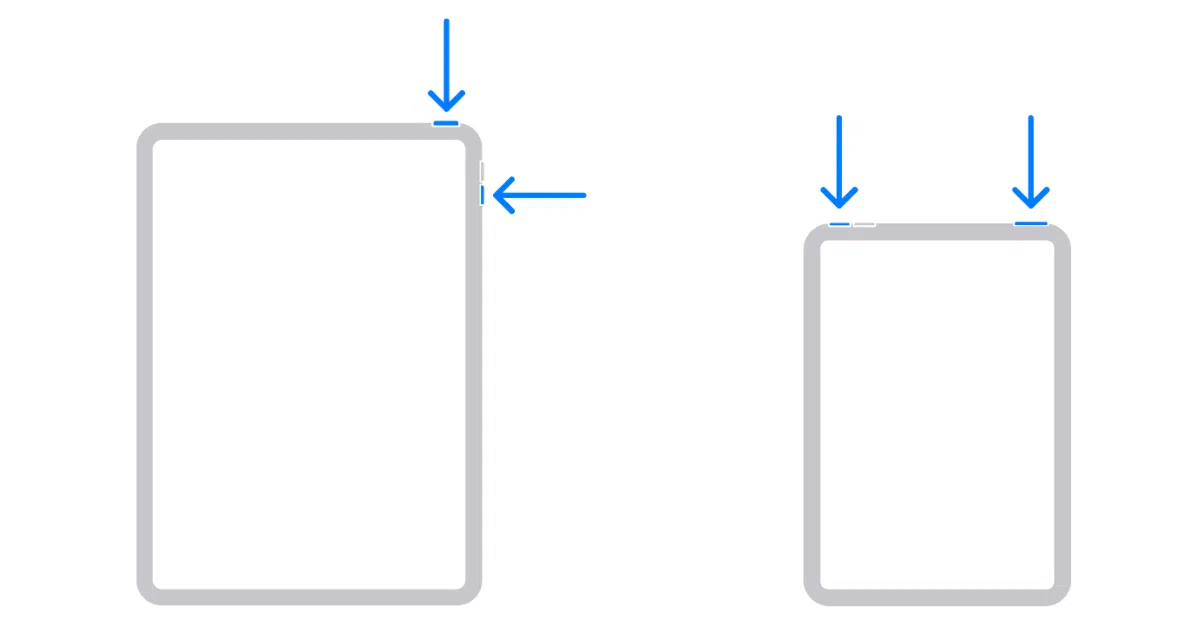
Designers, note-takers, and researchers feel iPadOS 27 beta problems fastest in their tools: Apple Pencil lag, Safari quirks, and Siri instability. Apple Pencil may stop responding, fail to pair, or show lag, and Scribble or pressure sensitivity can behave inconsistently in supported apps. Start with basics: fully charge the Pencil, restart the iPad, and reseat or re-pair the accessory depending on your model. If lag persists only in one app, the app likely needs a compatibility update, so switch tools or workflows for now. Meanwhile, remember that iPadOS 27 includes major upgrades to Siri and new Safari features tied into Apple Intelligence. That deeper integration means Siri can become unresponsive or fail to process requests while the beta is still rough. To stabilize it, turn Siri off in Settings > Apple Intelligence & Siri, restart, then enable it again, and make sure you have a reliable internet connection. When Safari or Siri keep failing on core tasks, the beta has crossed from “interesting” to “in the way.”

When to Wait for Patches, Roll Back, or Skip the Beta Entirely
Most iPad bugs fixes in a public beta will arrive through incremental builds, so your first move should be patience plus updates, not panic. Restart your iPad, install the latest public beta, keep apps up to date, and give the system a couple of days to finish background work. But there is a clear line where productivity users should walk away. Consider returning to the latest stable iPadOS if crashes are frequent, battery life remains poor after several days, essential work or school apps stop functioning, Stage Manager or multitasking bugs make the iPad hard to use, or Apple Pencil and keyboard accessories stop working consistently. Downgrading is not an admission of defeat; it’s a rational choice when your tablet is a workstation, not a toy. The public beta is compatible with a wide range of recent iPad Pro, iPad Air, iPad, and iPad mini models, and the Apple Developer Program is free if you only want beta access. Use that freedom wisely: install on a secondary device, not the iPad you rely on to get things done.