
The Best Student Tablet Overall: iPad 11
The best student tablets combine light weight, long battery life, and strong app support so that note‑taking, online classes, and homework feel as smooth as using a traditional laptop for school work.
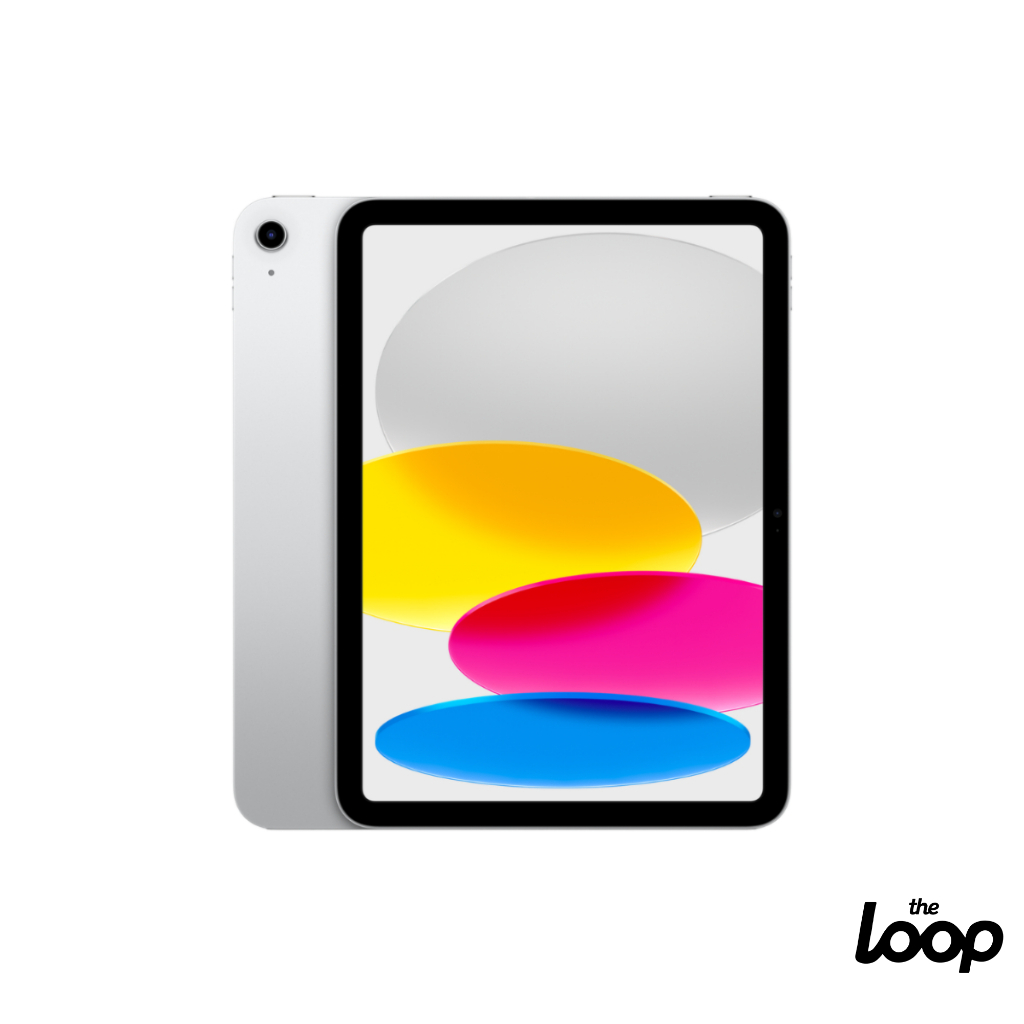
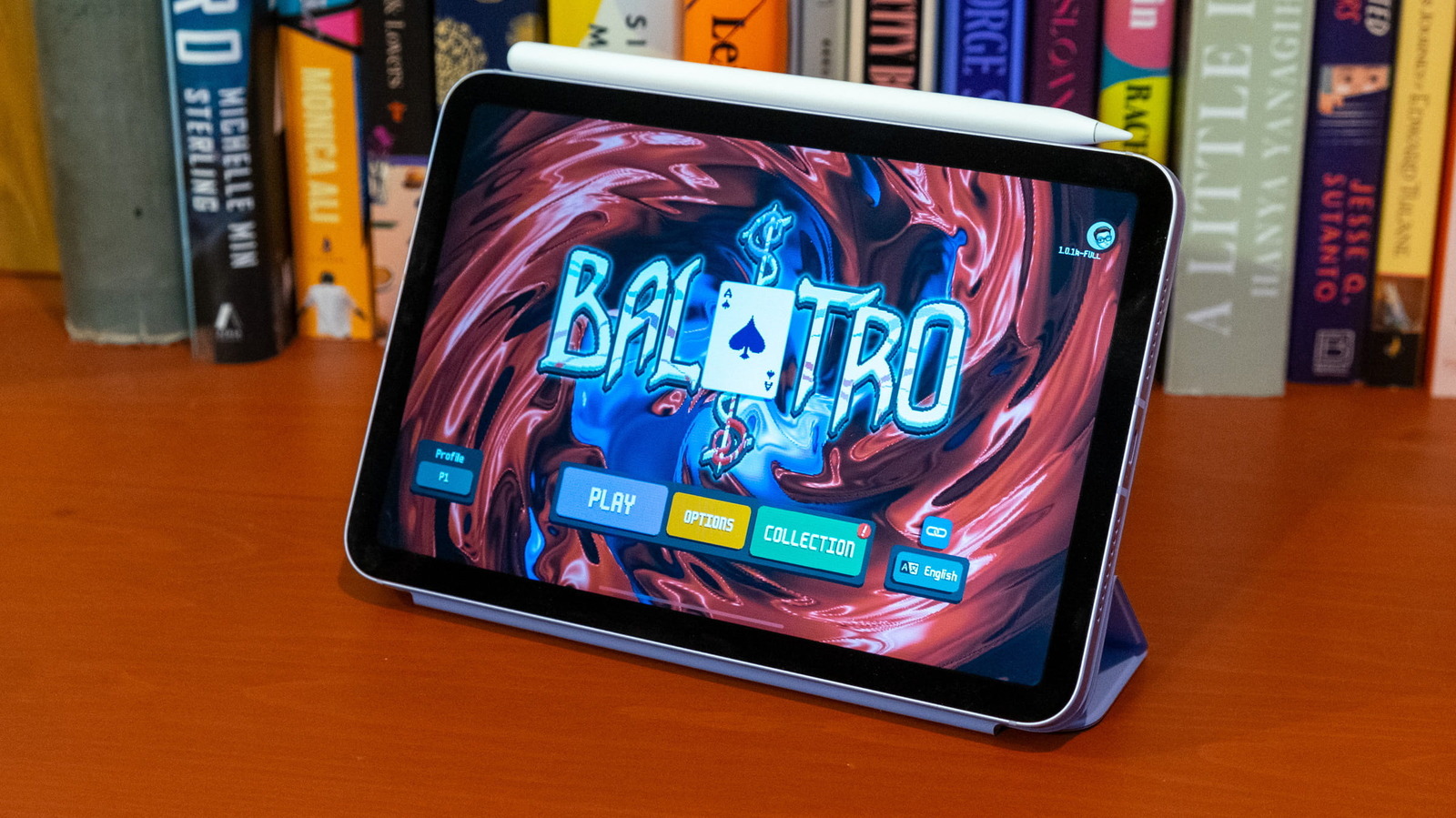
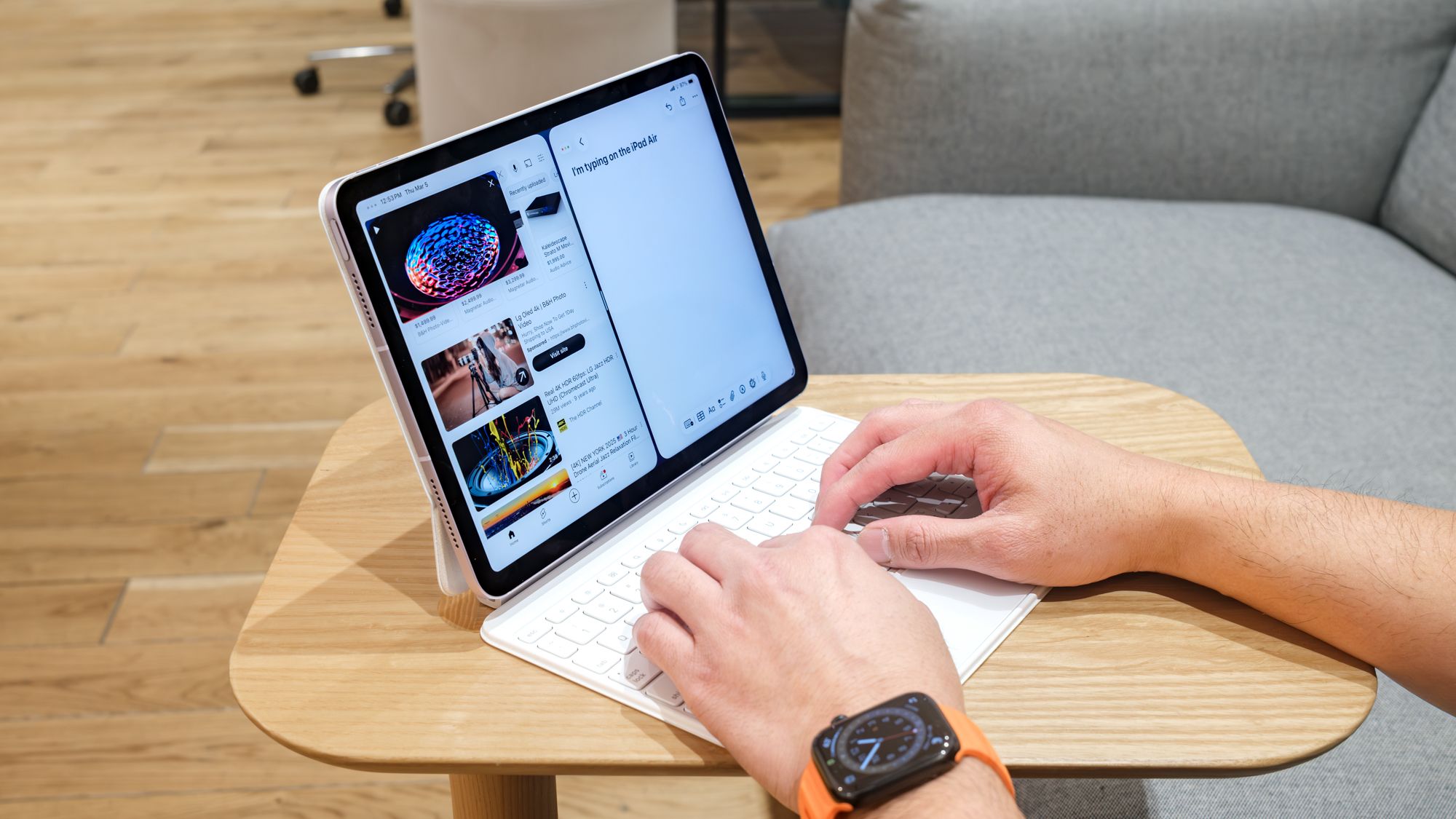
For most students, the iPad 11 is the tablet to buy because it balances performance, portability, and battery life better than anything else on this list. Its Apple A16 CPU, 6GB of memory, and 128GB–512GB of storage give it enough power to juggle research, video calls, and note apps without slowdowns. The 11‑inch Liquid Retina display at 2360 x 1640 resolution is sharp for e‑texts and lecture videos, while the 1.05‑pound body and 9.79 x 7.07 x 0.28‑inch frame slip easily into any backpack. In testing it managed 11 hours and 25 minutes of continuous web browsing at 150 nits, so a full day of classes is no problem. Downsides: the display can be dim in bright areas, it lacks the latest Pencil features, and you must buy a keyboard or stylus separately. Still, as a back‑to‑school tablet for general note‑takers and online learning, this is the default pick.
| Spec | iPad 11 |
|---|---|
| CPU | Apple A16 |
| Display | 11-inch Liquid Retina (2360 x 1640) |
| Memory | 6GB |
| Storage options | 128GB, 256GB, 512GB |
| Ports | USB-C |
| Dimensions | 9.79 x 7.07 x 0.28 inches |
| Weight | 1.05 pounds |

Best Budget Back‑to‑School Tablet: Lenovo Duet 3
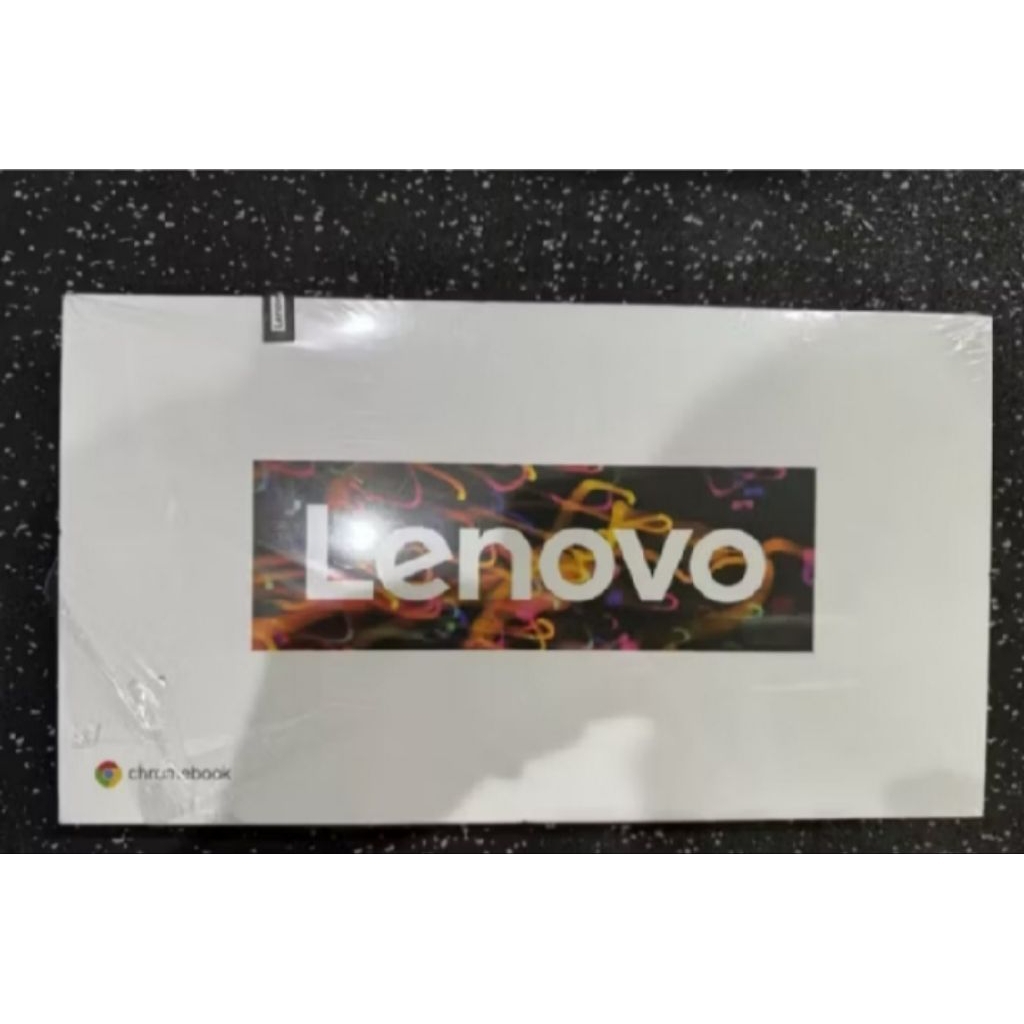
If you need the best student tablet on a tight budget, the Lenovo Duet 3 stands out because it includes a detachable keyboard at no extra charge and runs ChromeOS, which is ideal for browser‑based school platforms. It is a great Chrome tablet for students who want a cheaper option that still feels like a mini‑laptop for essays and research.
The Duet 3 uses a Qualcomm Snapdragon 7c Gen 2 CPU with 4–8GB of RAM and 64–128GB of eMMC storage, driving an 11‑inch 2,000 x 1,200 display that is bright and sharp for reading. The tablet alone weighs 1.2 pounds, or 2.1 pounds with the cover, and measures 10.16 x 6.48 x 0.31 inches, so it still fits easily in most bags. Battery life exceeds 10 hours, and the speakers are surprisingly loud for a Chrome tablet. On the downside, there is no headphone jack, cameras are weak, and the included keyboard can feel uncomfortable for long typing sessions. If your workflow lives in Google Docs, online textbooks, and web‑based STEM tools, this is the back‑to‑school tablet that keeps costs sane while still giving you a real keyboard out of the box.
| Spec | Lenovo Duet 3 |
|---|---|
| CPU | Qualcomm Snapdragon 7c Gen 2 |
| RAM | 4–8GB |
| Storage options | 64–128GB eMMC |
| Display | 11 inches, 2,000 x 1,200 pixels |
| Dimensions | 10.16 x 6.48 x 0.31 inches |
| Weight | 1.2 lbs tablet / 2.1 lbs with cover |
| Included accessory | Detachable keyboard cover |
Best Laptop Replacement: Microsoft Surface Pro 11
Some student workflows, especially in STEM or architecture, require full desktop apps and a real file system; for those students, a laptop‑class tablet makes more sense than a consumption‑first slate. The Microsoft Surface Pro 11 is the top choice if you want a 2‑in‑1 Windows tablet that can replace your traditional laptop.
The Surface Pro 11 pairs Windows 11 with Snapdragon X Plus or Elite CPUs, Qualcomm Adreno graphics, 16GB or 32GB of RAM, and 512GB or 1TB of storage, giving it the fastest performance in this guide. The 13‑inch display can be LCD or OLED at 2880 x 1920, and the tablet weighs 1.97 pounds, so it is still portable enough for campus. It lasts just over 12 hours in battery tests, meaning it can cover a full day of classes without constant charging. Reasons to buy include powerful Snapdragon X performance, excellent battery life, a bright OLED display, and an updated keyboard cover. Reasons to avoid: the keyboard and other peripherals are expensive, some Copilot+ features are missing, and certain apps remain incompatible with Arm. For engineering students using Windows‑only tools and those who want one machine for everything, this is the best student tablet to replace a laptop.
Planning Your Student Tech Budget and Choosing the Right Workflow Match
Back‑to‑school tablets can be a shock if you do not plan for the total cost of accessories and add‑ons, much like how a routine doctor visit can later bring a second bill with a facility fee that adds hundreds or more. Comparing options early helps families avoid that kind of surprise and match each student to the right tablet for their workload.
This student tech buying guide focuses on workflows as much as specs: general note‑takers are best served by the iPad 11’s mix of portability and strong app support; budget‑conscious students who live in the browser should pick the Lenovo Duet 3 with its included keyboard and ChromeOS; and STEM learners or architecture students who depend on Windows‑only desktop apps should invest in the Microsoft Surface Pro 11, which is the pick for anyone who needs Windows 11 and full desktop apps in a tablet‑style device. According to one major testing outlet, “the best student tablets you can buy today” are those that stay light enough for a backpack while remaining powerful enough for research and assignments. Choose the tablet that matches how you work today and where your coursework is headed over the next few years.
- Buy the iPad 11 if you want the safest all‑purpose tablet that can keep up with a busy student schedule and long days on campus.
- Skip the iPad 11 if you need the very latest Apple Pencil features or brighter outdoor visibility than its dimmer display offers in bright areas.
- Buy the Lenovo Duet 3 if you need a cheaper ChromeOS tablet with a bright 11‑inch display and a packed‑in keyboard cover ready for class.
- Skip the Lenovo Duet 3 if you care about high‑quality cameras, long typing comfort, or a headphone jack for wired audio.
- Buy the Microsoft Surface Pro 11 if you want a Windows 11 tablet that can replace your laptop with powerful Snapdragon X performance and 12‑hour battery life.
- Skip the Microsoft Surface Pro 11 if you are not ready to pay extra for its peripherals or rely on apps that might be incompatible with Arm.