

The One App You Should Install First: Block Ads
Open source Android apps are applications whose code is publicly available, allowing anyone to inspect how they handle data, avoid tracking, and optimize performance, making them ideal lightweight Android alternatives for users who care about privacy, transparency, and speed on their phones.
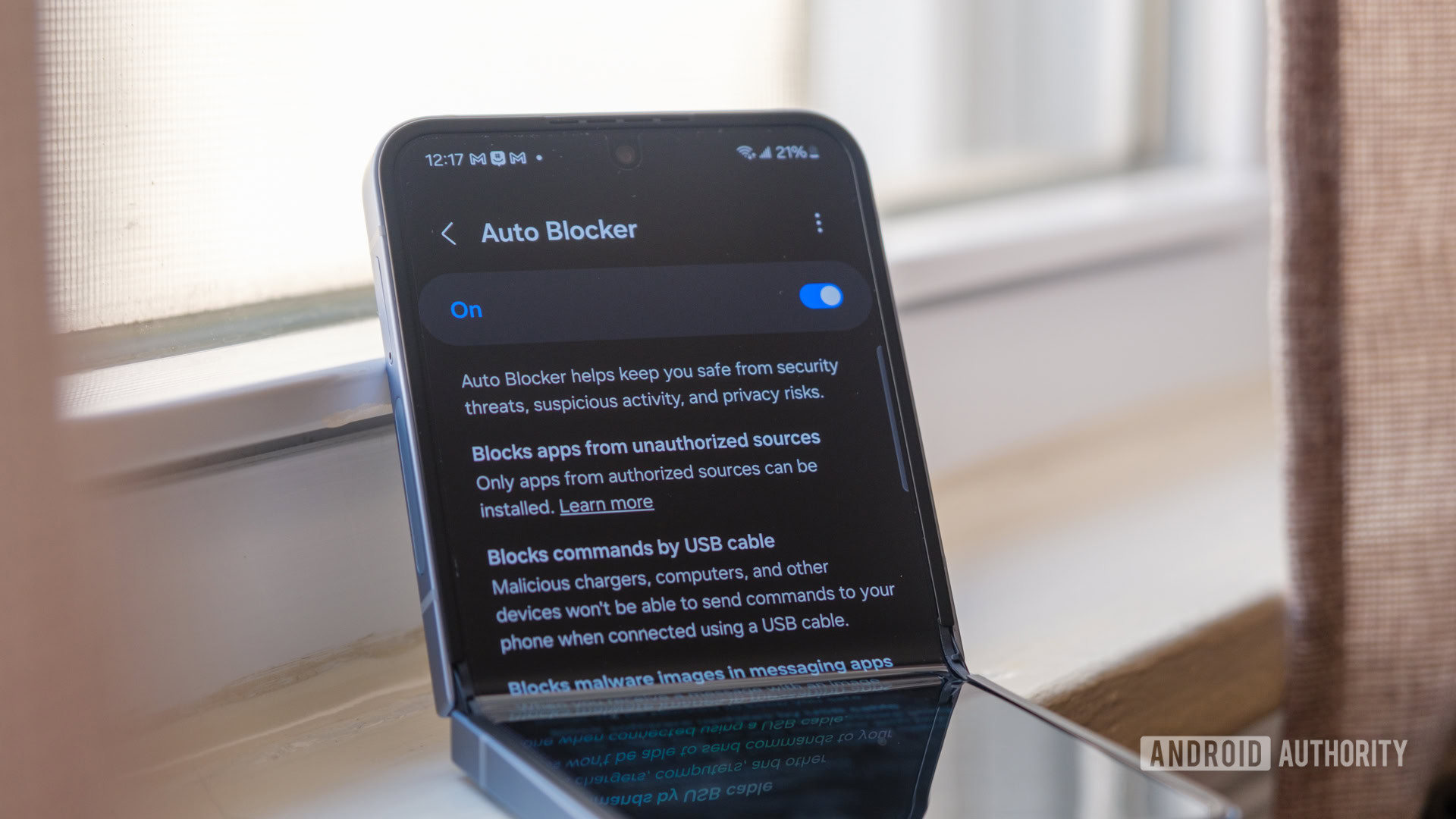
Start with Block Ads, because it upgrades every other app on your phone in one move. Block Ads is a free, open-source, system-wide ad blocker for Android that works across browsers and most apps, using a local VPN to filter ad, tracker, and malware domains without root access. With ads and heavy tracking scripts blocked, you’ll notice faster page loads, reduced data usage, and many users find their device feels noticeably faster overall. This makes it the top pick if you want an immediate speed boost and fewer distractions. The price model is simple: it is free and open source. The main trade-off is that, like any VPN-based tool, battery impact can vary depending on your usage patterns and configuration. A second limitation is that it may not block every ad in every app, especially where developers hardcode promotional content.
Clean Up Your Photos Privately with Photo U
Most gallery apps push cloud backups, face recognition, and paid tiers; Photo U takes the opposite path. Photoo, an open-source Android gallery cleaner, tackles the overwhelming task of organization with a swipe-based triage interface: right to favorite, left to delete, and up to keep. Photo U’s on-device AI groups similar images and detects low-quality shots such as blurry, duplicate, or poorly lit photos, and this operates 100% offline so no data ever leaves your device while remaining completely ad-free. This privacy-first approach sets it apart from cloud alternatives, giving you a clean, private library without the feeling that someone is watching your camera roll. The app is free and open source, eliminating subscription costs. A drawback is that, as a focused cleaner, it may lack the rich editing tools or social features found in big-brand gallery apps, and users who enjoy automatic cloud albums might find it minimal.
Speed Up Everyday Text Tasks with Clipboard and Lean Type
If you write a lot on your phone, replacing your default keyboard and clipboard is an easy win. Clipboard, an advanced manager for Android, replaces the default single-item clipboard with a persistent, organized history that automatically logs every URL, paragraph, and note you copy. A smart icon appears near text fields so you can insert snippets instantly without leaving your current app, and you can sort clips with folders and tags plus a read-only mode that keeps the keyboard from popping up when you only want to view content. Lean Type adds a privacy layer to typing: on-device privacy has become non-negotiable, and Lean Type, an open-source Android keyboard, confronts this by integrating AI features that run fully offline. Its open-source nature means the code is visible, allowing independent verification of its privacy claims. Both are free, open source, and help keep text input fast and private, though they may lack some cloud-powered prediction tricks and flashy themes.
Replace Stock Search with Zerch and Bloaty File Managers with Material Files
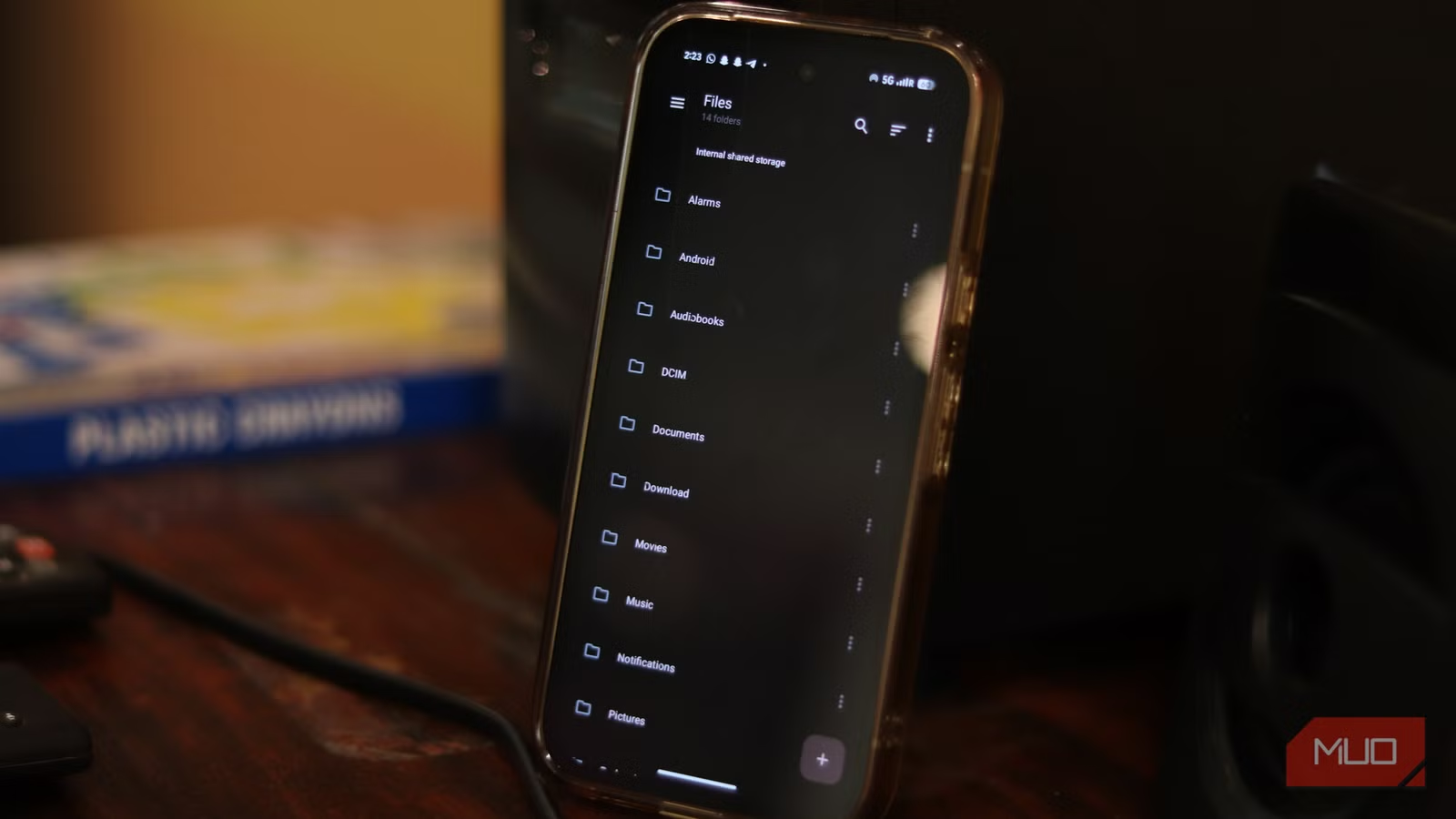
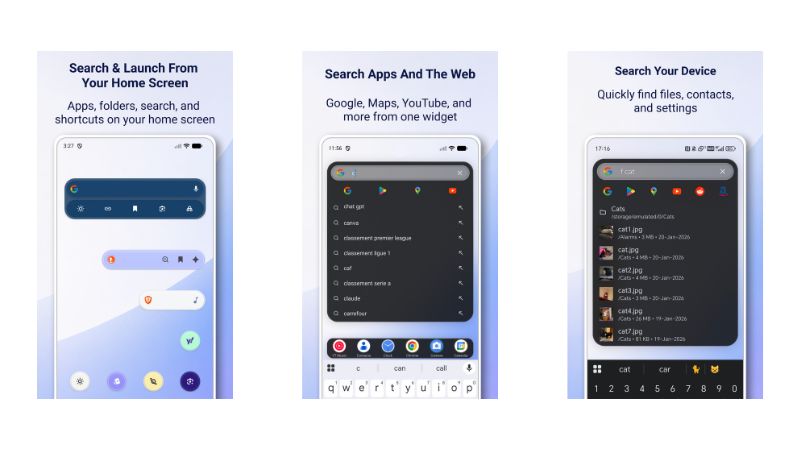
Standard Android search bars lock you into a single engine and ignore local content; Zerch is built to fix that. Based on the research context describing privacy-focused search widgets with multiple engine support, Zerch appears designed to offer quick switching among privacy-focused search engines like DuckDuckGo and Brave Search, directly from your home screen. The widget reportedly works as a unified launcher, searching both the web and your local apps and files while integrating a media controller. However, independent verification of Zerch’s specific features and functionality remains limited; potential users should confirm these capabilities directly. For managing files, Material Files is a completely free, open-source file manager for Android with no ads whatsoever. It is lightweight and swift, often feeling faster than Files by Google when opening folders and loading thumbnails. It adds root access, SMB, FTP, SFTP, and WebDAV network connections without cloud logins. You can customize themes, layouts, and folder-specific views. According to one review, “Material Files felt faster than Files by Google” in many instances. The trade-off: you lose direct integration with Google’s cloud storage, private folders, built-in storage cleaners, and AI suggestions you might expect from stock tools.
| Spec / Model | Zerch | Material Files |
|---|---|---|
| Price model | Free, open-source (research-based description) | Free, open-source |
| Primary role | Search widget and launcher with privacy-focused engines and media control | Full file manager with root and network support |
| Ads / tracking | Designed for privacy-focused engines; open source for transparency | No ads whatsoever; open source for transparency |
| Performance focus | Replaces stock search bar to streamline searches and controls | Lightweight and swift, often faster than Files by Google |
Buy if / Skip if
- Buy the Block Ads app if you want a free, open-source way to speed up browsing and cut system-wide ads without rooting your phone.
- Skip the Block Ads app if you are sensitive to any extra VPN-related battery use and prefer per-browser content blockers only.
- Buy the Photo U app if you want to clean and organize your gallery with offline, ad-free, on-device AI that never uploads your photos.
- Skip the Photo U app if you depend on cloud galleries with advanced editing tools and automated sharing features not covered by a cleaner.
- Buy the Clipboard app if you often copy multiple snippets and want a persistent, organized clipboard that speeds up everyday typing and form filling.
- Skip the Clipboard app if you seldom copy text on your phone and are satisfied with Android’s single-item clipboard history.
- Buy the Lean Type app if you want an open-source keyboard with offline AI features and code you can inspect for privacy.
- Skip the Lean Type app if you rely on cloud-based suggestions, themes, or cross-device sync from proprietary keyboards.
- Buy the Zerch app if you want a customizable, privacy-focused search widget to switch engines and search apps from your home screen.
- Skip the Zerch app if you are happy with the stock search bar and do not want to test features that still need broader verification.
- Buy the Material Files app if you want a faster, lightweight, ad-free, open-source file manager with root and network access options.
- Skip the Material Files app if you rely heavily on built-in cloud storage integration, private folders, or AI suggestions from the default file manager.