
You’re Not Choosing a Phone, You’re Choosing a Life Stack
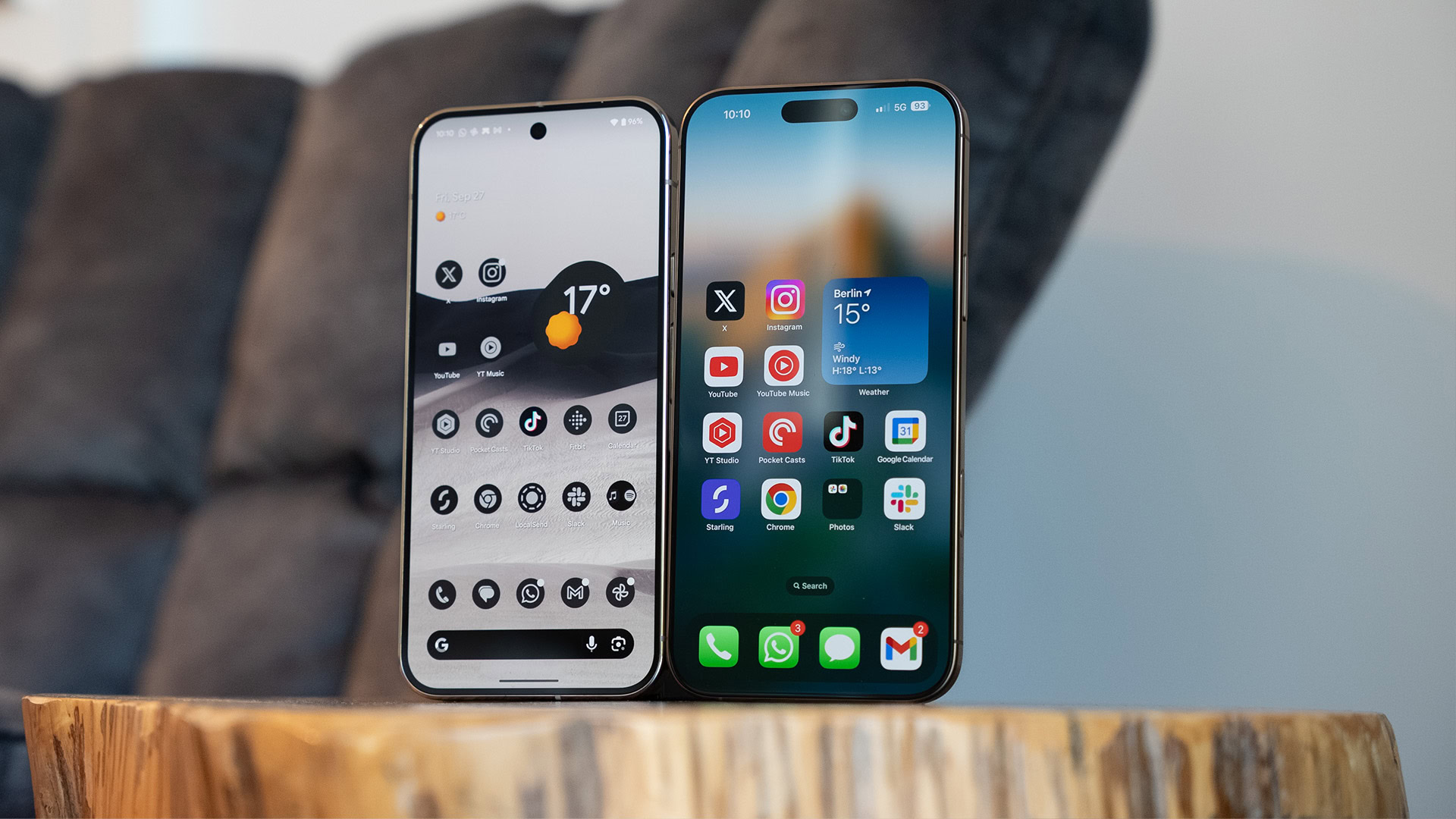
iPhone Android switching is best understood as phone platform migration between two tightly integrated ecosystems where your apps, data, habits, and social connections are so intertwined that changing devices means rebuilding major parts of your digital life from scratch.
We talk about iPhone vs Android as if we were picking between two gadgets, but the hard part isn’t the hardware, it’s the life built around it. Moving your SIM from one phone to another now means moving calendars, notes, storage, photos, chat histories, passwords, and unspoken rules about how you communicate. When you switch between an iPhone and an Android phone, you’re not just moving between devices; you’re moving between ecosystems. That’s why so many people stay put even when they’re frustrated: the price of leaving is paid in disruption, not money. And that disruption has been designed into the platforms on purpose, then marketed as “seamless integration.”
Invisible Workflows: The Real Ecosystem Lock-In
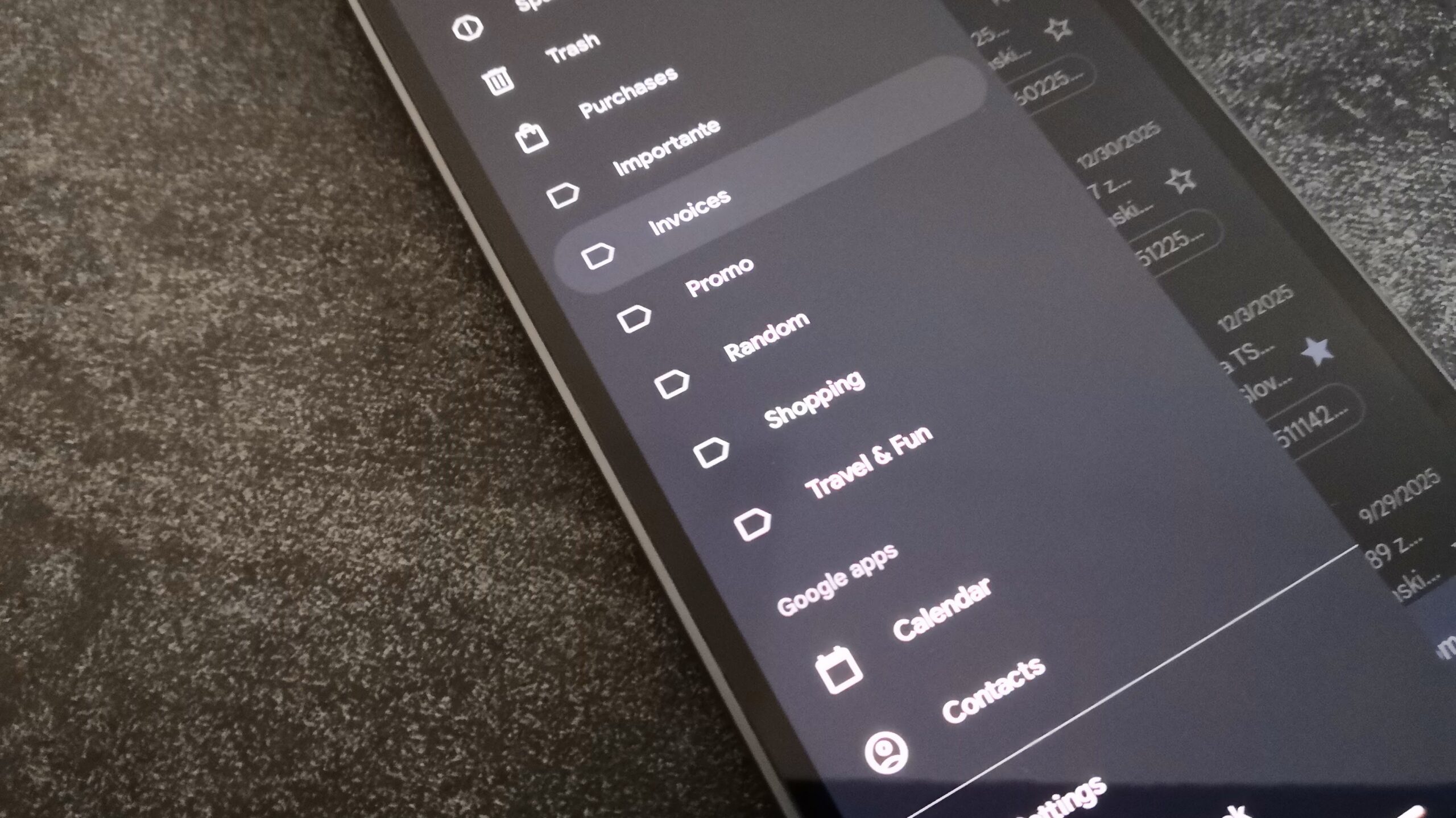
What keeps you stuck isn’t one killer feature; it’s a thousand tiny workflow dependencies that only show up when you try to leave. If you live in Google’s world, your notes, reminders, email, calendar, and even AI tools are wired together in ways alternatives rarely match. When one user set up a scheduled action in an AI assistant, adding shows to a watchlist automatically pushed them back into the company’s own notes app. That’s ecosystem lock-in disguised as convenience.
The same happens with calendars and email. Google Calendar is widely supported across productivity tools, while more niche calendar services often need manual CalDAV setups or don’t integrate at all. People who tried switching to a privacy-focused email provider found their inbox turning into chaos because it lacked default filters they had taken for granted in Gmail. Some features of Android iOS features directly affect daily work: split-screen multitasking on a Galaxy phone lets you take notes while researching or cross-check two documents at once, and losing that on iOS can break a familiar workflow. These quiet dependencies are why phone platform migration feels like work, not fun.
You Know the Other Side Is Better at Some Things—and You Still Stay
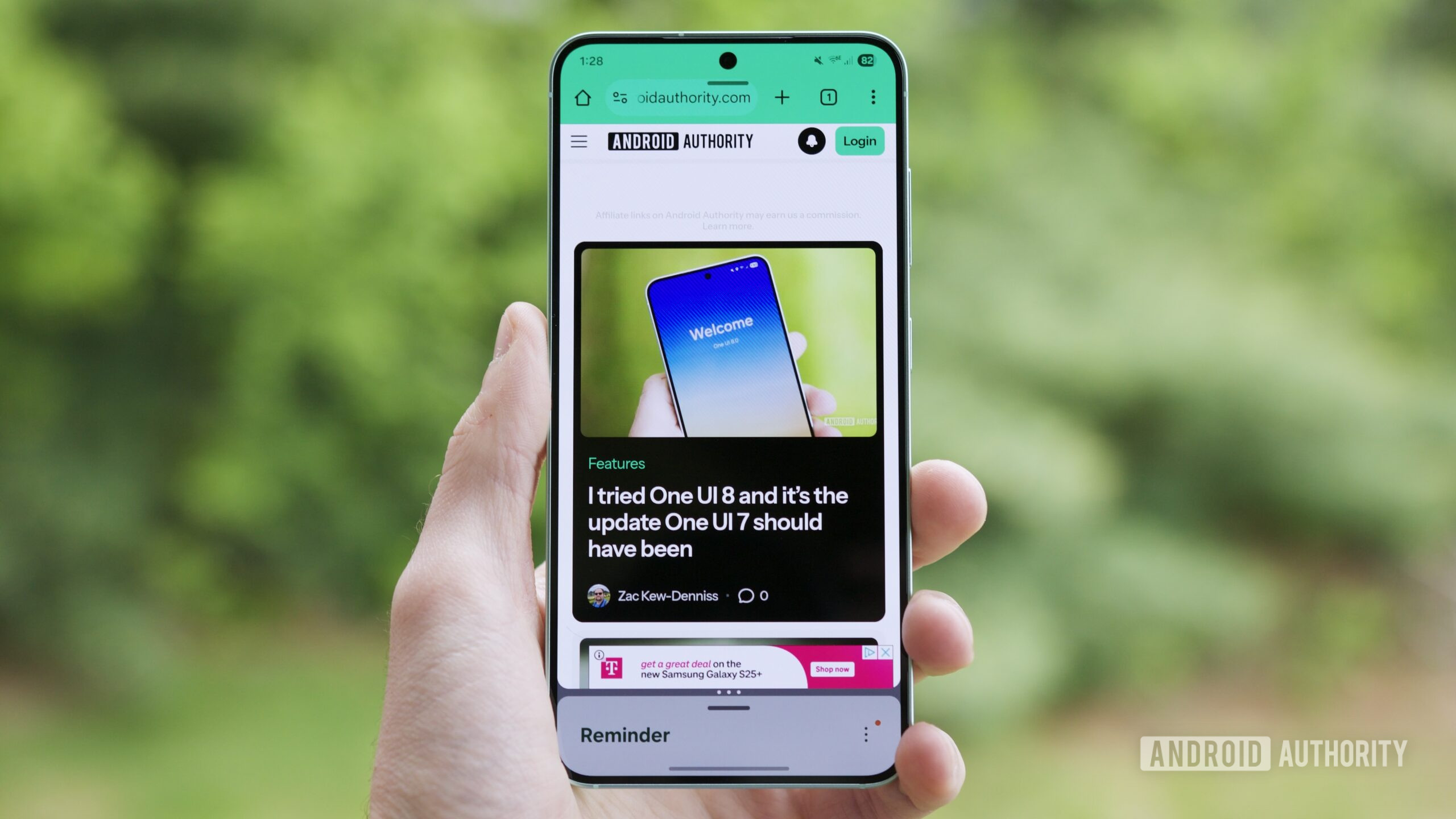
Most people aren’t blind to what they’re missing. They can list features the other platform does better, then admit they can’t face the friction of moving. Someone who uses both platforms for work described how they miss Android features every time they move their main SIM into an iPhone: proper split-screen multitasking, floating app windows, and even a desktop mode like Samsung DeX that turns a phone into a pocket PC when a laptop isn’t around. In their words, the lack of these features on iOS “breaks my workflow for the first few days of the transition.”
The reverse pain exists too. When you move from an iPhone to Android, you might miss iOS polish but feel the loss of your old habits more than any single feature. It’s natural to miss features from your current phone when switching, especially because you’re leaving an ecosystem, not just a device. One analysis notes that when you move the other way—from Android to iPhone—the missing features can make the switch feel like a downgrade for weeks until the new platform’s strengths start to impress you. That emotional dip is enough to keep many people from ever starting the migration.
Messaging Wars: iMessage, RCS, and Social Pressure
Nowhere is ecosystem lock-in more obvious than in messaging. iMessage isn’t only a chat app; it is social gravity. Users who switch back to Android often admit that iMessage is the superior platform and that the gap is “not exactly close.” On Android, even choosing between messaging clients can be painful. When a major phone maker pushed users from its own SMS app into Google Messages, some described their experience as sheer frustration, complaining about missing favorite contacts, clumsy attachments, bad notifications, and limited customization.
The problem for iPhone Android switching is that any alternative to iMessage on Android has to be good enough to offset the social and usability hit. One commenter admitted that the current default messaging app on Android “is no iMessage, but it’s definitely better than Google Voice,” which is faint praise at best. So you stay where your group chats live, where reactions work, where photos don’t compress into oblivion, and where your messages don’t randomly fall back to SMS. That’s not convenience; that’s lock-in via social pressure.
Designed to Be Sticky: From Data Hoards to Muscle Memory
Ecosystem stickiness is not an accident. On Android, core services from one company are preinstalled and ready from the moment you unbox your phone, so “many of us have become immersed in the ecosystem over the years, making it difficult to break out.” If you have spent years inside that world, leaving means losing convenience and taking on more troubleshooting and maintenance than most people have time—or technical confidence—to handle.
Real switching costs go far beyond buying a new device. Your cloud storage quota is shared across email, files, and photos, so when a provider cuts unlimited storage and pushes more of your life into a capped account, you become even more tied to their paid plans and rules. Your contacts, photos, and notes are stored in their formats and synced through their services. Your thumbs know exactly where split-screen, app bubbles, or reverse wireless charging toggles live on Android—or how to share from Photos into iMessage on iOS. Even people who say they don’t want all their eggs in one basket admit that a single company now has big influence over their hardware and workflow choices. That is the definition of ecosystem lock-in.