

Stop Tapping, Start Delegating: Why Niche AI Apps Matter
AI productivity apps are focused tools on your phone that use artificial intelligence to cut out repetitive work, automate small decisions, and compress information so that everyday tasks require less effort, fewer taps, and far less time than doing the same work by hand.
Everyone knows the headline act: general-purpose chatbots like ChatGPT, Claude, or Gemini. But the real time saving apps on Android are the quieter, niche AI phone apps built to remove one specific friction from your day. According to one power user, a small set of specialized AI apps on their phone “easily save me more than 20 hours every week” across work, research, writing, and daily life. That kind of gain does not come from another chatbot; it comes from automating the micro-tasks that silently drain your attention.
Below are four underrated AI tools that each attack a different problem—from typing to research to food logging to visual recognition—and together add up to a calmer, much faster phone experience.
Wispr Flow: Turn Your Voice Into Finished Text, Not Messy Dictation
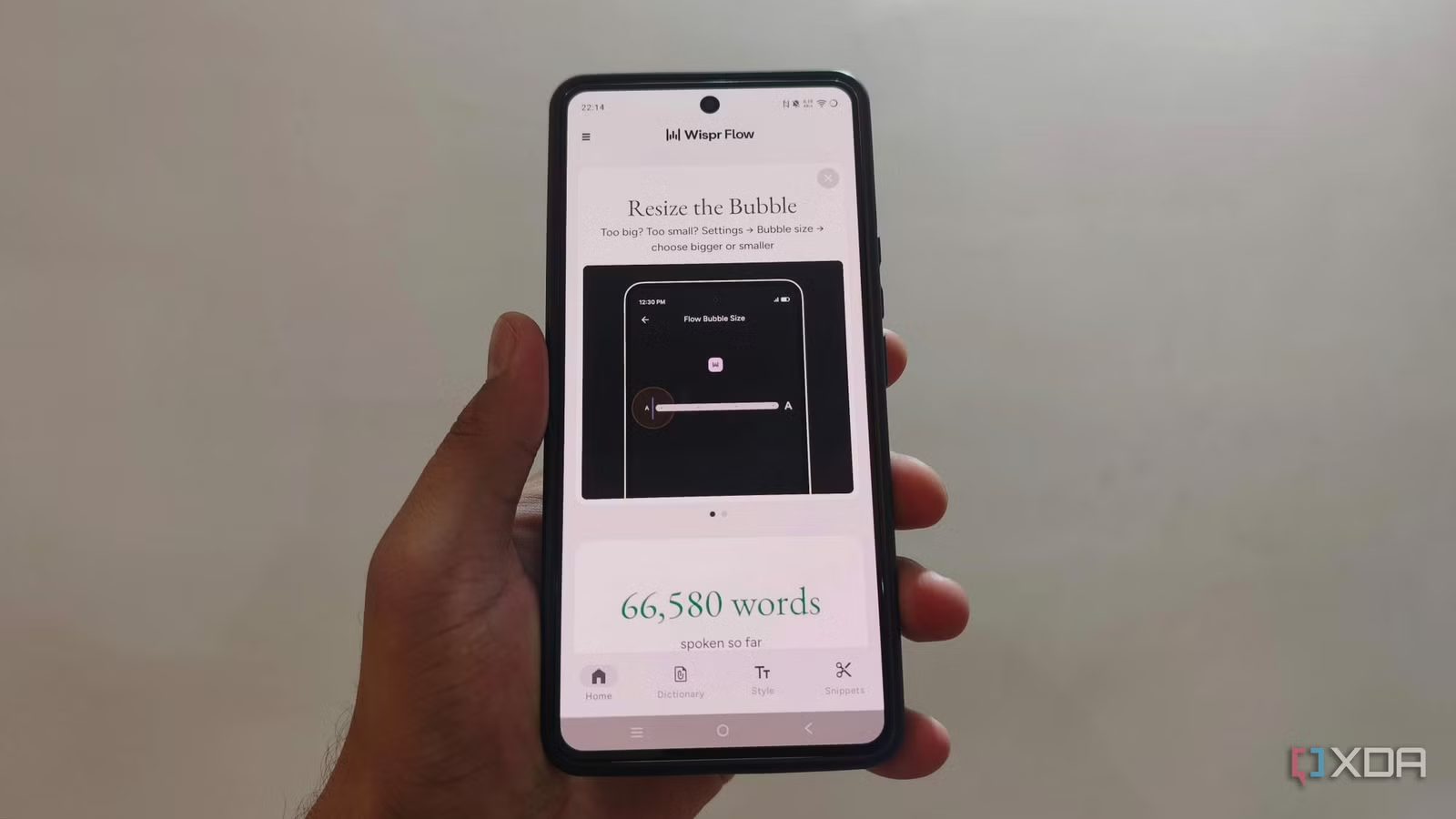
If long emails or reports on your phone fill you with dread, Wispr Flow is the most practical upgrade you can install. It is more than voice-to-text: the app treats speech as raw material, not a final draft. You can pause, restart a sentence, correct yourself mid-thought—“Let’s meet on Tuesday, actually Wednesday”—and it outputs only the corrected version, skipping the false starts and filler words.
Instead of dumping a transcript that you have to fix manually, Wispr Flow handles punctuation and can convert spoken lists into formatted text. It even adapts tone to the context, so your email can look polished while your messaging app replies stay casual rather than stiff and over-punctuated. The result: one user says Wispr Flow has almost replaced typing for them and “saves me hours every week.”
If you write often on your phone—emails, reports, long chats—Wispr Flow is the single biggest speed win you are likely to get this year.
NotebookLM: A Research Desk Compressed Into Your Pocket
Most of us use our phones to collect links and PDFs we promise to read later and then forget. NotebookLM flips that pattern by turning your scattered material into an AI-readable research workspace on Android. It accepts PDFs, websites, YouTube videos, audio, Google Docs, Sheets, images, Drive URLs, and DOCX files, so you can pile everything about one topic into a single notebook instead of juggling tabs.
From there, NotebookLM acts as an AI-powered research assistant: you can ask questions grounded only in your uploaded sources, see citations, and follow them when something matters. On mobile, the killer feature is Audio Overviews, which turn that reading backlog into audio you can listen to in the background or offline, like a personalized podcast of your research queue.
If you spend heavy time on reports, documentation, or study materials, NotebookLM turns odd pockets of phone time—commutes, queues, walks—into real progress instead of doomscrolling.
Cal AI & Google Lens: Automate Food Logging and Visual Lookups
Health tracking and visual search are classic examples of chores that feel too small to open a laptop for, yet too fiddly to keep up with on a phone. Cal AI and Google Lens fix that each in their own lane. Cal AI is an AI-powered app for easy calorie tracking, designed to lower the effort required to maintain a food log for more than three days. By shrinking the friction of logging meals, it turns an abandoned habit into a sustainable one, and that alone can reclaim chunks of time every week you would have spent typing and correcting entries.
Google Lens, meanwhile, quietly replaces entire folders of one-off utilities. It can translate signs and menus live, identify birds, plants, buildings, artwork, dog breeds, vehicles, and various objects, plus scan QR codes and barcodes in one place. Instead of hopping between translation apps, plant identifiers, QR scanners, and price checkers, you point your camera once and move on. That consolidation does not only save taps; it removes mental overhead from deciding which specialized app to open every time.
Together, Cal AI and Lens take two stubbornly manual tasks—tracking what you eat and understanding what you see—and turn them into background actions.
OpenClaw: A Real AI Agent Living in Your Pocket
The last app on this list does not look like a normal Android icon at all. OpenClaw runs through Discord on your phone rather than as a classic standalone app, but that unconventional setup is exactly what makes it powerful. Instead of a chatbot that only replies with text, OpenClaw behaves more like an agent—something you can send tasks to and expect progress back, not only answers.
Because it lives inside a chat app you already use, OpenClaw slots into your daily flow: you can forward content, drop quick instructions, and then check in later as you would with a teammate. One heavy user calls it “one of the best setups you can have on your phone” because it links their existing services and automations in a way standard chatbots do not.
Combined with Wispr Flow, NotebookLM, Cal AI, and Google Lens, OpenClaw completes a quiet shift: your phone stops being a toy box of apps and starts acting like a set of focused assistants. Your screen time may not shrink, but the share of it spent doing low-value tapping will.





