
E-ink tablets vs stylus iPads: the quick verdict
An e-ink tablet stylus setup is a digital notebook that pairs a monochrome E Ink display with a pressure-sensitive pen to mimic pen-and-paper handwriting, while stylus iPads combine a high-refresh color LCD or OLED screen with advanced pens to mix handwritten notes, reading, and multimedia content.
If your priority is distraction-free reading and long-form note-taking, e-ink tablets such as the Kindle Scribe Without Front Light and Onyx Boox Go 10.3 Gen II Lumi feel closer to a traditional notebook and offer far better battery life than typical tablets. Stylus iPads, on the other hand, are better treated as flexible computers for handwriting, sketching, and media, not dedicated “paper” replacements. In this digital notebook comparison, the Kindle Scribe stands out for its polished hardware and deep reading ecosystem but is held back by its dim, unlit screen. The Boox Lumi gains points for its Android flexibility and front light, yet its slower screen and clunky pen keep it from beating a good stylus iPad for all-purpose study.
Kindle Scribe Without Front Light: focused reader’s notebook
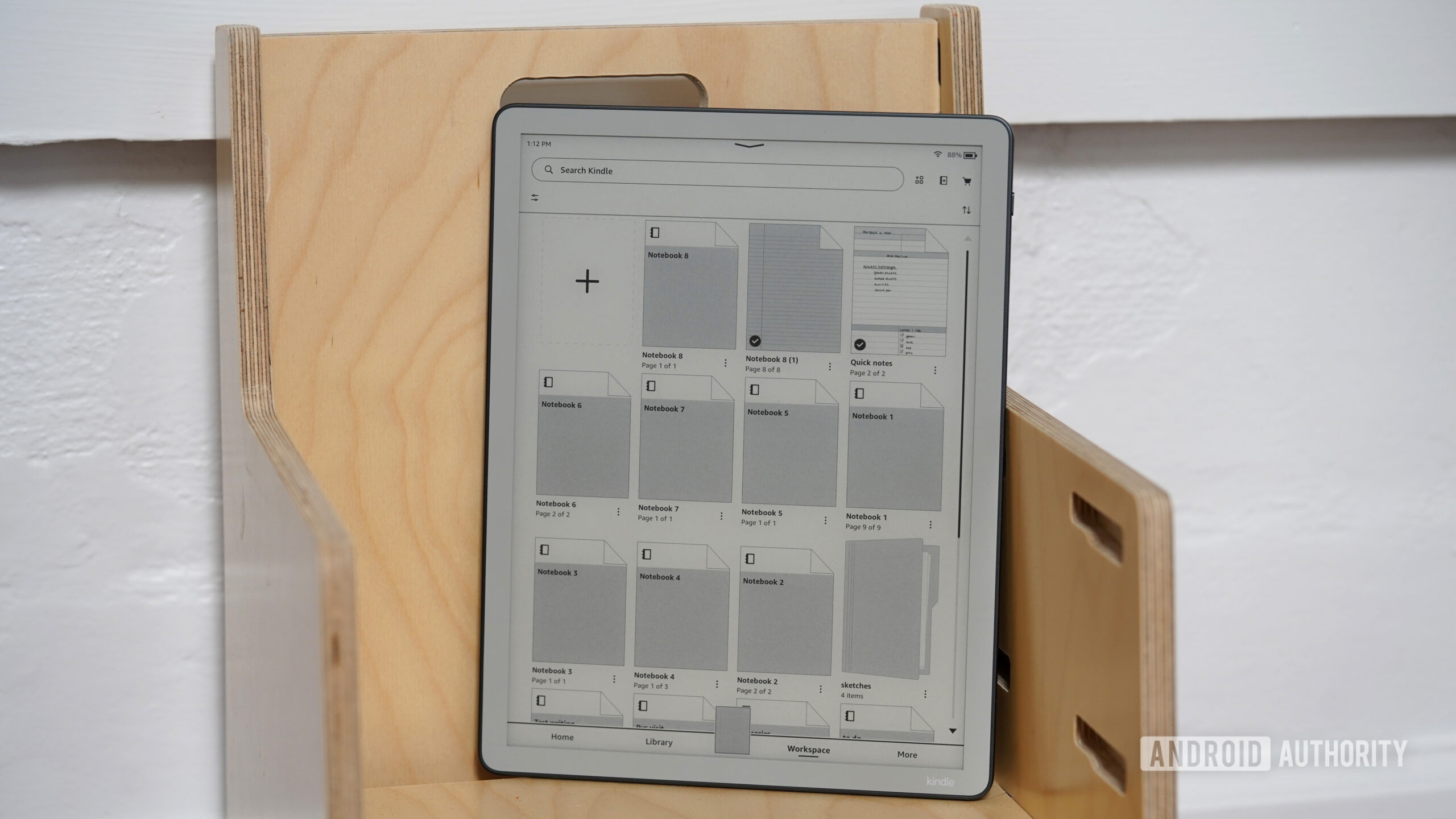
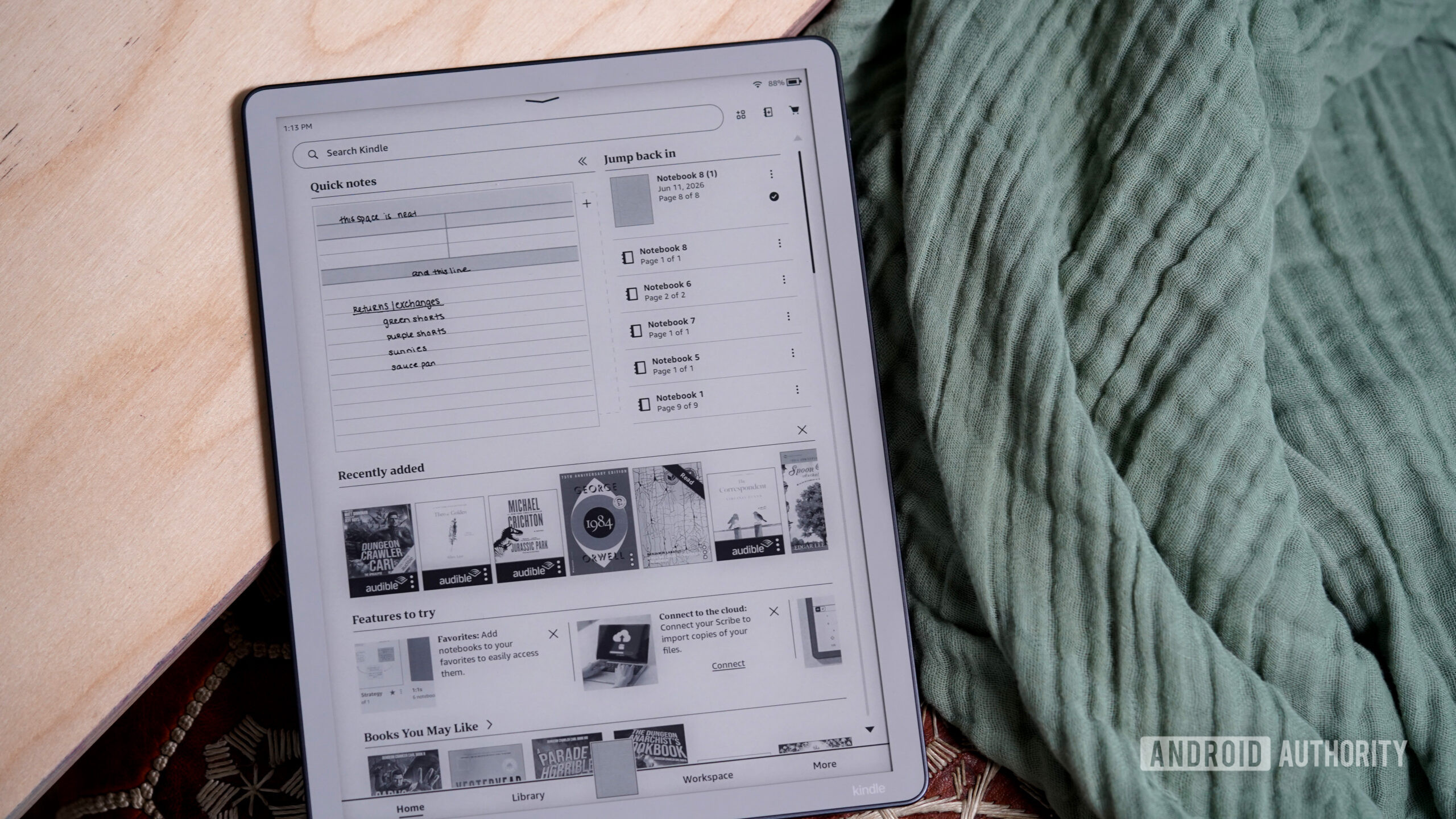
Amazon’s Kindle Scribe Without Front Light positions itself as a premium digital notebook that leans heavily into long reading sessions and structured notes. It uses a 300ppi display that renders text cleanly and integrates the full Kindle library, Goodreads, and Whispersync features in one slab. At about 400g, the aluminum body feels solid but not tiring to hold over time, and the 11-inch canvas gives plenty of space for annotations and handwritten comments.
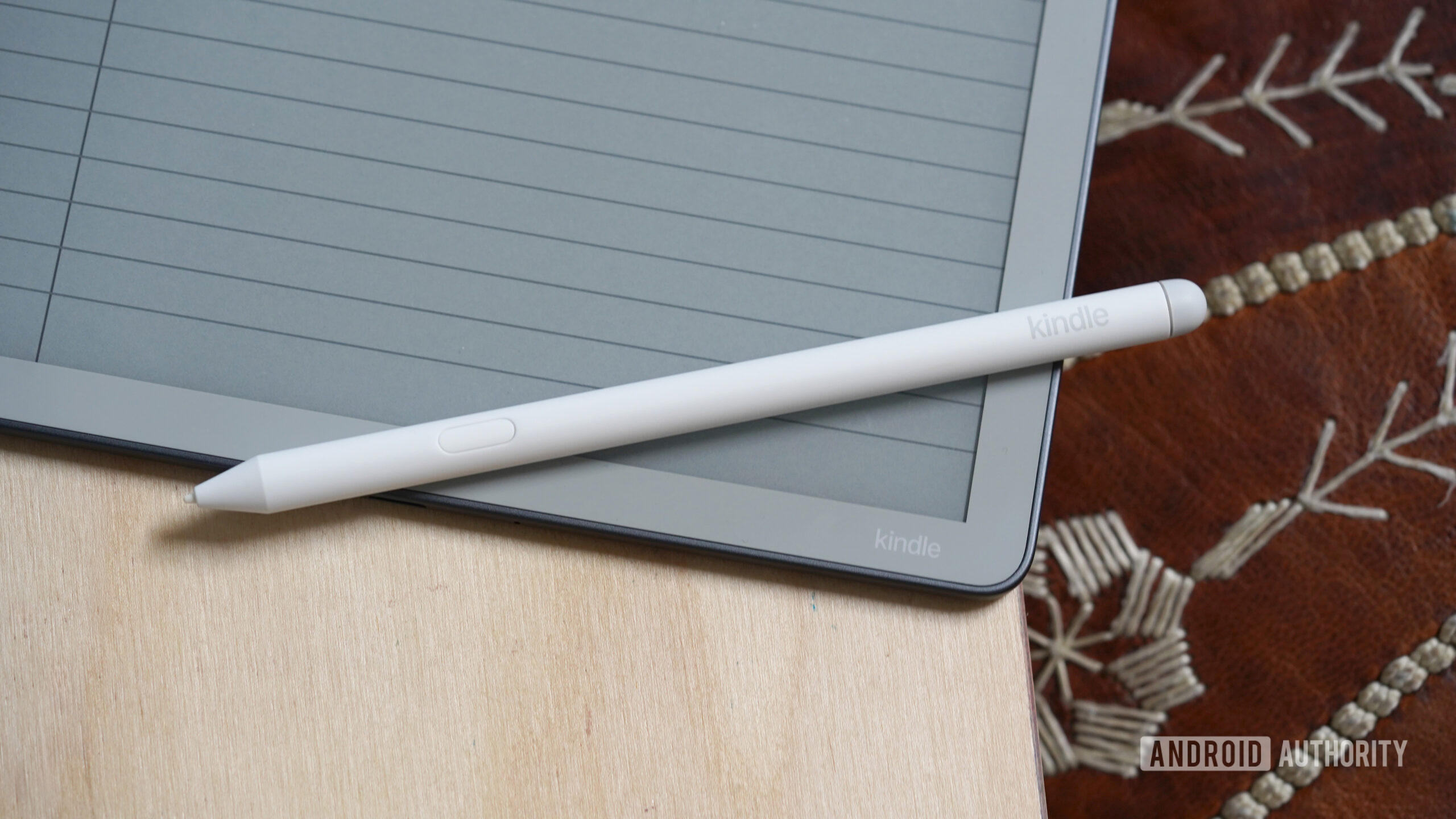
The standout element is the e-ink tablet stylus: it magnetically snaps to the side, has an eraser on the back, and includes a customizable shortcut button, while writing remains responsive with reliable palm rejection. However, the lack of a front light means the screen often appears dimmer than nearby paper in anything less than ideal lighting. One quotable takeaway is: “The Kindle Scribe Without Front Light is a polished, premium digital notebook with excellent battery life and the full Kindle experience”.
Onyx Boox Go 10.3 Gen II Lumi: flexible but imperfect all-rounder
The Onyx Boox Go 10.3 (Gen II) Lumi targets users who want an E Ink writing tablet that behaves more like a thin Android tablet. It runs Android 15 and includes Google Play access, which makes it one of the most versatile epaper writing tablets available for those who want third-party handwriting note-taking apps. The 10.3-inch 300ppi screen is paired with a warm-and-cold front light that boosts contrast and keeps notes and ebooks readable in more environments than an unlit Kindle Scribe.
This model weighs about 364g and stays very thin, yet still fits dual speakers and a 3,700mAh battery inside. While the updated front light and more efficient battery are clear improvements over its predecessor, the display wakes more slowly and often refreshes a couple of times before stabilizing. The newer InkSense Plus stylus is heavier, has a thicker tip, and feels less smooth, which undermines precise mark-making on the textured E Ink panel. According to one review, it “seems like Boox has taken two steps forward … but one step back with the stylus”.

Specs and sizing: Kindle Scribe vs Boox Go 10.3 Gen II Lumi
When you compare these two e-ink tablets directly, the Kindle Scribe Without Front Light feels like a slightly larger, heavier notebook, while the Boox Go 10.3 Gen II Lumi trades some screen size for lighter weight and richer lighting controls. The Scribe’s 11-inch diagonal provides a more spacious surface for PDF annotation and handwritten notes, whereas the Boox’s 10.3-inch panel keeps the device compact without sacrificing 300ppi clarity. For long study sessions, those differences in weight and lighting will shape how comfortable each tablet feels in actual use.
| Spec | Kindle Scribe Without Front Light | Onyx Boox Go 10.3 Gen II Lumi |
|---|---|---|
| Display size | 11 inches | 10.3 inches |
| Resolution | 300ppi | 300ppi |
| Front light | No (dimmer, paper-like panel) | Yes, warm and cold LEDs |
| Weight | Approx. 400g | 364g (without case and stylus) |
| Software | Kindle platform with reading and notes | Android 15 with Google Play access |
| Storage | Noted as 300ppi reader; capacity not specified | 64GB, non-expandable |
Price-wise, the Kindle Scribe configuration cited carries an MSRP of USD 429.99 (approx. ₱24,000), sitting close to the Boox Go 10.3 Gen II Lumi at USD 449.99 (approx. ₱25,500). The frontlight-free Gen II Boox alternative comes in a little lower at USD 419.99 (approx. ₱23,800). For students comparing e-ink tablets to a stylus iPad, these figures matter: when e-ink and iPad prices converge, an iPad’s color apps and speed grow more tempting, while Scribe and Boox must earn their keep through focus, comfort, and battery life.
Everyday use: where e-ink fits alongside stylus iPads
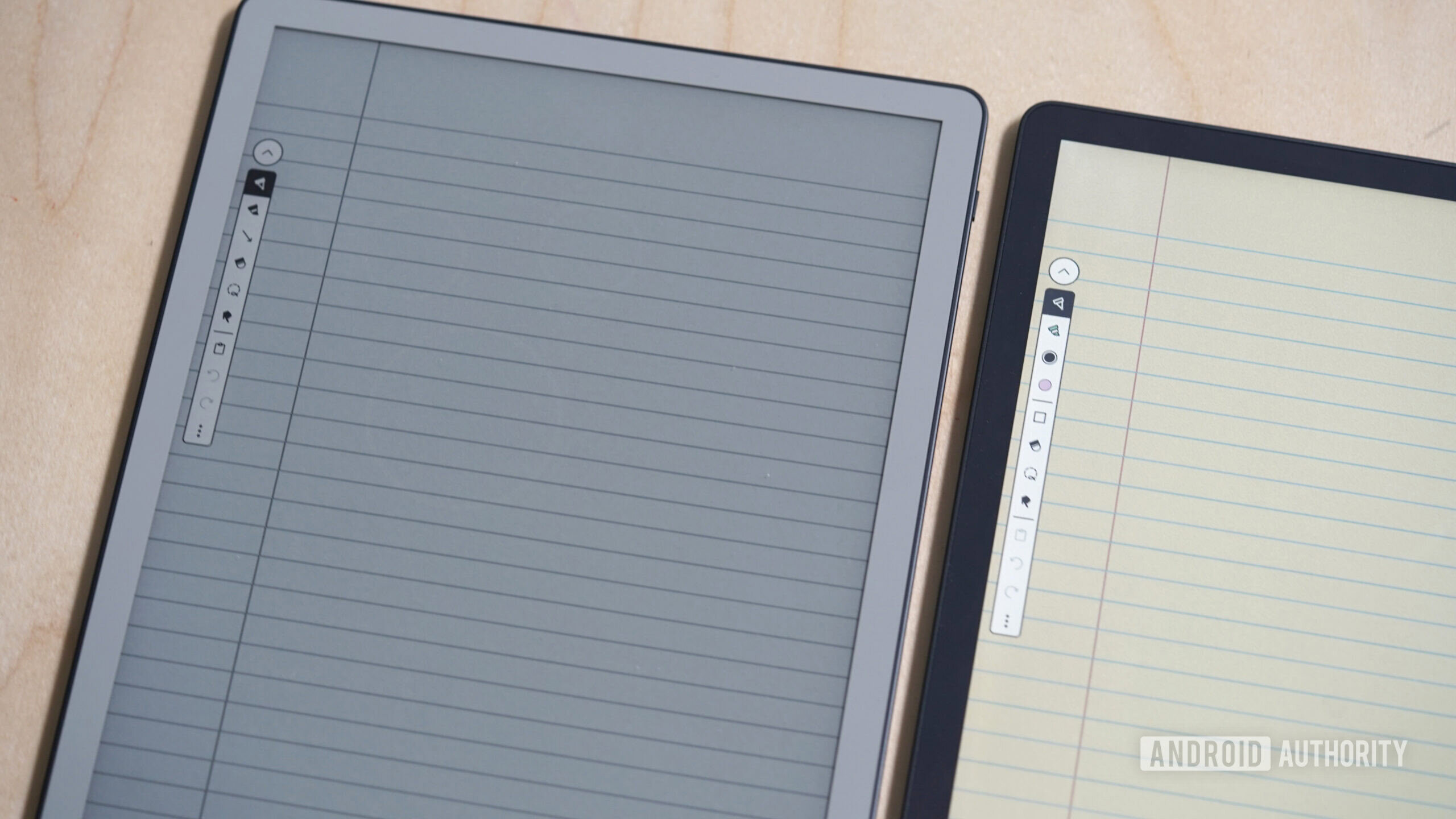
Both Kindle Scribe and Boox Lumi share a core limitation: their E Ink panels are slower than traditional tablet screens. The Scribe without a front light can appear dimmer than paper in moderate lighting, while the Lumi’s display wakes with noticeable rendering flashes and feels slower than newer Kindle Scribes. Neither device can match the fluid, high-refresh experience of a stylus iPad, which is why they work best as secondary, paper-like companions rather than full laptop replacements.
However, their strengths differ. The Scribe wraps a polished reading experience, clean 300ppi text, and excellent battery life into a single-purpose notebook that shines in bright classrooms, offices, and cafes when you rarely need a backlight. The Boox Lumi counters with flexible Android apps, strong contrast from its warm-and-cold frontlight, and a competitive price against other digital notebooks. For a student tablet choice, a stylus iPad still dominates when you need fast note switching, color highlighting, and rich multimedia; an e-ink tablet stylus combo wins when your priority is staying off bright screens and focusing on reading and handwriting.
Buy if / Skip if
- Buy the Kindle Scribe Without Front Light if you want a polished digital notebook focused on reading and long-form notes with excellent battery life and Kindle integration.
- Skip the Kindle Scribe Without Front Light if you often work in dim rooms and need an adjustable front light for flexible study or bedtime reading.
- Buy the Onyx Boox Go 10.3 Gen II Lumi if you value Android flexibility, Google Play access, and a warm-and-cold frontlight on a lightweight E Ink tablet.
- Skip the Onyx Boox Go 10.3 Gen II Lumi if you are sensitive to slower screen refreshes and want a smooth, instant-on experience comparable to a stylus iPad.
- Buy the Kindle Scribe Without Front Light if your student tablet choice emphasizes bright classrooms, structured readings, and distraction-free handwriting over app variety.
- Skip the Kindle Scribe Without Front Light if you prefer one device that can replace a laptop and tablet, where a stylus iPad or full Android tablet will serve you better.
- Buy the Onyx Boox Go 10.3 Gen II Lumi if you need a digital notebook comparison winner that balances E Ink comfort with app-based workflows like cloud note sync and third-party readers.
- Skip the Onyx Boox Go 10.3 Gen II Lumi if stylus feel is your top priority, because its heavier InkSense Plus pen and thicker tip make handwriting less smooth than earlier Boox pens.