
Start Here: The Right First 3D Printer for Kids and Teens
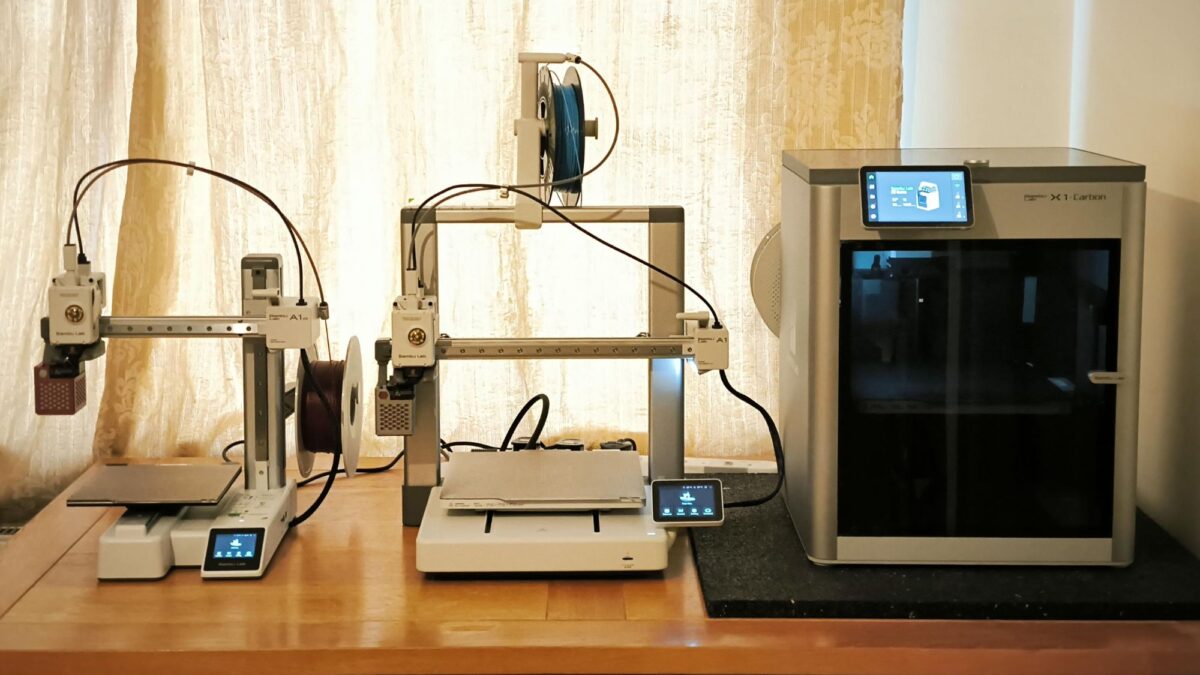
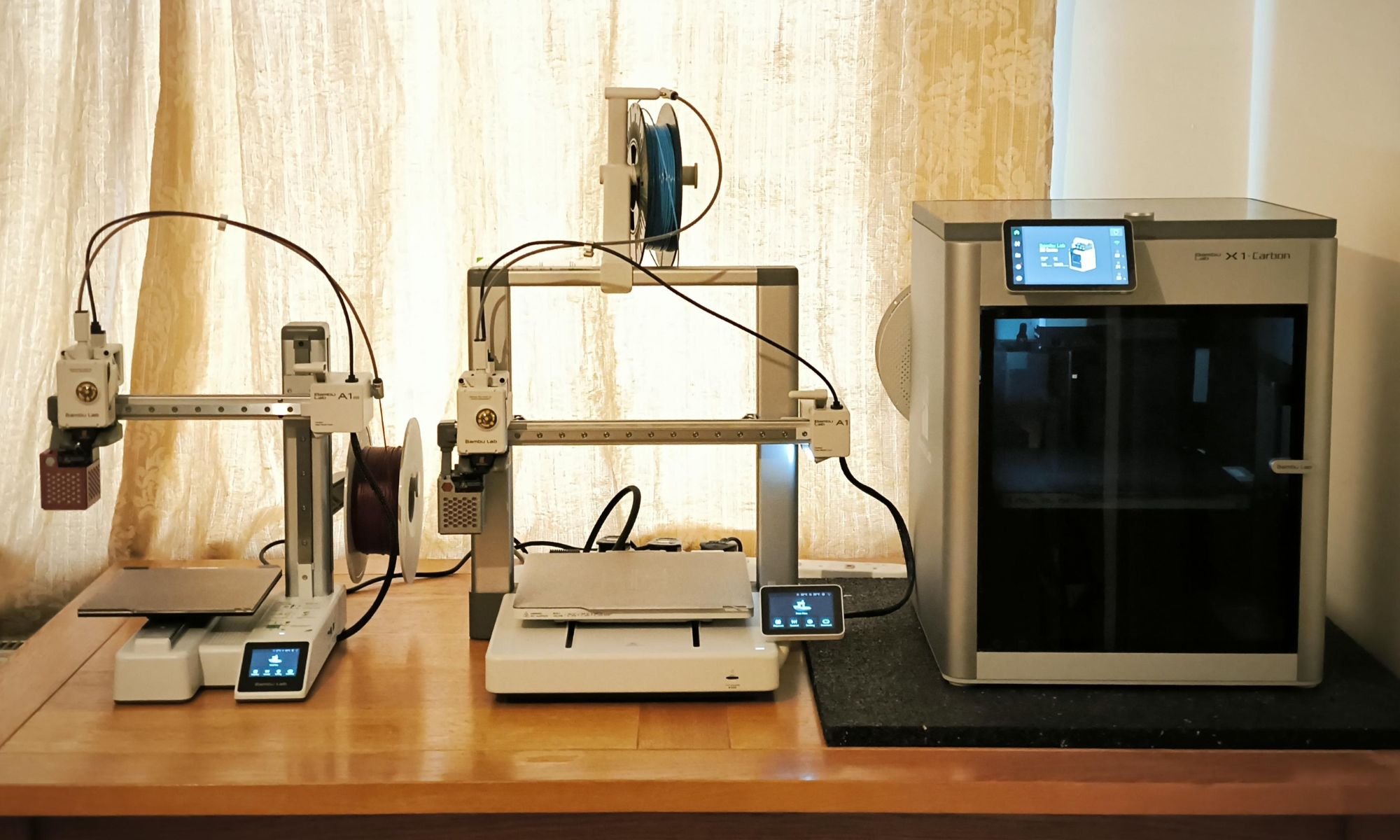
A 3D printer for kids is a compact machine that turns digital designs into real objects by melting and layering plastic filament, giving children and teens a hands-on way to explore design, engineering, and problem‑solving through play and STEM projects. A safe 3D printer for children should combine reliable hardware, enclosed or well‑shielded hot parts, and simple software so young makers can focus on creating rather than troubleshooting. For most families and schools, the Bambu Lab A1 mini is the best beginner 3D printer because it feels like a serious tool, not a toy, yet it stays approachable with auto‑leveling, app control, and an easy learning curve that still leaves plenty of room for more advanced projects later on.
Before diving into the picks, keep three core criteria in mind. First, safety: look for enclosed or shielded builds and mechanisms that keep small hands away from hot nozzles and beds. Second, ease of use: auto bed leveling, simple slicer presets, and kid‑friendly interfaces reduce failed prints and frustration, especially for a first STEM learning printer. Third, budget: a price in the USD 200–400 (approx. ₱11,200–₱22,400) range is enough for a capable, reliable machine without overcommitting if a child’s interests shift.
Top Pick: Bambu Lab A1 mini – Best All‑Rounder for Kids and Teens
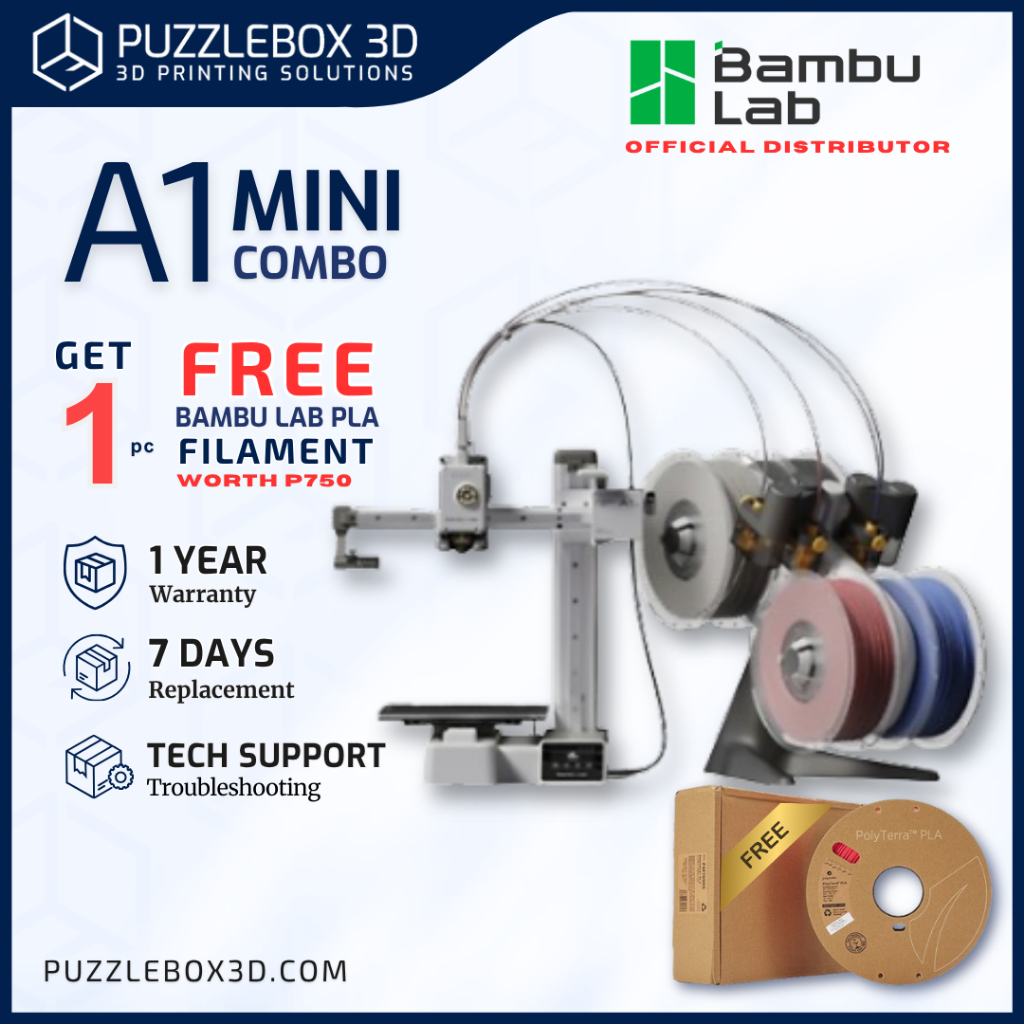
If you want one printer that fits most young learners, buy the Bambu Lab A1 mini. It costs USD 279 (approx. ₱15,600), and there is also a configuration at USD 219 (approx. ₱12,300) or USD 349 (approx. ₱19,600) with the AMS Lite add‑on. This model arrives almost ready to go, levels itself, and connects to the Bambu Handy app so kids can browse models on a tablet and start prints in a few taps. MakerWorld provides thousands of free files plus AI‑powered tools to help young users design their own parts, which turns the printer into a powerful STEM learning printer instead of a short‑lived gadget.
The Bambu Lab A1 mini never feels like a toy, which matters for teens who might take 3D printing seriously, but the learning curve stays smooth enough for supervised younger kids. The optional AMS Lite adds more than four‑color printing: it automates filament loading, unloading, and mid‑print switching when a spool runs out, and many owners say this is the biggest quality‑of‑life upgrade. A downside is that, without the AMS Lite, some users later regret not being able to print multicolor models they discover. The open design also means the nozzle and bed are exposed, so younger children need clear safety rules and supervision around hot parts. Even with those trade‑offs, this is the most balanced choice for a family or classroom ready to grow with 3D printing.
Safest Choice for Younger Kids: ugee Funbox and Kidoodle MiniBox A1
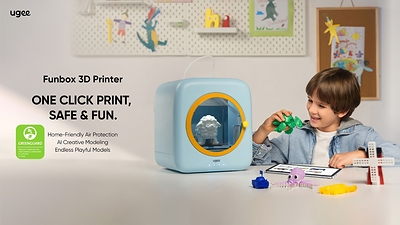
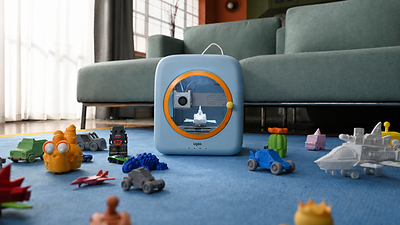
For families focused first on safety and out‑of‑box simplicity, ugee Funbox stands out as the safest 3D printer for children. It features a fully enclosed chassis with rounded edges and runs on a 12V low‑voltage DC power supply that complies with IEC safety norms to avoid electric shock risks. According to ugee, “Funbox features fully enclosed rounded-edge chassis paired with 12V low-voltage DC power supply complying with strict IEC safety norms to avoid electric shock risks.” It adds a dual air purification module with an H12 HEPA filter, activated carbon cotton, and a large 6010 exhaust fan to trap ultrafine particles and odors, and it supports stable overnight printing inside closed carpeted rooms while reducing concerns about indoor air pollution and accidental scalding. Pre‑orders start at USD 269 (approx. ₱15,100) with seven rolls of PLA filament included for early buyers, making it an affordable kids printer package for home or school STEM programs.
Kid‑focused printers also need to minimize setup headaches. Funbox comes 100% pre‑assembled, with no bed leveling, screws, or mechanical debugging required, and offers one‑tap operation plus a kid‑tailored interface so even beginners can start printing straight from the box. Its AI ShapeGen system can turn voice descriptions, text, or hand‑drawn doodles into printable models, while the UFun app adds a rich library of toys, stationery, animal crafts, mechanical models, and free online STEM tutorial courses that teach structural design and engineering logic during hands‑on projects. If you want a more playful touchscreen experience, the Kidoodle MiniBox A1 is another strong option for younger children. Its interface feels like a colorful Android tablet, letting kids browse menus confidently rather than relying on adults. However, some reviewers report app connection issues and failed prints, so you should not expect the same polished reliability as more expensive printers.
For Teens and Classrooms: Elegoo Centauri Carbon and Creality Ender 3 V3 SE
If you are buying for a teen who seems committed to 3D printing, the ELEGOO Centauri Carbon is the best next‑step machine. Priced at USD 359.99 (approx. ₱20,300), it feels like a long‑term tool rather than a starter toy. Setup is straightforward—attach the screen and spool holder and let the printer run its automatic calibration, with many first‑time users reporting they went from unboxing to first print in about 30 minutes. Its enclosed design is a big win for safety and growth: it can print easy PLA today and move to tougher materials like ASA later without replacing the hardware. Built‑in remote monitoring lets teens and educators watch long jobs from another room, and owners often praise the strong print quality from default settings. The main drawback is that ElegooSlicer, based on Bambu Studio, can look overwhelming at first, although turning off Advanced Mode helps simplify the interface.
For schools and parents on tighter budgets, the Creality Ender 3 V3 SE is the best budget beginner option. It costs USD 219 (approx. ₱12,300) and still includes auto bed leveling, automatic Z‑offset calibration, and a direct‑drive extruder, which is rare at this price. This keeps manual tuning to a minimum and gives students more time to experiment with designs rather than leveling beds. For that reason, the source argues that a first 3D printer does not need to cost more than USD 300 (approx. ₱16,800), and the Ender 3 V3 SE fits that philosophy well. On the downside, most criticism centers on occasional firmware bugs or defective units, suggesting Creality’s quality control lags behind premium brands. You may need more patience and occasional tinkering compared with the Bambu Lab A1 mini, which is why, if the budget allows, the A1 mini is still the better all‑purpose choice.
| Spec / Feature | Elegoo Centauri Carbon | Creality Ender 3 V3 SE |
|---|---|---|
| Typical user | Teens ready for a grown‑up printer | Budget‑conscious beginners, schools |
| Price | USD 359.99 (approx. ₱20,300) | USD 219 (approx. ₱12,300) |
| Safety / design | Enclosed build, room for advanced materials | Open frame, relies on supervision |
| Ease of use | Auto calibration; advanced slicer with simple mode | Auto bed leveling and Z‑offset calibration |
| Main drawback | Slicer can feel complex in Advanced Mode | Reported firmware bugs and occasional defective units |
How to Choose: Space, Budget, and Room to Grow
Beyond safety and age, a few practical checks will make any beginner 3D printer easier to live with. First, compare the printer’s physical dimensions with your available space, not just the build volume—an otherwise perfect 3D printer for kids is a problem if it dominates a small desk or cannot vent well. Second, budget for filament and mistakes: the recommended price range of USD 200–400 (approx. ₱11,200–₱22,400) leaves room for consumables and the inevitable learning curve without overcommitting. Third, think about growth potential. The Bambu Lab A1 mini gives kids and teens “plenty of room to grow as new ideas and projects come along,” while the Elegoo Centauri Carbon’s material flexibility means you will not have to upgrade as soon as a teen wants more advanced prints. Funbox caters to growth too, with three slicing modes (Fast, Standard, Fine) that support everyone from preschool beginners to teen hobbyists.
Finally, consider how each printer supports ongoing STEM learning. A good STEM learning printer should encourage creative thinking instead of turning kids into passive button‑pushers. Funbox’s AI ShapeGen that converts voice prompts, text, and doodles into 3D models, plus its UFun app with STEM lessons, helps children link art, storytelling, and engineering in a single workflow. The Bambu ecosystem’s MakerWorld and AI tools do something similar for older kids ready to design their own parts. On the other hand, budget‑first printers like the Creality Ender 3 V3 SE can be ideal for classrooms where teachers are comfortable handling occasional firmware issues and want more machines rather than premium finishes. Match the printer to the child’s age, curiosity, and support environment, and you will turn a plastic box into a lasting path into design and engineering.
- Buy the Bambu Lab A1 mini if you want one 3D printer that balances ease of use, app-driven fun, and room for kids and teens to grow into more advanced projects.
- Skip the Bambu Lab A1 mini if you need a fully enclosed, filtered safe 3D printer for children who will print in bedrooms or small, closed rooms.
- Buy the ugee Funbox if your priority is home-grade safety, out-of-box operation, and AI-powered STEM learning for younger kids in the 4–12 age range.
- Skip the ugee Funbox if you want an open, tinker-friendly machine that older teens can modify and use with a wide range of experimental materials.
- Buy the ELEGOO Centauri Carbon if you are equipping a serious teen or school lab with an enclosed printer that can grow from PLA to tougher materials over time.
- Skip the ELEGOO Centauri Carbon if your budget is tight and you cannot spend around USD 359.99 (approx. ₱20,300) on a first printer.
- Buy the Creality Ender 3 V3 SE if you need an affordable kids printer with auto bed leveling and are comfortable handling the occasional firmware issue.
- Skip the Creality Ender 3 V3 SE if you want premium out-of-box reliability and minimal troubleshooting; in that case, spend more on the Bambu Lab A1 mini.
- Buy the Kidoodle MiniBox A1 if your younger child needs a friendly touchscreen interface that feels like a tablet and reduces menu anxiety.
- Skip the Kidoodle MiniBox A1 if you expect polished reliability and rock-solid app connections; some owners report failed prints and connection problems.