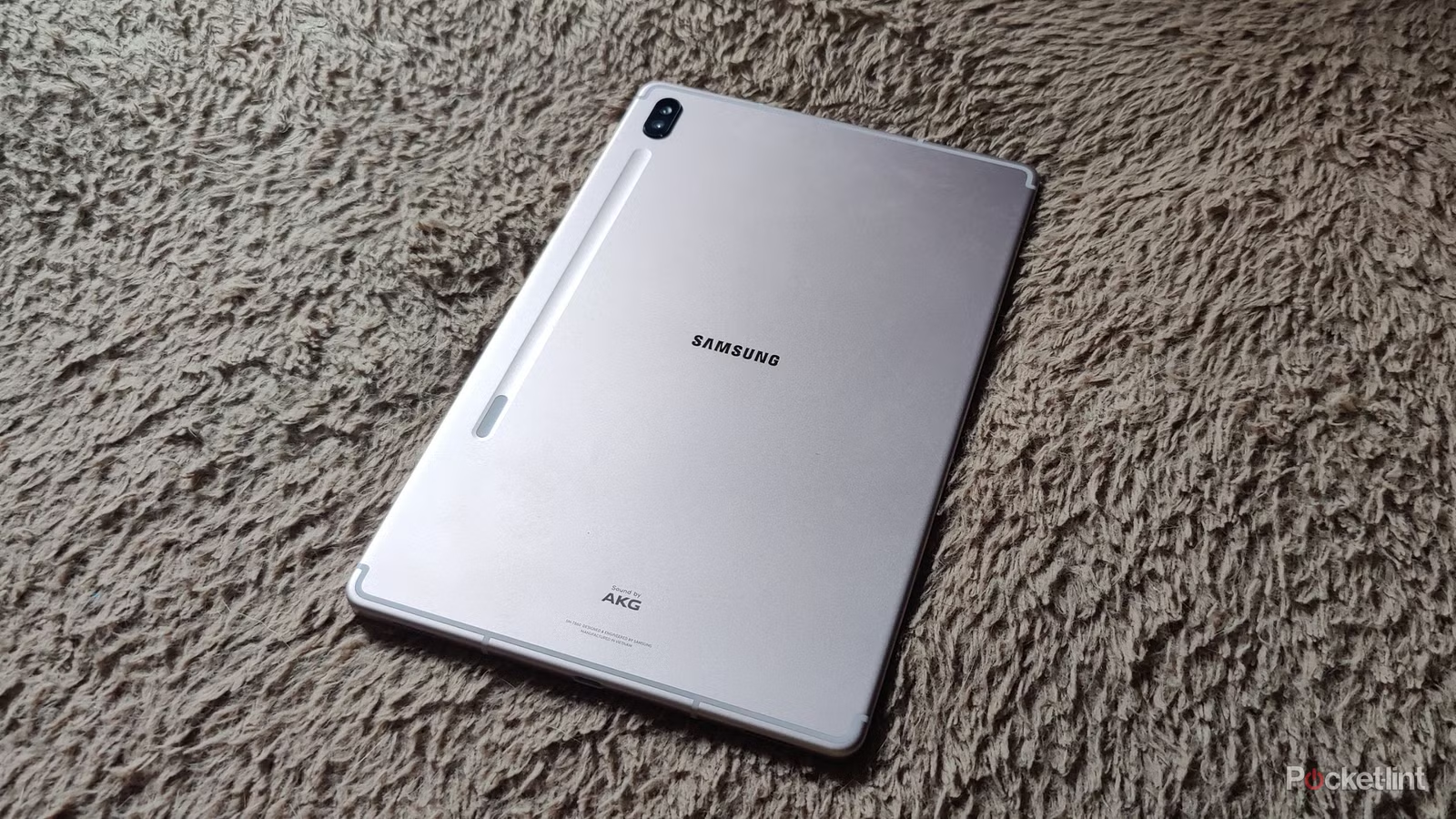


Verdict: A Brighter Boox That Writes Worse
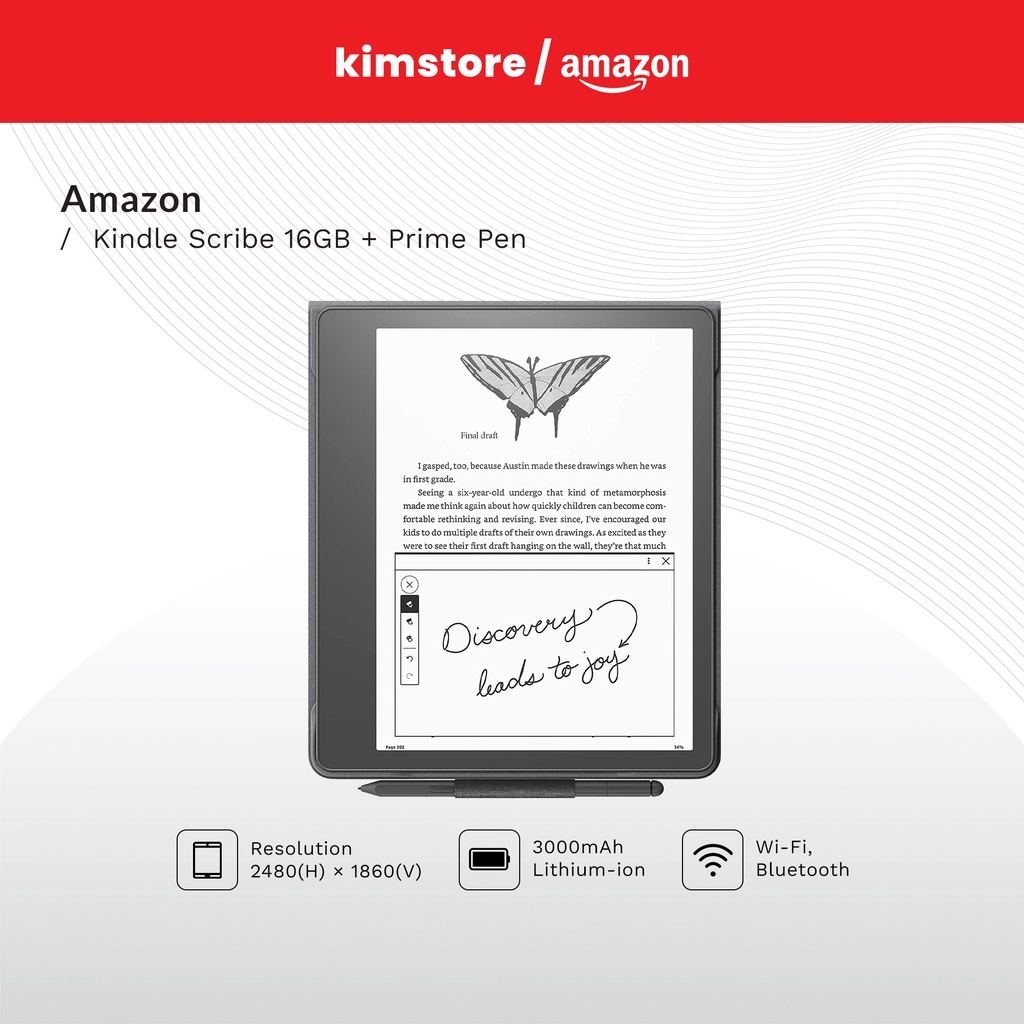
The Boox Go 10.3 Gen II Lumi is an E Ink tablet that pairs a 10.3‑inch writing-friendly display with Android 15, frontlight illumination, and digital note-taking tools aimed at readers and scribblers who want an open alternative to closed ecosystem devices. For new buyers who care more about reading and app flexibility than pen feel, it is a competent Kindle Scribe alternative with access to the Google Play Store and solid battery life. For fans of the original Go 10.3, however, this upgrade is a letdown: the display responds slowly, the stylus is heavier and less smooth, and the price climbs without a matching boost in user experience. This E Ink tablet review finds the Lumi to be a case study in spec-driven iteration that improves the sheet on paper while compromising the core joy of digital note-taking devices.
Specs and Features: Impressive on Paper
On paper, the Boox Go 10.3 Gen II Lumi looks like a near-ideal E Ink vs stylus tablet hybrid. It uses a 10.3‑inch E Ink Carta HD panel at 300ppi, powered by a 2GHz octa‑core Qualcomm Snapdragon 690 and backed by a 3,700mAh battery. You get warm and cold frontlight, 64GB of non‑expandable storage, dual stereo speakers, Wi‑Fi (2.4GHz and 5GHz), Bluetooth 5.1, USB‑C, and support for 20 document, four image, and two audio file types. Dimensions come in at 235 x 183 x 4.8mm and 364g without case or stylus. It runs a custom Android 15‑based OS with a clean interface, capable native apps, and full Google Play Store access for everything from Kindle to note apps. One standout feature is OTG support via USB‑C, allowing you to plug in an external SSD or hard drive to move files directly — a rare convenience among digital note-taking devices.
| Spec | Boox Go 10.3 Gen II Lumi |
|---|---|
| Display | 10.3" E Ink Carta HD, 300ppi frontlit (warm & cold) |
| Processor | 2GHz octa‑core Qualcomm Snapdragon 690 |
| Storage | 64GB, non‑expandable |
| Battery | 3,700mAh |
| Software | Android 15‑based custom OS with Google Play Store |
| Connectivity | Wi‑Fi 2.4GHz/5GHz, Bluetooth 5.1, USB‑C, OTG support |
| Audio | Dual stereo speakers, mic |
| Size & Weight | 235 x 183 x 4.8mm, 364g (without case/stylus) |
| Water Protection | None |
Design, Stylus, and the Writing Backstep
The Lumi keeps the eggshell‑white body and metallic trim of the original Go 10.3, adding a more textured rear panel for better grip on a very slim slate. Despite its thinness, it still fits dual speakers on either side of the USB‑C port and a microphone, with a single power/sleep button on the top edge. There is no microSD tray, so you live within the 64GB internal storage. The frontlight brings noticeably higher contrast, making ebooks and handwritten notes easier to read in dim rooms or at night. Yet the main interaction point — the stylus — is where this E Ink tablet review turns critical. Boox replaced the well‑liked pen from the first‑gen Go with the InkSense Plus, a heavier stylus that feels less smooth on the screen and undermines the “pen‑on‑paper” feel that digital note‑taking devices rely on. Boox is also moving away from EMR support, so you cannot swap in a third‑party pen to fix the issue.
Pros
- Frontlight adds strong contrast and makes reading and note-taking comfortable in more lighting conditions.
- Efficient battery performance and a lightweight, attractive design with good rear grip.
- Android 15 with Google Play Store and OTG support make it one of the more versatile E Ink tablets.
Cons
- Display responsiveness is slow when waking, with repeated “Rendering” refreshes that interrupt workflow.
- New InkSense Plus stylus is heavier and less smooth, making the writing experience worse than the original Go 10.3.
- No microSD expansion and the move away from EMR pens limit flexibility for stylus-focused users.
Performance, Price, and a Fragmented E Ink Market
In day‑to‑day use, the Lumi’s weaknesses show up more than its spec sheet strengths. Waking the device to read or write triggers multiple screen refreshes, labelled “Rendering”, before the interface settles, and overall display performance feels no better than the Gen I Go 10.3. Page turns are acceptable but still slower than newer competitors such as the 2024 and 2025 Kindle Scribes. According to one detailed review, “screen performance doesn’t seem to have improved over the Gen I Go 10.3.” Software, by contrast, is strong: there is little to complain about in the Android layer, and reading on the Lumi is described as “lovely”. The problem is that the main function — writing — is a letdown once you factor in the downgraded stylus. The frontlit Lumi lists at USD 449.99 (approx. ₱26,000) with stylus and magnetic sleep case, sitting below the 32GB Kindle Scribe at USD 499 (approx. ₱29,000) but above many earlier Boox and reMarkable models. A non‑lit Gen II version is slightly cheaper at USD 419.99 (approx. ₱24,000).
A Generational Misstep in a Saturated Segment
Viewed as a Boox Go comparison, the Gen II Lumi is a text‑book incremental upgrade that fails to justify an upgrade for existing owners. Where the original Go 10.3 shipped with Android 12, the Lumi jumps to Android 15 and more efficient battery use, plus a frontlight that finally turns it into a credible Kindle Scribe alternative. Yet screen responsiveness has not advanced, and the writing experience is worse because of the heavier, less smooth stylus. This highlights a broader problem in the E Ink vs stylus tablets market: vendors keep improving processors, firmware, and lighting while leaving core note‑taking and handwriting feel stagnant or even regressing. As more digital note-taking devices converge on similar specs and prices, user experience — not raw numbers — becomes the real differentiator. In this E Ink tablet review, the Lumi shows that brighter screens and newer Android versions are not enough when the main daily interaction, writing, feels compromised and the upgrade premium offers limited practical gain.