
What De-Googling Your Android Phone Really Means
De-Googling your Android phone means reducing or removing your dependence on Google’s apps, tracking, and cloud services while still keeping a usable, modern smartphone that can handle email, messaging, navigation, and everyday tasks through privacy-focused alternatives instead of the default Google ecosystem, so you regain control over your data without turning your device into an unusable "dumb" phone.
If you feel uncomfortable with how much data one company has about you, but your whole workflow runs through its email, calendar, and cloud tools, you’re not alone. Many people want a privacy-focused Android setup and to remove Google services, yet feel trapped because changing their workflow means giving up a lot of convenience. This guide is for that middle ground: you want less tracking, but you also need your phone to work for real-life tasks, not as an experiment. The key idea is that Android itself is open source; Google adds its own services on top. Projects like LineageOS show you can run a de-Google Android phone and still have a polished, fully functional experience that feels like a modern device, not a hacked-together prototype. We’ll walk through the practical steps and the trade-offs as if we were setting up your phone together at the kitchen table.
Why De-Googling Feels Hard (But Isn’t As Bad As It Sounds)
The main reason de-Googling feels difficult is that so many workflows are glued to one ecosystem. If your email is Gmail, your appointments are in Calendar, your files are in Drive, and your photos live in a single cloud, switching means rethinking how all those pieces fit together. One person who tried to cut back on Google put it plainly: they don’t want all their eggs in one basket because it lets a single company influence their hardware and workflow choices. At the same time, they found that years in Google’s ecosystem make moving away a serious trade-off in convenience.
The good news is that de-Googling doesn’t have to mean sacrificing usability. There are now solid alternatives that let you keep your habits while changing the underlying tools. Open source Android apps have improved to the point where there is an app for most things you want to do, and many look as polished as commercial options. According to one tester, "On one hand, the quality of LineageOS and the open source apps you can run on it is better than it has ever been". The real gotcha is not technical difficulty; it’s being honest about which Google-dependent features you truly rely on, and planning replacements before you pull the plug.
A Practical De-Googling Path: From ROM Choice to Daily Apps
Let’s talk about how you actually move from a Google-heavy phone to a privacy-focused Android setup without wrecking your daily routine. Think of this as a remodel rather than a teardown: we keep the structure (Android) but swap out the fixtures (Google services and apps) for alternatives that respect your privacy.
- Inventory your Google dependencies: list the Google apps and services you use daily (Gmail, Calendar, Drive, Photos, Maps, Gemini) and note what workflows would break if each disappeared.
- Choose your Android base: decide whether you’ll stay on your current manufacturer’s Android or install a privacy-focused ROM like LineageOS, known for delivering a modern, smooth experience even without Google Play Services.
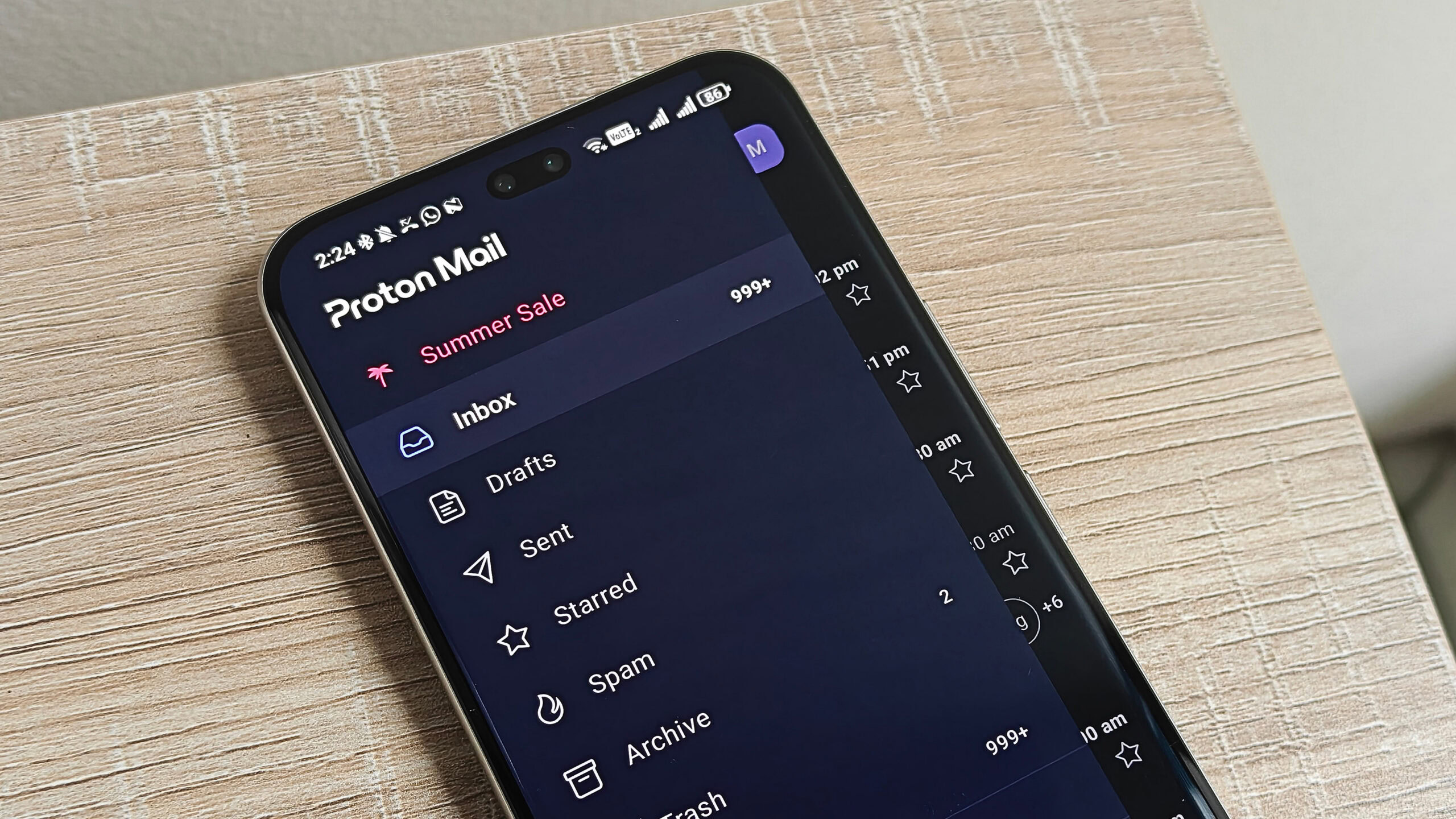
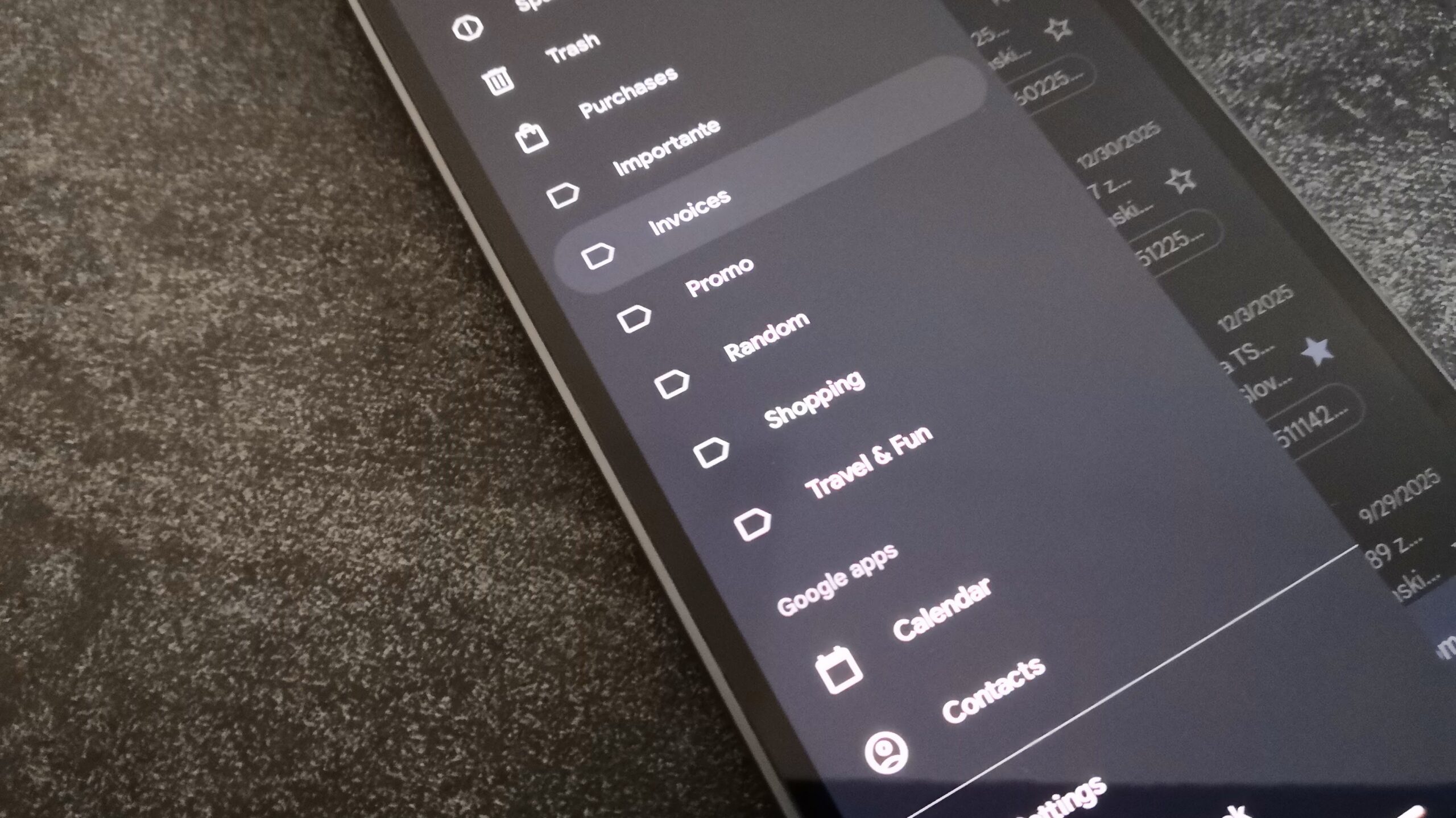
- Replace core communication tools: swap Gmail for a privacy-focused email provider, and set up calendars and contacts that sync through open standards instead of Google accounts.
- Build a privacy-friendly app set: install F-Droid as your main app source; it provides open source Android apps that are free, ad-free, and respect your privacy.
- Deal with Google-only features: identify must-have apps that depend on Google Play Services and decide whether to keep a minimal Google layer, use web versions, or accept a limited fallback.
- Harden your phone’s privacy settings: turn off remaining Google data collection toggles, review app permissions, and replace default Google utilities (browser, keyboard, assistant) with alternatives.
- Live with the setup for a week: use your phone as normal, keep a short log of pain points, then add or adjust apps until your workflows feel smooth again.
The ordered steps matter because they keep you from making a big change before you understand your own dependencies. Switching to LineageOS and choosing not to install Google Play Services will come with some pain. However, it still feels like you’re running a modern phone, not a fragile project. Starting with an honest inventory and lining up replacements through F-Droid makes that pain manageable instead of overwhelming. The hidden trap many people hit is skipping straight to a new ROM without first mapping how their work, messaging, and navigation depend on Google.
LineageOS and Open Source Apps: Proof You Can Keep Your Life Intact
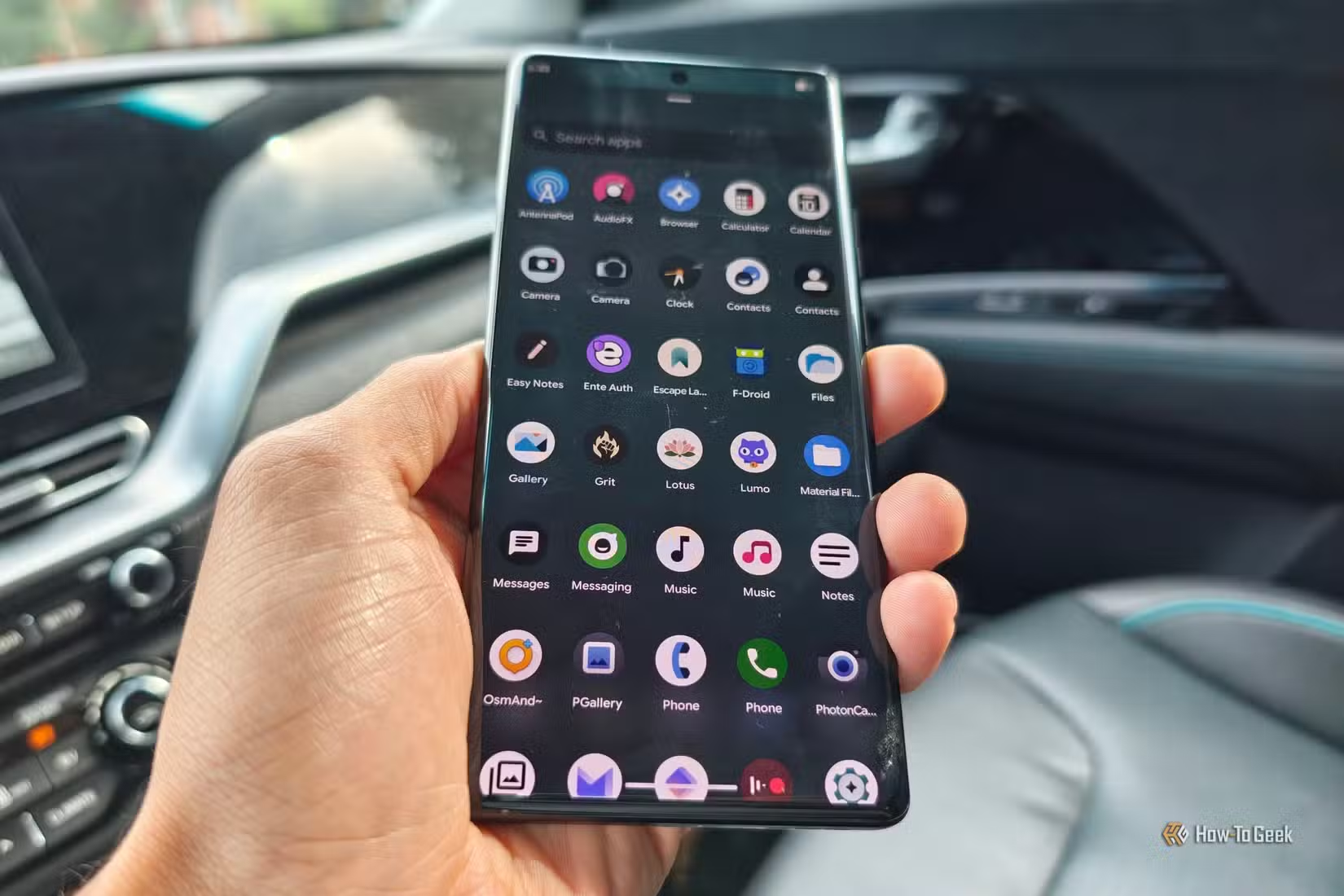
At the heart of a de-Google Android phone is the idea that you don’t need Google’s framework to enjoy a capable device. Android’s core is open source, and LineageOS takes that code and keeps it running smoothly on many phones long after their official support ends. One tester described how their LineageOS phone feels as modern as a recent Pixel, with a smooth interface and up-to-date design language, rather than a compromise built from spare parts.
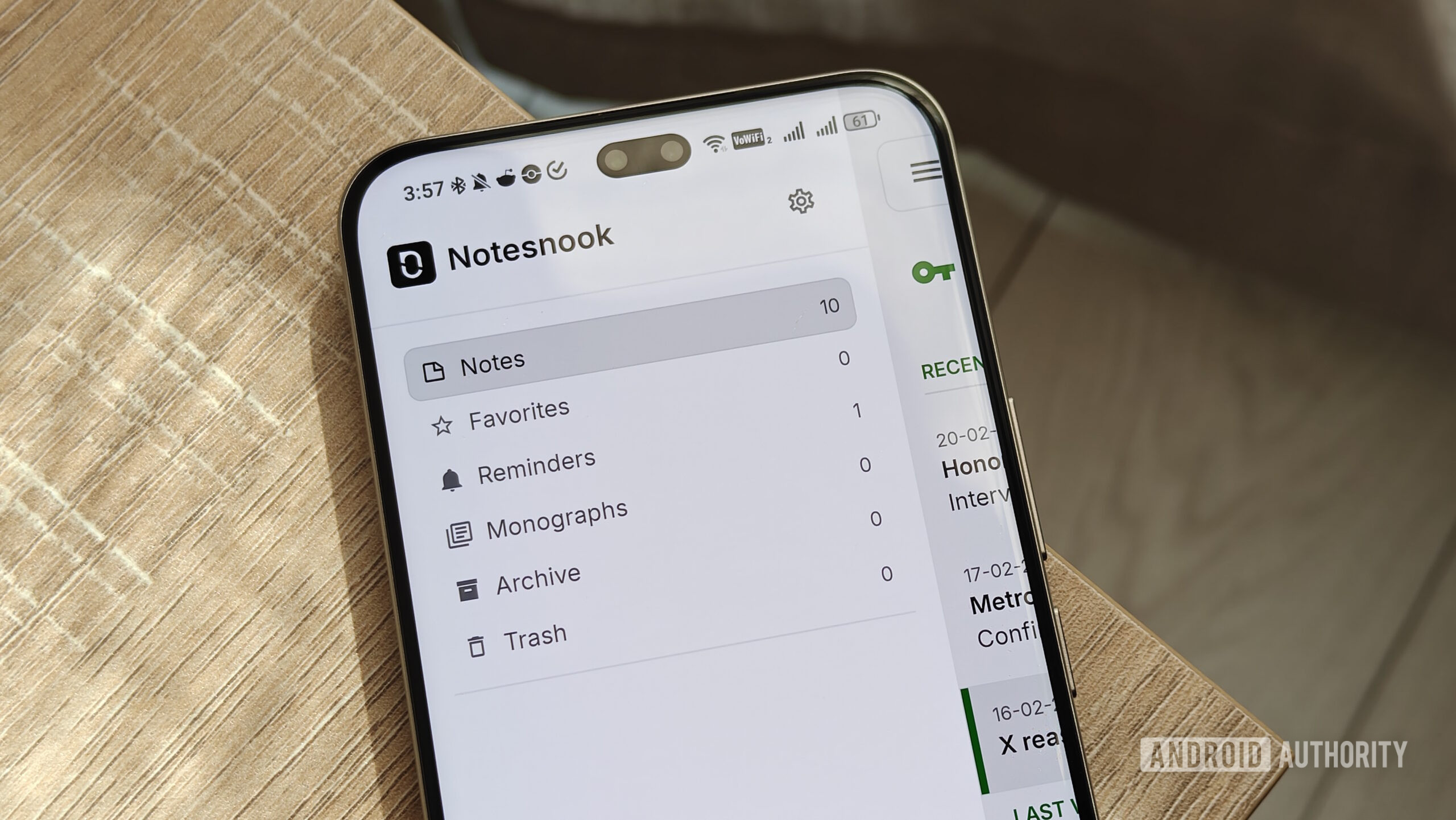
The app situation used to be the weak link. Years ago, privacy-focused Android meant clunky interfaces and missing features. Now, F-Droid has become a natural starting point if you want a privacy-focused Android setup and to remove Google services. Every app in F-Droid is open source, free to download, ad-free, and designed to respect your privacy. There is now an open source app for most things you want to do, and many of them look as good as commercial rivals. This is why de-Googling no longer requires abandoning usability: you can keep writing notes, streaming music, managing tasks, and more with tools that match the modern look and feel you’re used to.
Is De-Googling Worth It? Final Thoughts and Trade-Offs
Whether de-Googling is worth the effort depends on how much you value privacy and control over convenience. If you’re uncomfortable with a single company harvesting so much personal data to feed ads and AI, cutting back its presence on your phone can feel like lifting a weight. On the other hand, if your work depends on tight integrations across Google services, you will notice friction, especially around calendars, collaboration, and apps that are locked into Google’s framework.
The takeaway: you no longer have to choose between total dependence on Google and an unusable "minimalist" phone. Switching to a privacy-focused ROM like LineageOS and leaning on F-Droid will still come with some pain, but far less than moving to ultra-minimal devices with stripped-down features. Despite heavy reliance on Google, some people have successfully changed their workflows to replace certain apps and services. Treat de-Googling as a gradual project: start with a few key replacements, test your new setup, and move deeper only if the benefits—less tracking, more control—feel worth the trade-offs.