

Pixel Glow in a sentence: a tiny light bar with big opinions
Pixel Glow is a multicolored notification and status light built into the Pixel 11 camera bar that uses dynamic patterns and colors to signal activity, giving you glanceable information without turning on the screen or unlocking your phone. Google is not inventing the notification light; it is declaring that subtle, always-on visual feedback belongs on premium phones again. The Pixel 11 Glow feature sits beside the rear cameras as a circular, multicolored light that can cycle through a wide spectrum of colors and animations. In an era obsessed with bigger, brighter displays, this is a quiet rebellion: more information, less screen time, and a lot more personality.
How Pixel Glow’s camera bar LED actually works
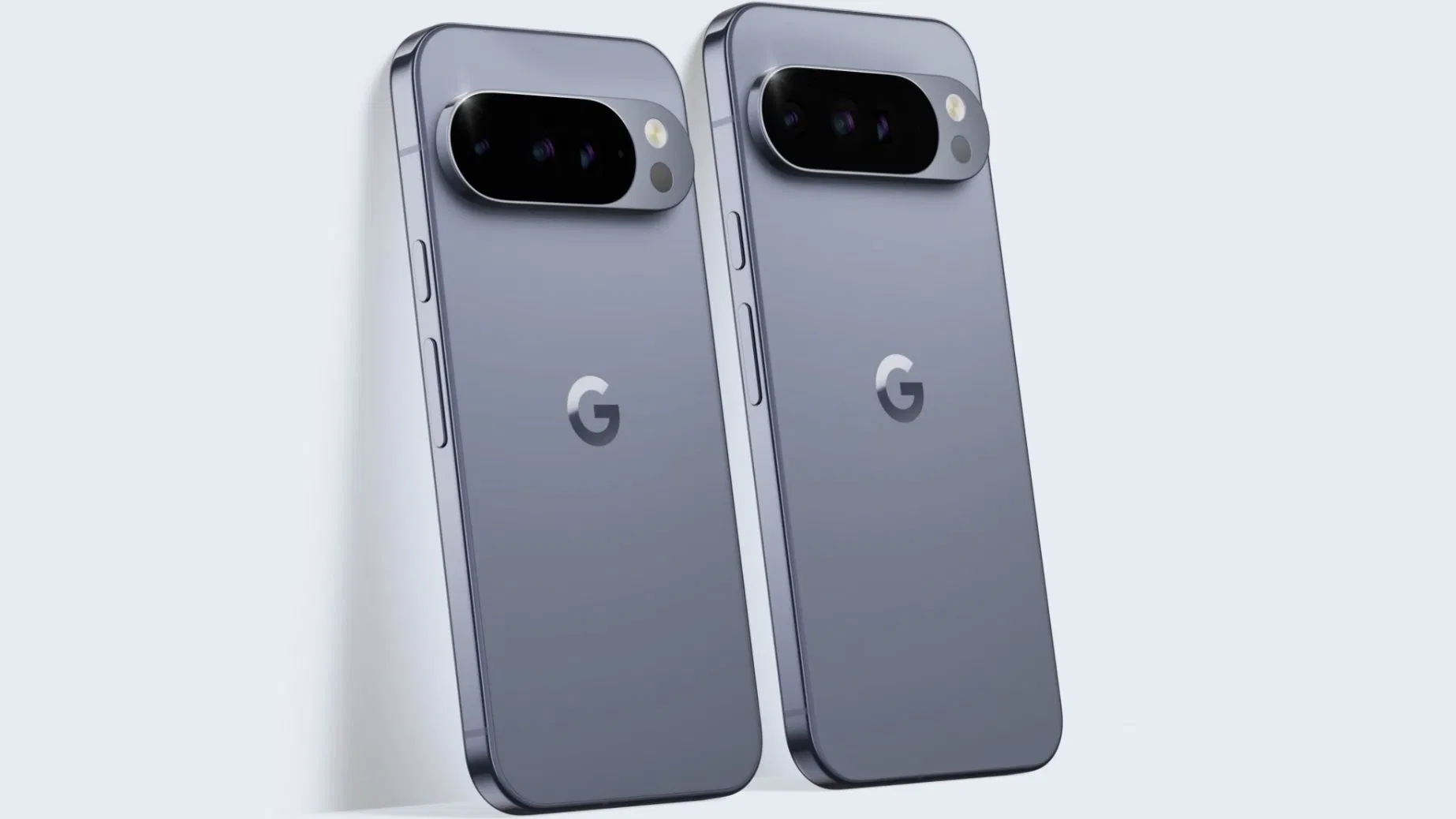
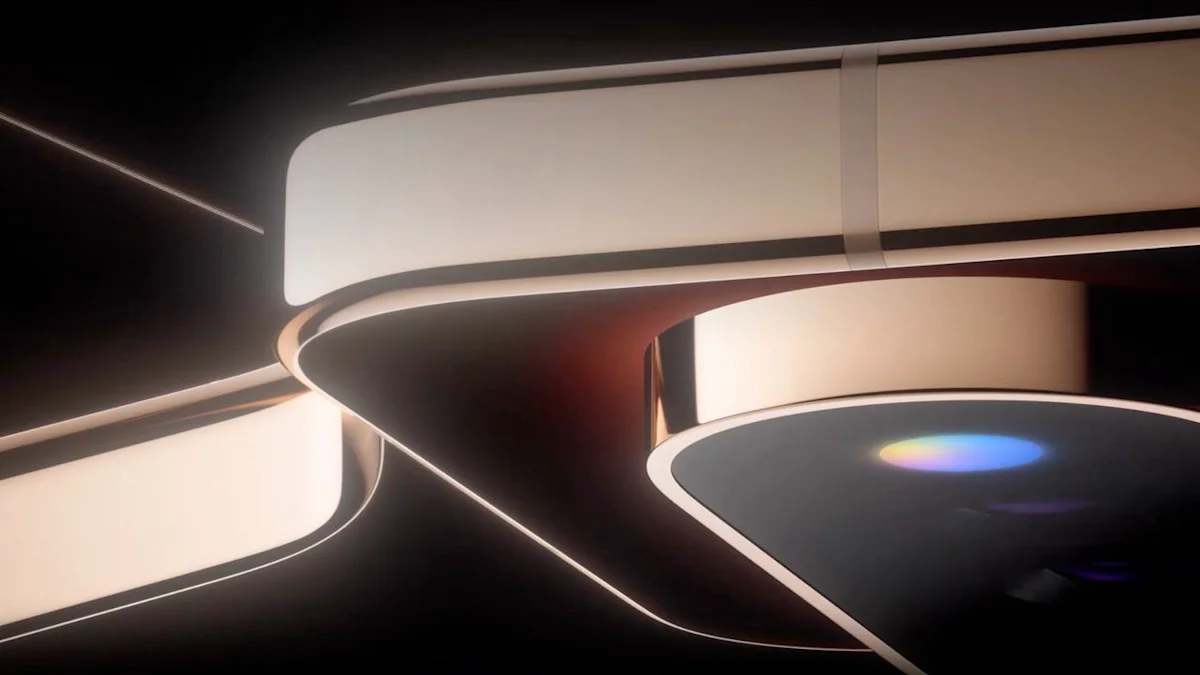
From what Google has teased so far, Pixel Glow is not a single dot of light; it is a compact, circular LED array embedded at the far right of the Pixel 11’s signature horizontal camera bar, in the space once used for the flash and temperature sensor. Rather than a basic on/off light, this camera bar LED acts like a tiny display capable of a wide color range and distinct patterns. The multicolored ring reacts to specific notifications and system actions, turning missed activity into an at-a-glance color language. In the teaser, the circular light cycles through multiple colors, offering the first official glimpse of these multicolored notifications. According to Android 17’s settings description, Pixel Glow uses subtle lighting on the back of the device to alert you to important activity when the phone is lying face down.
From boring LED dot to expressive Google notification light
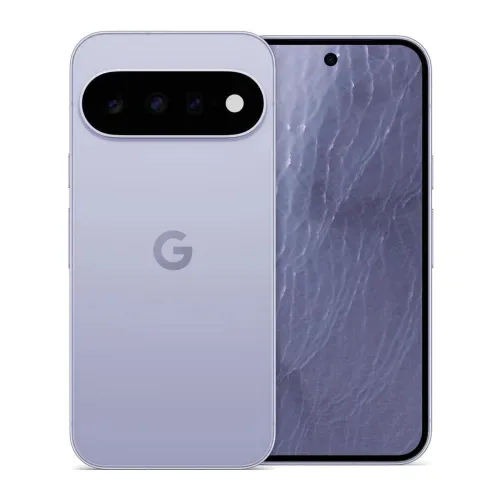
Old notification LEDs were functional but dull: a tiny dot blinking red or green somewhere on the front. Pixel Glow is Google’s modern take on that older notification LED, but it is shaped by the design lessons of phone backs that light up. The obvious comparison is the Glyph system, which turns entire backs into segmented light shows, but Pixel Glow looks smaller, more subtle, and more in line with Google’s calmer design language. In practical terms, Pixel Glow is the spiritual successor to the classic Google notification light, updated for a world where phones sit face down during meetings and meals. If you have missed the old notification light, this aims to be a smarter, better-looking upgrade that fits flagship hardware instead of feeling like a leftover from the BlackBerry era.
Multicolored notifications: living with a light-based status system
The real promise of the Pixel 11 Glow feature is not that it lights up, but that it speaks in color. The circular camera bar LED can light up in different colors or patterns to represent different kinds of alerts, such as messages versus calendar events. The LED ring is designed to react with distinct patterns and colors for specific notifications and system actions, giving you a fast overview of what you missed without waking the display. Android 17 already hints at use cases: subtle lighting when a favorite contact calls and visual feedback during hands-free Gemini conversations while the phone is face down. In effect, Pixel Glow integrates with Android’s notification system to create ambient awareness of incoming calls, messages, and app alerts, trading lock-screen glances for peripheral vision and muscle memory.
Why the gold Pixel 11 makes Glow about style as much as function
Google is not hiding what Pixel Glow is supposed to feel like. In teasers, the phone appears in a stainless-steel-style finish with gold accents, and another clip shows a Pixel 11 series model in a rich gold shade. On that gold Pixel 11 Pro, the multicolored light beside the rear cameras stands out as a kind of jewel set into the camera bar, rather than a tacked-on LED. This matters: personalization today is as much about how your phone looks on a table as how it behaves in hand. By tuning Glow to complement the gold finish instead of shouting over it, Google is pushing a calmer vision of phone personalization—small, expressive details over aggressive light shows. It nudges the industry toward always-on visual feedback that does not rely on the front display and does not demand your full attention every time the phone has something to say.





