
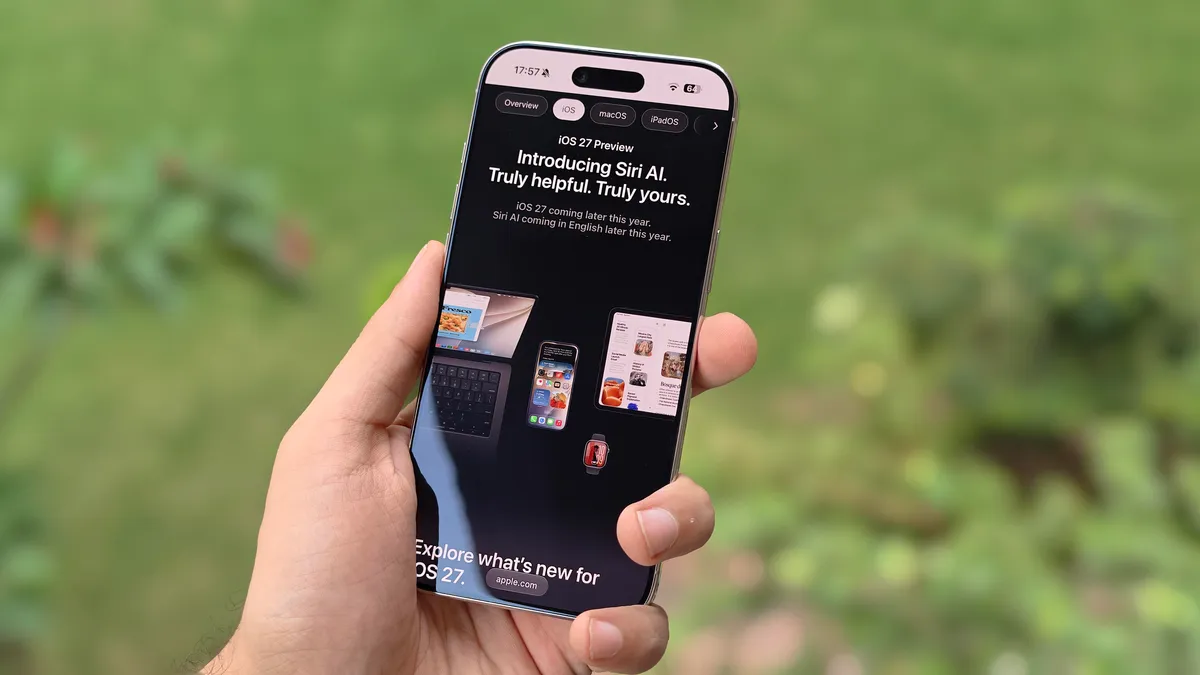

The Real Upgrade in iOS 27 Lives Beyond Siri AI
The main topic of this article is the lesser-known iOS 27 hidden features that work independently of Siri AI and headline artificial intelligence tools, yet deliver meaningful, measurable improvements to everyday iPhone use by streamlining controls, organizing photos, speeding up text entry, enhancing dictation, and separating volume settings so the device feels more responsive and easier to manage in real-world situations. While most attention goes to Siri AI and new photo editing tools, the best iOS 27 experience comes from understated changes you notice hundreds of times a day, not from one flashy demo. These underrated iPhone capabilities are the difference between a phone that looks smart in marketing and one that stays out of your way in practice. The downside is that they receive minimal media coverage, so many users never switch them on or miss them entirely.
Control Center: The Quiet Fix That Saves You Seconds All Day
If you care about iPhone productivity tips, start with Control Center. iOS 27 introduces a mid-sized connectivity tile that packs Airplane Mode, Wi‑Fi, AirDrop, Mobile Data, Bluetooth, Personal Hotspot, and VPN into a single half‑page widget, with one‑tap access instead of extra swipes and presses. It also keeps brightness and volume sliders in consistent positions, even in landscape, so your muscle memory no longer breaks when you rotate your phone. These refinements do more for daily usability than any animated Siri demo. To use them, install the iOS 27 public beta via Settings → General → Software Update → Beta Updates after enrolling in Apple’s Beta Software Program. Then customize Control Center so the new widget sits where your thumb naturally lands. That change alone cuts dozens of micro‑frustrations per day and makes iOS 27 feel like a true upgrade, not a cosmetic refresh.
Photos and Keyboard: Small Tweaks, Big Wins for Focus
The best iOS 27 features for staying focused are hiding in Photos and the keyboard. In Photos, the new "Captured by Me" folder collects only the photos and videos you shot, instead of mixing them with memes, screenshots, and saved message attachments. You’ll find it under Collections → Utilities → Captured by Me, and you can pin it below Memories for quicker access. That single folder turns hunting for a recent picture into a two‑tap action instead of a scroll through noise. On the keyboard side, iOS 27 now displays copied text, addresses, and screenshots on top of the keyboard suggestion bar. You no longer have to long‑press a text field and wait for the paste menu; the content appears where your eyes already are. Day in and day out, this subtle change results in a more intuitive typing experience and is one of the underrated iPhone capabilities that quietly improve your workflow.
Advanced Dictation: On-Device Power Without Leaning on Siri
Voice input in iOS often felt like a compromise, but iOS 27’s improved on-device dictation finally treats it as a primary way to write. When you enable Advanced Dictation Preview in Settings → General → Keyboard, your iPhone uses Apple’s AFM Core Advanced model to better understand context, recognize complex words, and automatically strip filler sounds like "umm" and "ahh" from your speech. It even inserts commas in reasonable places while you dictate an email reply, so the text looks less like a stream of consciousness and more like a draft you only need to polish. According to Apple’s beta description, this runs on-device, rather than depending on cloud Siri AI, which means you get the intelligence benefits without waiting on a server. If you send voice-heavy messages or emails, this is one of the iOS 27 hidden features that will change your daily experience more than any flashy AI banner.
Separated Volumes: The Feature That Finally Respects Your Boundaries
The most quietly transformative change in iOS 27 is the new ability to separate ringer, alarm, and system volumes. On older versions, turning down the ringer often meant risking a missed alarm; now, under Settings → Sounds & Haptics, you can match alarms, timers, and system tones to the ringer or set them at different levels. This solves a real everyday problem: users who want a discreet phone that still wakes them up or alerts them to critical reminders. It has nothing to do with Siri AI, and everything to do with respect for how people live with their devices. Combined with the performance refinements and smoother animations that aim to make the system feel more responsive overall, these underrated controls show where iOS 27’s true value lies. If you only toggle one new setting after installing the public beta, make it this one—your mornings depend on it.





